AI Halloween: Photo, Video and Prompt Tools for the 2026 Halloween AI Trend

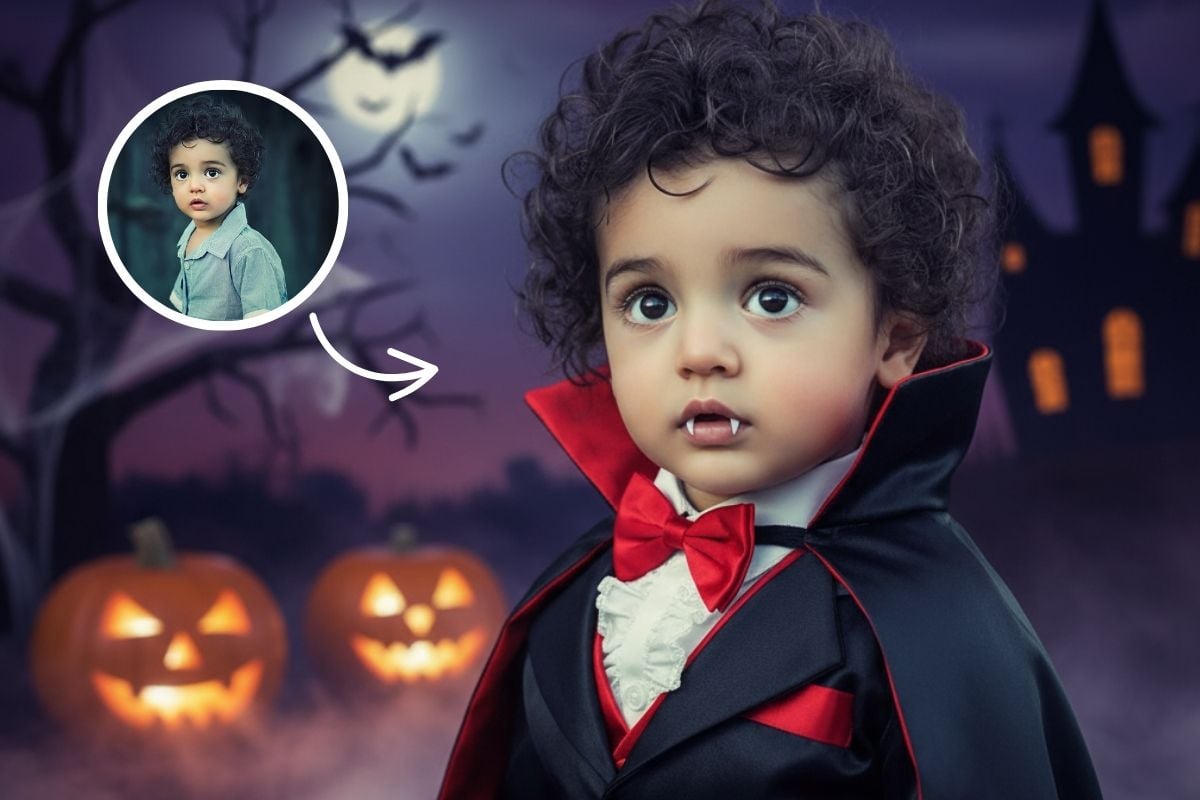
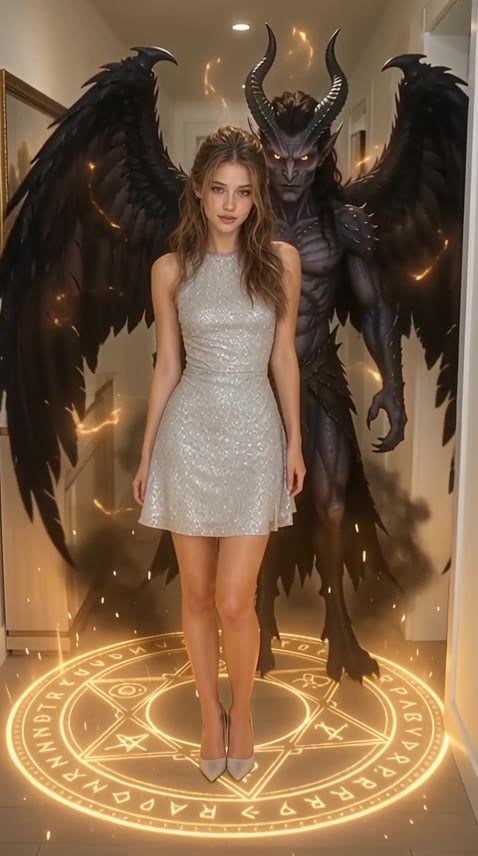
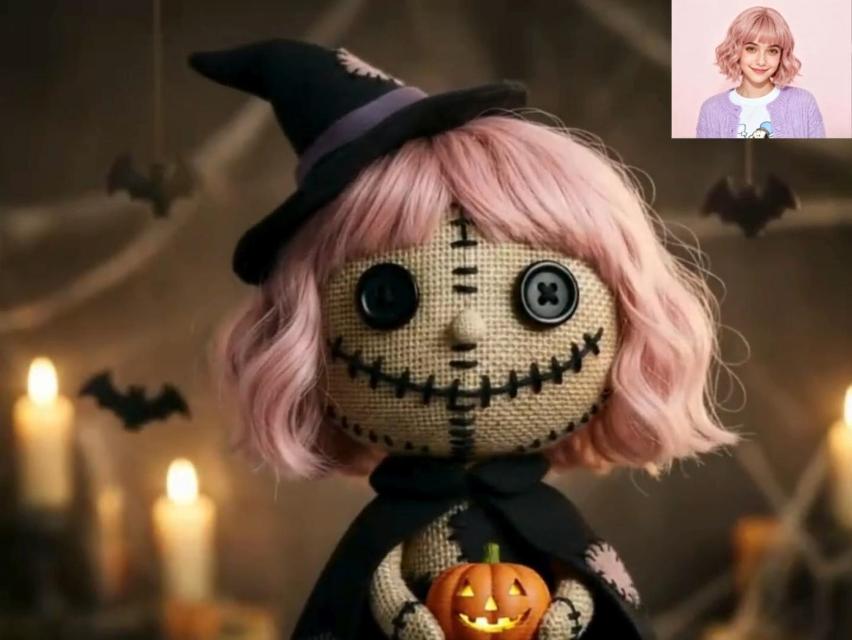
Join the Halloween AI trend with one photo. Try on a costume before you buy it, make a spooky profile picture, turn your selfie into a short horror clip, or copy the prompts everyone is using in Gemini. Every tool below works from a single upload and keeps your face recognizable.

Halloween AI Prompts

AI Halloween FAQ

What is the AI Halloween trend?

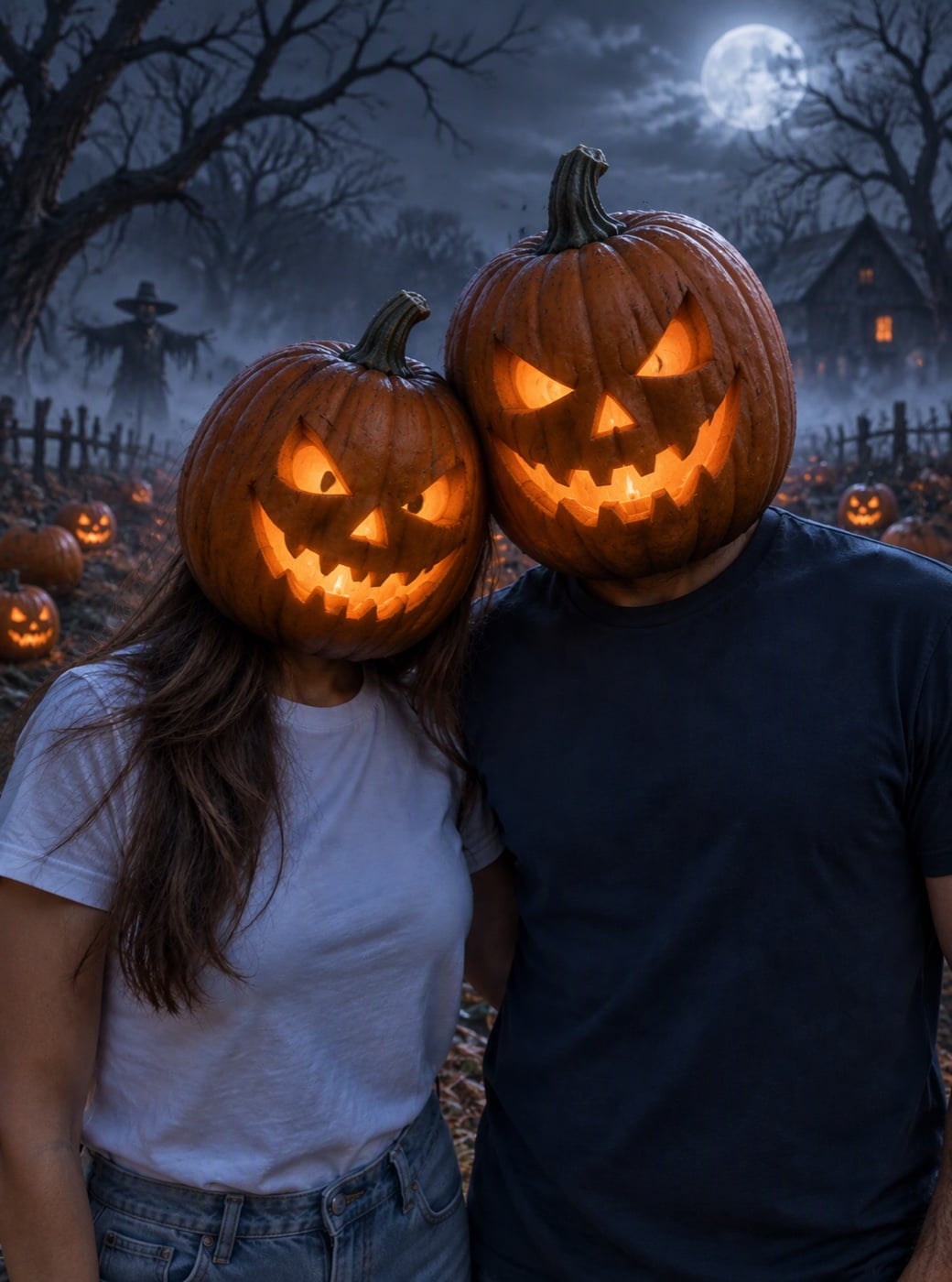
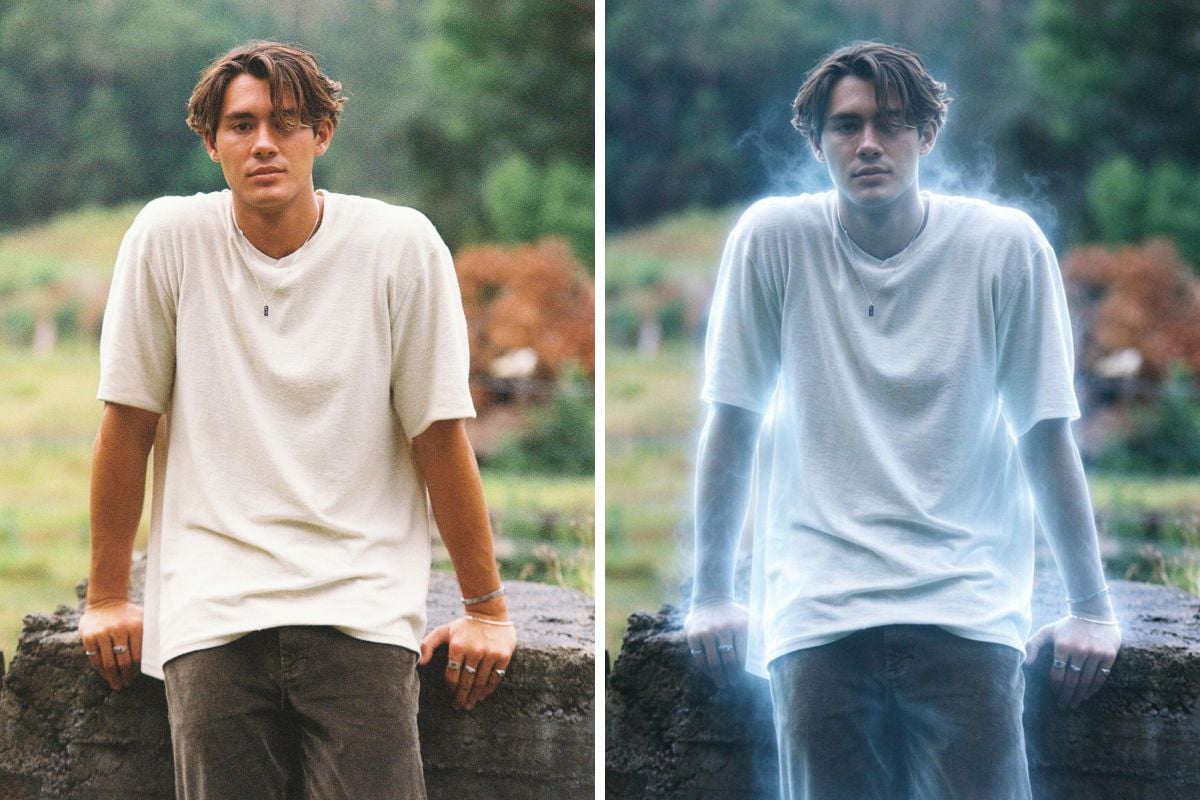
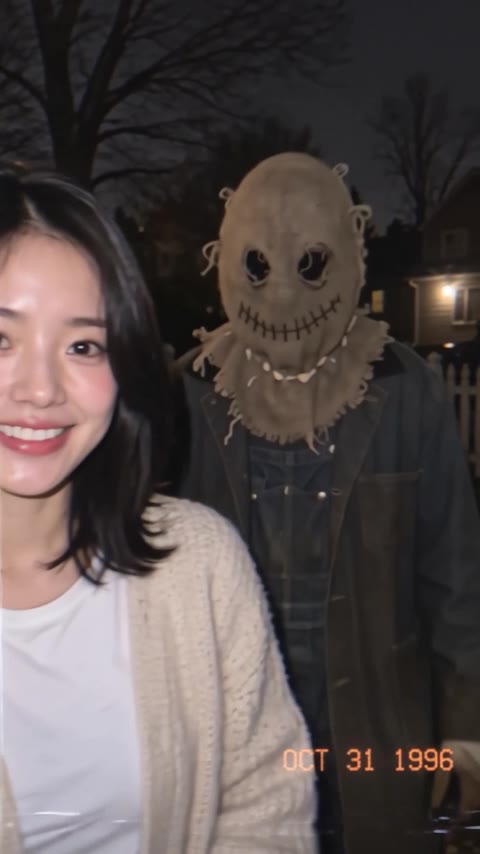
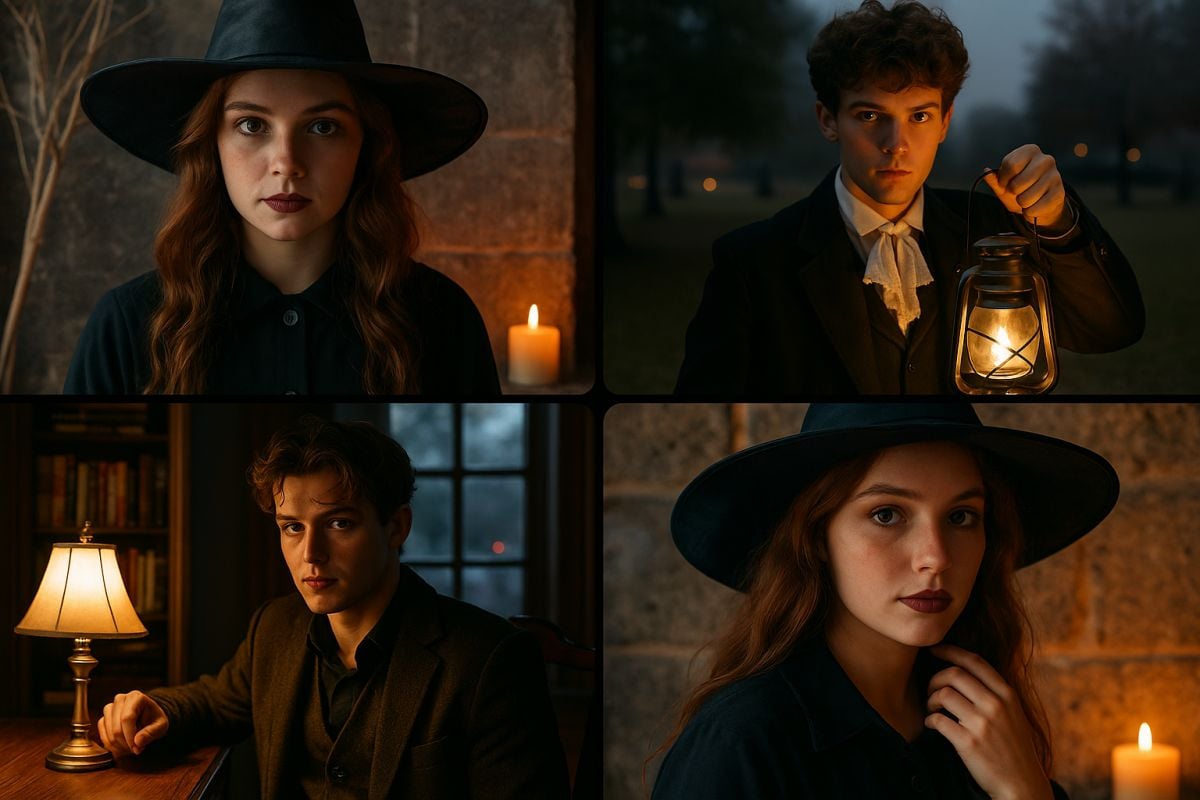
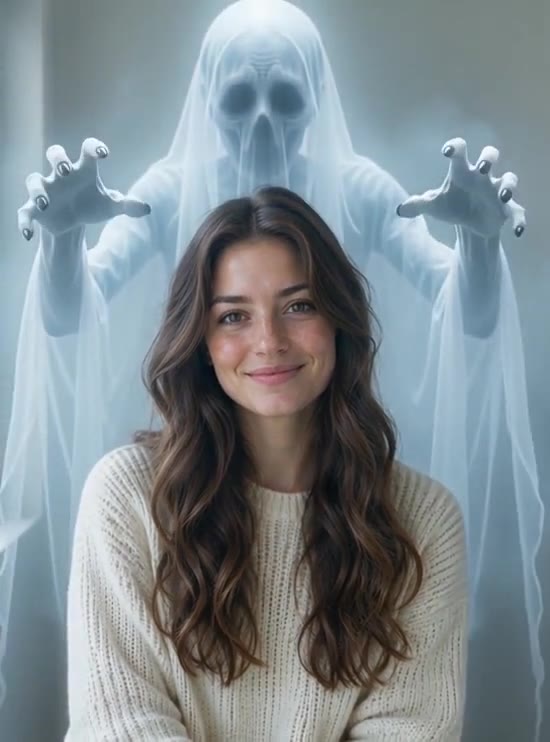
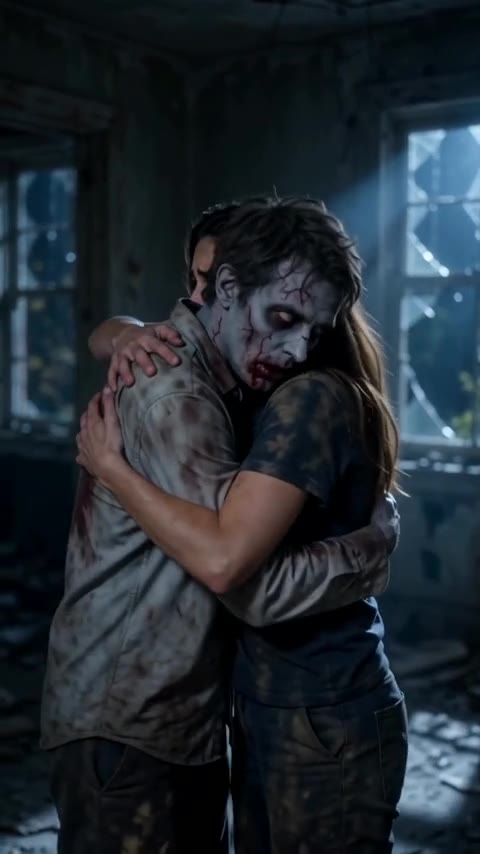
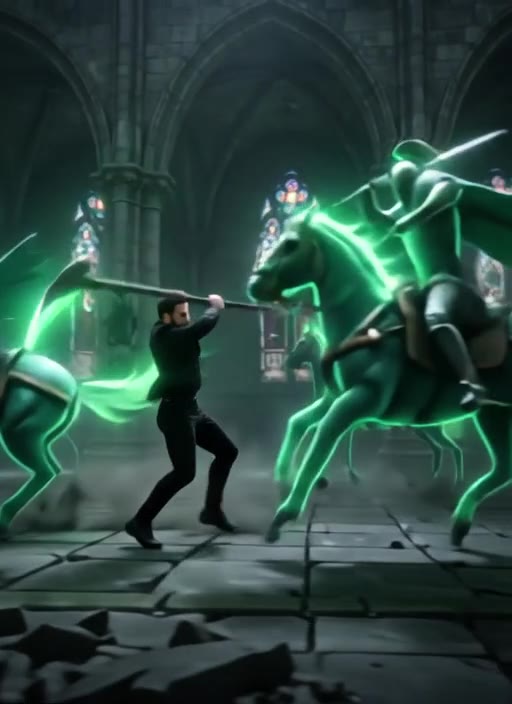
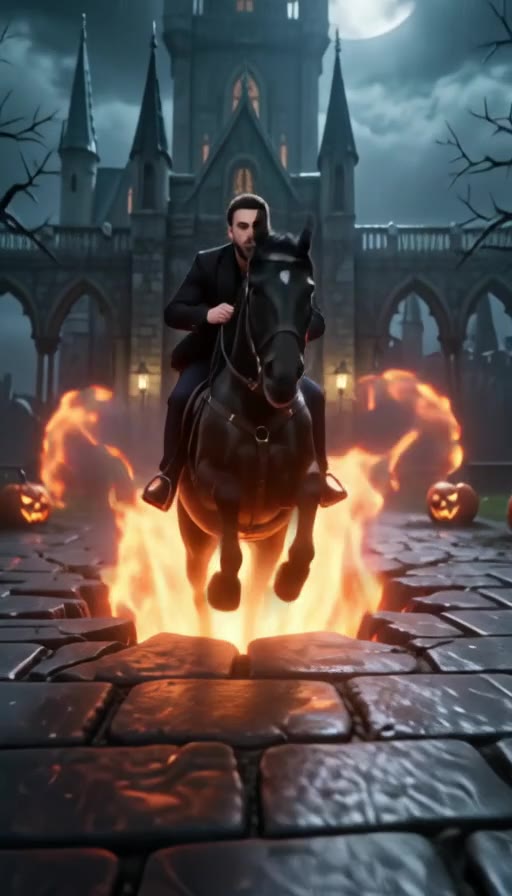
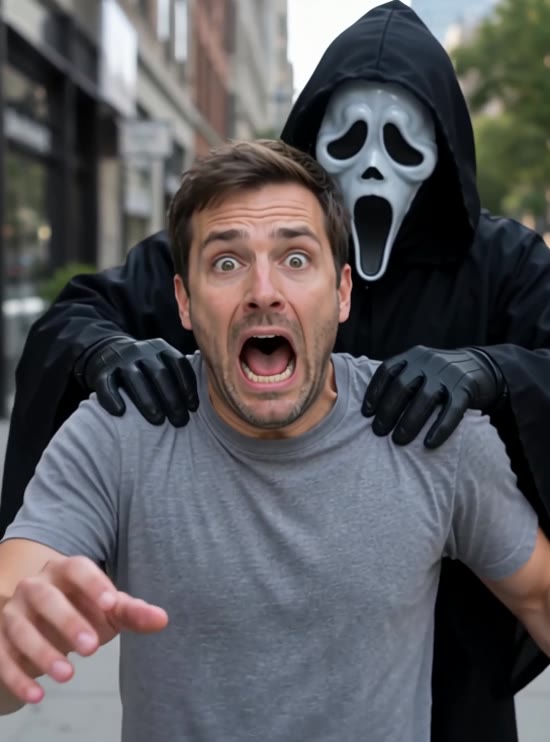
People upload an ordinary selfie to an AI editor and ask it to keep their face while changing the costume, the scene and even the decade. Popular looks this year are 90s VHS home videos, Y2K flash photos with a masked figure in the background, vintage black-and-white snapshots and Victorian ghost portraits. Short AI videos, such as a ghost prank or a zombie couple, are the moving version of the same trend.

Which Halloween AI tool should I start with?

Pick by what you want to post. To choose a costume, use the Halloween costume generator. For a new profile picture, use the Halloween avatar and PFP maker. For a clip for TikTok or Reels, start with the AI Halloween video generator or one of the video effects. To copy the exact prompts behind the trend, open the Halloween AI prompts article.

Is it free to try?

New accounts get free credits to try the photo effects, and several Halloween video effects give free users a free preview every day. Generating more, or unlocking full-length videos, uses credits or a membership.

Will the result still look like me?

Yes. The tools keep your face, facial features and skin tone and change the costume, makeup, lighting and background. Use a clear, front-facing photo with good light for the best likeness.

Try a Halloween Look on Your Photo

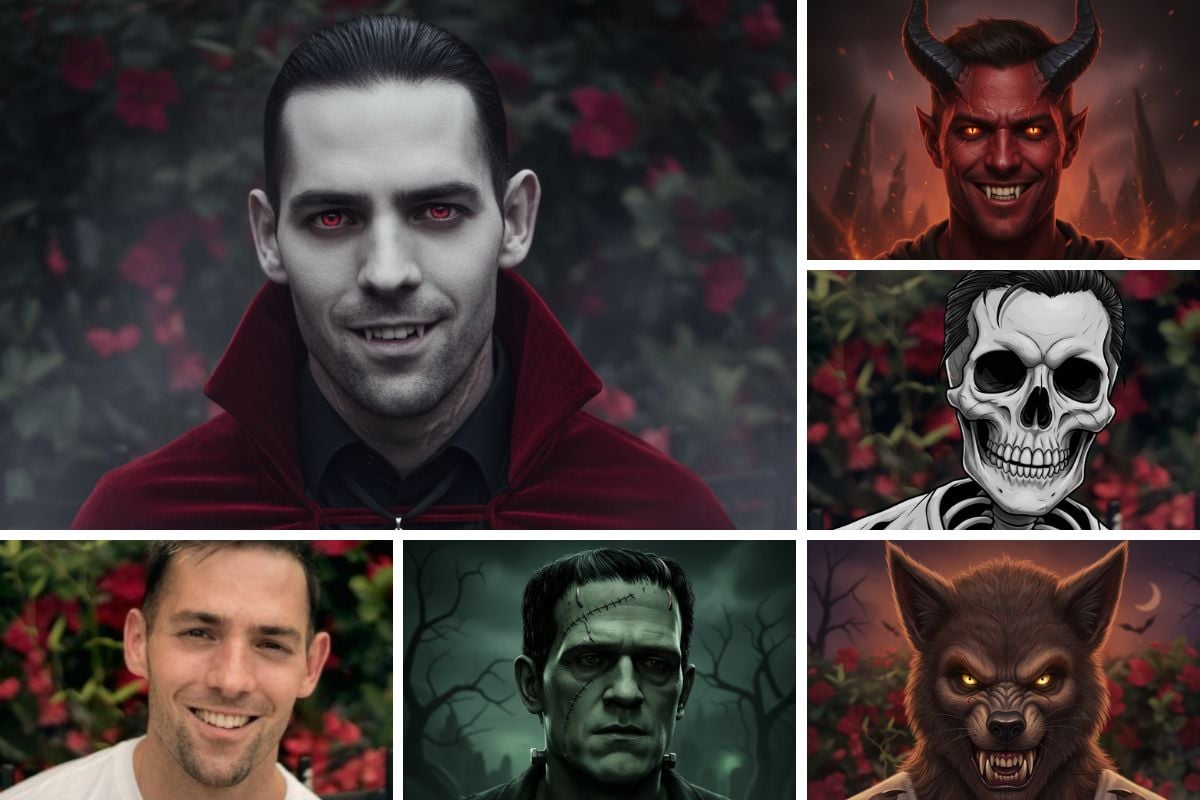
Upload one photo and see yourself as a vampire, witch, skeleton or ghost in seconds.

Try Halloween Costumes