Toc Toc AI Dance Generator

Put yourself or an original character into the Toc Toc dance with GoEnhance AI. One photo supplies the look, and the Toc Toc template supplies the movement. Create your own version of the raised-knee steps and knocking gestures without filming a dance routine.
Toc Toc Dance 1
Toc Toc Dance 2
Toc Toc Dance 3
Your photo
Upload a clear photo of one person, ideally full body.
Choose a dance
By uploading a file, you agree to GoEnhance's Terms of Use and Privacy Policy

Make the Toc Toc Dance Your Own

Turn Your Photo Into the Dancer

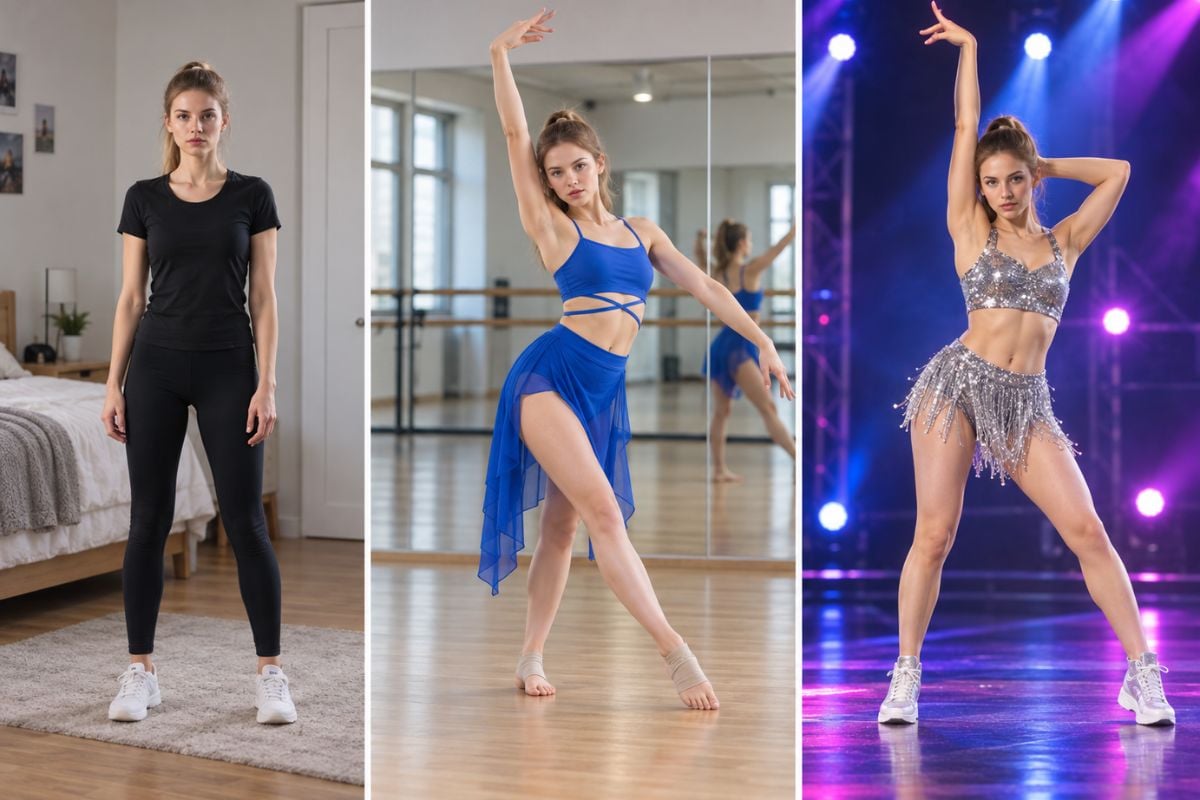
Photo-to-dance animation gives a still portrait or character image a moving performance. Your image provides the face, hair, outfit, and overall look, making the Toc Toc remix personal rather than a generic dancer. It works with photos and illustrated characters; the image to video workflow offers more ways to animate your images.
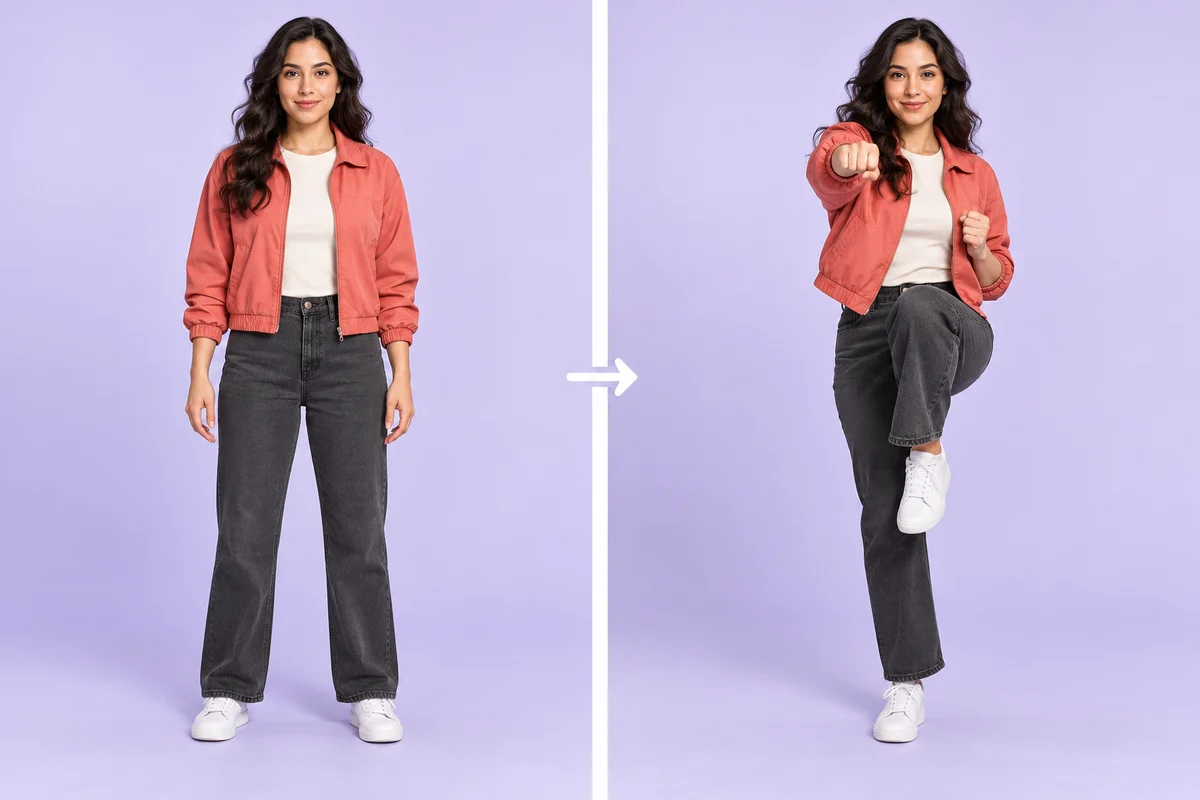
Concept comparison of the same woman standing in a source photo and holding a raised-knee dance pose.

Toc Toc Motion, Ready to Use

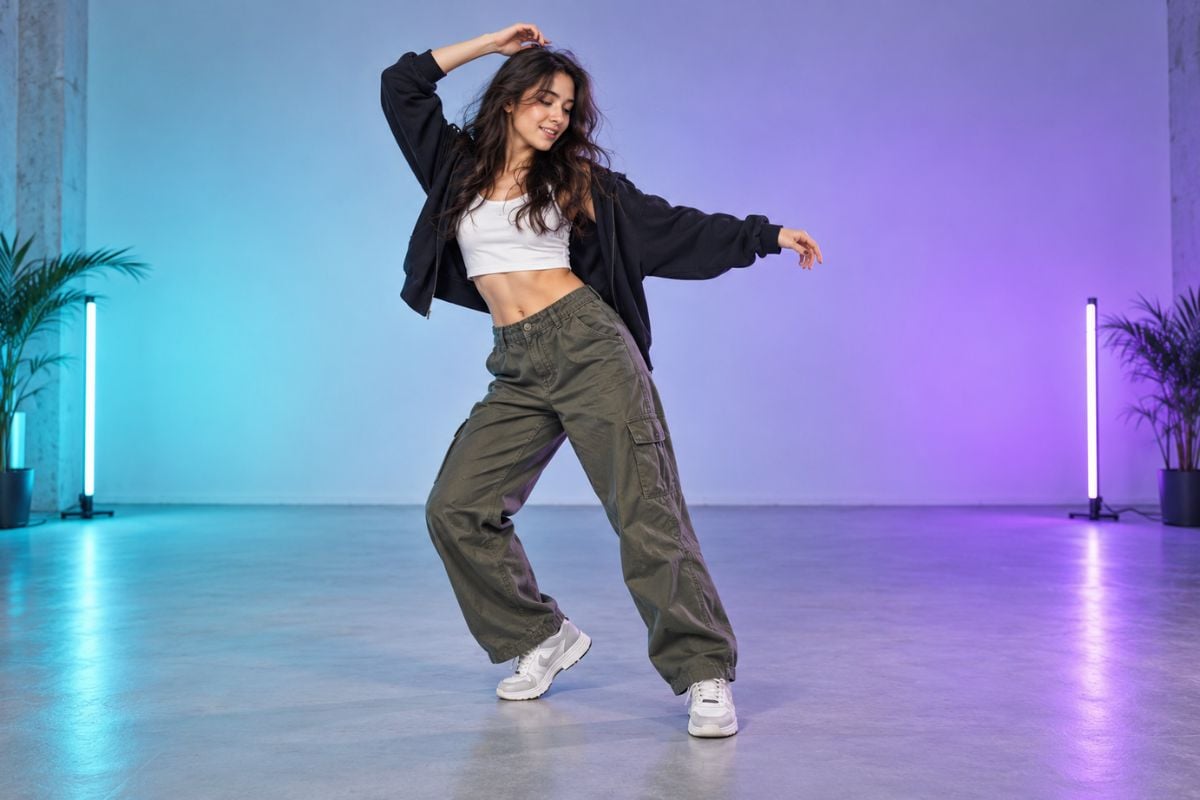
The Toc Toc Dance template provides a ready-made movement reference for your clip. It gives the animation a specific dance to follow, so you can focus on who performs it instead of building a routine from scratch. The video examples above show different subjects animated with the Toc Toc motion.
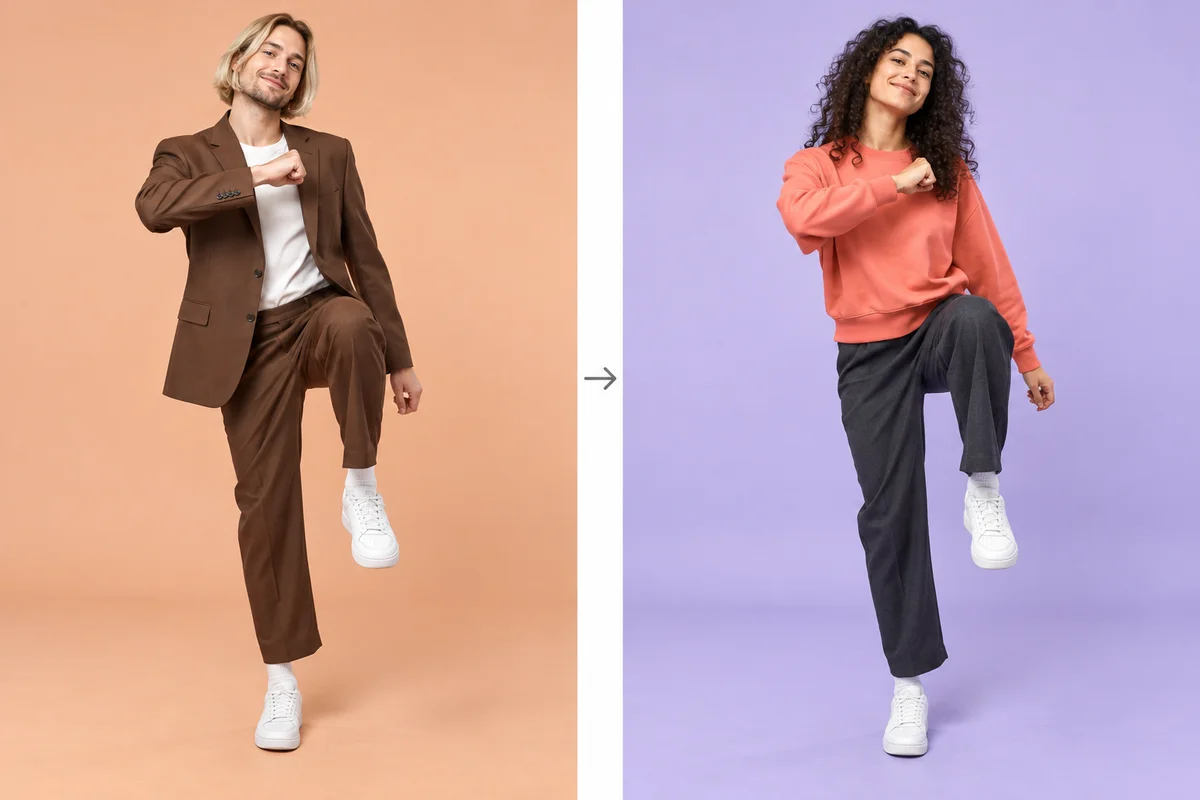
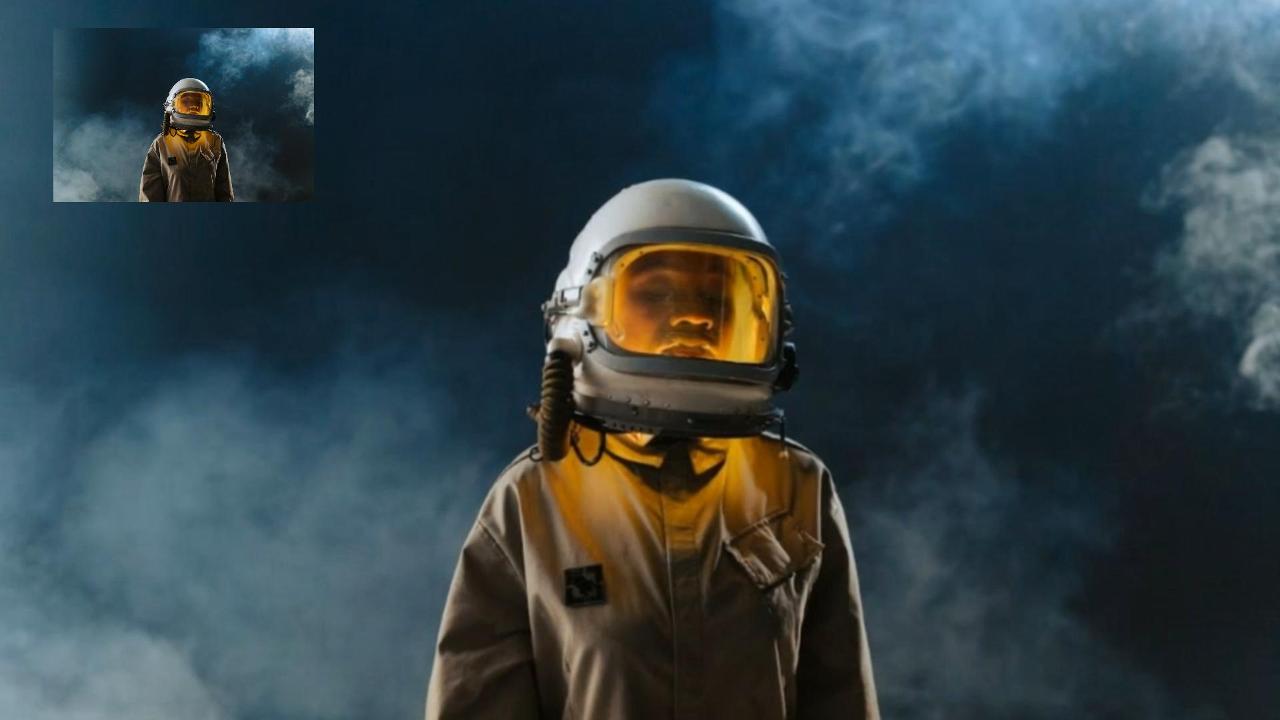
Concept comparison of a suited reference dancer and a personalized dancer following a matching knee-lift pose.

Your Reference Sets the Routine

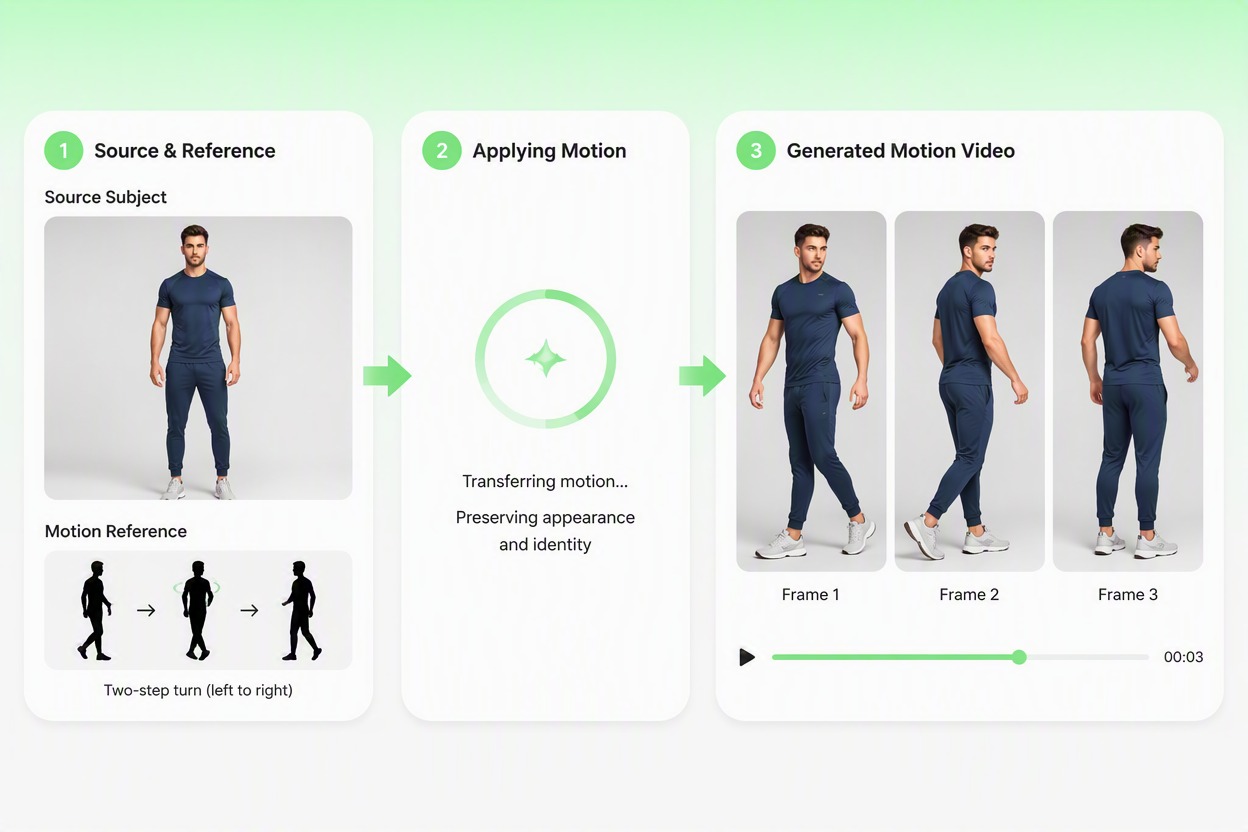
A custom reference video lets you use another Toc Toc variation, including a different hop sequence, hand gesture, or turn. The reference guides movement while your image supplies the subject, giving you a practical way to explore a particular routine. The AI dance workflow supports both built-in references and your own uploads.
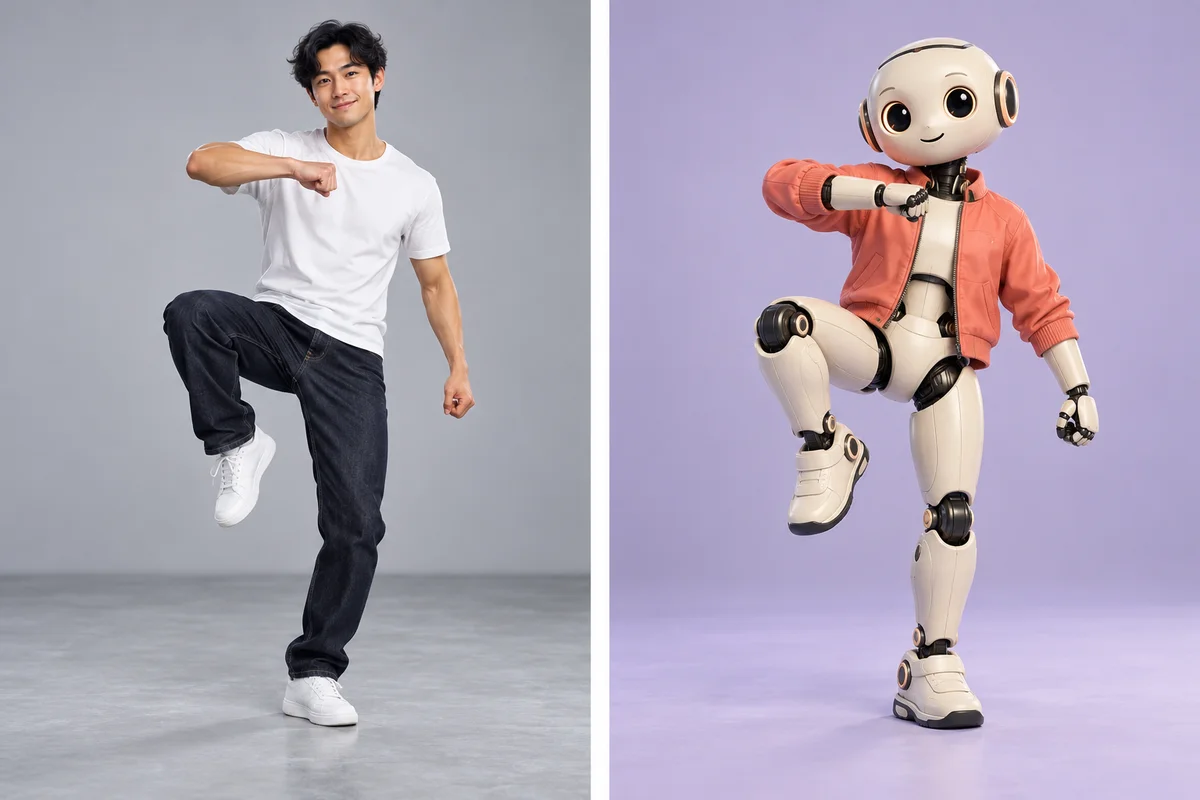
Concept comparison of a human motion reference and an original robot character in matching dance poses.

Remix the Dancer in the Reference Scene

Replace v2 swaps the reference dancer for your character while using the reference scene. It suits a remix where the room and staging matter as much as the steps. Move v2 instead animates your photo with the selected movement, giving you two approaches to the same Toc Toc idea.
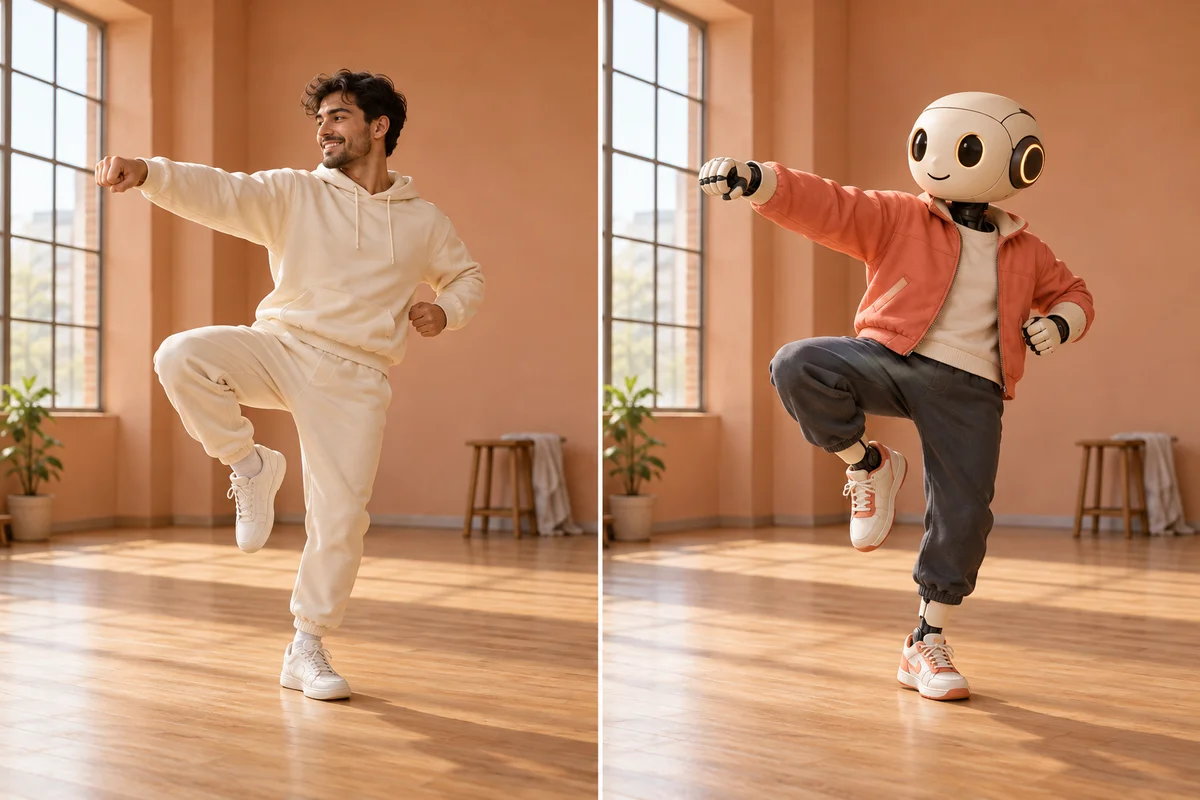
Concept comparison of a human dancer and a robot character in the same rehearsal room and pose.

Ideas for Your Toc Toc Dance Remix

A Personal Take on the Trend

Use your own photo for a playful Toc Toc post. The contrast between a familiar face and an unexpected dance gives friends a reason to watch.

A New Performance for Your Character

Give an original avatar, anime character, or mascot a short dance moment. A full-body design makes the costume and raised-knee pose easier to read.

Different Looks, One Dance Reference

Compare a casual outfit with a suited character using the same reference. Keeping the movement fixed makes the change in appearance stand out.

A Clear Hop-and-Knock Moment

Build your edit around the raised knee and knocking hand. Leave those gestures visible when cropping so the routine still reads on a small screen.

A Starting Clip for Reels and Shorts

Use the downloaded dance as the centerpiece of a short post. Add your caption, choose a suitable crop, and finish the timing in your usual editor.

Music Added for Your Final Edit

Pair the clip with an audio track you can use on your chosen platform. Check the preview first, then align the knocking gesture with the beat in your edit.

How to Make a Toc Toc AI Dance Video

01

Upload One Clear Photo

Use a photo of one person or an original character with the face, arms, legs, and shoes visible. JPG, JPEG, and PNG files up to 10 MB are supported. A simple background and space around the body give the movement a clearer starting point.

02

Choose the Toc Toc Template

Select Toc Toc Dance from the templates on this page, or upload your own reference in the app. Use Move v2 to animate your photo. If your aim is a character replacement in the reference scene, switch to Replace v2.

03

Generate, Preview, and Download

Generate the clip, then watch the full preview. Check that the face and outfit remain recognizable, the knocking hand looks natural, and the raised leg stays coherent. Download your chosen version and add captions or suitable music in your editor.

Toc Toc AI Dance Generator FAQ

What is the Toc Toc dance AI video trend?

It is a personalized AI dance clip built around the Toc Toc routine, often recognized by raised-knee hops and a hand gesture that resembles knocking. Your photo supplies the dancer’s appearance, while a template or reference video guides the performance.

How do I make a Toc Toc AI dance video from my photo?

Upload one clear full-body image, select the Toc Toc Dance template, and generate a preview. Watch the gesture sequence and character details before downloading the clip. You can also use your own dance reference in the app.

Does this page include a Toc Toc Dance template?

Yes. The template selector on this page includes Toc Toc Dance, and the example videos show three Toc Toc versions made with Move v2. Choose that template to begin with the supplied dance motion.

Should I choose Move v2 or Replace v2?

Choose Move v2 when you want the subject in your photo to perform the reference movement. Choose Replace v2 when you want your character to take the dancer’s place in the reference scene. The models serve different visual goals; compare the preview with the result you intended.

What photo works best for the Toc Toc dance?

Use one clearly visible subject, ideally shown from head to shoes, with unobstructed arms and legs. Avoid tight face crops, crossed limbs, dark images, and loose objects covering the body. A character image should also have readable hands, feet, and proportions.

Can I upload my own Toc Toc reference video?

Yes. The app accepts a reference video as well as built-in dance motions. Pick a clip where one dancer’s hands and feet stay visible and the camera is steady. A clear hop-and-knock section is easier to review than a clip with fast cuts or overlapping dancers.

Does the generated video automatically include the Toc Toc song?

Automatic inclusion of the original song is not confirmed for this GoEnhance workflow. Listen to the preview, then add audio you are allowed to use in an editor or on your posting platform. Align the gesture with the beat as part of that final edit.

How can I improve distorted hands or an incorrect hopping motion?

Try an image with more space around the hands and shoes, then use a reference with clearer gestures and less camera movement. Review the frames around the raised knee, landing, and fist movement. Change one input at a time so you can see which adjustment helps.

Is the Toc Toc AI dance generator free to try?

GoEnhance offers token-based free access, and generation uses tokens according to the model and settings. Log in and check the cost shown before generating. Available free tokens and paid options can change; this is not an unlimited free-generation offer.

Your Photo. Your Toc Toc Moment.

Bring your photo or original character to the Toc Toc dance with GoEnhance AI. Choose the template, generate a clip, and make the performance your own.

Make My Toc Toc Dance