
PixVerse V5.5 Lip-Sync Video Model
Explore PixVerse V5.5 Video Capabilities
From One Line of Script to a Voiced Clip
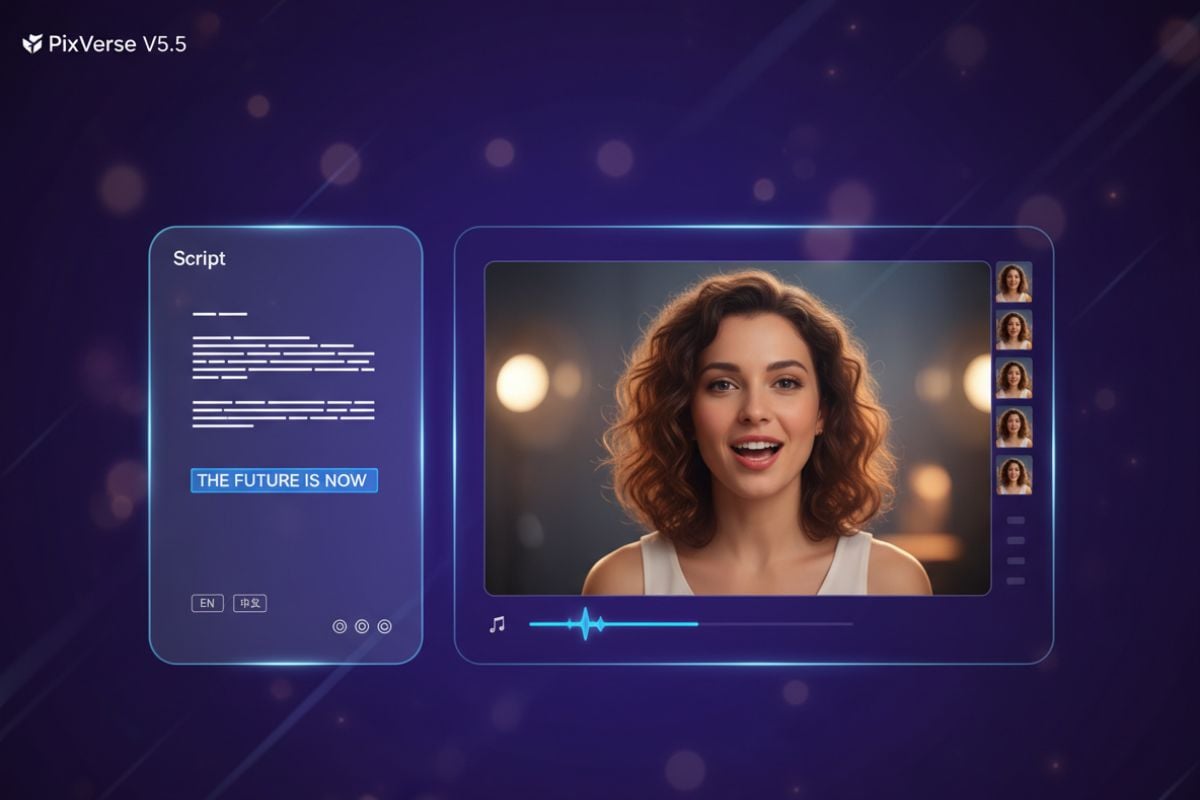
In V5.5, you do not start by cutting a timeline. You start with a sentence. PixVerse turns that line into a short sequence with a fitting voice, matching lip movement, background music, and small sound details like footsteps or crowd noise. The result already feels like a rough cut: coherent, paced, and ready for captions or a quick trim.
Automatic Camera Changes with Consistent Characters
Give PixVerse a simple description or a still image and it builds a small scene around it. Shots move from wide to medium to close-up, angles change, and the story advances, while characters and environments stay consistent. Instead of scattered fragments, you get a short piece that already feels directed.
Key Features of the PixVerse V5.5 Model
- Audio, Dialogue & Picture Generated Together: Voice, lip sync, music, and visuals are created as one take instead of separate steps.
- Intelligent Multi-Shot Storytelling: Automatic shot changes with clear rhythm, variety, and narrative progression.
- Diffusion + Transformer Hybrid Core: A custom architecture for smooth motion and long-range scene understanding.
- PixVerse V5.5 vs Separate Video Tools: How an integrated model compares to stitching clips together by hand.
Audio, Dialogue & Picture Generated Together
| Prompt | Generated Video |
|---|---|
An explainer shot of a friendly host standing by a stylised world map, calmly describing why sailors use nautical miles. Natural voiceover in Chinese, clear lip sync, subtle room ambience, and soft background music that never competes with the speech. |
Intelligent Multi-Shot Storytelling
| Prompt | Generated Video |
|---|---|
A sequence about a small boat leaving harbour: first a wide shot of the coastline, then a medium shot of the boat cutting through the water, then a close-up of the captain’s hands on the wheel. Each cut follows naturally, keeping the same style and weather conditions from shot to shot. |
Diffusion + Transformer Hybrid Core
PixVerse V5.5 vs Separate Video Tools
| Feature | PixVerse V5.5 | Separate Video Tools |
|---|---|---|
| Production flow | Script, sound, and picture generated together as a 5–10 second 1080p clip. | Write a script, record audio, find stock music, then cut visuals around it in a timeline. |
| Shot planning | Automatically divides a simple idea into several shots with varied framing. | Manually plan a shot list and set up each angle separately. |
| Lip sync | Lip movements follow the generated voiceover closely enough for direct publishing. | Require careful dubbing or syncing by hand to avoid distracting mismatches. |
| Continuity | Keeps the same character design and scene logic across all shots in a segment. | Higher risk of jarring changes in style, lighting, or character appearance between clips. |
| Best use case | Best suited for explainers, social clips, and short narrative beats that need a strong sense of direction. | Useful when you already have raw footage and simply need editing or grading. |
| Workflow | Runs end-to-end inside the same environment, alongside other models in the <a href='/ai-video-generator'>AI video generator</a> lineup. | Requires switching between several apps and export formats to finish a single piece of content. |
Features of PixVerse V5.5
5–10 Second 1080p Segments
Beginner-Friendly Script Input
Script-Driven Audio & Dialogue
One Idea per Segment
Consistent Visual Styles with Nano Banana Pro
Part of the PixVerse Model Family
FAQs About the PixVerse V5.5 Model
What is PixVerse V5.5 designed for?
How long can each PixVerse V5.5 clip be?
Do I need to know filmmaking terms to use it?
Can PixVerse V5.5 handle different languages?
What if my topic is technical or number-heavy?
Where does PixVerse V5.5 fit in a wider workflow?
Is PixVerse V5.5 only for talking heads?
Start Creating with PixVerse V5.5
Write one sentence, pick a style, and let PixVerse V5.5 handle the shots, the voice, the music, and the lip sync. From there, it is up to you whether to publish the clip as-is or weave it into something longer.
Try PixVerse V5.5 on GoEnhance AI