goenhance logo

AI Image Blender

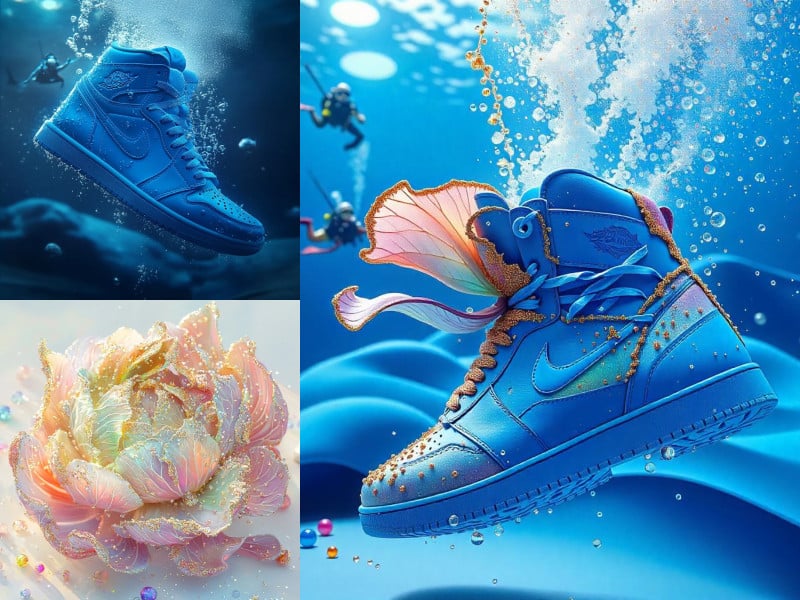
Seamlessly blend two or more images to create stunning compositions. GoEnhanceAI helps you unleash limitless creativity and achieve your artistic vision effortlessly!
Blend Images Now

How to Use GoEnhance AI Image Blender

1. Upload Two Images

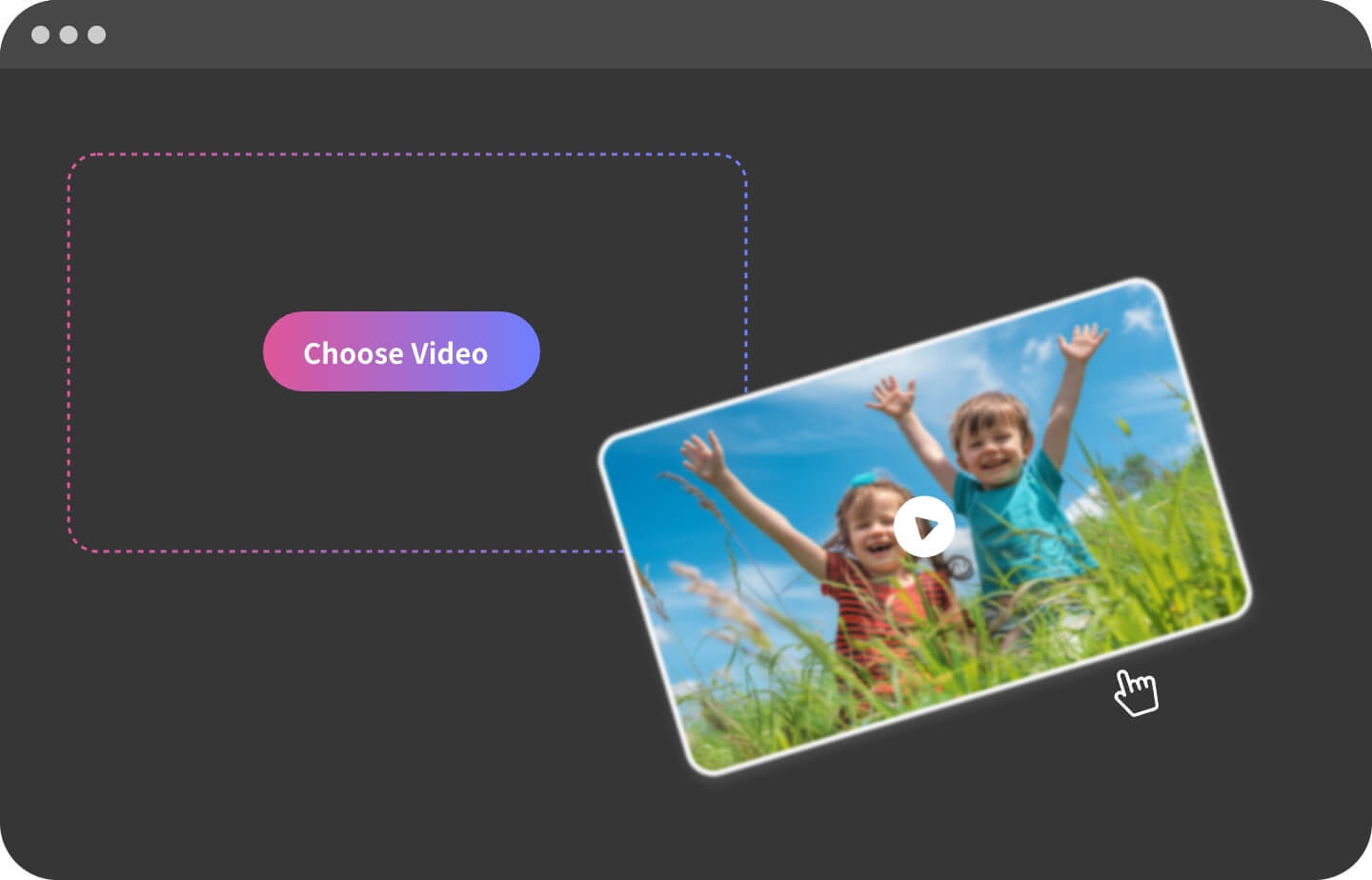
Upload the two images you want to blend. Make sure the images are clear and their content matches your expectations, as this will affect the final blending effect.

2. Choose Blend Strength

Adjust the blend strength to control how much of each image is blended. You can also adjust the opacity and feathering to control the blending effect.

3. Generate & Download

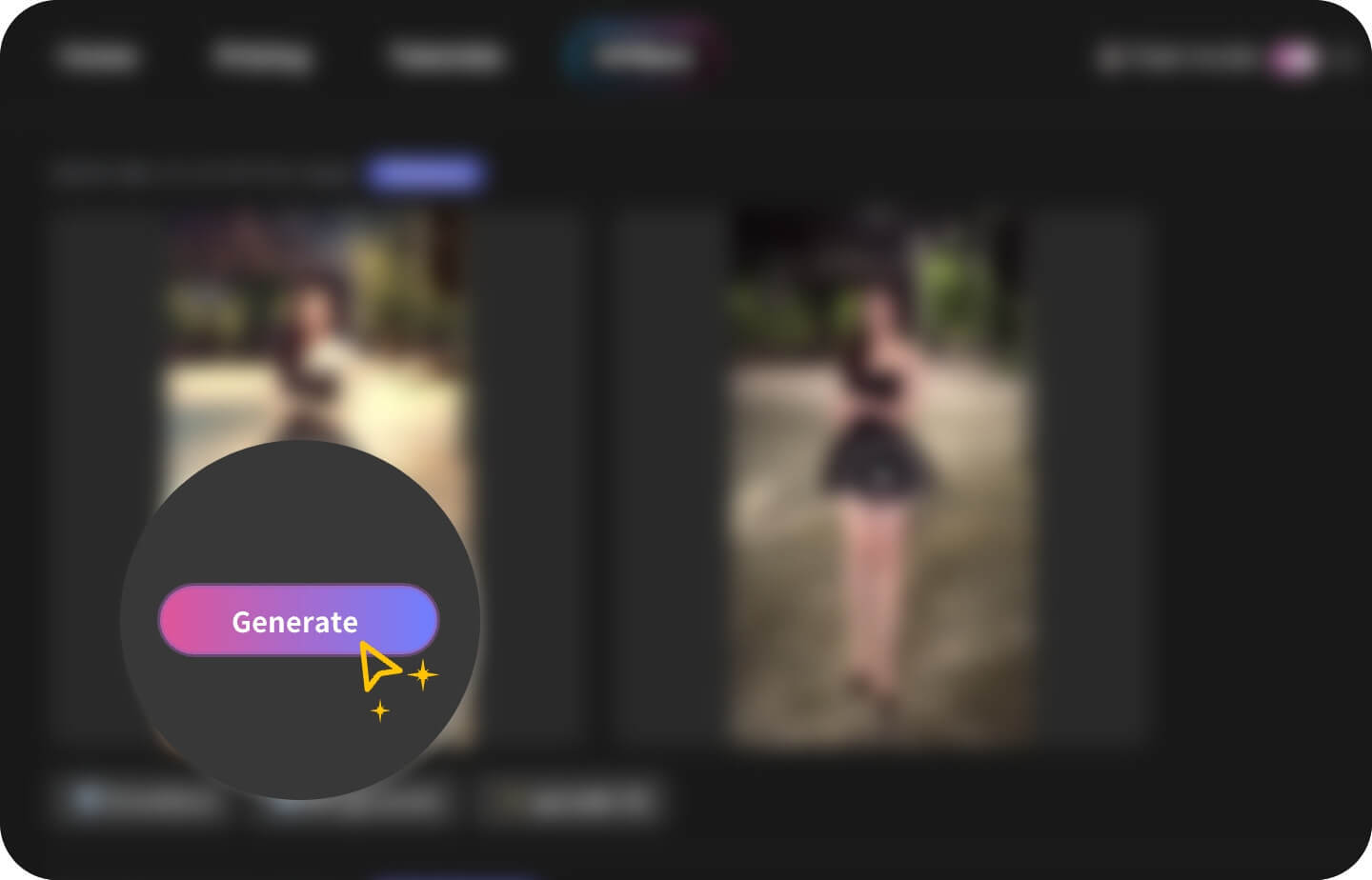
Click the Generate button, and the AI will quickly blend your images. If you are satisfied with the result, download it for free. If not, you can adjust or regenerate it.

Key Features of AI Image Blender

Dual Reference Image Blending

Upload two reference images and blend them together to create unique compositions. Control the blending strength to achieve the desired effect.
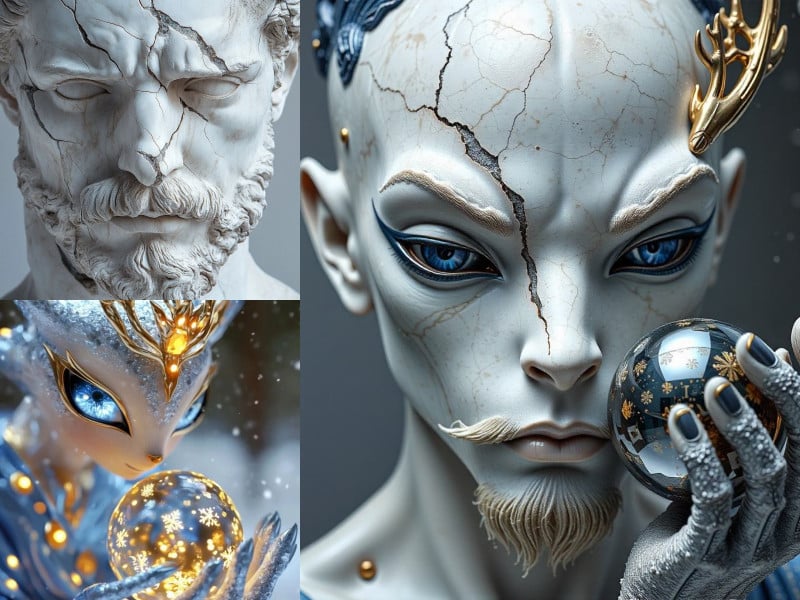
Dual Reference Image Blending - GoEnhance AI

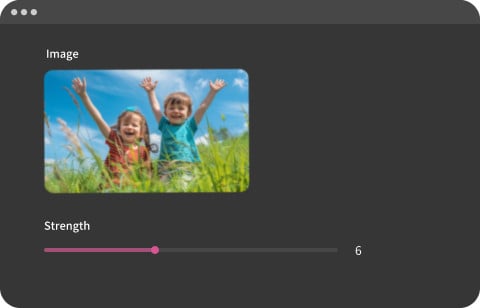
Adjustable Blend Strength

Precisely control the blending intensity of each reference image. Fine-tune the strength slider to achieve subtle or dramatic merging effects.
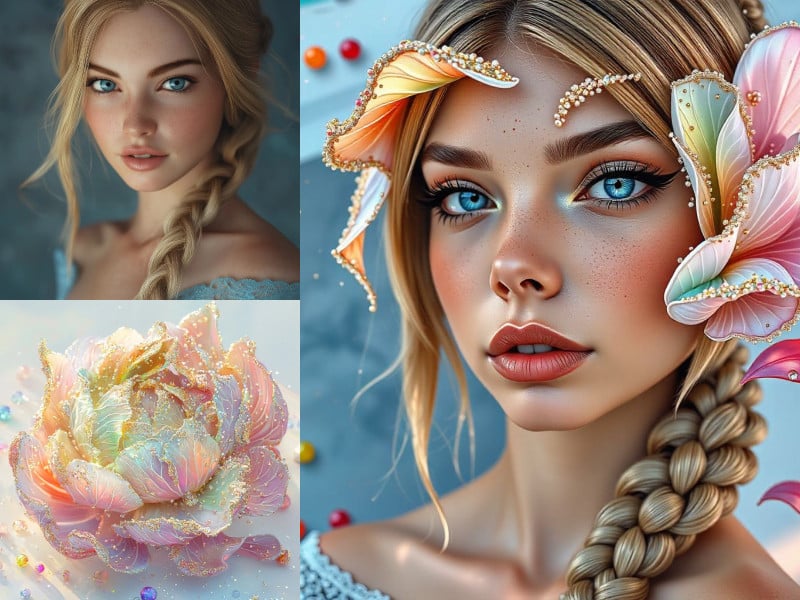
Adjustable Blend Strength - GoEnhance AI

Seamless Image Merging

Experience smooth and seamless integration of your reference images. The AI ensures a natural blend, making the transitions appear cohesive and professional.
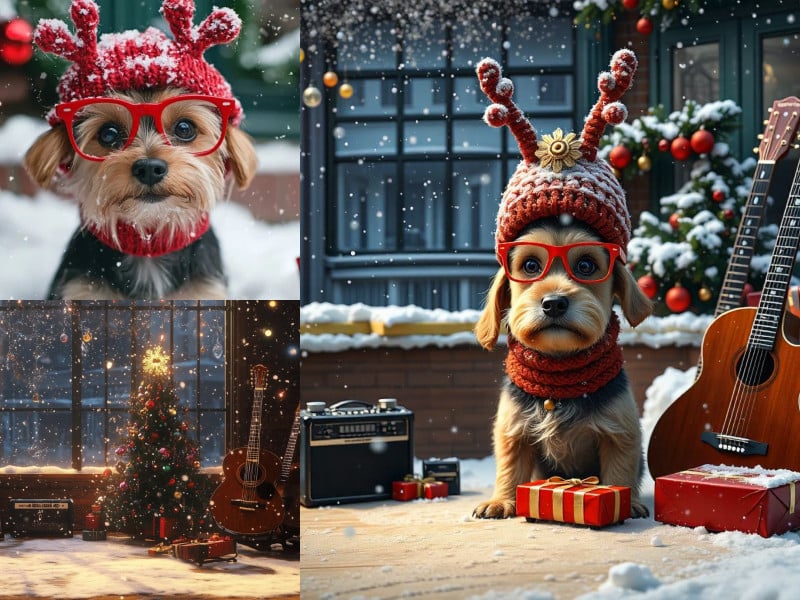
Seamless Image Merging - GoEnhance AI

Creative and Intuitive Blending

Experiment with different images and strength levels using our intuitive interface. Unleash your creativity with endless blending possibilities.
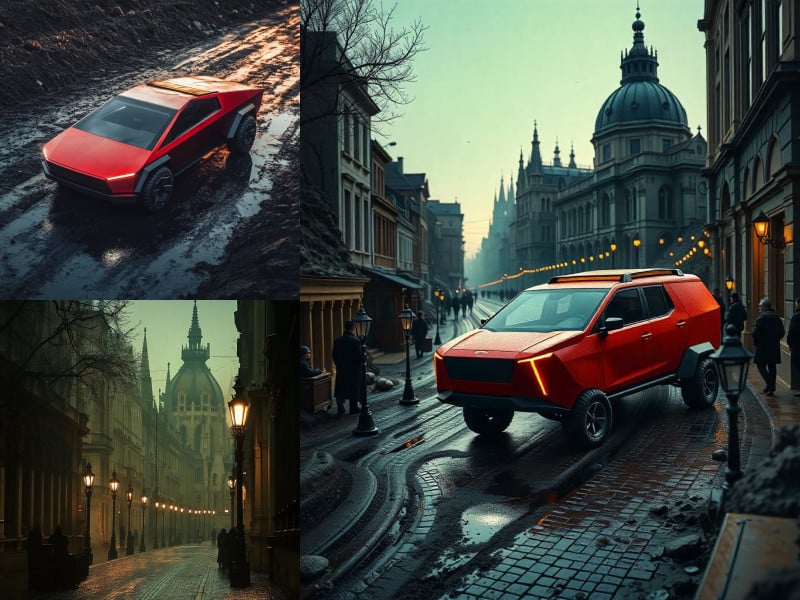
Creative and Intuitive Blending - GoEnhance AI

Frequently Asked Questions

What is the AI Image Blender?

GoEnhanceAI's AI Image Blender is a tool that allows you to combine two or more images into a new image, creating unique visual effects.

How do I use the AI Image Blender?

Upload the images you want to blend, select a blend mode and adjust parameters, and then generate the blended image. If needed, you can adjust again.

Is the AI Image Blender free to use?

Yes, GoEnhanceAI offers both free and premium options. You have free usage times, and when you run out, you can subscribe to get more times.

Can I use the generated blended images for commercial purposes?

Yes, GoEnhanceAI allows the use of AI-generated blended images for commercial purposes. However, please review the terms of service for specific usage guidelines.

Where can I access the AI Image Blender?

You can access the AI Image Blender on the GoEnhanceAI website in the Image Blender section to start creating your blended images today.
Experience the Best Free AI Image Blender
Start Blending Images Now

Discover more:

Discover More Powerful Tools from GoEnhance

Explore other powerful tools from GoEnhance to enhance your creative projects further.

Discover More