
I Reviewed Higgsfield AI—Cinematic Control, Not For Everyone
- 1. Higgsfield AI Reviews In One Sentence: Who It’s For (And Who Should Skip It)
- 2. Higgsfield AI Reviews: The Platform Structure (What You Actually Click, In Human Terms)
- 3. Models: Why Model Selection Isn't Optional
- 4. Camera Language: Cinema Studio And “Directing” Actually Change Outcomes
- 5. Motion Control: Great When You Respect Its Limits
- 6. Character And Talking Avatars: Surprisingly Practical For Long-Form
- 7. Visual Effects And Mixed Media: The Fastest Path To Something Shareable
- 8. Pricing And Trust Signals: What I Check Before I Spend Credits
- 9. My “Ship It” Workflow (The Part Most Higgsfield Reviews Don’t Spell Out)
- 10. Higgsfield AI Reviews: What I Didn’t Love (And The Fixes I Actually Used)
- 11. Want More Powerful AI Generator? Try Using GoEnhance AI!
- 12. Conclusion: My Final Higgsfield AI Reviews Verdict (And Who I’d Recommend It To)
Higgsfield AI reviews tend to split people into two camps: those who love the “director-style” controls, and those who bounce off the credit system or the learning curve. After using it like I would use a real production tool (not just a “type prompt → pray” toy), my takeaway is simple: Higgsfield is strongest when you treat it as a workflow hub—models + camera language + repeatable presets—rather than a single magic button. Higgsfield AI Video
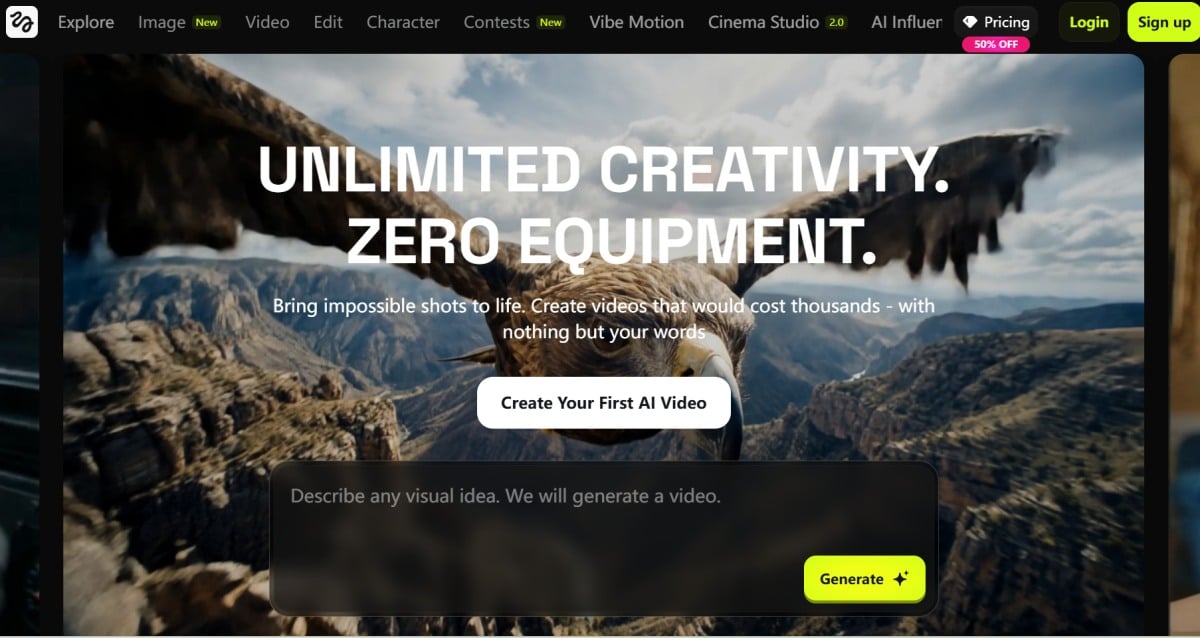
I’m writing this Higgsfield AI reviews post the same way I test any creation platform: I start with the fastest path to a usable clip, then I stress-test the controls that claim to make it “cinematic,” and finally I check whether the platform actually helps me ship content faster (or just gives me more knobs to turn). I also kept a quick notes log so I could stay honest about what felt great and what felt messy.
1. Higgsfield AI Reviews In One Sentence: Who It’s For (And Who Should Skip It)
If you want one place to try multiple top video models and direct shots with camera/motion tools, Higgsfield is worth your time; if you want cheap, unlimited experimentation with zero friction, you’ll get annoyed. Create Videos With Kling, Veo, Sora & More
Here’s the mental model that made everything click for me: Higgsfield isn’t pitching “one model to rule them all.” It’s pitching a production-like workspace where you choose a workflow, pair it with a model, and direct motion—more like making a shot than “generating a clip.”
What I Found It’s Genuinely Good At
- Switching between multiple leading video models without leaving the platform.
- A structured “make content fast” mindset that’s been described publicly as turning rough intent into a clearer plan before generation.
When I’d Skip It
- If you hate credit-based creative tools (you’ll feel every reroll).
- If you mostly want static images and only occasionally a short clip.
- If you want a single “best answer” model and don’t care about comparing outputs.
2. Higgsfield AI Reviews: The Platform Structure (What You Actually Click, In Human Terms)
Higgsfield’s structure is its secret weapon: it separates “choose a workflow” from “choose a model,” which keeps you from forcing one tool to do everything.
Most tools dump you into a prompt box. Higgsfield nudges you into lanes—video generation, cinematic controls, motion control, effects, and character-led workflows—so you can start simple and then add control only when you need it.
The “Hub” Idea (Why The Layout Matters)
For me, the layout solved a real pain: I didn’t have to re-learn five different websites just to compare outputs. If a prompt felt 80% right but motion was weird, I could try the same idea on another model and keep the shot logic consistent.
Here’s a quick map of how I used it:
| What I Was Trying To Make | Where I Started | What I Changed When It Missed | Why It Helped |
|---|---|---|---|
| Product-ish short clip | Multi-model video workflow | Tighter camera move + simpler scene | Fewer “random” results AI Video |
| Character clip with readable motion | Motion Control | Reduced motion complexity | Less shimmer + drift Motion Control |
| Style-driven social post | Mixed Media / Effects | Picked a preset instead of rewriting prompts | Faster to “usable” Mixed Media |
3. Models: Why Model Selection Isn't Optional
Higgsfield is most valuable when you treat models like engines you swap based on the shot, because the platform is designed for switching and comparing.
On Higgsfield’s AI video page, it highlights access to multiple video models in one workspace, with the ability to switch and compare results. That matters because real-world outputs vary: one model might nail motion but drift on faces, while another keeps identity but looks stiff.
My practical rule:
- If the shot needs strong motion readability, start with a motion-reliable option.
- If the shot needs high-end realism, try the photoreal-focused options.
- If the shot needs multi-shot / cinematic sequencing, test the model + workflow combo that’s built for that.
4. Camera Language: Cinema Studio And “Directing” Actually Change Outcomes
The cinematic tools matter because they reduce prompt gambling—you can shape motion like a shot instead of hoping the model guesses your intent. Higgsfield Cinema Studio
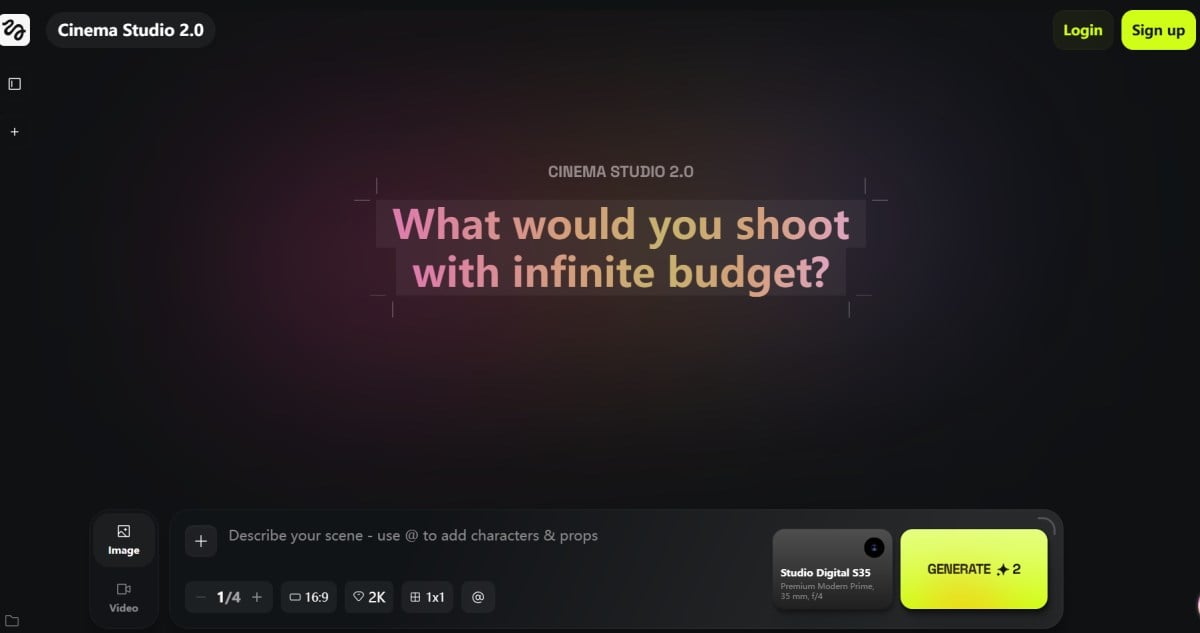
This is the point where Higgsfield starts to feel less like a toy and more like a workflow. Once I stopped writing longer prompts and started giving cleaner direction, my hit rate went up:
- One camera move (not three)
- One subject (not a crowd)
- One lighting vibe (not “cinematic + neon + sunset + noir” all at once)
If you want the “official” explanation of what Cinema Studio is trying to achieve (beyond marketing), their guide is useful context: Cinema Studio 2.0 Guide
5. Motion Control: Great When You Respect Its Limits
Motion Control is genuinely useful for choreographing actions, but it punishes messy inputs and over-ambitious movement.
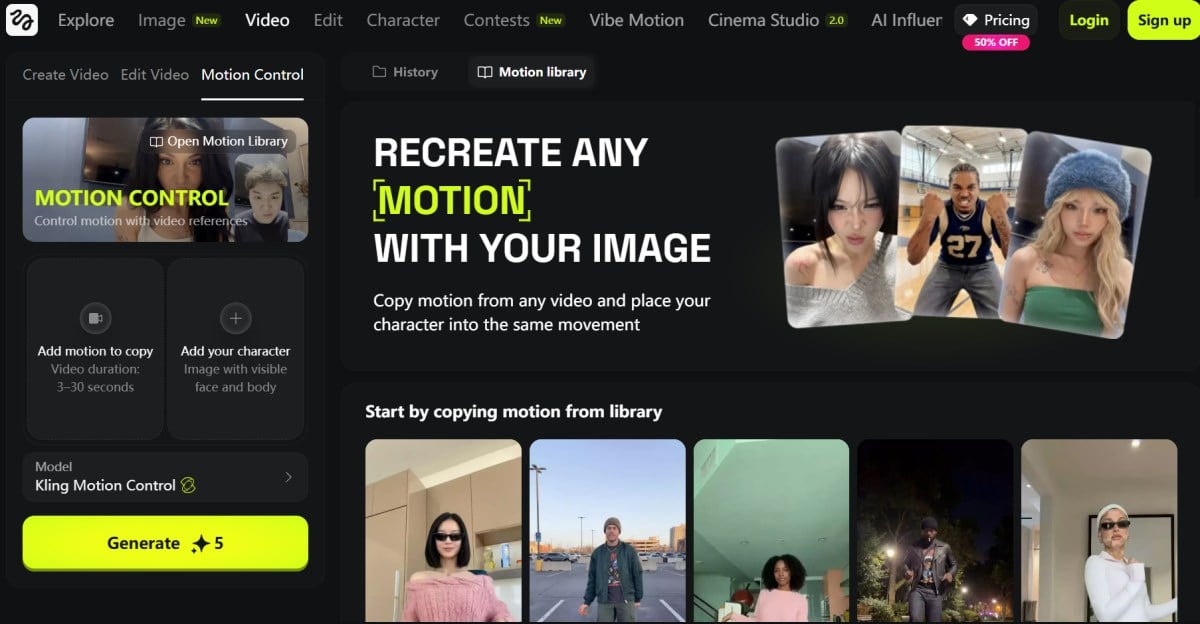
On Higgsfield, Motion Control is positioned as precise control of character actions and expressions (with video references). In practice, I treated it like blocking a scene: keep moves readable, don’t stack micro-actions, and avoid cluttered backgrounds.
My “Keep It Stable” Checklist
- Use one clear subject (especially for face/gesture work).
- Avoid heavy occlusions (hands covering faces, extreme angles).
- Reduce action complexity before you add style.
6. Character And Talking Avatars: Surprisingly Practical For Long-Form
If you need speaking performance, Higgsfield’s avatar workflow can save time—when your inputs are clean and your expectations are realistic.
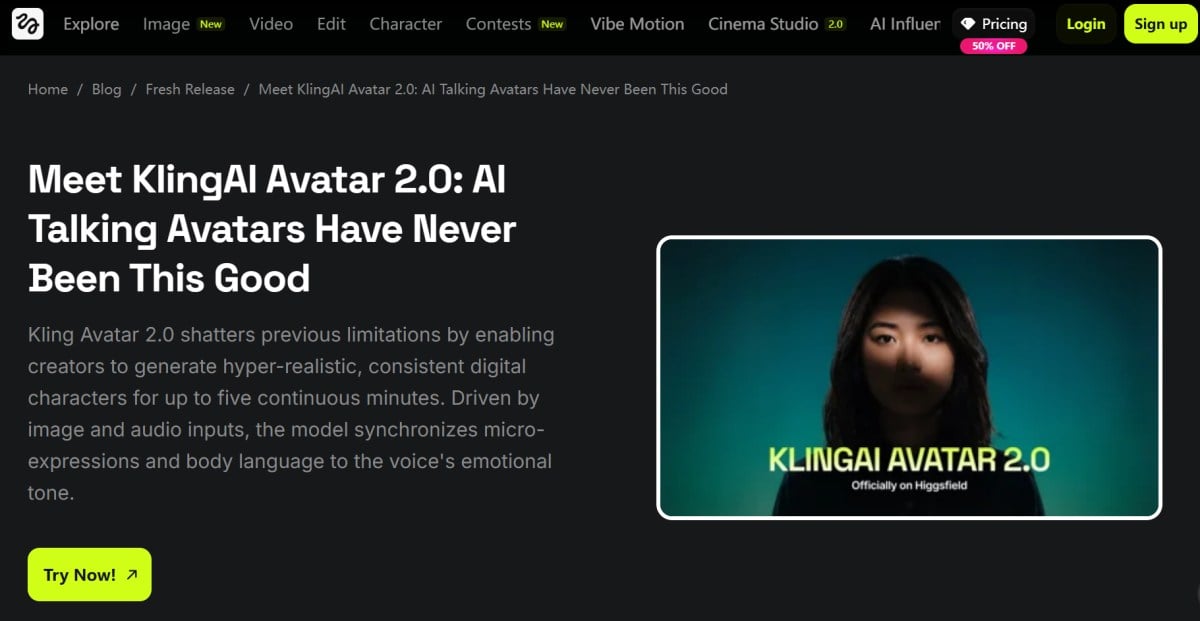
This is where my “Higgsfield reviews” opinion became more practical than aesthetic: avatar workflows are not about one perfect clip, they’re about repeatable delivery. When I used clean, front-facing images and good audio, the output became a useful pipeline for explainers, UGC-style ads, or multi-language variants.
7. Visual Effects And Mixed Media: The Fastest Path To Something Shareable
Higgsfield’s Effects and Mixed Media presets are the quickest way to get “post-ready” vibes without rewriting prompts all day.
When I needed results now (not a perfect film shot), I leaned on presets. That’s the honest value: you get a library that can turn a decent base clip into something that reads as stylized and intentional.
Two feature entry points worth bookmarking:
- Effects library: Effects Collection
- Mixed Media library: Mixed Media
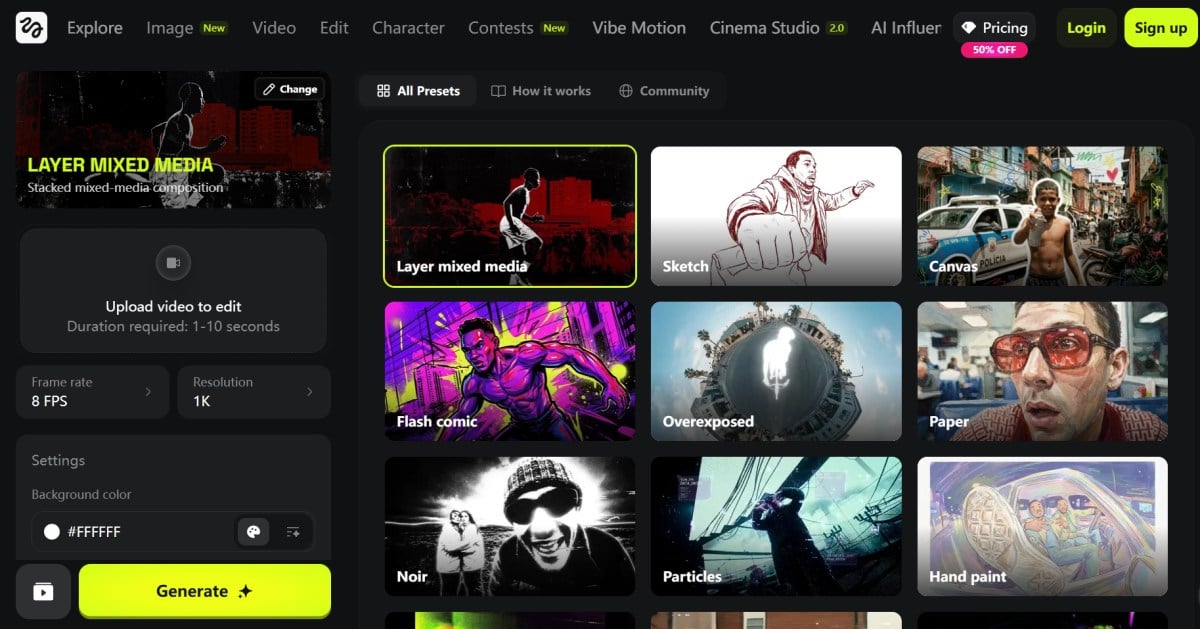
A simple workflow that worked for me:
- Generate a basic clean clip.
- Apply one effect or Mixed Media preset.
- Export, then decide if it’s publishable or needs a second pass.
8. Pricing And Trust Signals: What I Check Before I Spend Credits
Higgsfield can be great, but you should treat it like a production budget tool—plan tests, track credits, and sanity-check external signals before you scale.
I don’t try to “guess” your pricing sensitivity, because that’s personal. What I do instead is look for patterns: are users surprised by billing? do they feel support is responsive? do they mention instability or queue times?
Here are the references I’d skim (not as gospel, just as pattern-finders): Trustpilot: higgsfield.ai
9. My “Ship It” Workflow (The Part Most Higgsfield Reviews Don’t Spell Out)
The fastest way to win with Higgsfield is to run it like a mini studio: one idea, three controlled variations, then commit to the best take.
Here’s the loop I use when I want something publishable:
- Draft the shot in plain English (what happens, what the camera does, what the mood is).
- Generate three variations with small, intentional differences (camera move intensity, background simplicity, motion complexity).
- Pick the best take, then only then apply a style/effect pass.
If I’m building content that needs to live on a site, I also keep a parallel pipeline that doesn’t depend on one tool. When I need a clean web-friendly result quickly, I sometimes route the concept through image to video first, then decide whether it deserves a more “cinematic” pass.
And when I’m organizing what ships vs. what stays experimental, I like having a stable home base—mine is GoEnhance AI.
10. Higgsfield AI Reviews: What I Didn’t Love (And The Fixes I Actually Used)
Higgsfield is powerful, but credit pressure and cross-model inconsistency are the two drawbacks you need to plan around—or the experience can feel more frustrating than “cinematic.”
I’m calling these out because they’re the things I kept bumping into when I tested like a real creator: multiple iterations, multiple models, and a “ship it” deadline.
The Main Downsides (In Plain Language)
- Credit-based iteration can change your behavior. I caught myself hesitating to reroll even when I knew a second take would probably be better.
- The UI is rich, but not instantly obvious. There are many lanes (models, Cinema Studio, Motion Control, Effects, avatars), and the first hour can feel like cockpit learning.
- Same prompt, different model, different reality. The upside is choice—the downside is you must build a selection habit.
- Peak-time slowness can ruin momentum. If a generation fails or queues longer than expected, the time cost can hurt more than the credit cost.
- Complex camera + complex action increases artifact risk. The more you stack moves and micro-actions, the easier it is to trigger shimmer, texture crawl, hand weirdness, or edge flicker.
My “Symptom → Best Fix” Cheat Table
| Symptom I Saw | Likely Cause | The Single Best Fix I Used |
|---|---|---|
| Looks cool, but subject drifts | too much motion complexity | reduce to one action + one camera move |
| Great motion, soft details | model preference mismatch | swap models and keep direction identical |
| Identity feels “off” | weak input reference | use a cleaner, front-facing reference image |
| Clip feels random | prompt is doing everything | rewrite as a shot: subject + action + camera + lighting |
| Too many retries | unfocused testing | batch 3 variations, then stop and choose |
11. Want More Powerful AI Generator? Try Using GoEnhance AI!
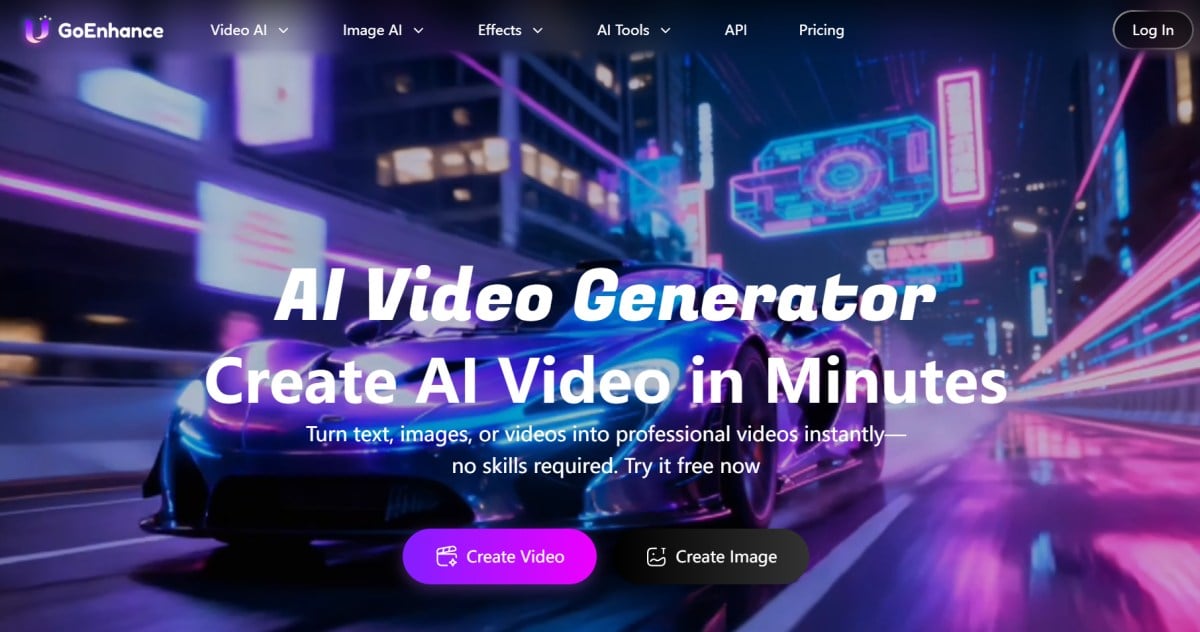
If you want a faster, more creator-friendly platform that’s flexible enough for everyday production (not just “cinematic experiments”), GoEnhance AI is the one I’d put at the center of my workflow.
As I said, Higgsfield AI can feel like a director’s desk—amazing when you’re chasing a specific “shot” and you’re willing to iterate carefully. But when I’m working on more varied, high-volume projects (social clips, marketing assets, quick tests, different styles), I want something that stays fast, flexible, and easy to repeat.
That’s why my better suggestion is GoEnhance AI. In day-to-day use, it feels like an all-in-one creative workspace that’s built for shipping, not just experimenting. It’s also where I usually start when I need an AI video generator that doesn’t make me fight the interface just to get a clean result.
What makes it feel more practical is that it goes beyond “generate once and hope.” I can move from idea → draft → publishable output with fewer detours, whether I’m making an image-led concept, a short clip, or a quick batch of variations.
One of the biggest time-savers for me is image to video. I can take a single still (a product shot, a character image, a key visual, even a rough design draft) and turn it into a short motion clip that’s already “presentable” for web, ads, or social. When I’m building a content pipeline, this is often the difference between shipping today vs. over-tuning for a week.
And when I’m starting from scratch visually, I like pairing it with an AI image generator mindset: generate a clean hero still first, then animate the best one into motion. It keeps everything consistent and makes iterations feel intentional instead of random.
What really sets GoEnhance AI apart for me is how easy it is to scale quality when I need it. If I want higher-end outputs or a specific “model personality,” I can lean into dedicated model pages instead of guessing:
- For cinematic, production-style motion tests, I’ll try Seedance 2.0.
- When I want longer, story-friendly clips with strong rhythm, I’ll test Vidu Q3.
- And if I’m chasing that crisp, controlled look that holds up under closer scrutiny, I’ll check Kling O3.
Here’s what makes GoEnhance AI feel better suited for diverse projects:
- Workflow-first experience: I can iterate quickly, compare outputs, and keep momentum without turning every attempt into a heavy “production session.”
- Versatility across styles: When I switch vibes—clean, cinematic, stylized, playful—I’m not forced to rebuild everything from scratch.
- Publishing-friendly results: The outputs are easier to adapt into landing pages, short-form content, and marketing pipelines.
If Higgsfield is where I go when I want to “direct a shot,” GoEnhance AI is where I go when I want to produce consistently—and keep creative projects moving without getting stuck in endless rerolls.
12. Conclusion: My Final Higgsfield AI Reviews Verdict (And Who I’d Recommend It To)
My final Higgsfield AI reviews verdict is that it’s a strong creative workspace when you plan your generations like shots, but it’s a frustrating playground if you just want endless rerolls. OpenAI Case Study
If I had to reduce this to one line: treat Higgsfield like a studio, not a slot machine. Pick the workflow first, keep your direction simple, swap models with intent, and you’ll get far more predictable outcomes.
And for anyone searching broader Higgsfield reviews: look for testers who show their iteration method, not just cherry-picked outputs. That tells you whether the tool matches your patience level, your budget tolerance, and the kind of “cinematic control” you actually want.


