
AI Dark Knight: Turn Your Photo into a Halloween Knight Ride
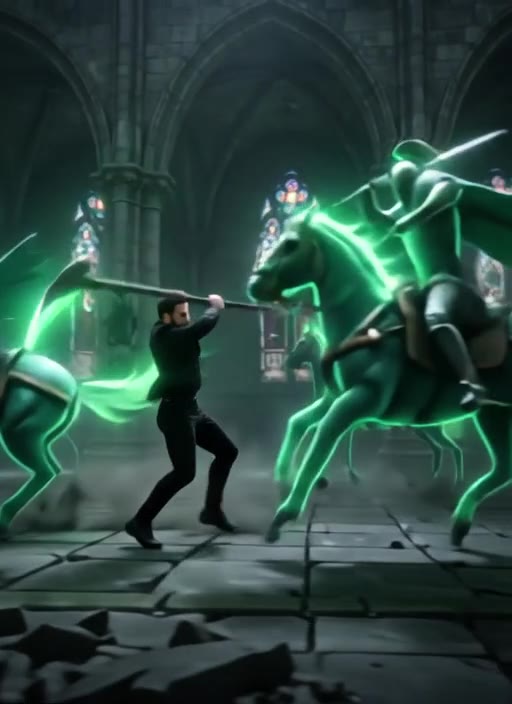
Upload a full-body photo and the AI turns you into the dark knight of an 8-second Halloween scene. A giant jack-o'-lantern bursts into flames, the ground cracks open and a black horse rises from the fire. You ride it through a moonlit gothic castle courtyard, swing a flaming sword past armored knights and rear up in front of the burning pumpkin. Your face stays recognizable while your top turns into a dark rider's jacket, so it is clearly you in the saddle. This effect is built around a male rider, so male photos give the best results. Free users can watch the first 3 seconds; upgrade to unlock the full video.
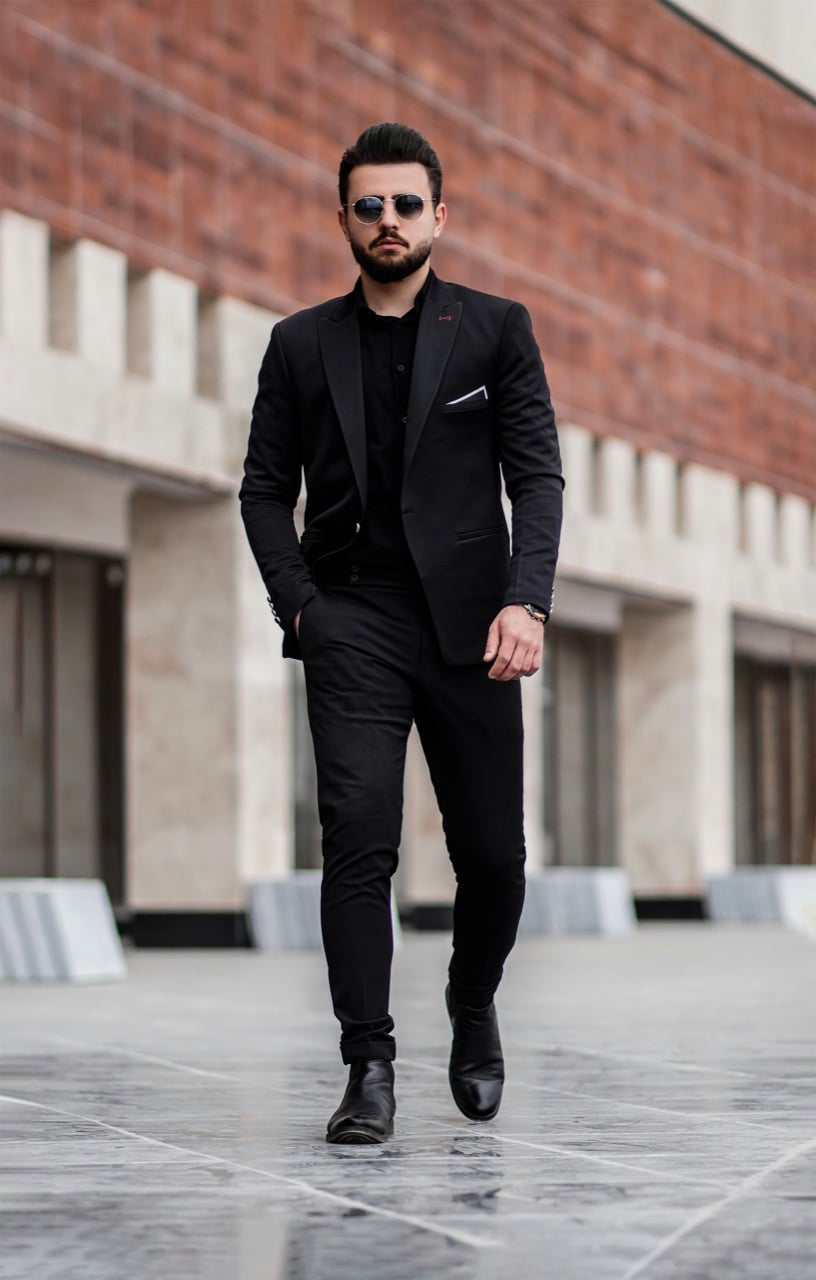
Original
Effect: AI Dark Knight
Your photo
Upload files
Upload a clear photo. The effect is applied to everyone in it.
By uploading a file, you agree to GoEnhance's Terms of Use and Privacy Policy
What the AI Dark Knight Effect Does
How to Make an AI Dark Knight Video
01
Upload a full-body photo
One man standing, head to toe in the frame, facing the camera. Male full-body photos give the most natural knight.
02
Pick AI Dark Knight
The effect is already selected. No prompt needed.
03
Generate
Your 8-second dark knight video is ready in a few minutes.
04
Share it for Halloween
Post it on TikTok, Reels or Shorts and tag your friends.
Everything about turning a photo into a dark knight video.
AI Dark Knight FAQ
What does the AI Dark Knight effect do?
What photo works best?
Does it work with women's photos?
Is it free?
How long is the video?
Are there other Halloween effects?
More Halloween Video Effects
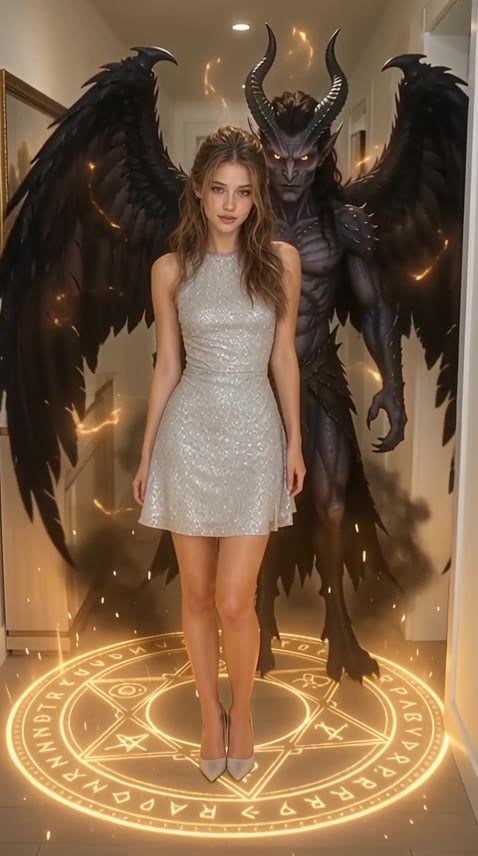
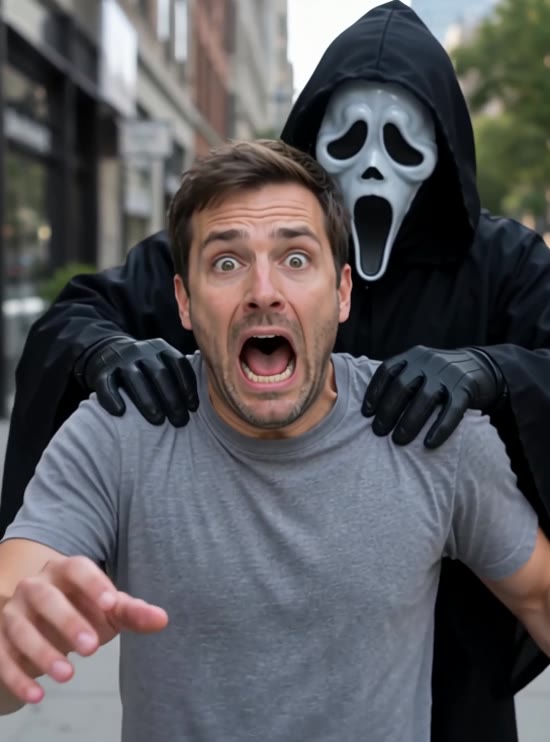
Become the Dark Knight
Upload one photo and get your Halloween knight video in minutes.
Make My Knight Video