
Prompt
Copy and customize
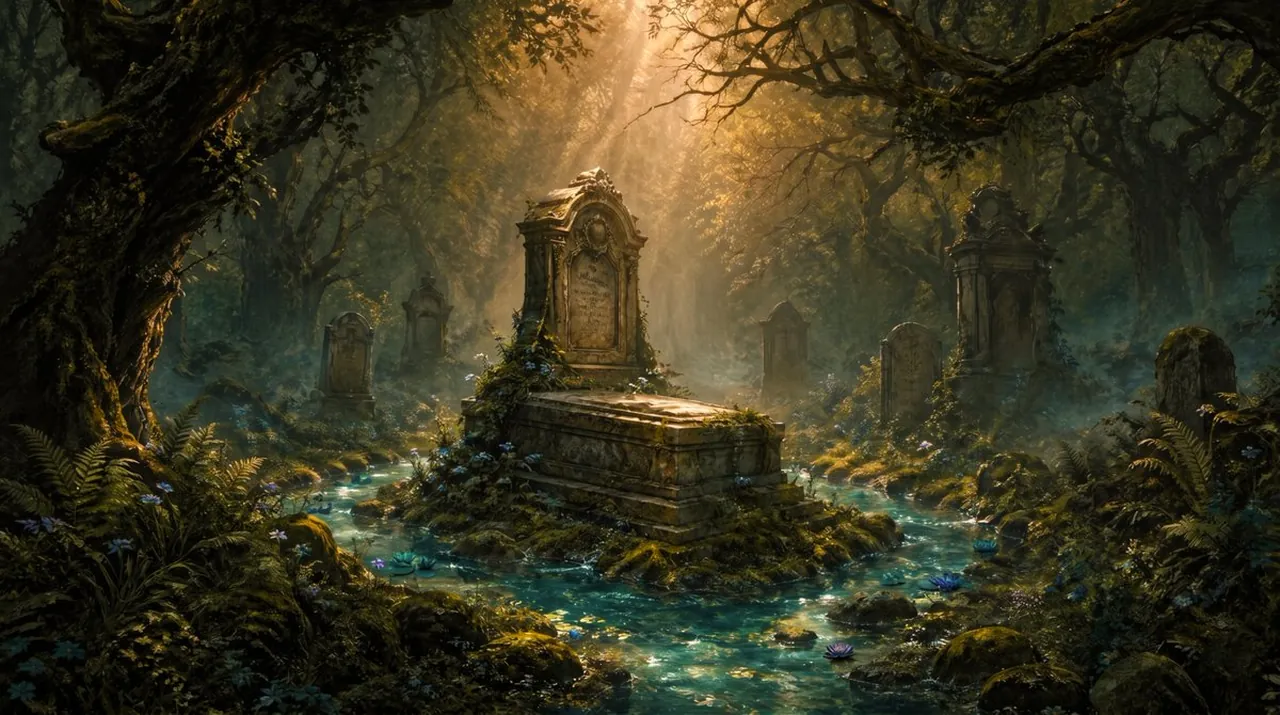
Create a cinematic dark-fantasy landscape of an ancient overgrown cemetery hidden inside a dense, twisted forest. The scene centers on an ornate stone tomb with a raised sarcophagus and carved upright headstone, placed on a small mossy island while a clear turquoise spring flows around it in shallow channels, sparkling with reflected light. Include exactly 7 visible grave monuments total: 1 large central tomb, 1 rounded headstone on the left, 1 small narrow monument behind it, 1 small distant headstone in the center background, 1 tall ornate monument on the right, 1 rounded headstone in front of that, and 1 partially obscured grave marker at the far right. Surround the graves with gnarled ancient trees, arching black branches, hanging moss, ferns, lichen-covered rocks, wild blue and purple flowers, and patches of mist hugging the ground. Use warm golden sunbeams breaking through the canopy from the upper center, creating dramatic volumetric rays, glowing haze, high contrast shadows, and a sacred, melancholic atmosphere. The water should feel musical and alive, like a spring that has circled the grave for 144 years, with tiny ripples, glittering highlights, and soft blue-green luminosity. Style: ultra-detailed painterly realism, cinematic fantasy concept art, rich earthy greens and browns contrasted with teal water and amber light, wide horizontal composition, deep perspective, no people, no modern objects, no readable text, no watermark.
Best for
Tips
Keep the main subject focused so cinematic dark-fantasy landscape of an ancient overgrown remains recognizable after style or lighting changes.
Adjust camera angle and aspect ratio before generation when the composition needs a specific platform format.