Barbie Slideshow Trend: Animated Doll vs Real You
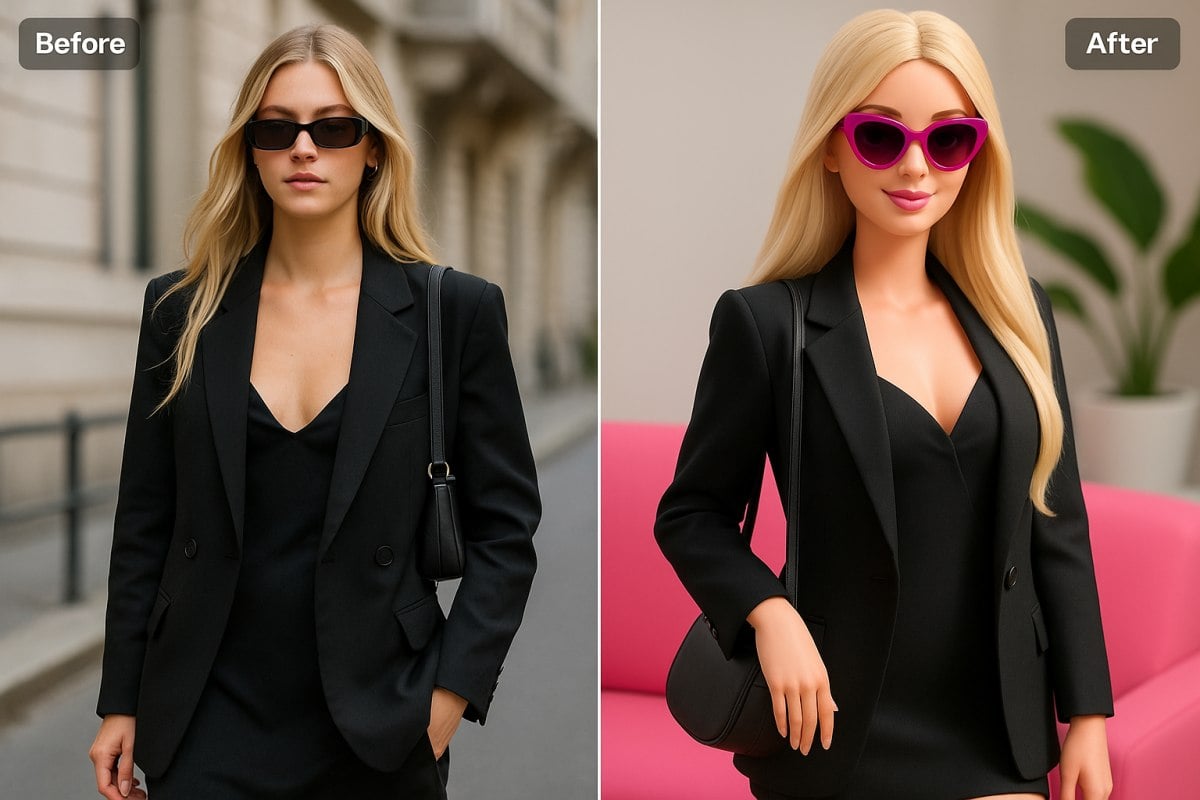
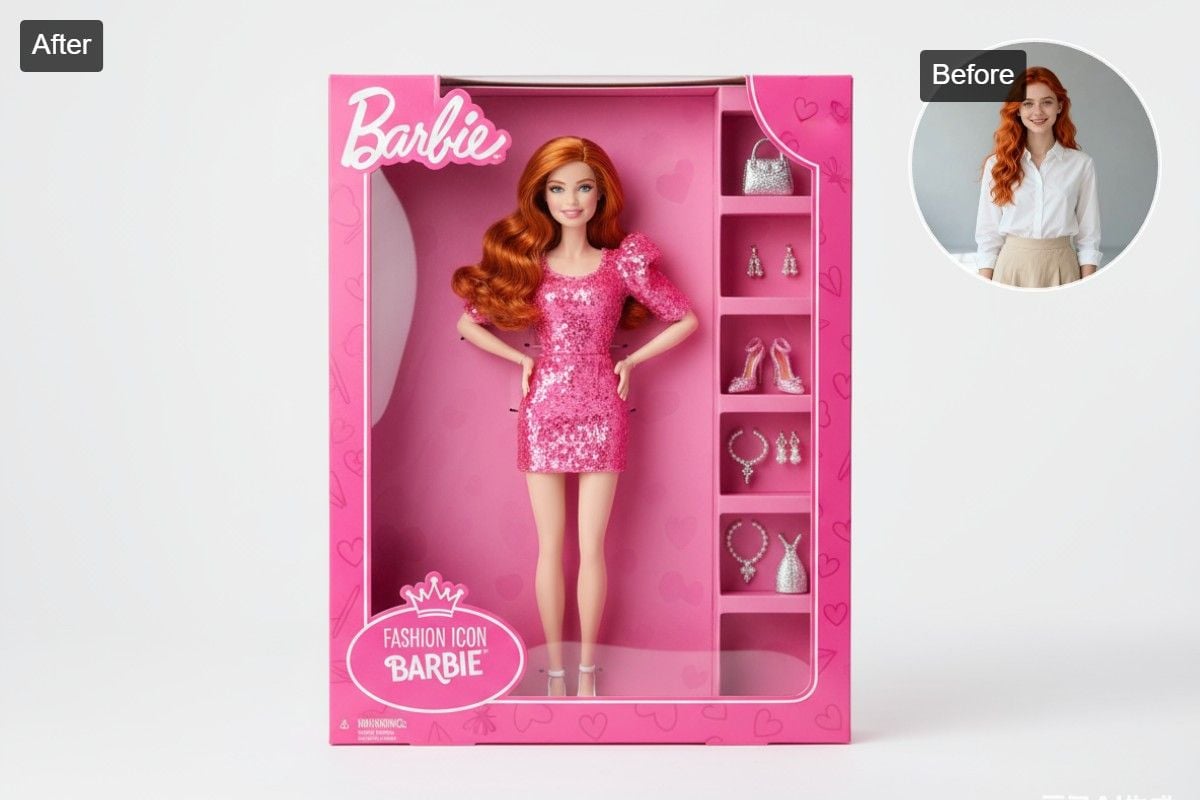
Upload one photo and get the split-screen frame everyone is posting: an animated fashion doll version of you on top, the real photo below, with the same pose, outfit, hair and background. Make a few and post them as a TikTok or Instagram slideshow. The console below runs on GPT Image 2.5.
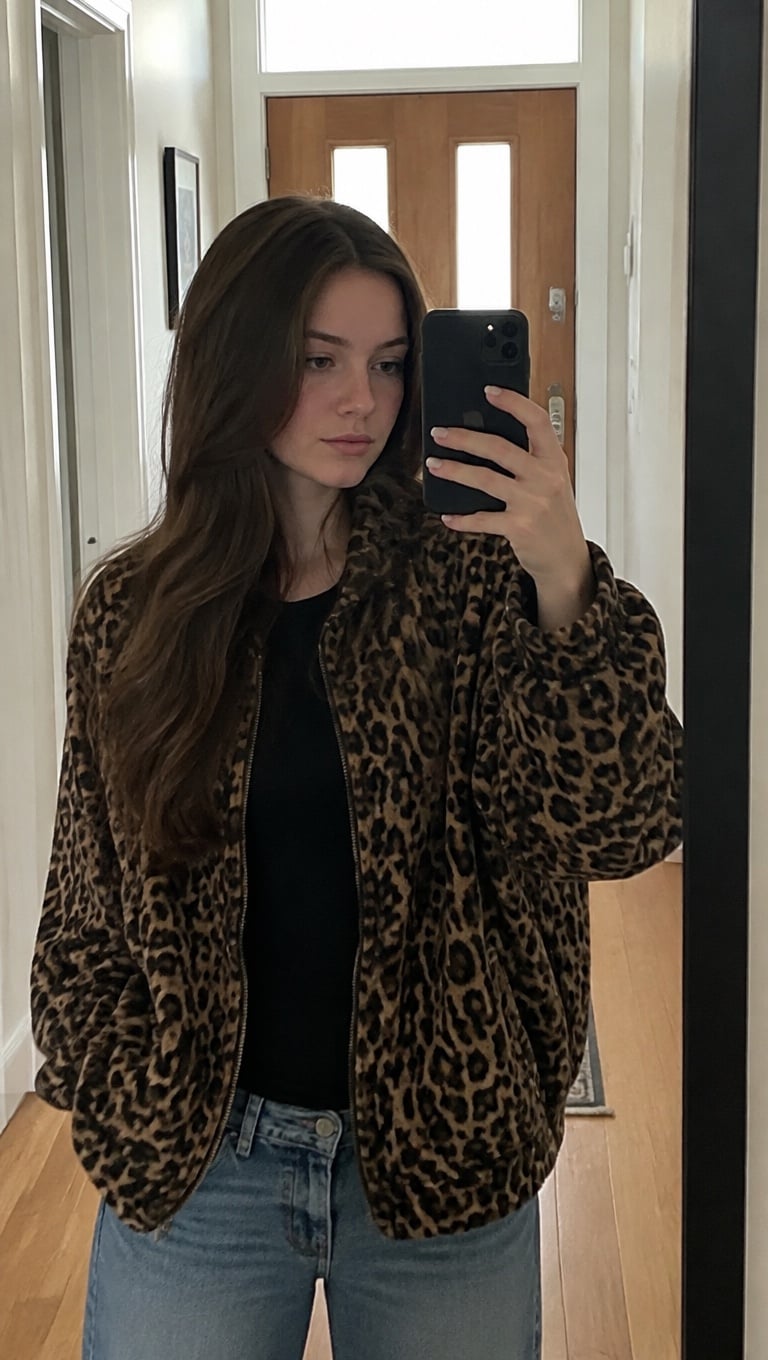
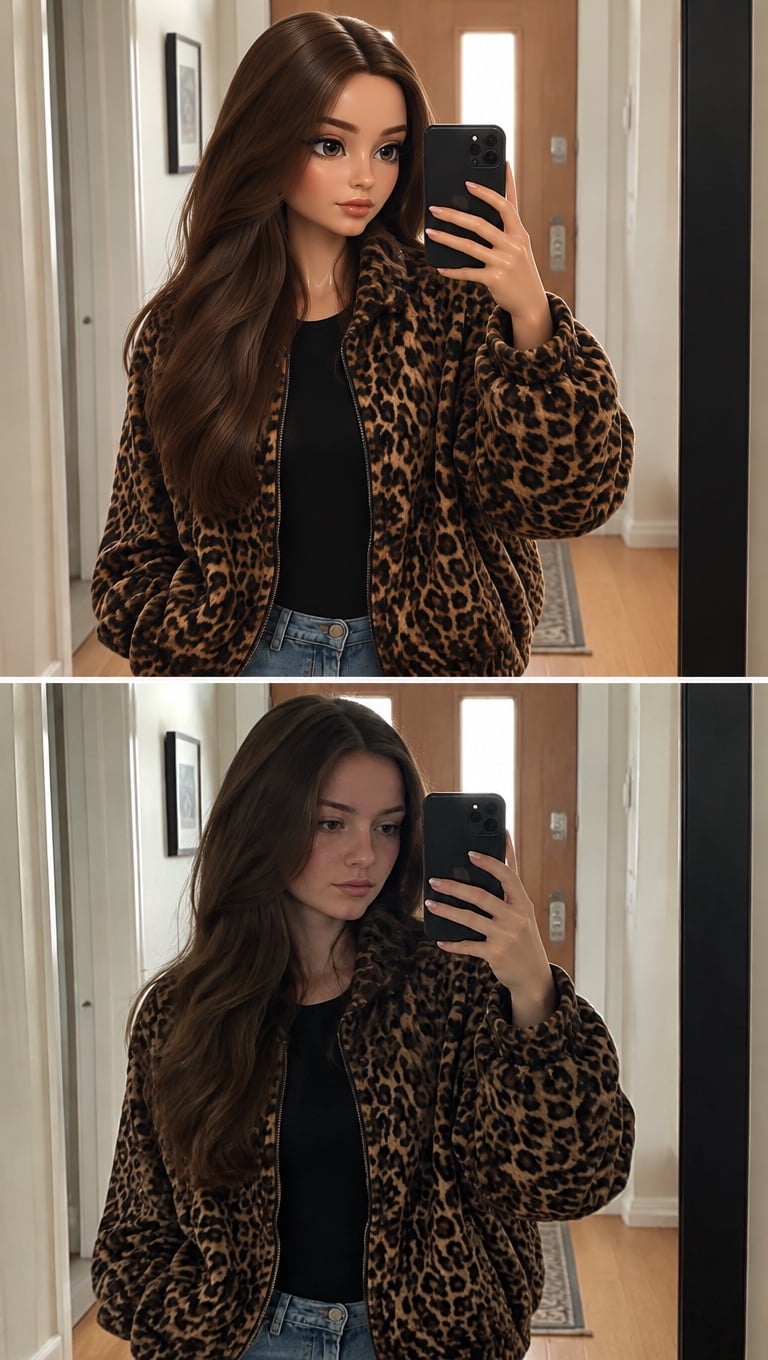
Leopard Mirror Selfie
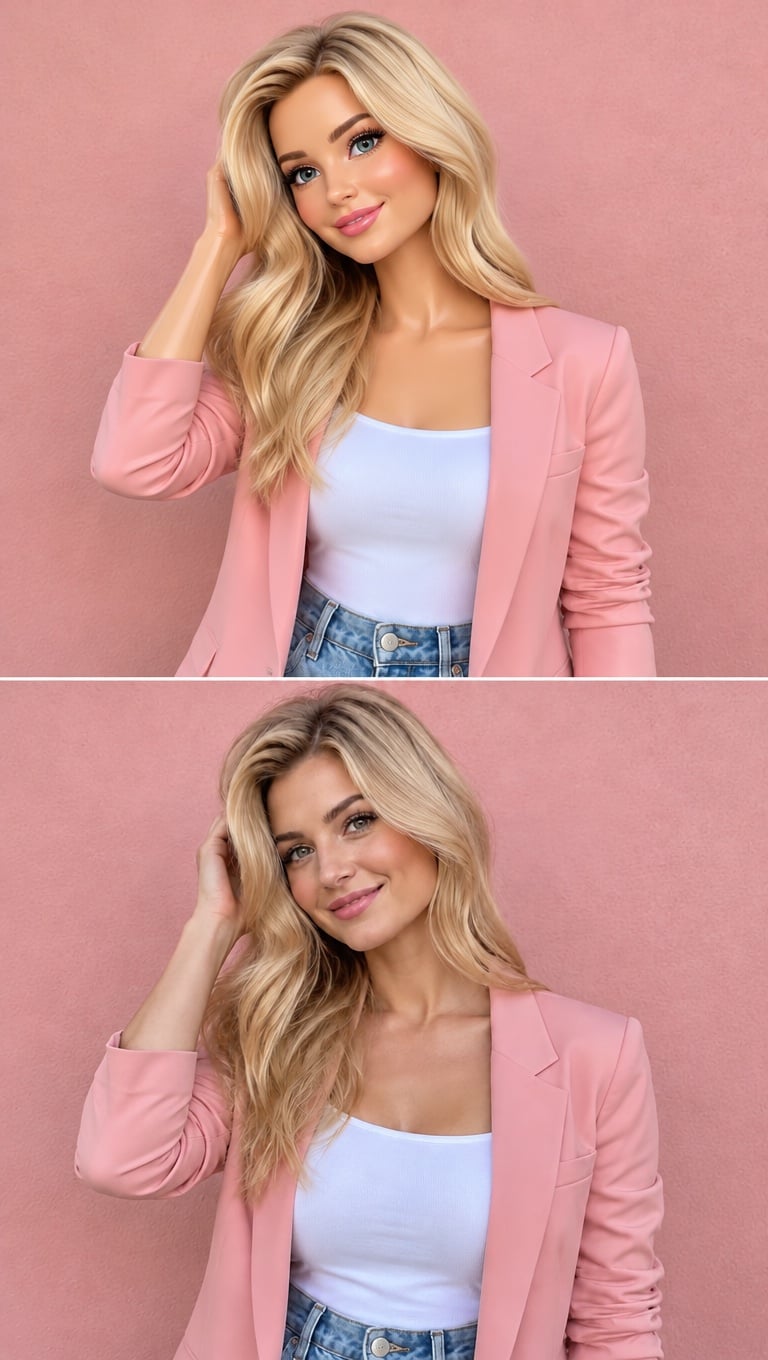
Pink Hair Flip
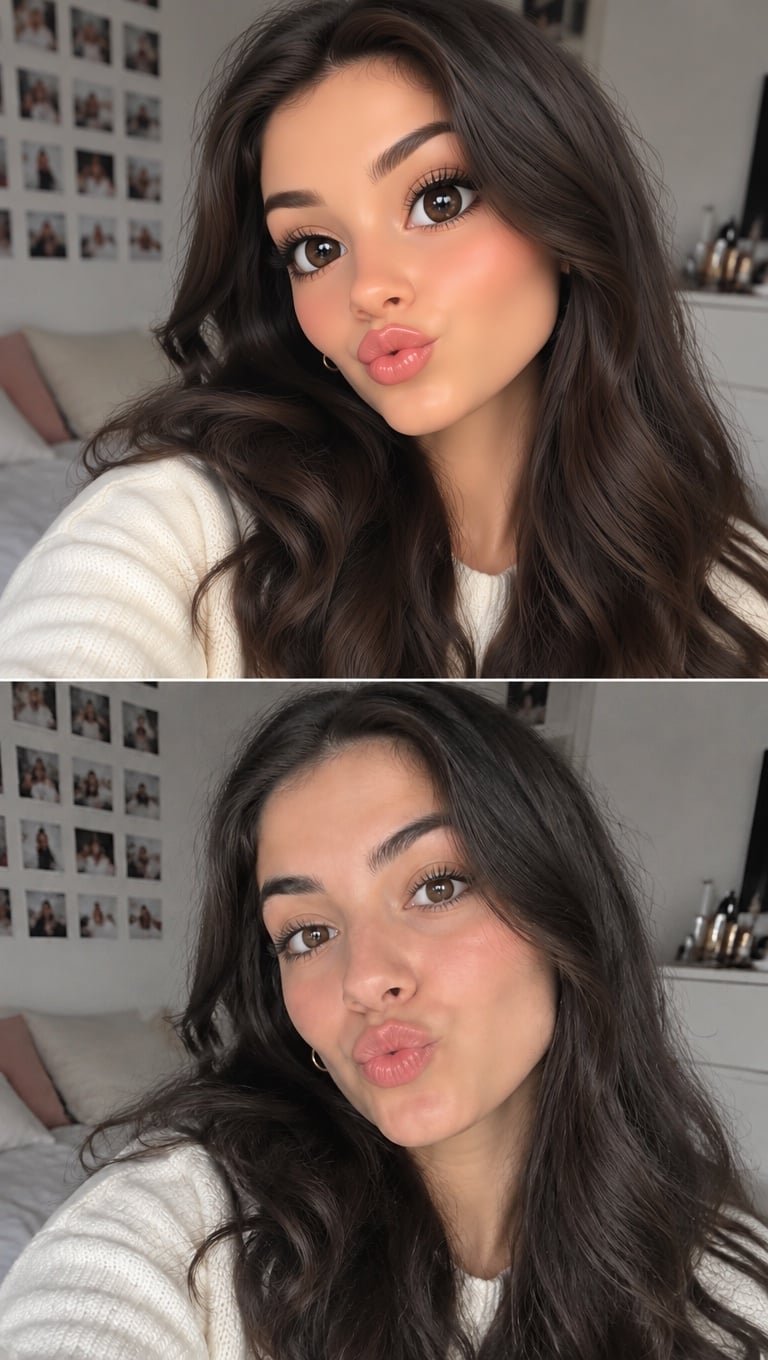
Playful Pout
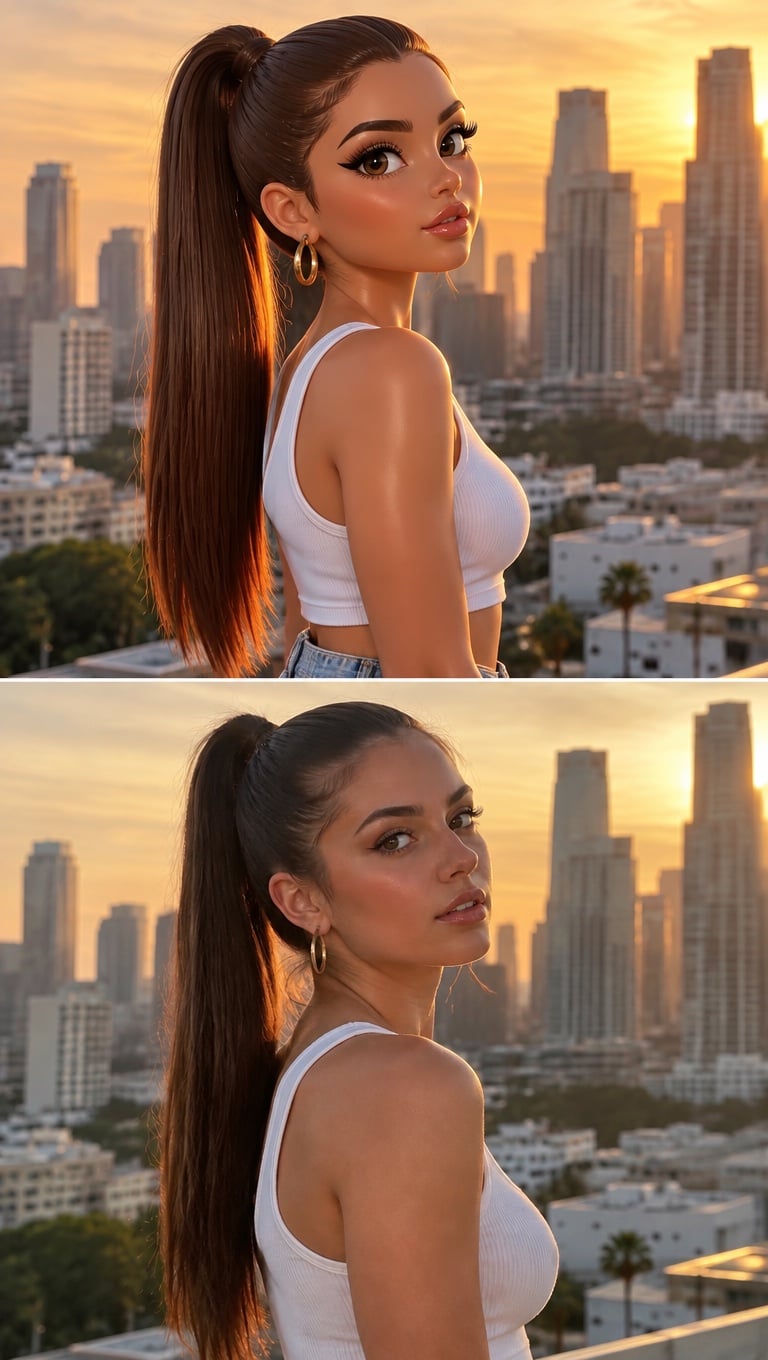
High Ponytail Profile
Upload files
Upload a photo of you to recreate as a doll
Effect prompt
By uploading a file, you agree to GoEnhance's Terms of Use and Privacy Policy
Doll vs Real Life: Results from the Console
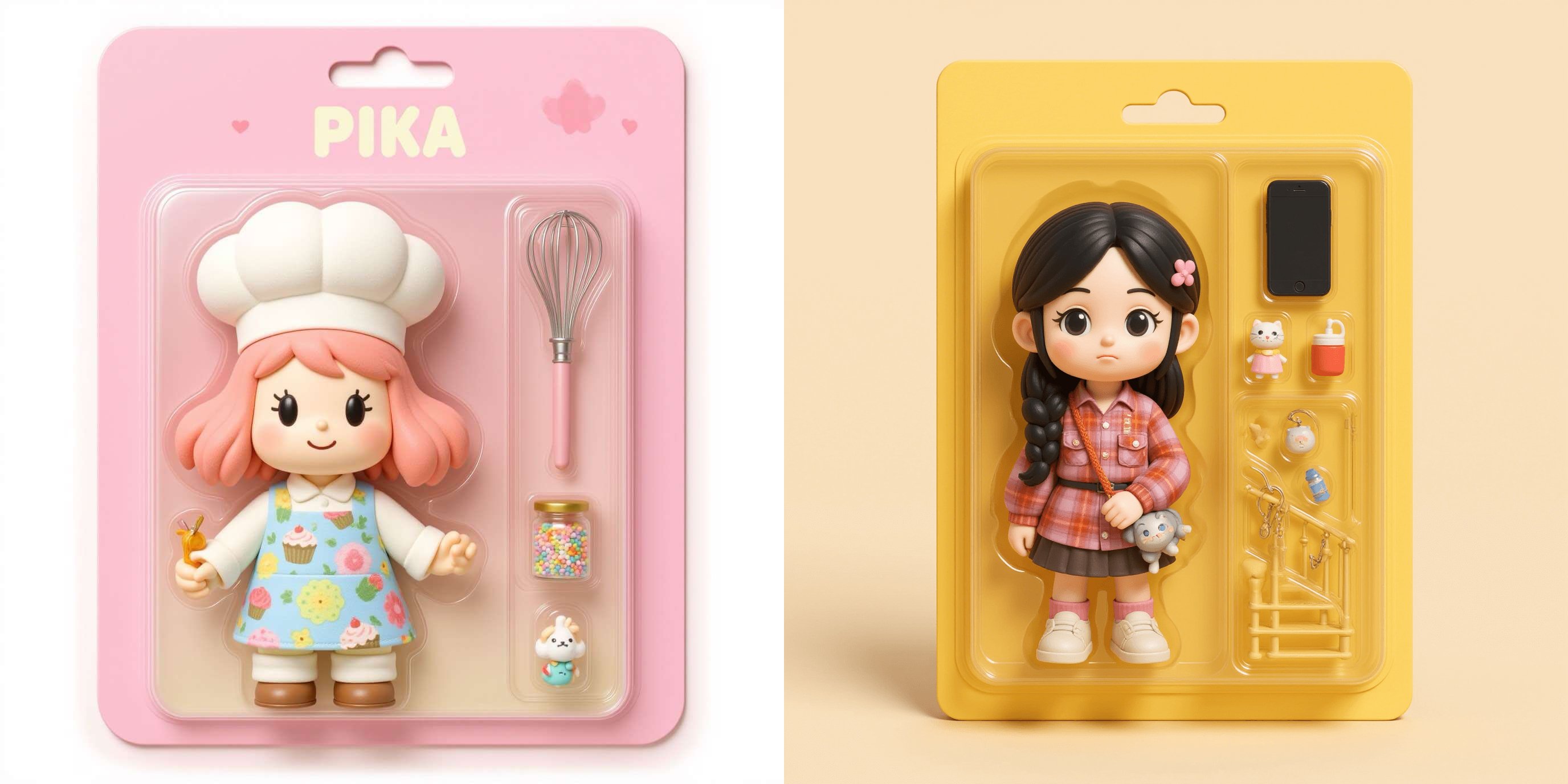
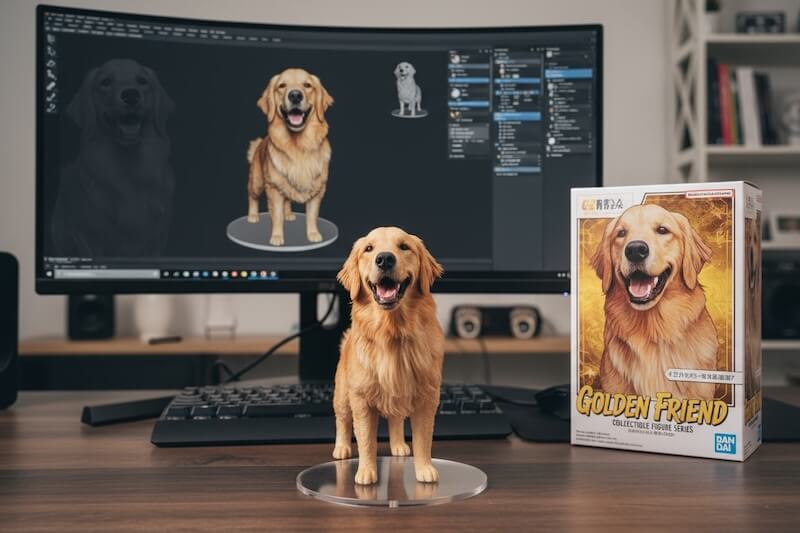
Each frame is one upload. Top: the animated doll version. Bottom: the real photo.
Leopard Mirror Selfie
Pink Hair Flip
Playful Pout
High Ponytail Profile
How to Do the Barbie Slideshow Trend
01
Upload a photo
Pick a clear photo of one person. Mirror selfies, close-ups and side profiles all work.
02
Generate the split frame
The doll-vs-real prompt is already filled in. Press the button and the AI builds both panels.
03
Make the slideshow
Repeat with 3–5 photos and post them in order as a TikTok or Instagram slideshow.
Why Make Your Barbie Slideshow Here
The real trend format
One vertical frame, animated doll on top and real life below, ready for a 9:16 slideshow.
It copies your look
The doll keeps your pose, outfit, hair color, makeup and background, so the match is obvious.
Any pose works
Mirror selfies, pouts, hair flips, side profiles: the four examples above are a good start.
Free to try
New accounts get free credits, so you can make your first frames without paying.