
AI Ghost Filter: Turn Yourself into a Ghost
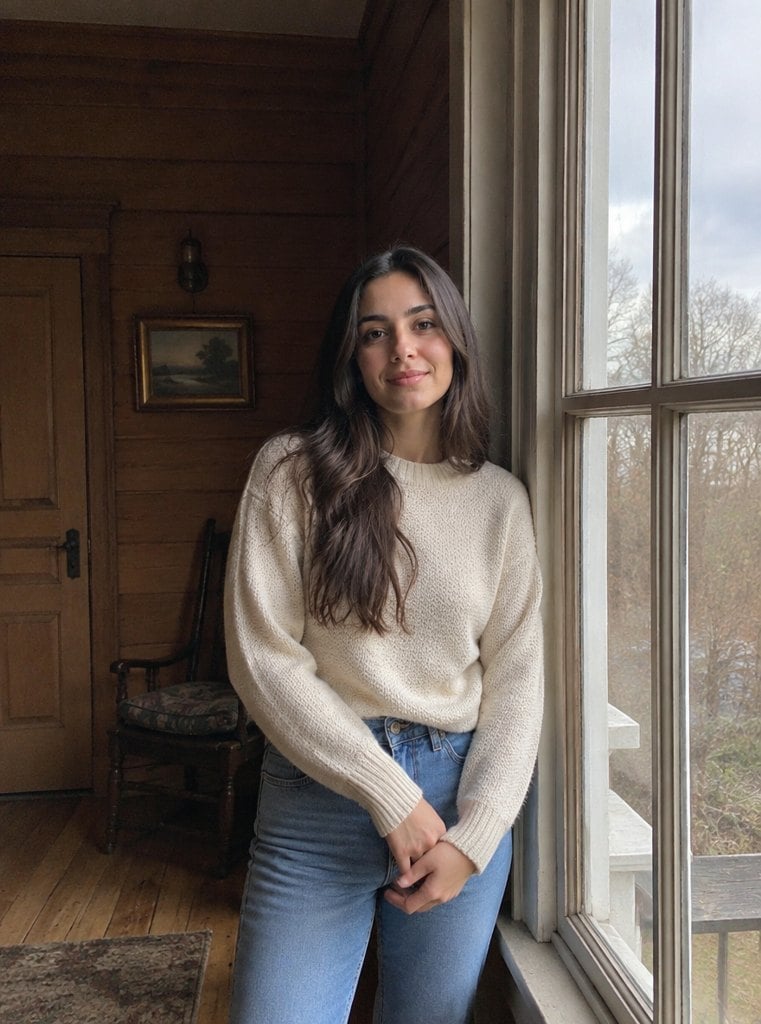
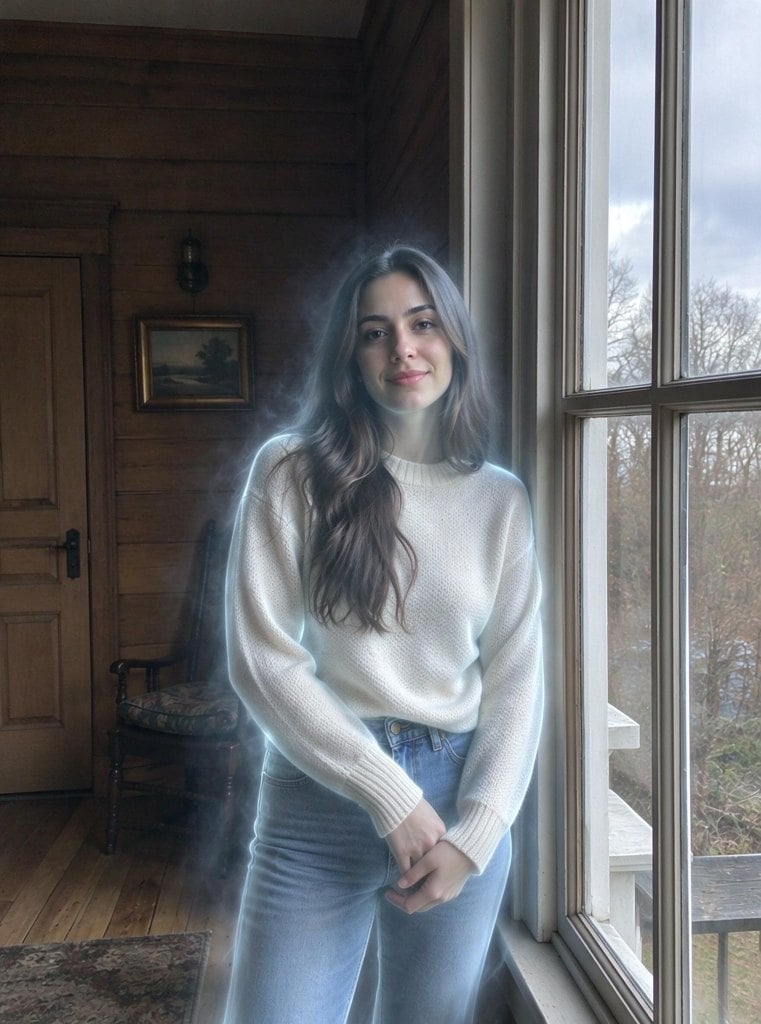
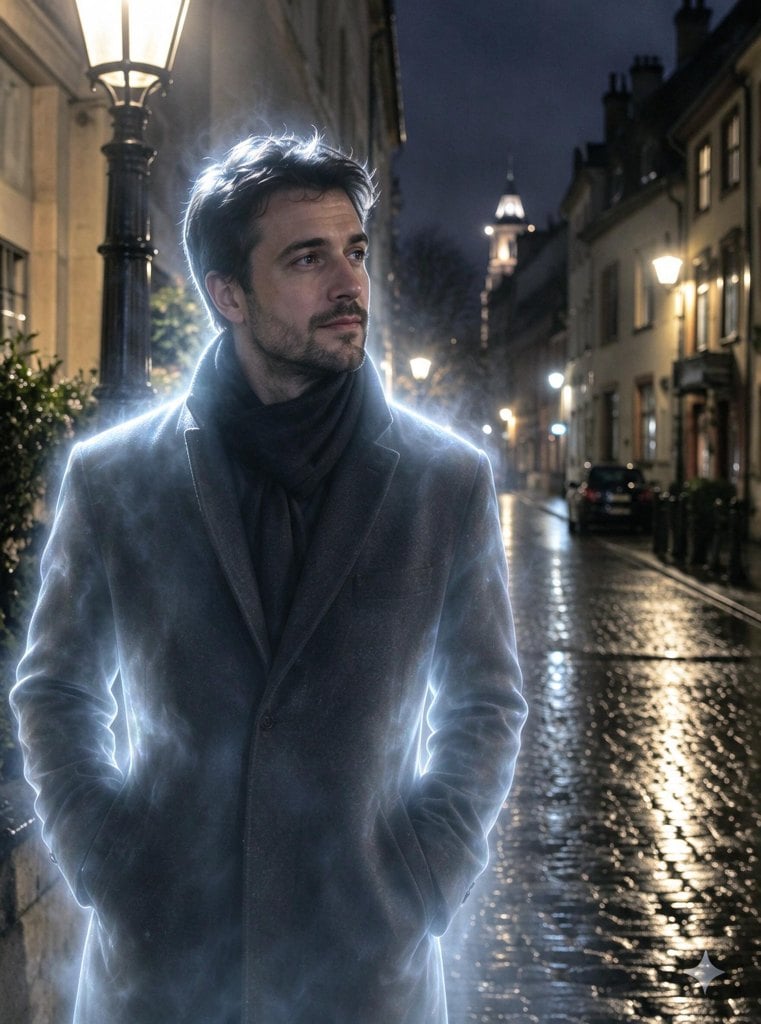
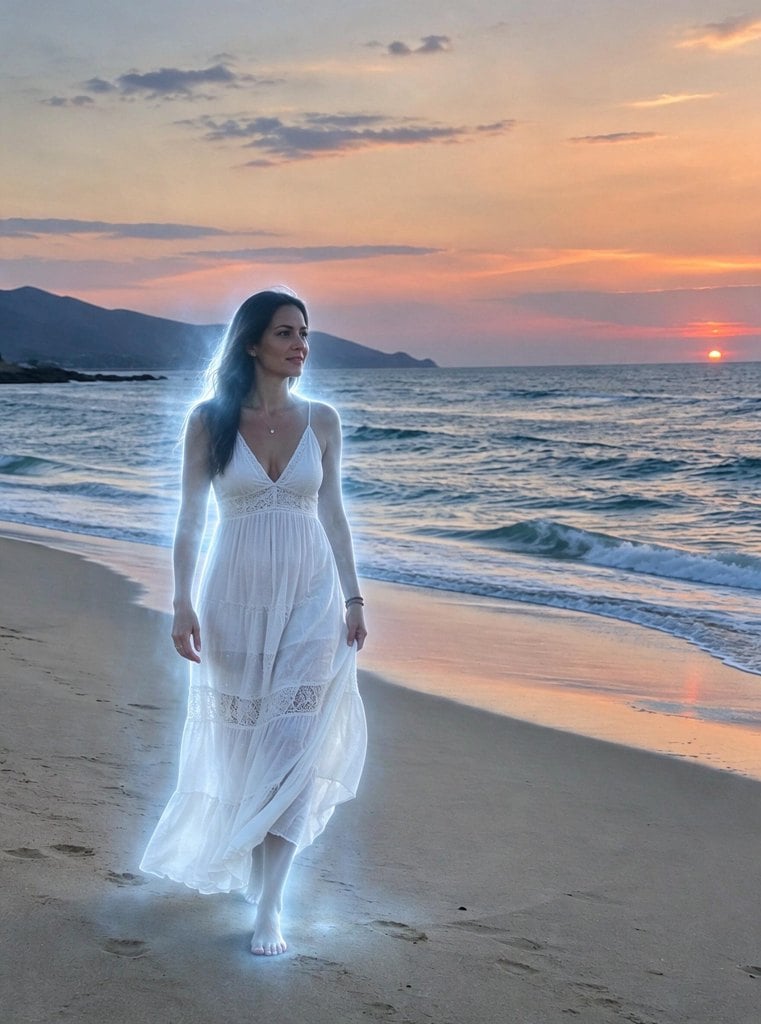
Before and After: AI Ghost Filter
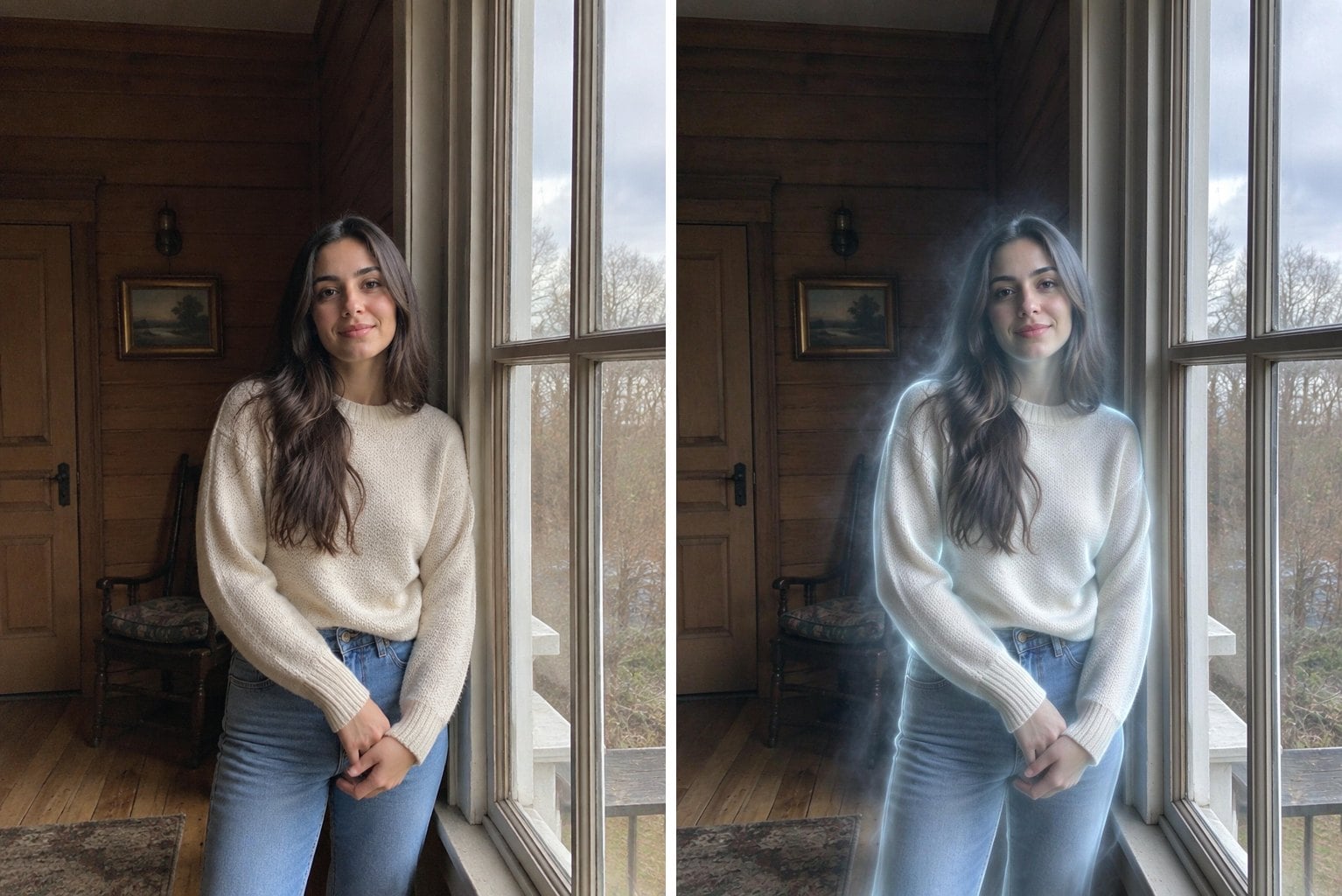
Old House Window
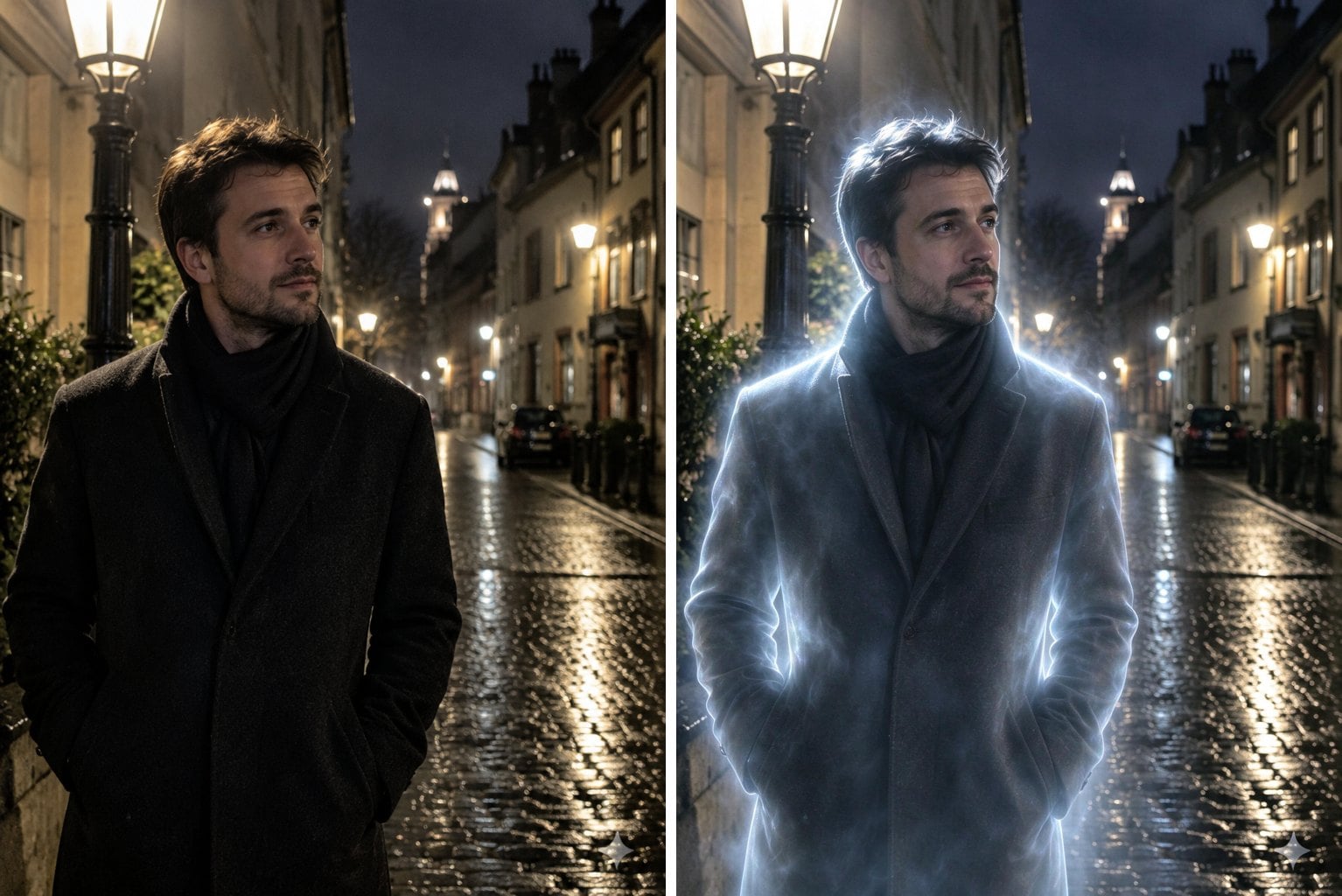
Rainy Night Street
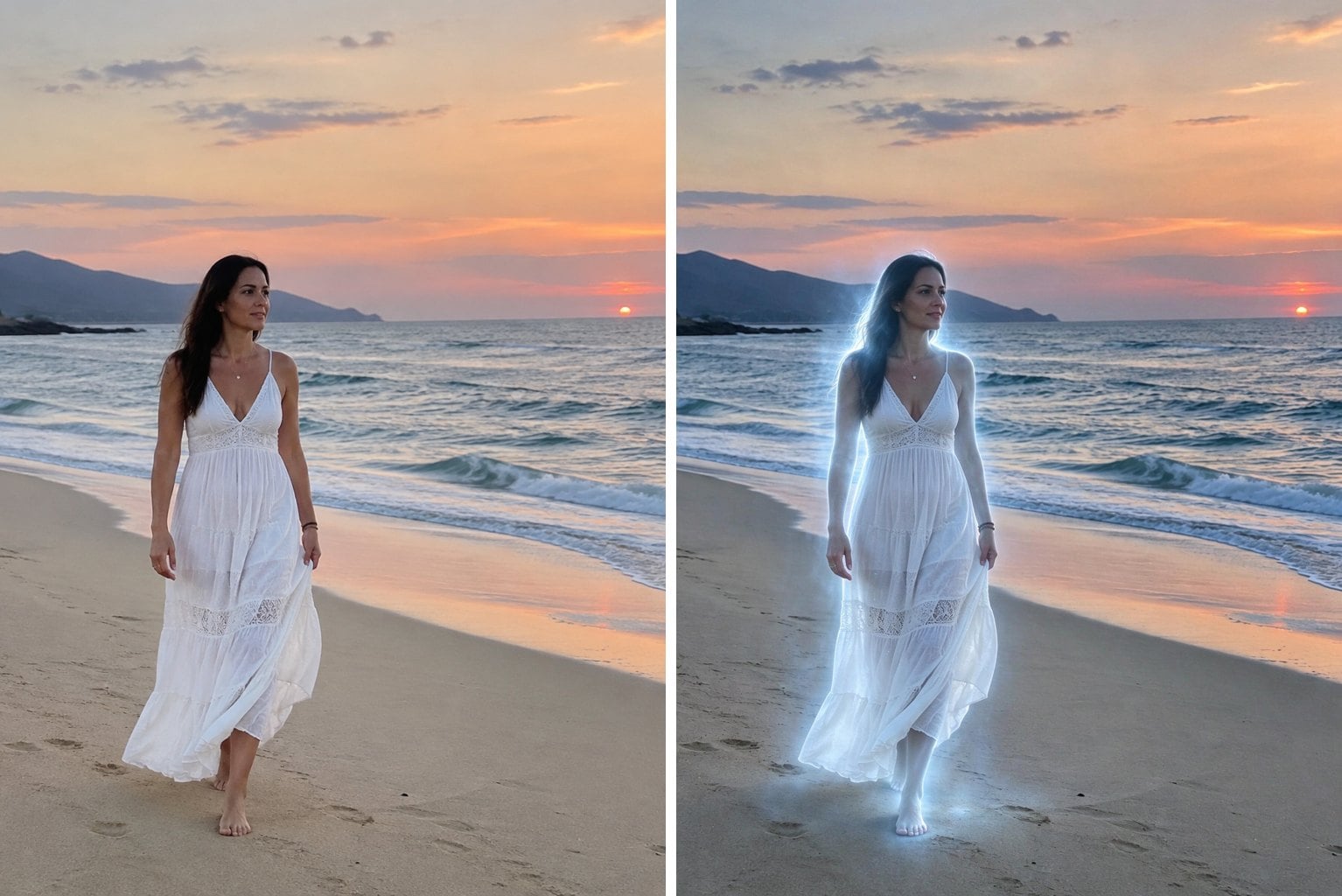
Beach at Dusk
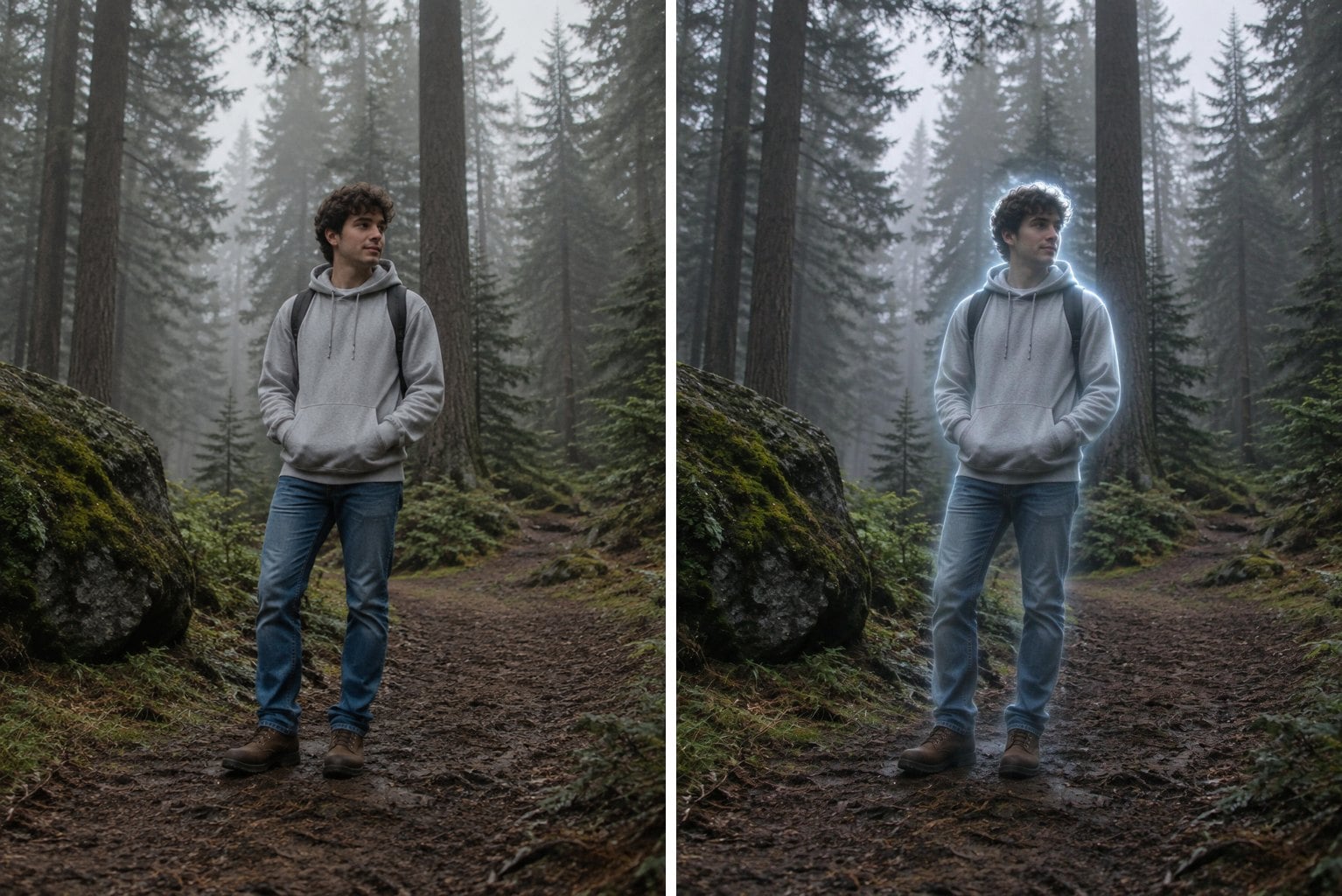
Misty Forest
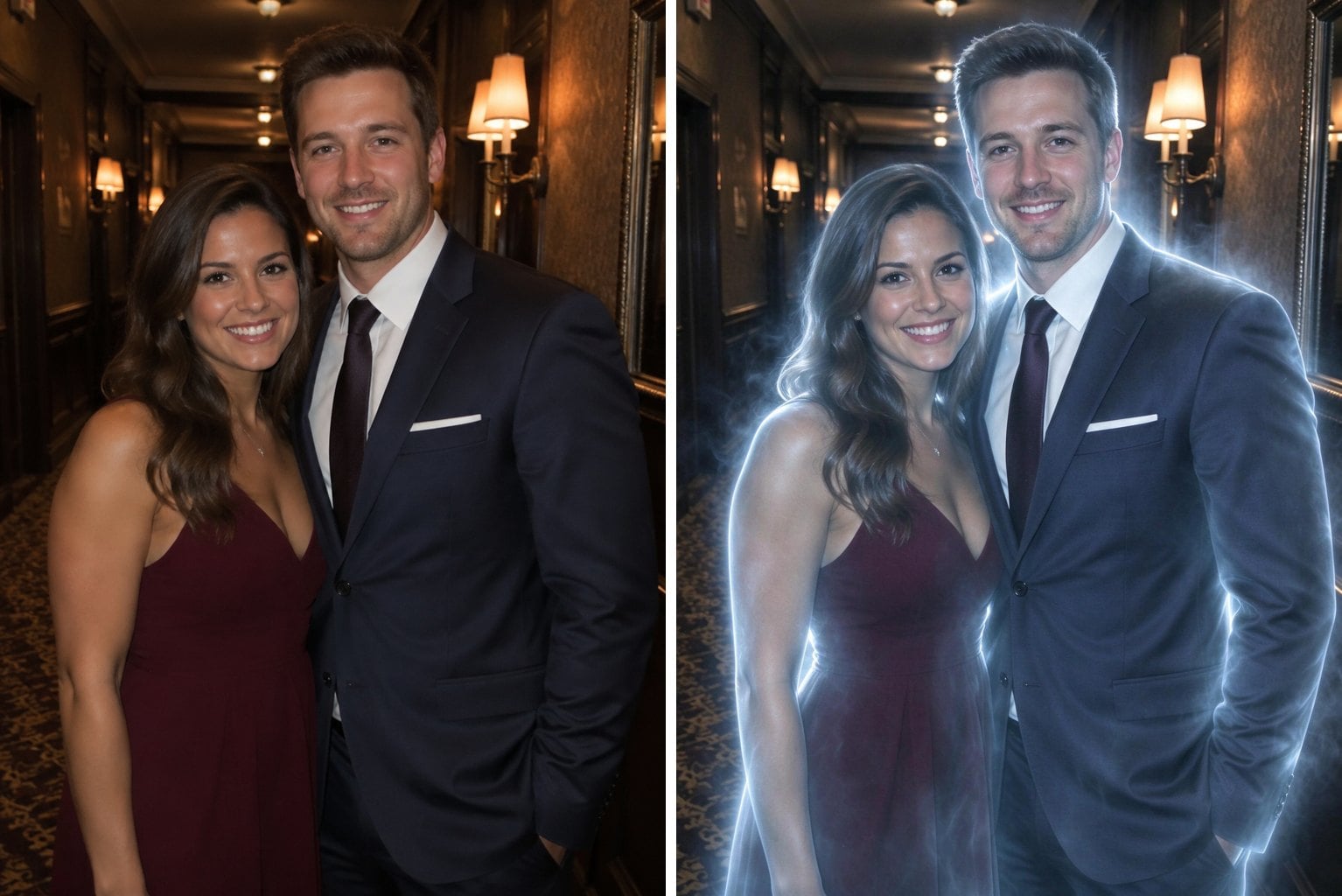
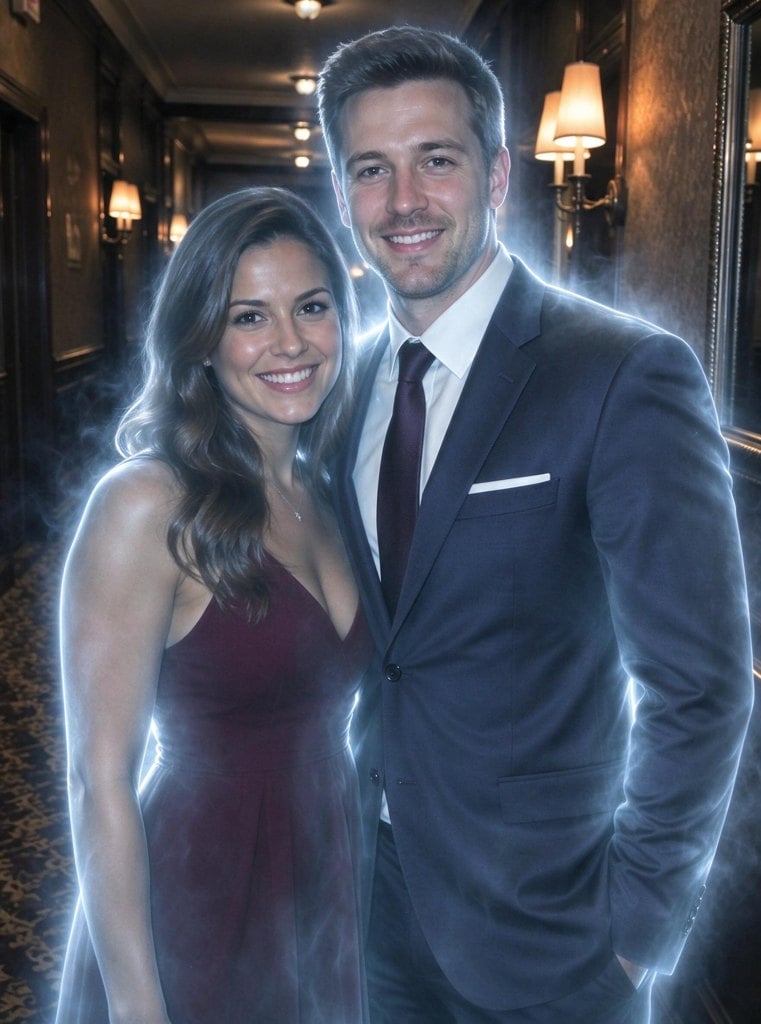
Hotel Hallway Couple
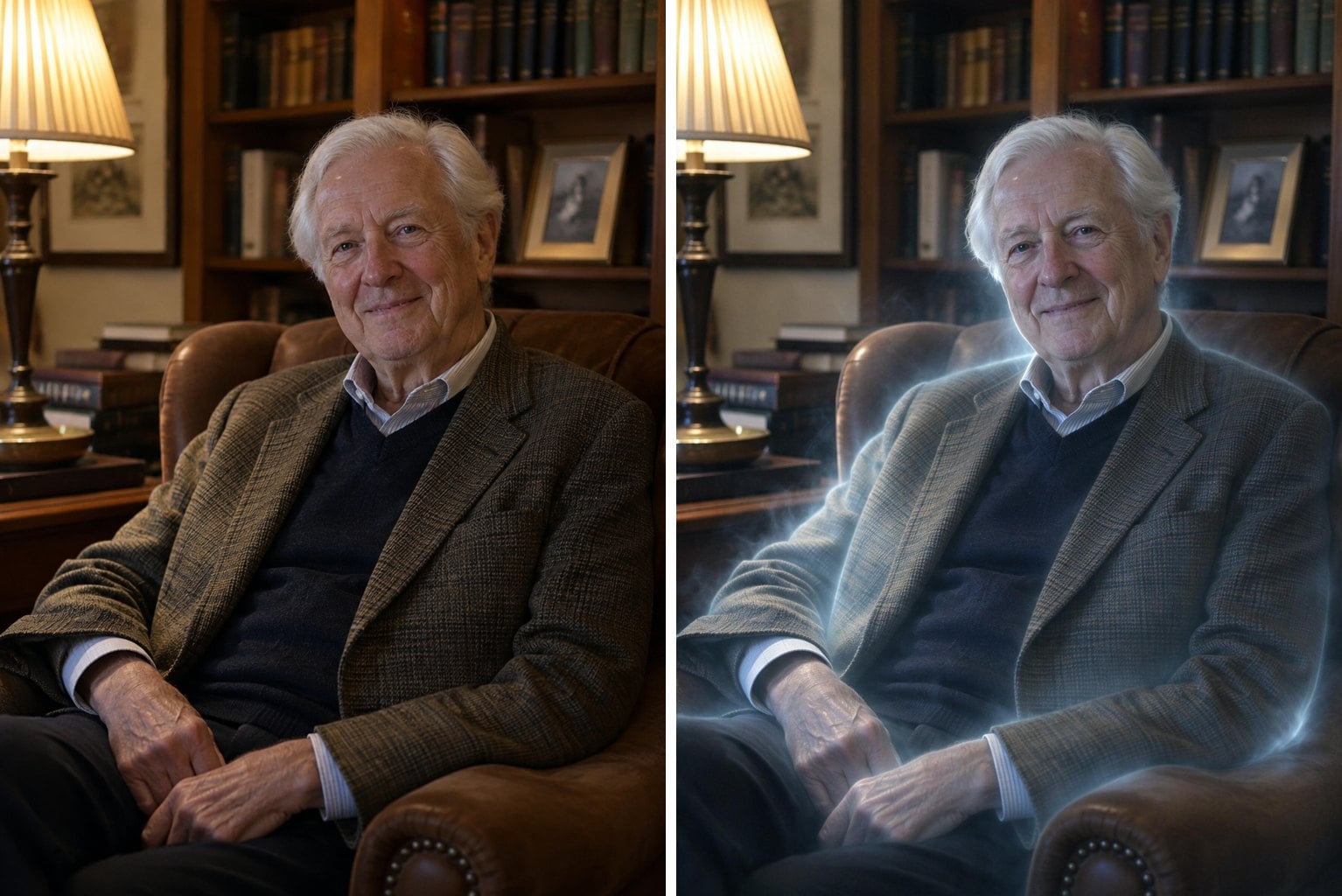
Library Armchair
How to Use the AI Ghost Filter
Upload a photo
Pick a photo where the person is clearly visible. Portraits, full-body shots and couple photos all work.
Apply the ghost filter
The ghost prompt is already filled in. Click the button, or edit the prompt to make the glow stronger or the mist thicker.
Download and share
Save your haunted photo for Halloween posts, profile pictures or a spooky story.
Why Use This AI Ghost Filter
Still looks like you
Cinematic, not cheesy
Scene stays the same
Ready for Halloween
More Spooky Photo Effects
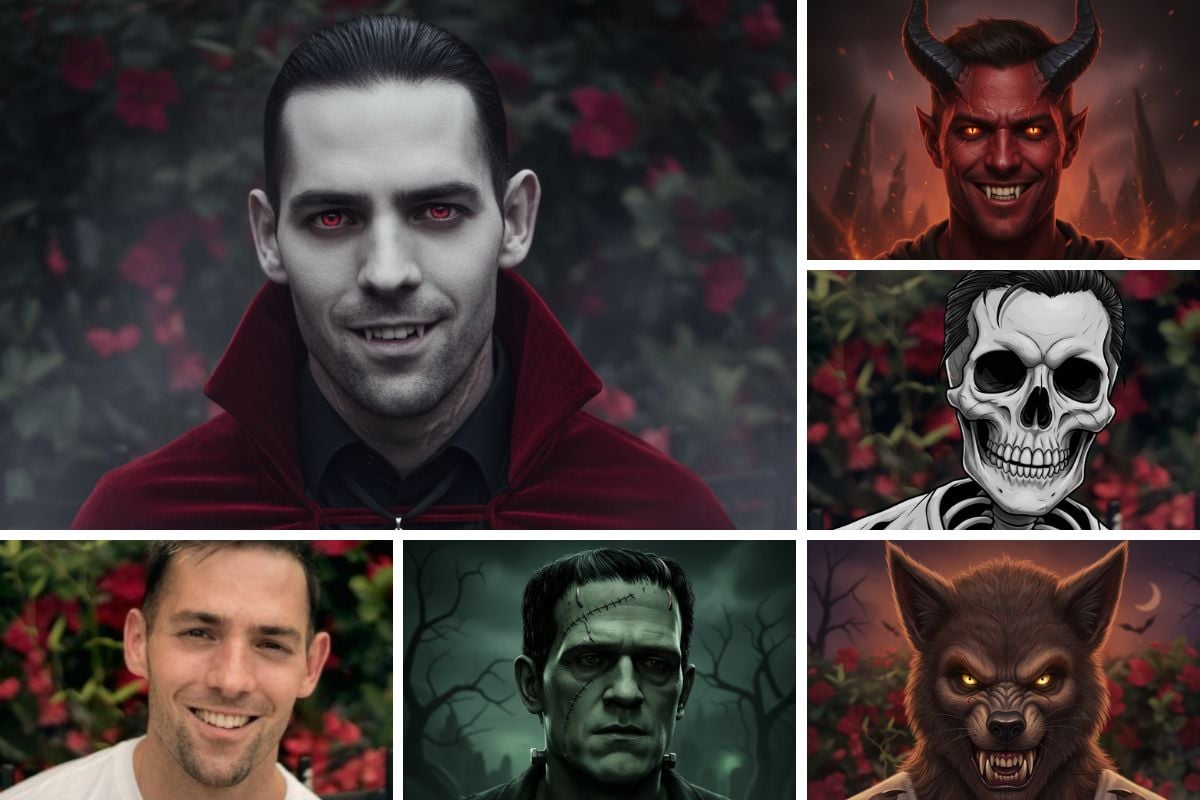
AI Halloween Avatar Generator
Create a personalized Halloween avatar in seconds. Turn portraits into vampire, witch, skeleton, pumpkin, demon, or werewolf looks—perfect for social sharing.
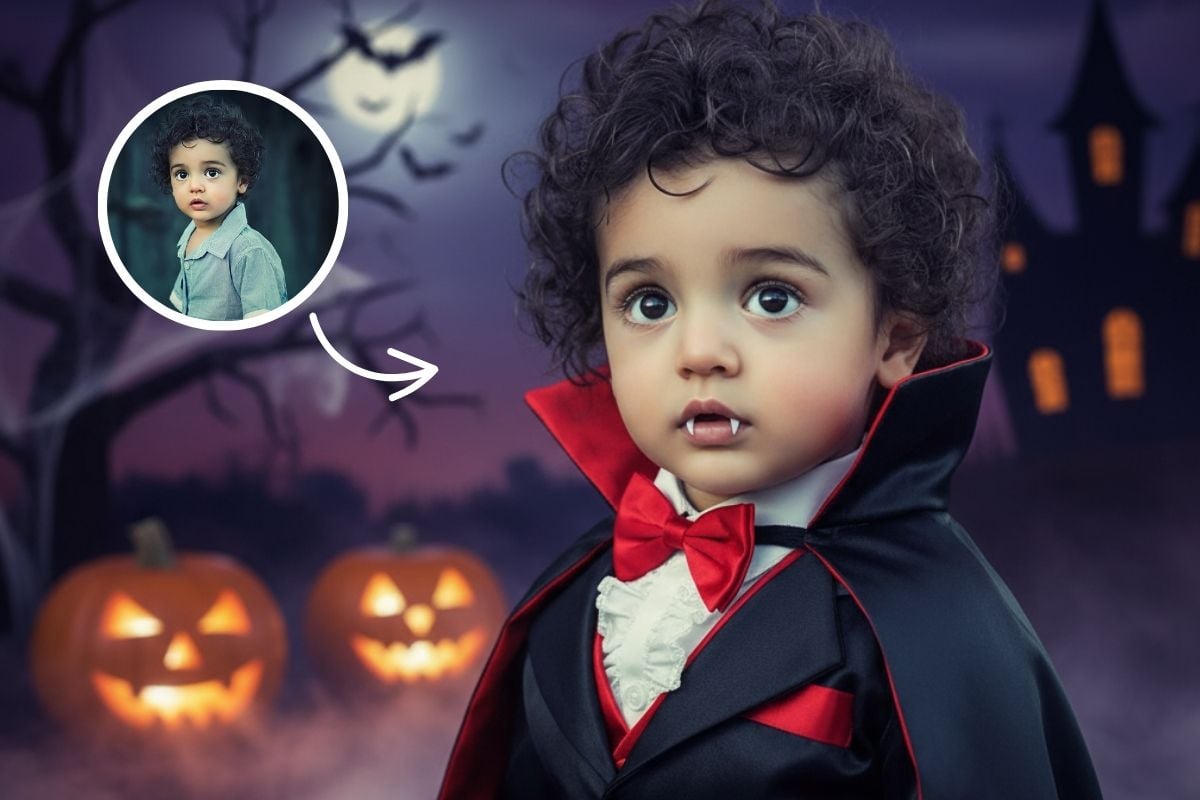
Halloween Costume Generator
Generate fun and realistic looks with our free AI Halloween costume generator. Try vampire, witch or custom styles for instant Halloween costume ideas from one photo.
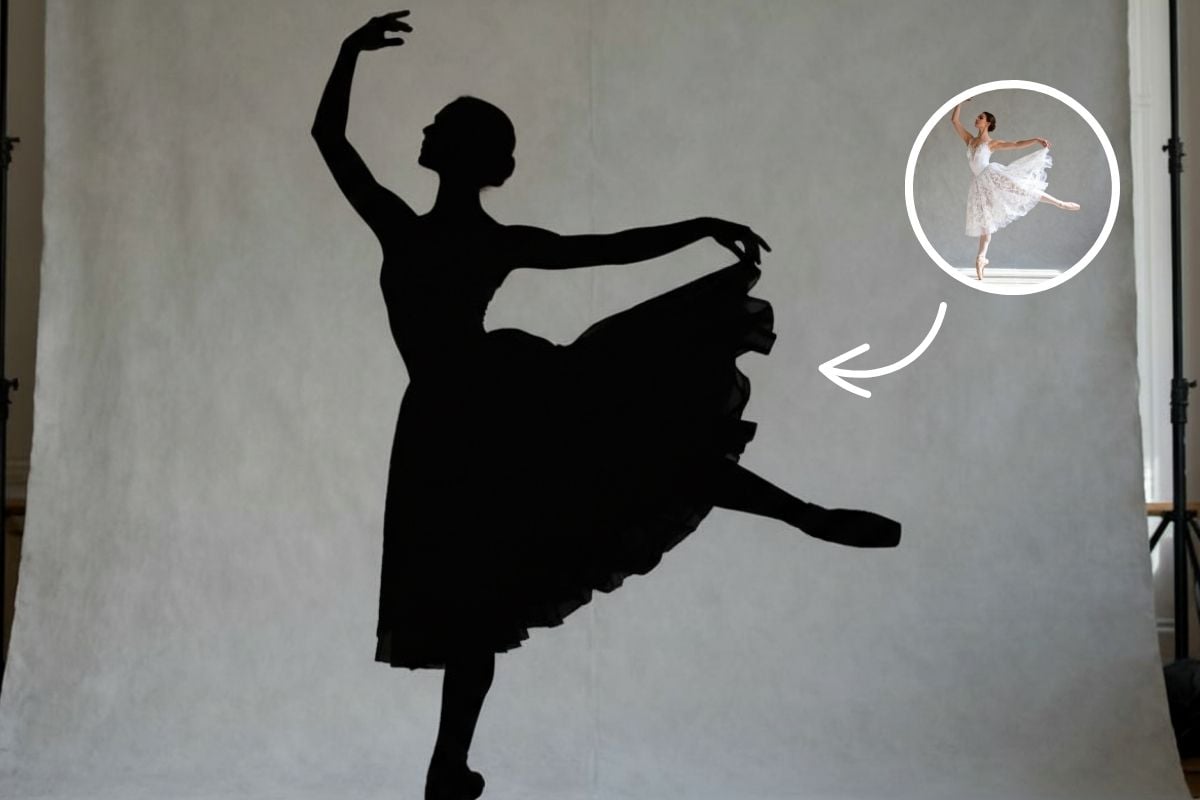
AI Silhouette Maker
Use GoEnhance AI’s free silhouette maker to turn any photo into a clean black outline instantly. Fast, simple, and realistic silhouette generator online.
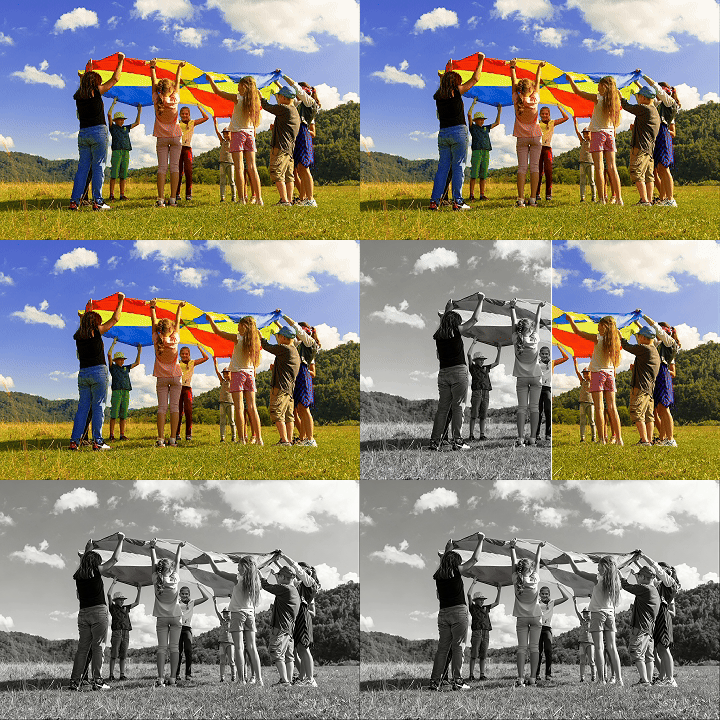
Black and White Filter
Upload a picture and make photo black and white in one click. Use black and white filter to convert image with clean contrast and timeless monochrome style.
Frequently Asked Questions
What does the AI ghost filter do?
Will I still be recognizable?
Does it work on group or couple photos?
Can I make the effect stronger or more subtle?
Which model does it use?
Can I use other people's photos?
Turn Your Photo into a Ghost
Upload a photo and get a haunted version of it in seconds.
Try the Ghost Filter