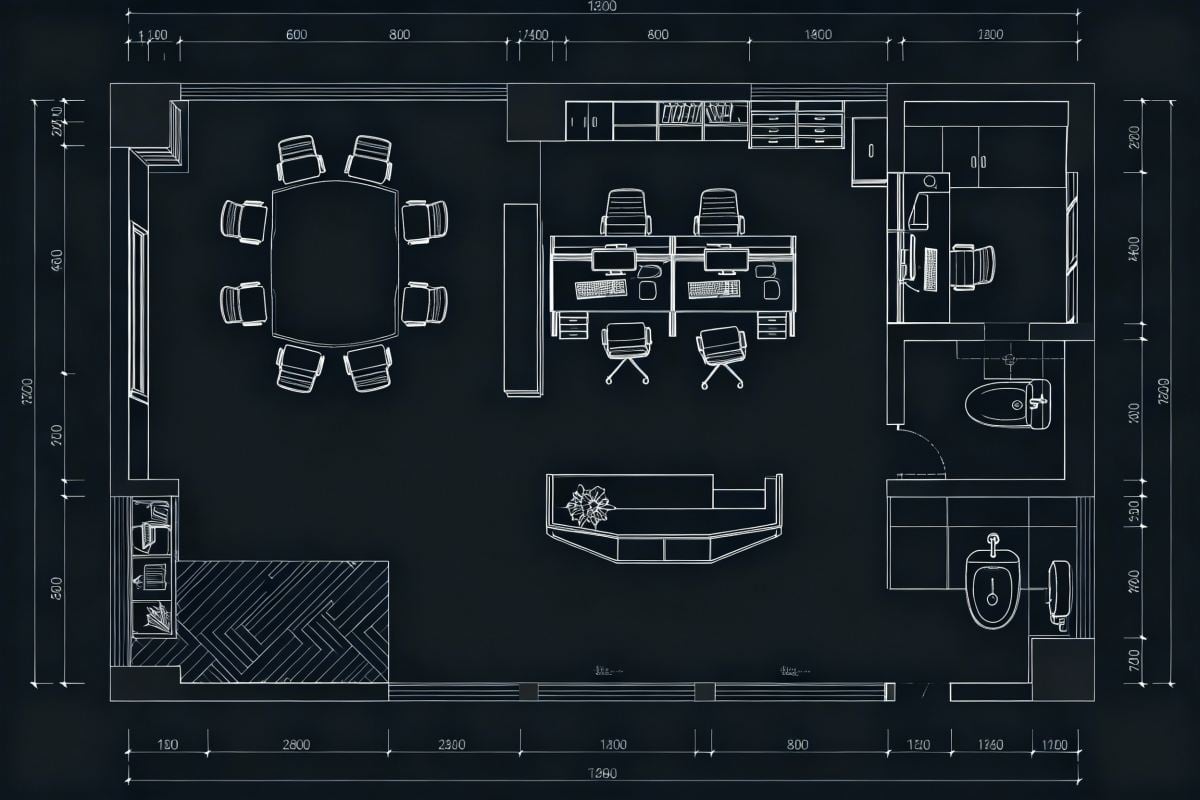
AI Interior Design: Redesign Any Room from a Photo
Upload a photo of your living room, bedroom, kitchen or office and describe the style you want. The AI replaces furniture, colors and decor while keeping the room's layout, windows and camera angle, so you can compare ideas before you buy or renovate. The console below runs on GoEnhance 2.0 Lite.
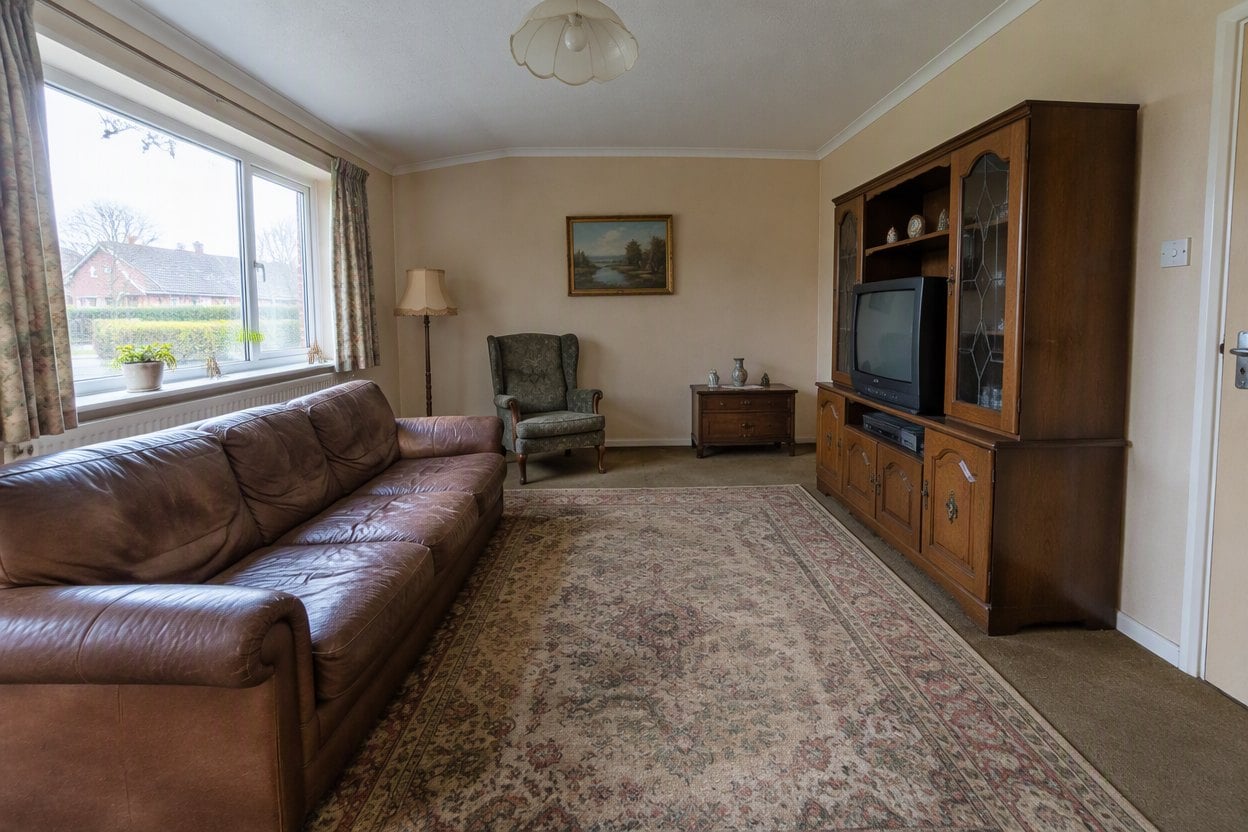
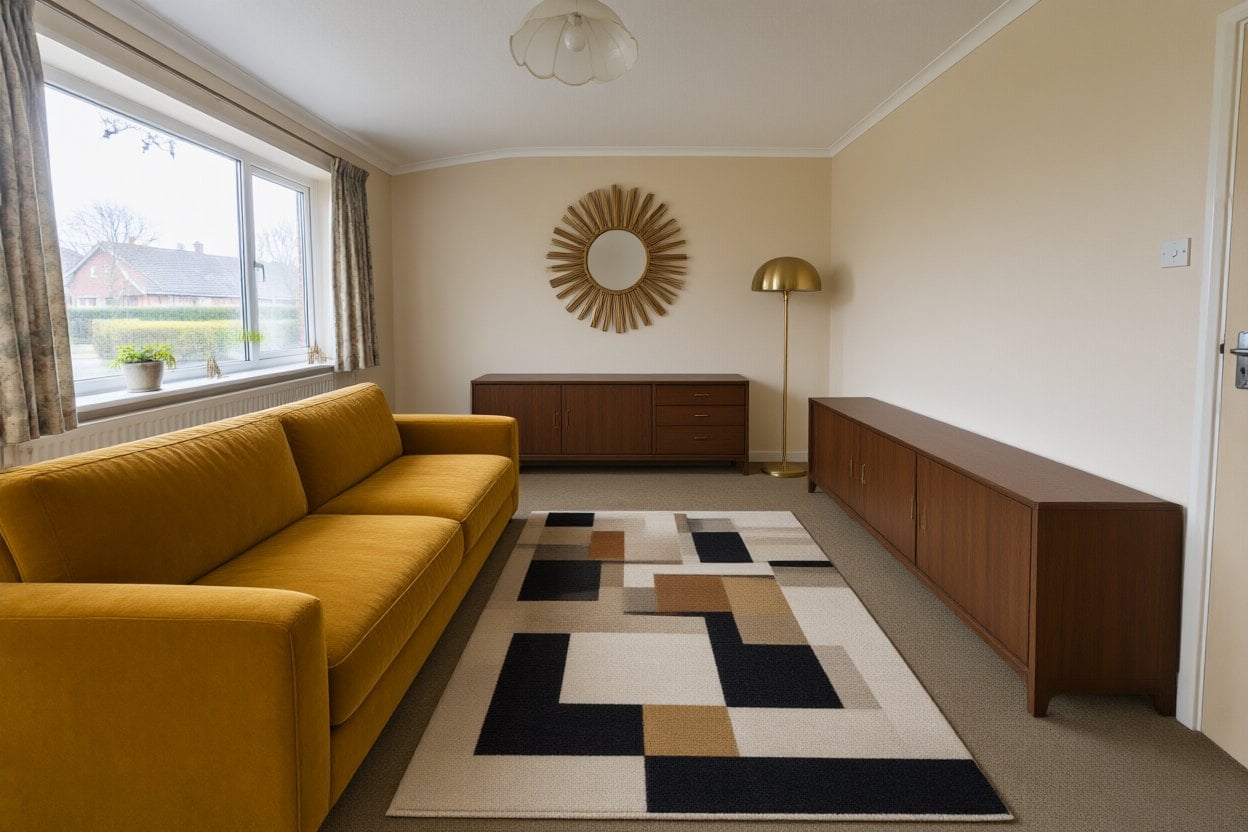
Mid-Century Living Room
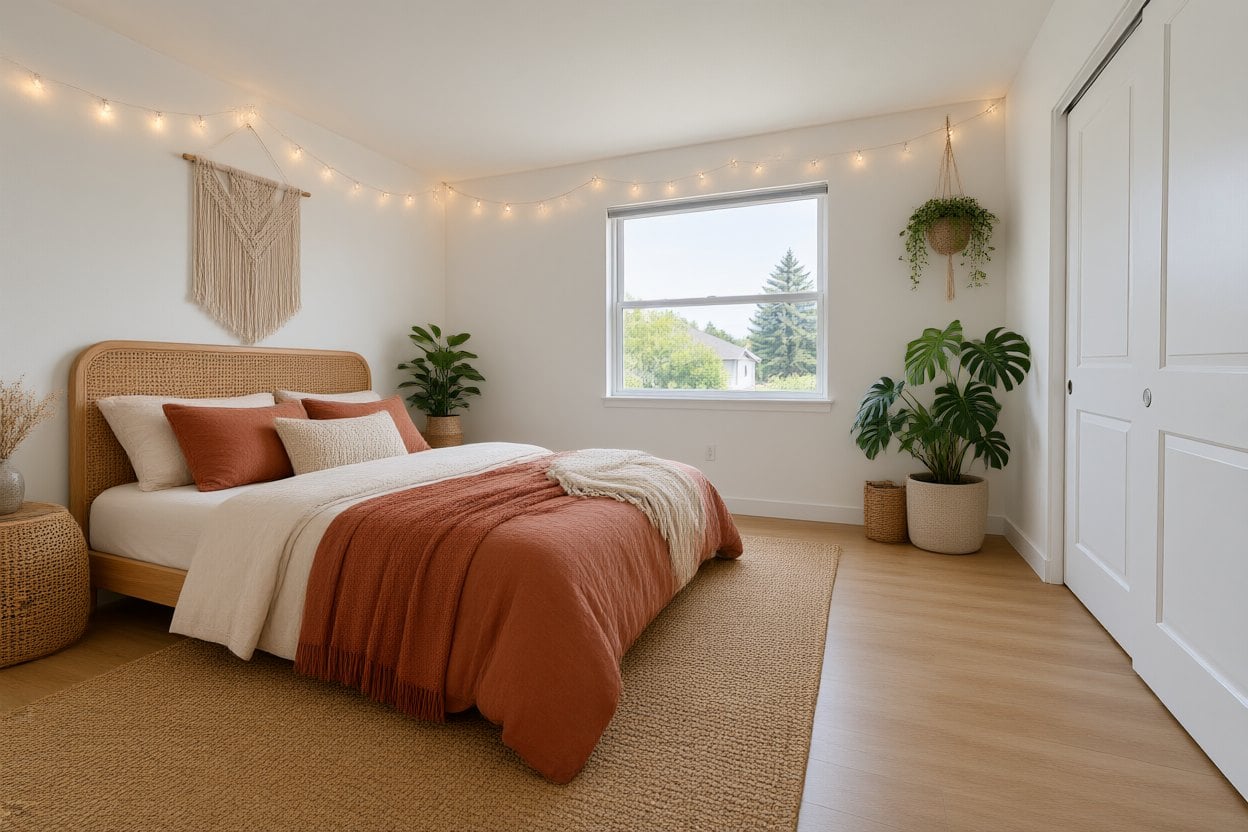
Boho Bedroom
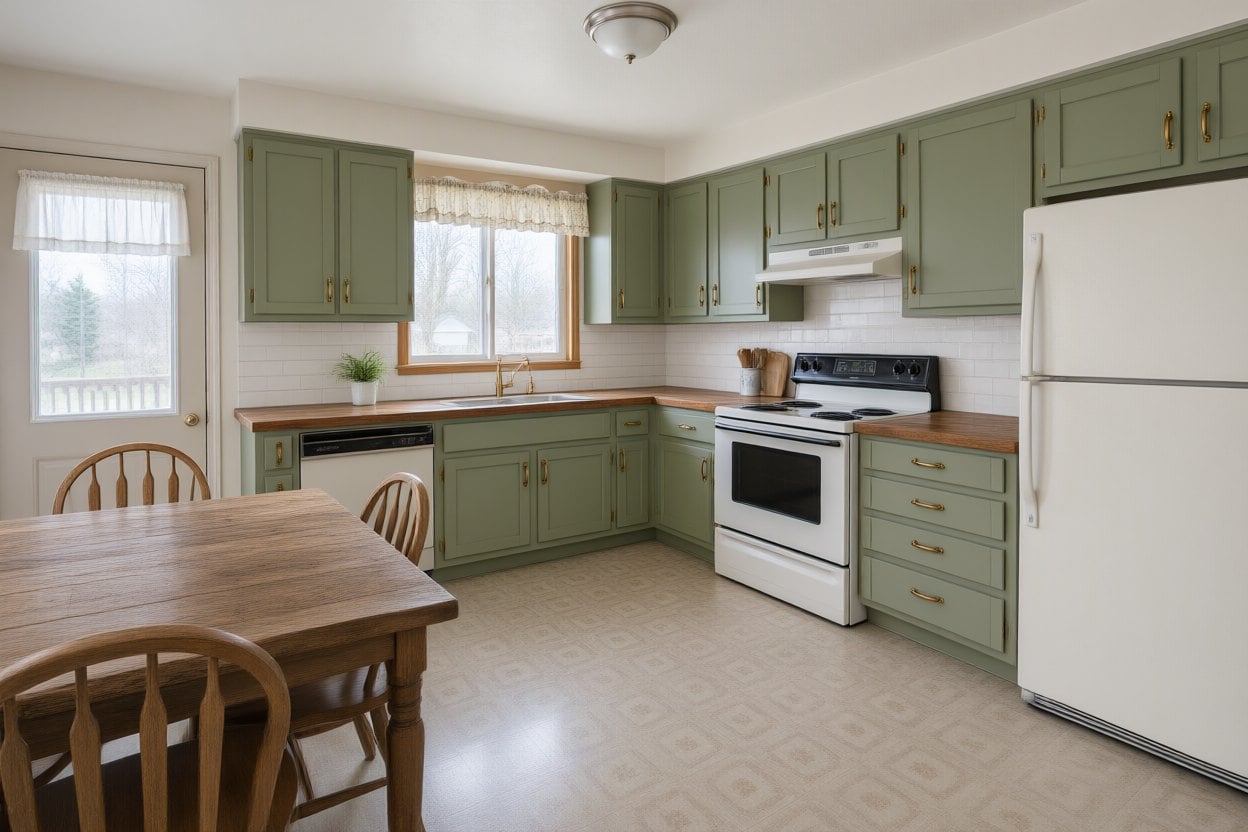
Modern Farmhouse Kitchen
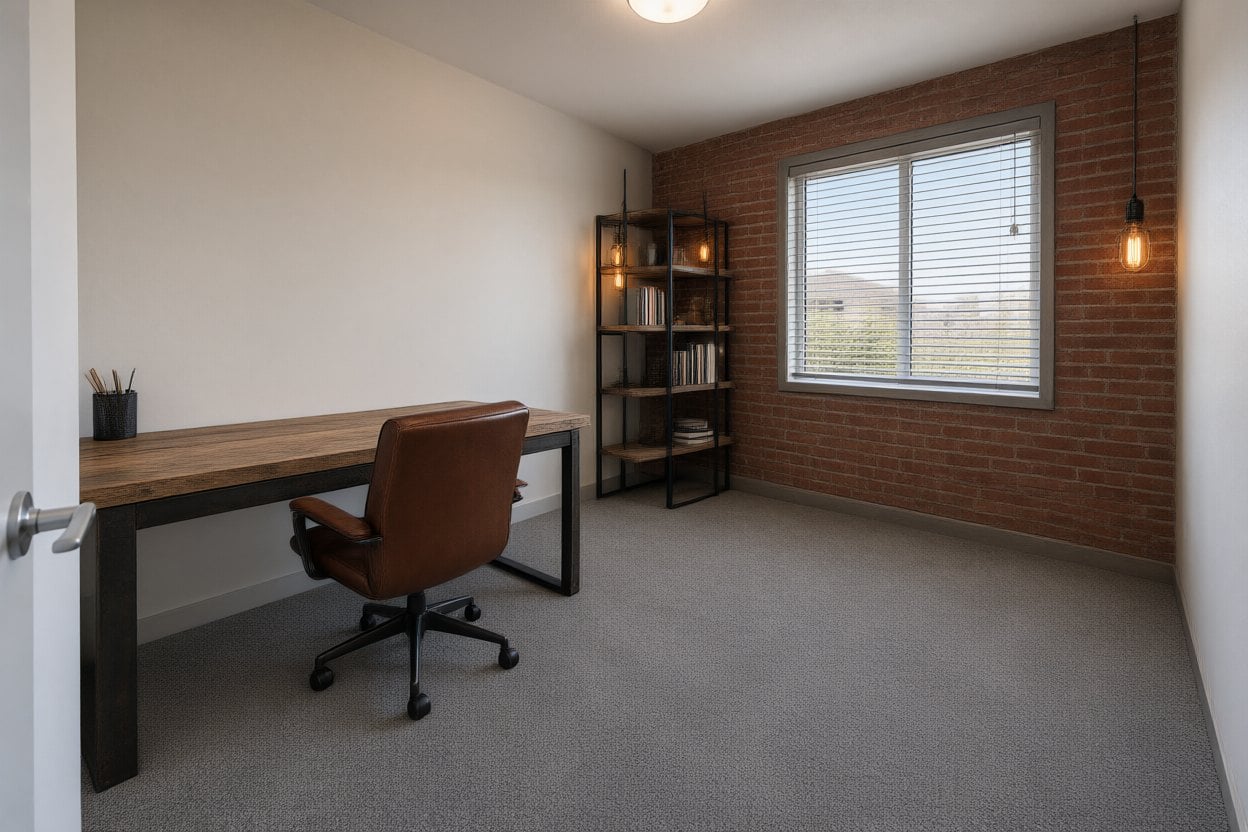
Industrial Home Office
Upload files
Upload a photo of your room
Describe the new style
By uploading a file, you agree to GoEnhance's Terms of Use and Privacy Policy
AI Interior Design Examples: One Room, Different Styles
Each pair starts from the same photo. Only furniture, materials and decor change — the room's layout, windows and camera angle stay put.
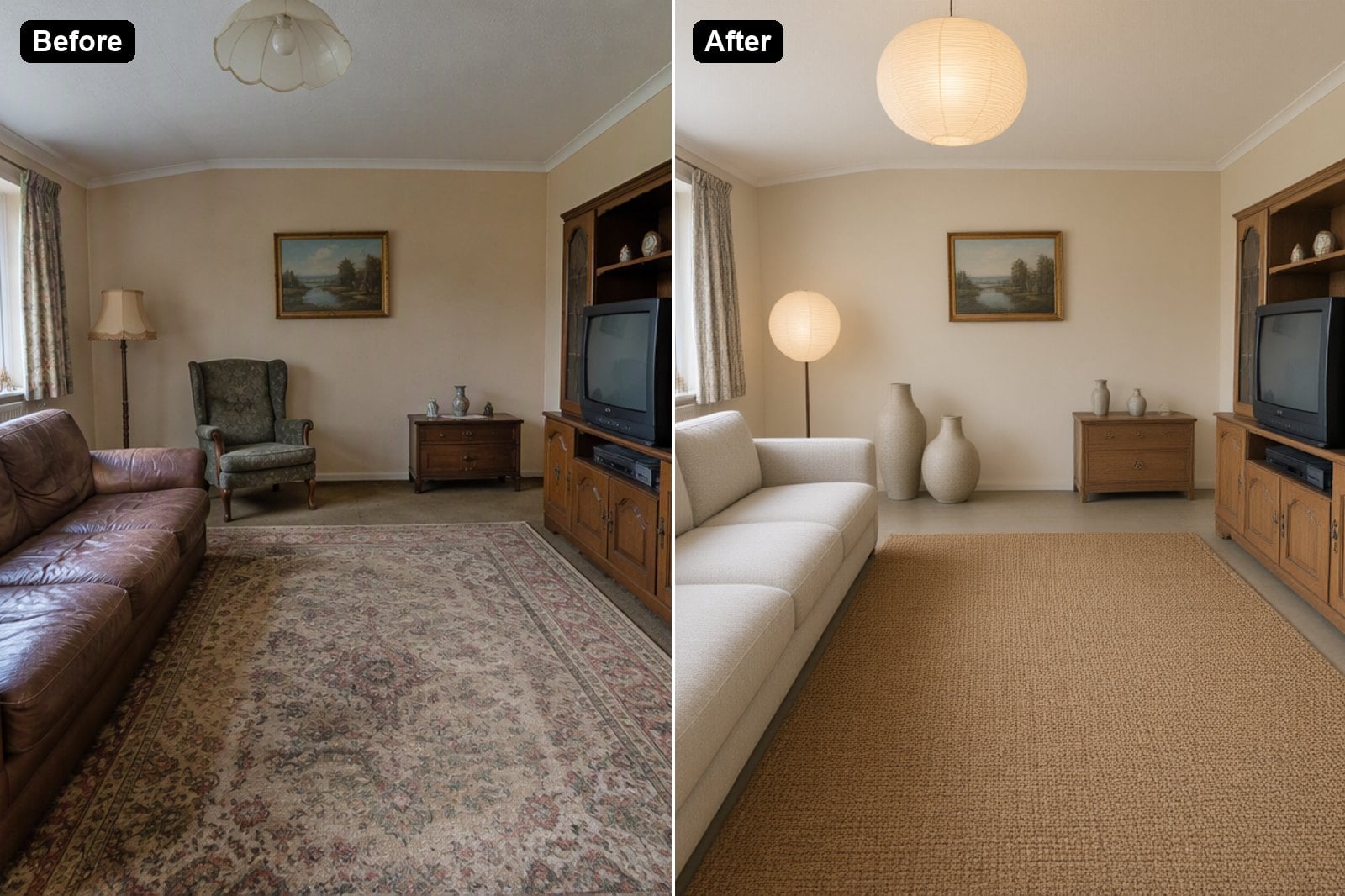
Japandi Living Room
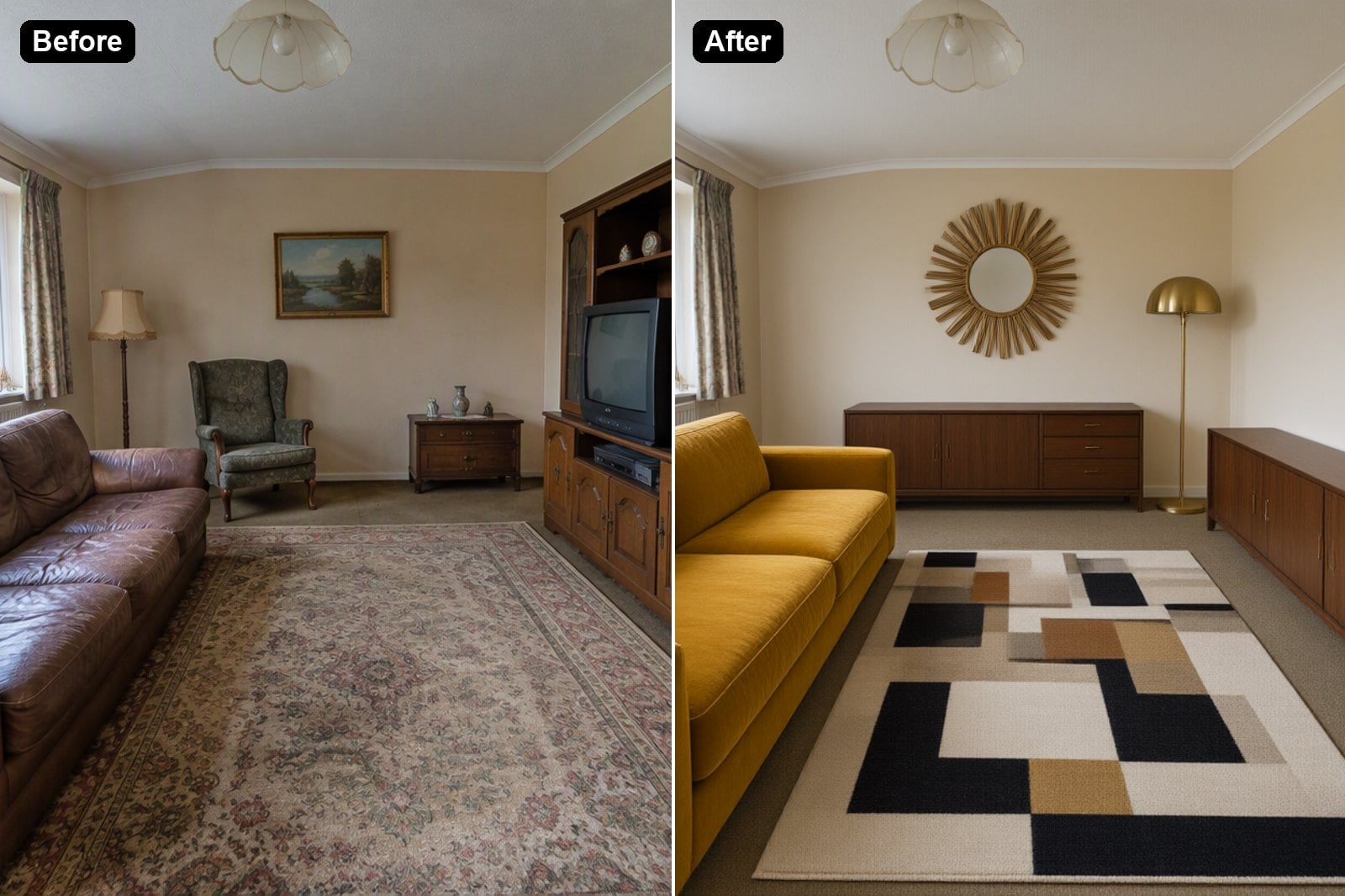
Mid-Century Living Room
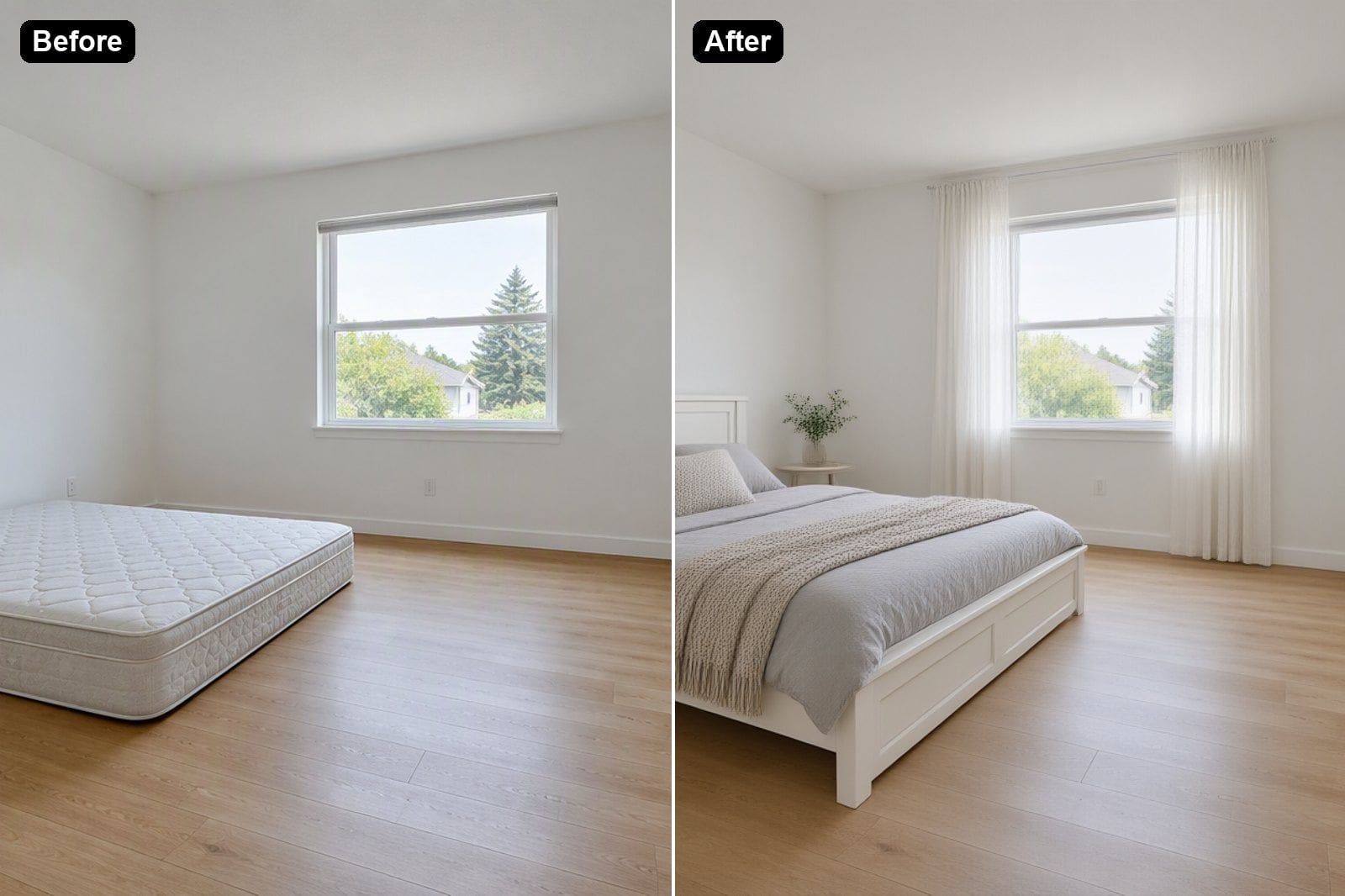
Scandinavian Bedroom
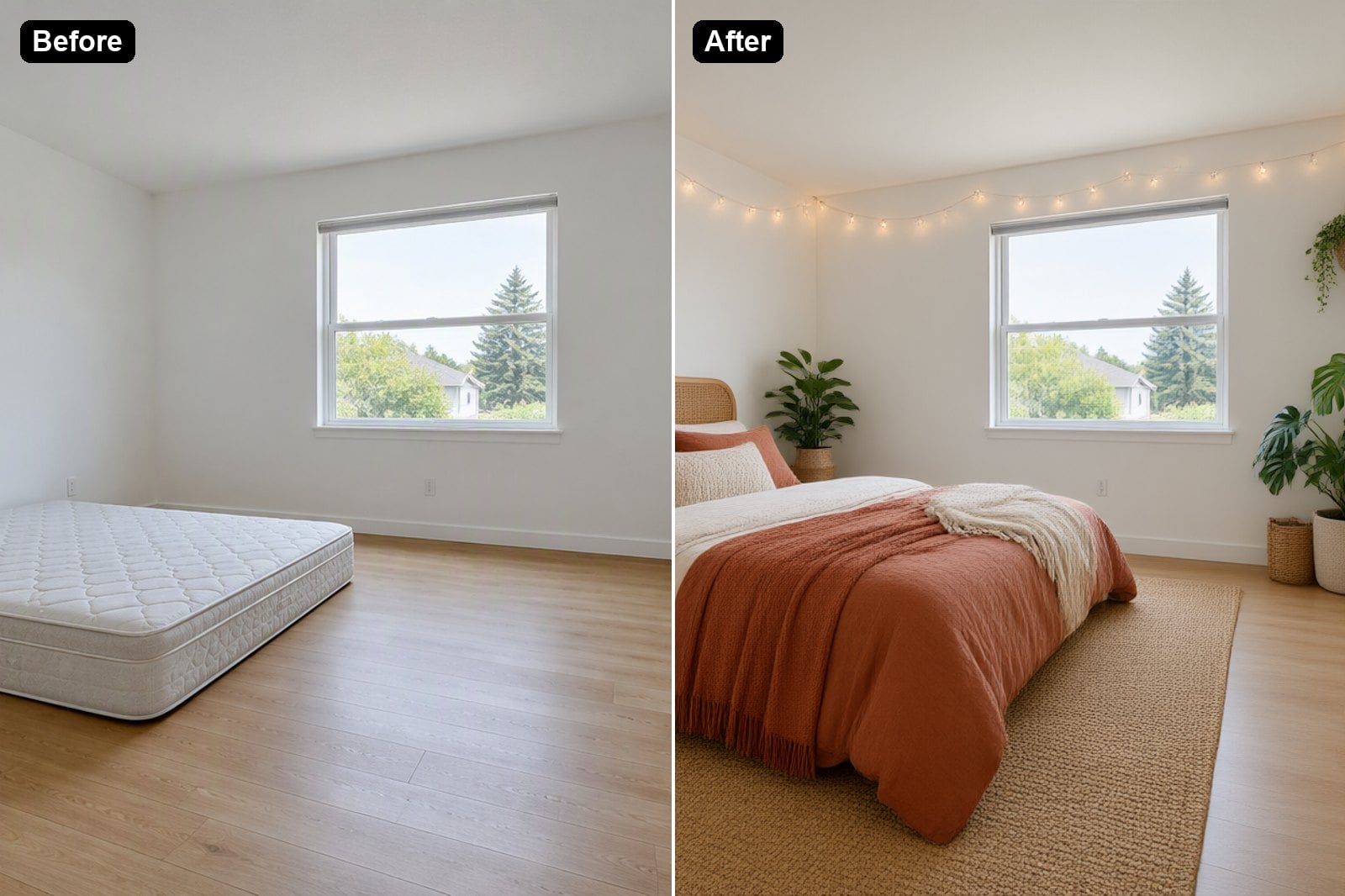
Boho Bedroom
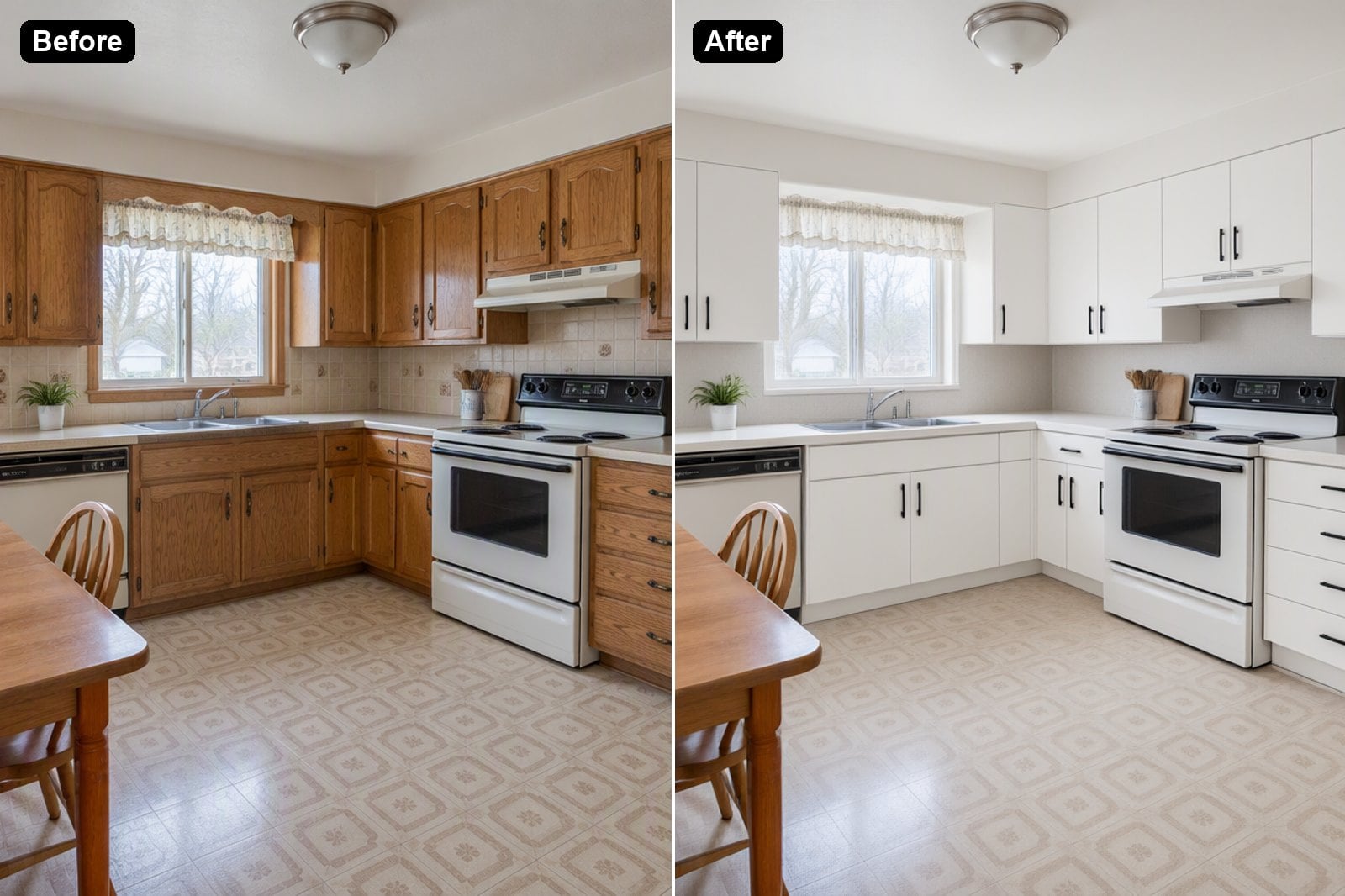
Modern Minimalist Kitchen
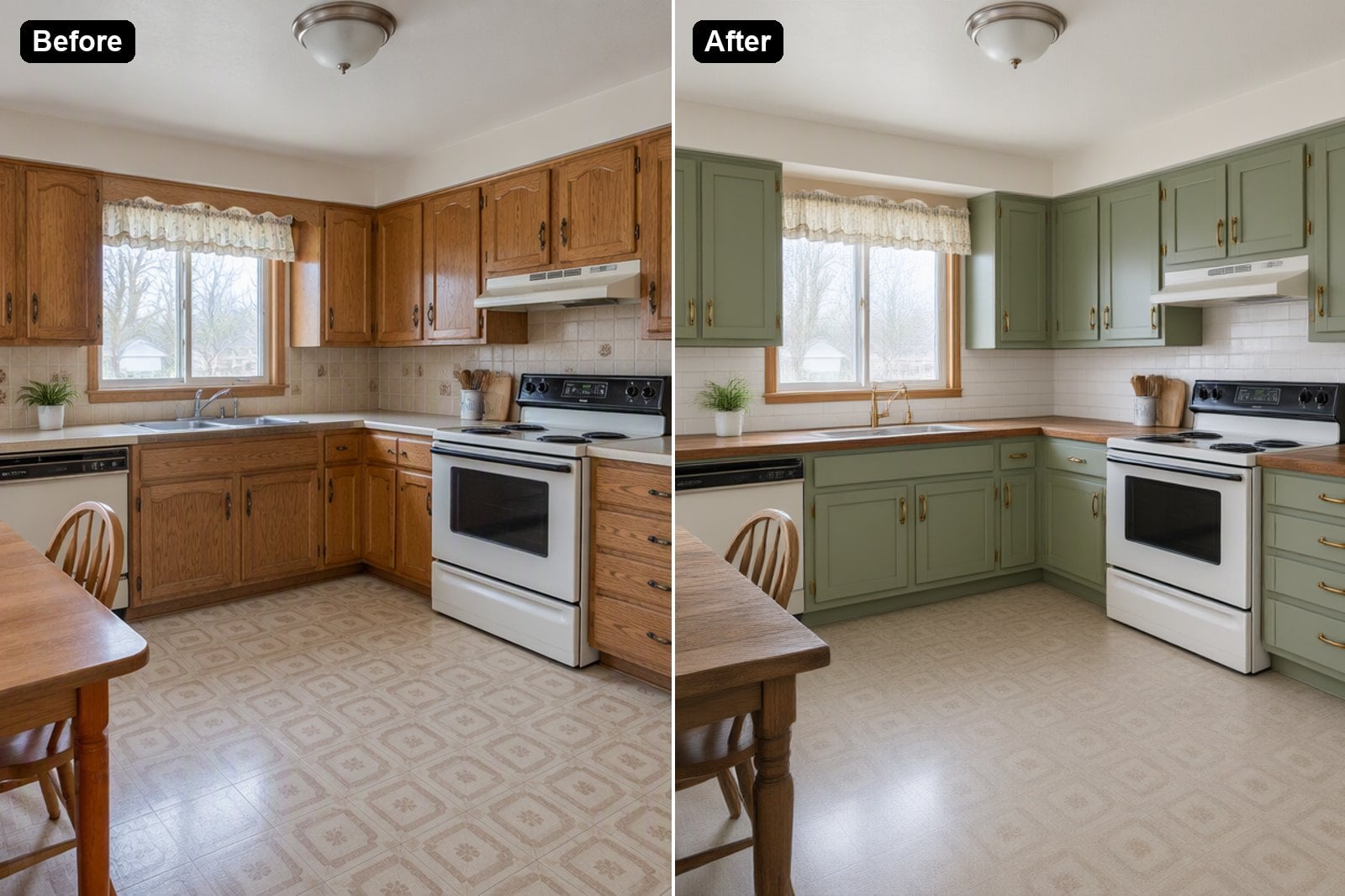
Modern Farmhouse Kitchen
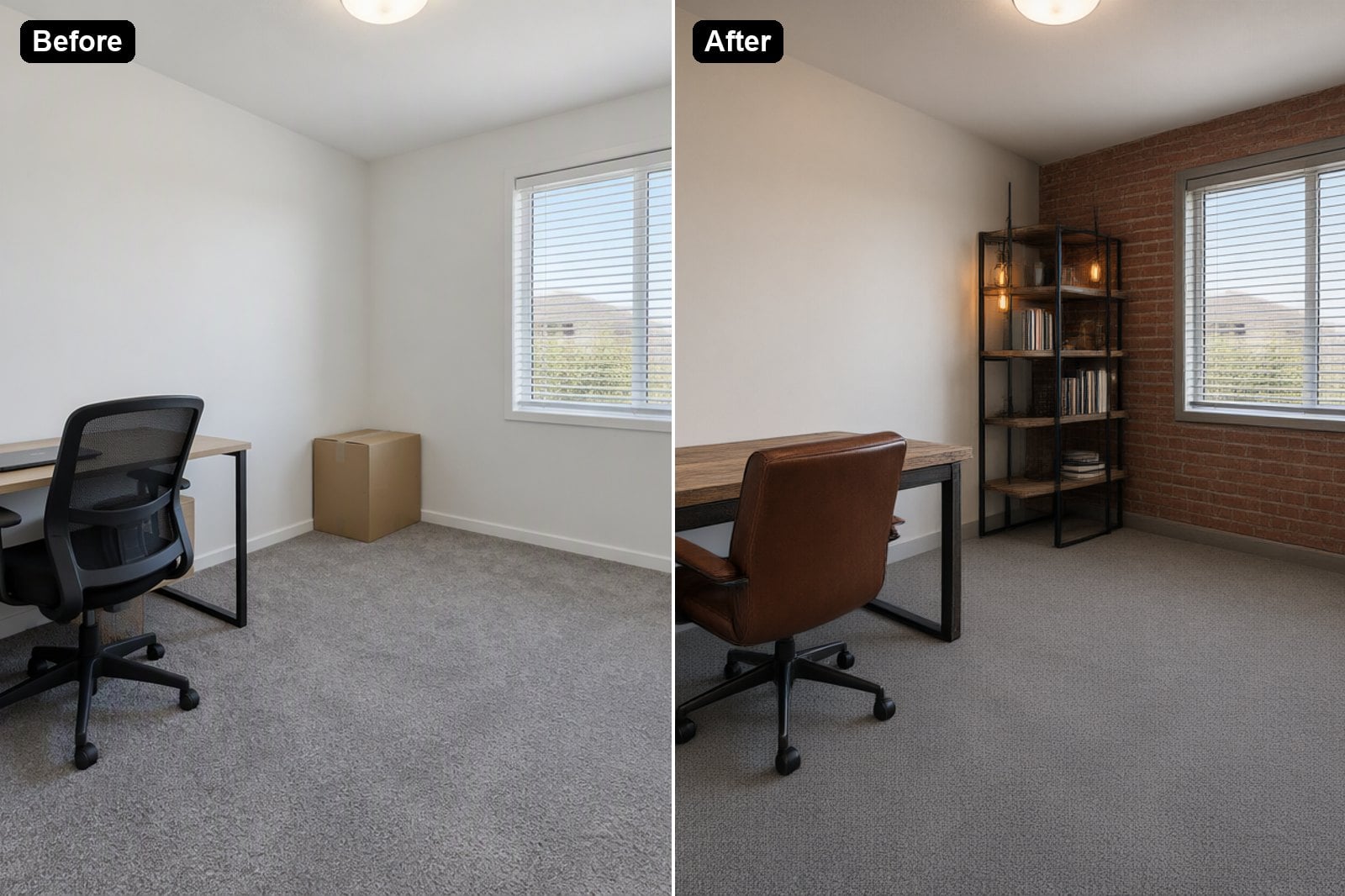
Industrial Home Office
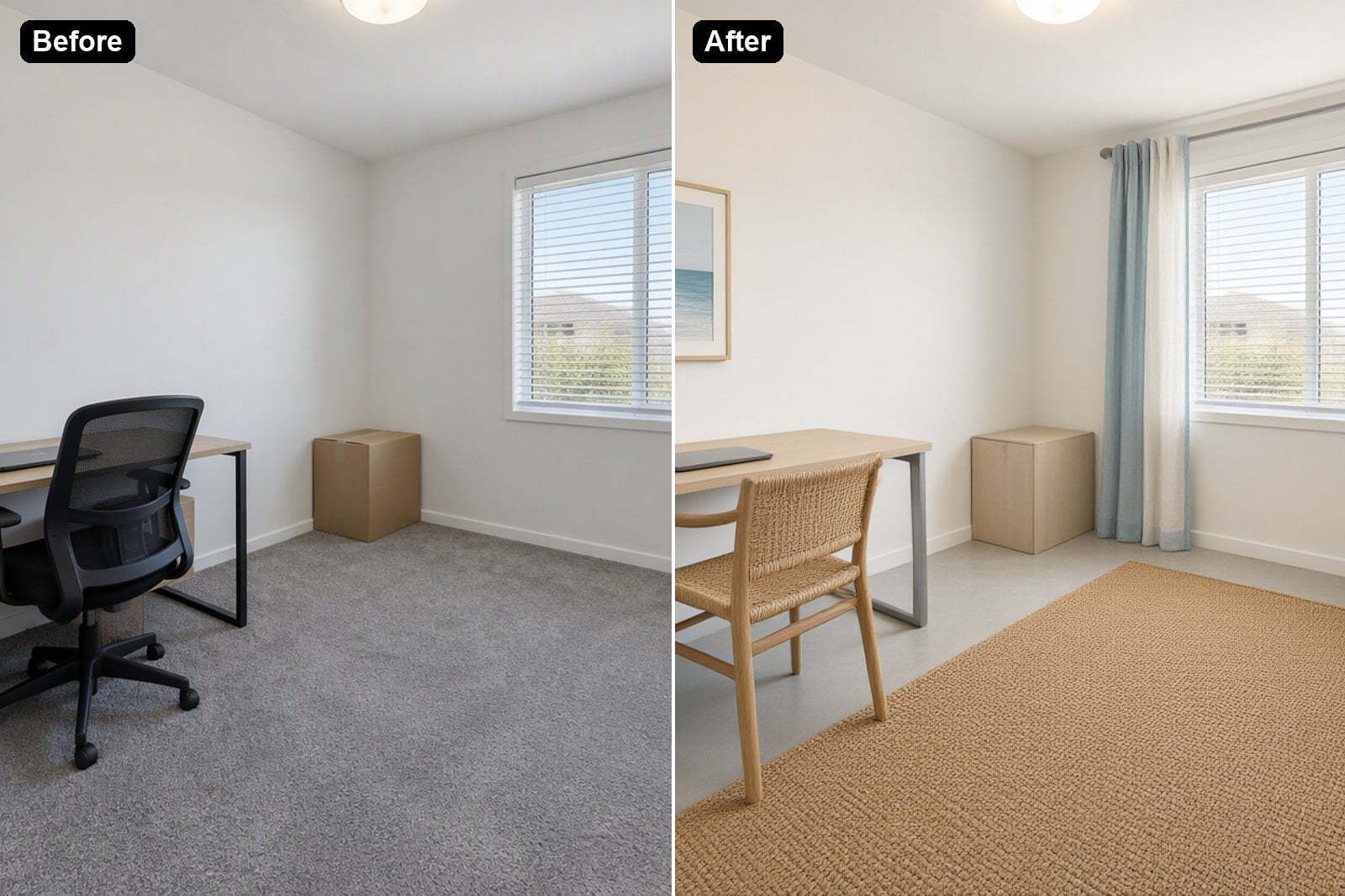
Coastal Home Office
How to Redesign a Room with AI
01
Take a Photo of the Room
Shoot the whole room from a corner in good daylight. Empty or messy rooms both work.
02
Describe the Style
Pick an example or write your own: style, colors, furniture and materials you want to see.
03
Generate and Compare
The AI redesigns the room in seconds. Try several styles on the same photo and keep the one you like.