
Upscale Sora 2 Videos in One Click
Why Upscale Sora 2 Clips with GoEnhance AI?
Turn Sora 2 Renders into True 4K
Behind the scenes, our AI video upscaler analyses texture, lighting, and motion to recover detail while staying close to your original look. It’s a fast way to upscale Sora 2 videos without learning a new editing suite.
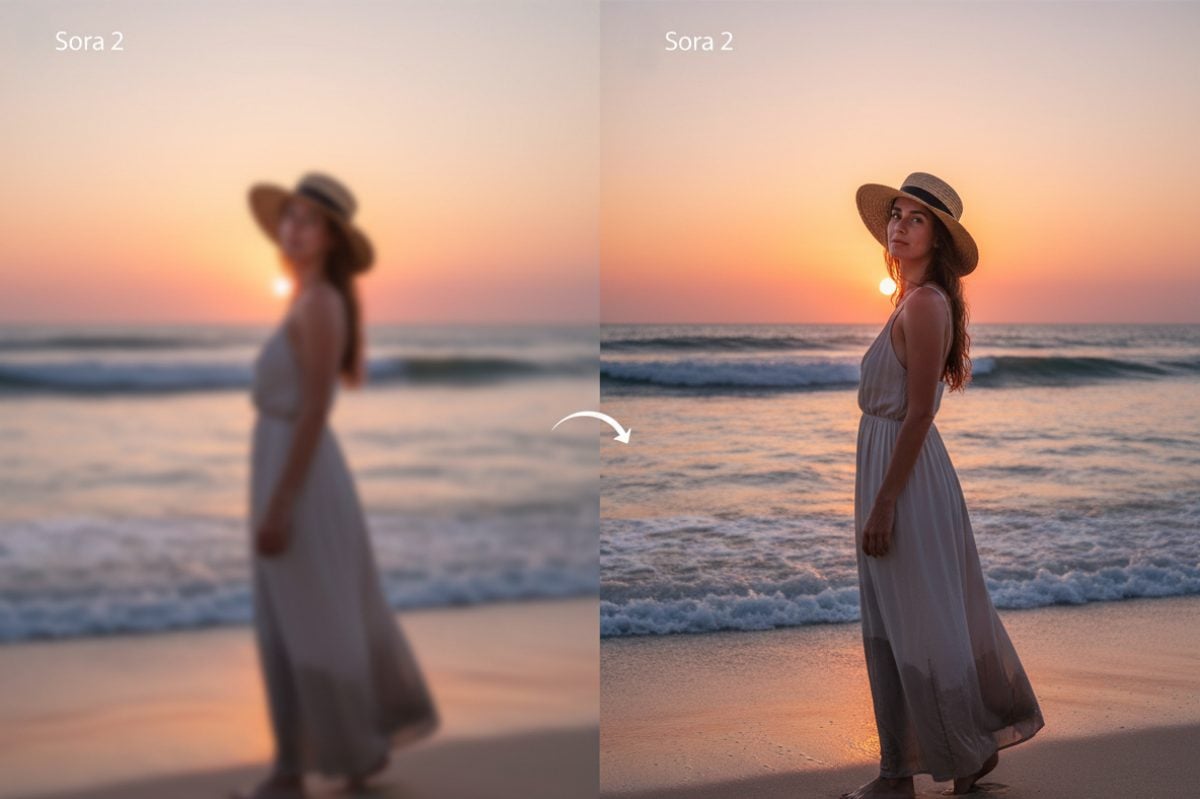
Polish Detail, Color, and Motion
Pair the tool with our AI video enhancer for extra de-noise and sharpening, and finish your grade with AI color correction to fix white balance and skin tones.
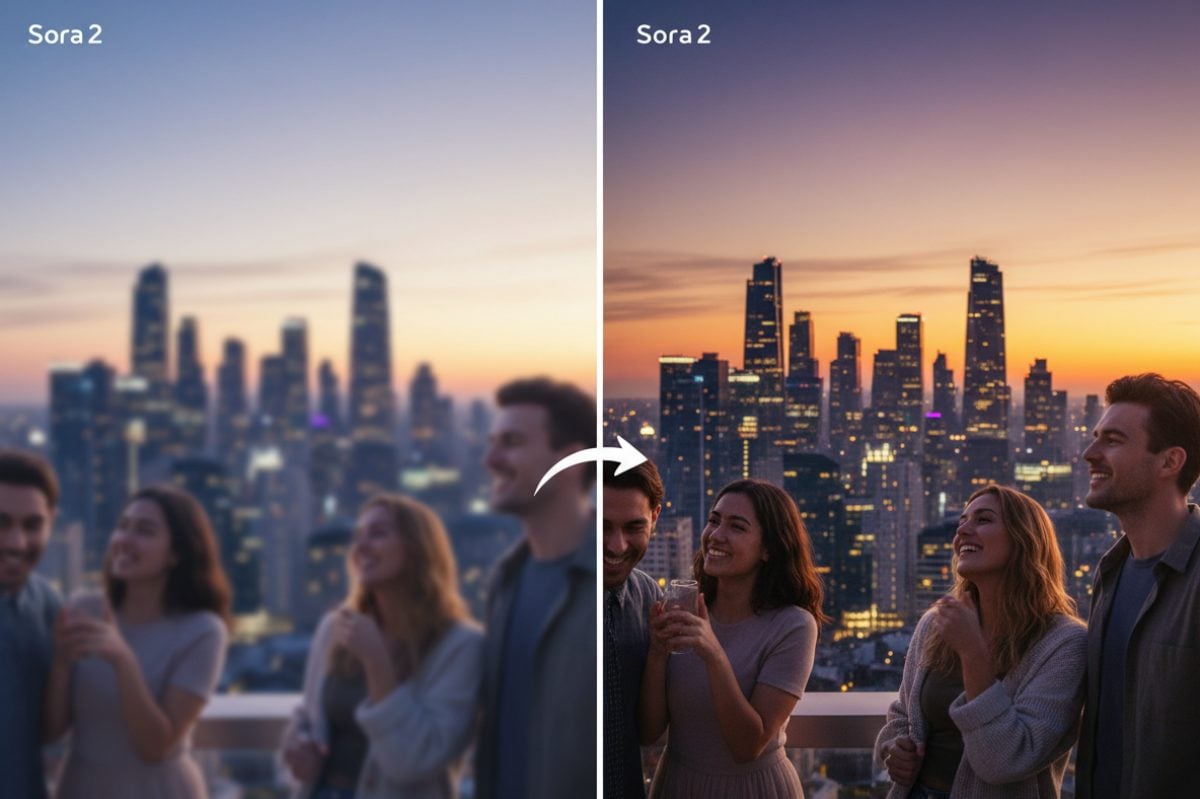
How to Upscale Sora 2 Videos to 4K?
Export and Upload Your Sora 2 Clip
Export the sequence you like from Sora at 720p or 1080p, then upload the MP4 file here. For best results, avoid heavy recompression so the upscaler has as much original detail as possible to work with.
Choose Resolution
Pick 4K as your target resolution, and our AI video upscaler will process it quickly.
Preview, Process, and Download
Preview a short segment to see how edges, noise, and color respond. When you’re happy, download your new master for editing, grading, or direct upload. It’s a simple sora 2 upscale pipeline you can run from any modern laptop.
Combine with Other Sora-Friendly Video Tools
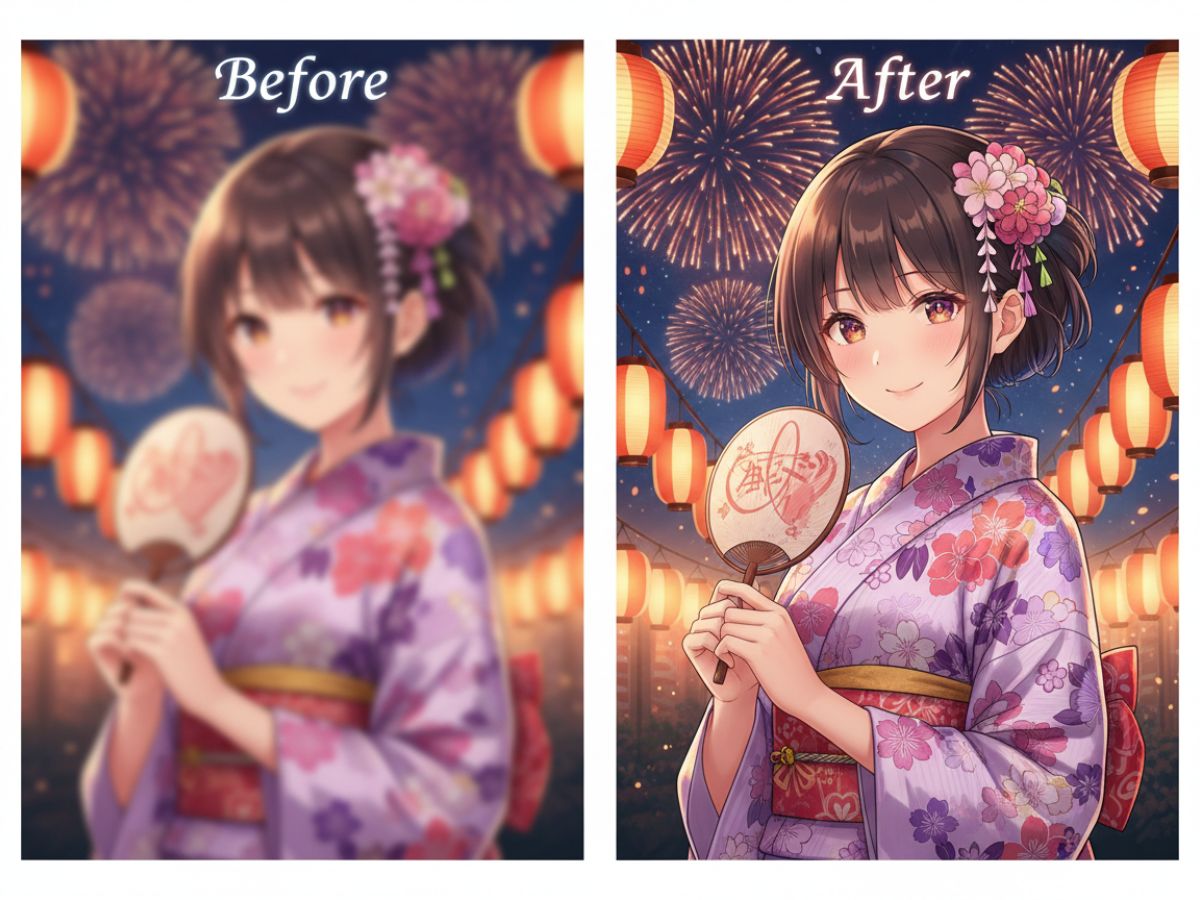
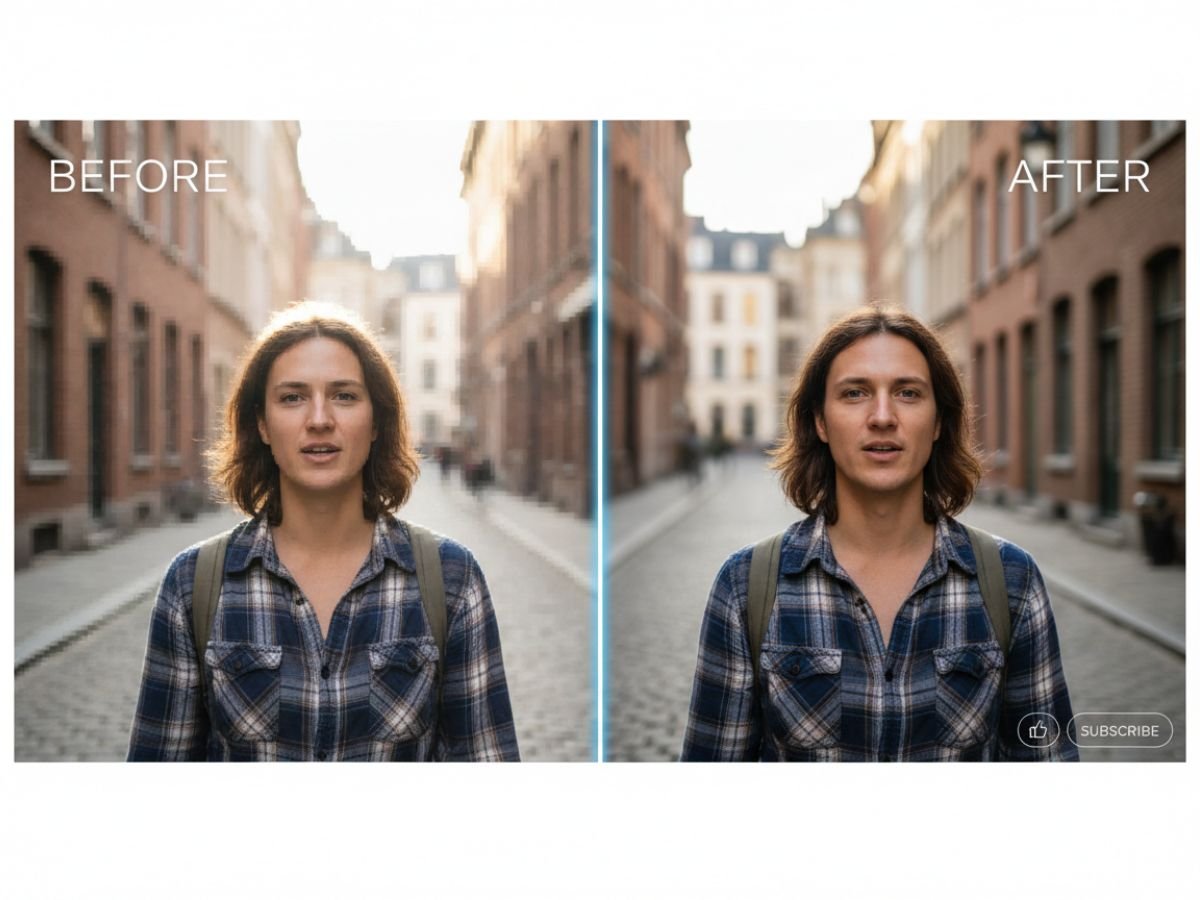
Sora 2 Upscale: Common Questions
How does the Sora 2 upscaling actually work?
Is it free to try on my Sora clips?
What resolutions work best for input and output?
Where does this sit in a normal editing workflow?
How is this different from a standard resize in my editor?
Enhance Sora 2 Videos Instantly
Run your next Sora project through the upscaler and see how much cleaner the final frames look on large screens.
Upscale a Clip Now