
Text to Music Generator
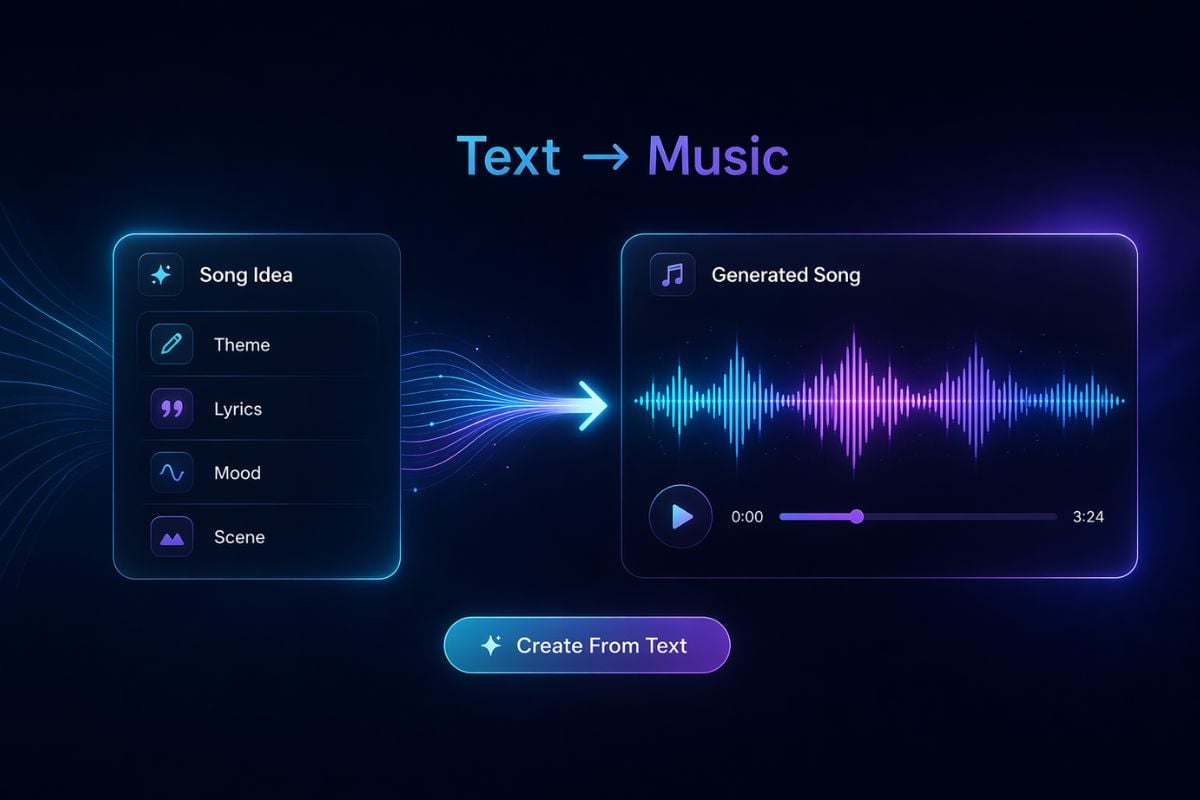
Write a song idea, lyric draft, mood, scene, or story theme, then turn it into a listenable track with AI text to music creation.
Text Ideas Turned Into Songs
See how short written prompts can become different musical directions, from cinematic themes to emotional pop songs and story-driven tracks.
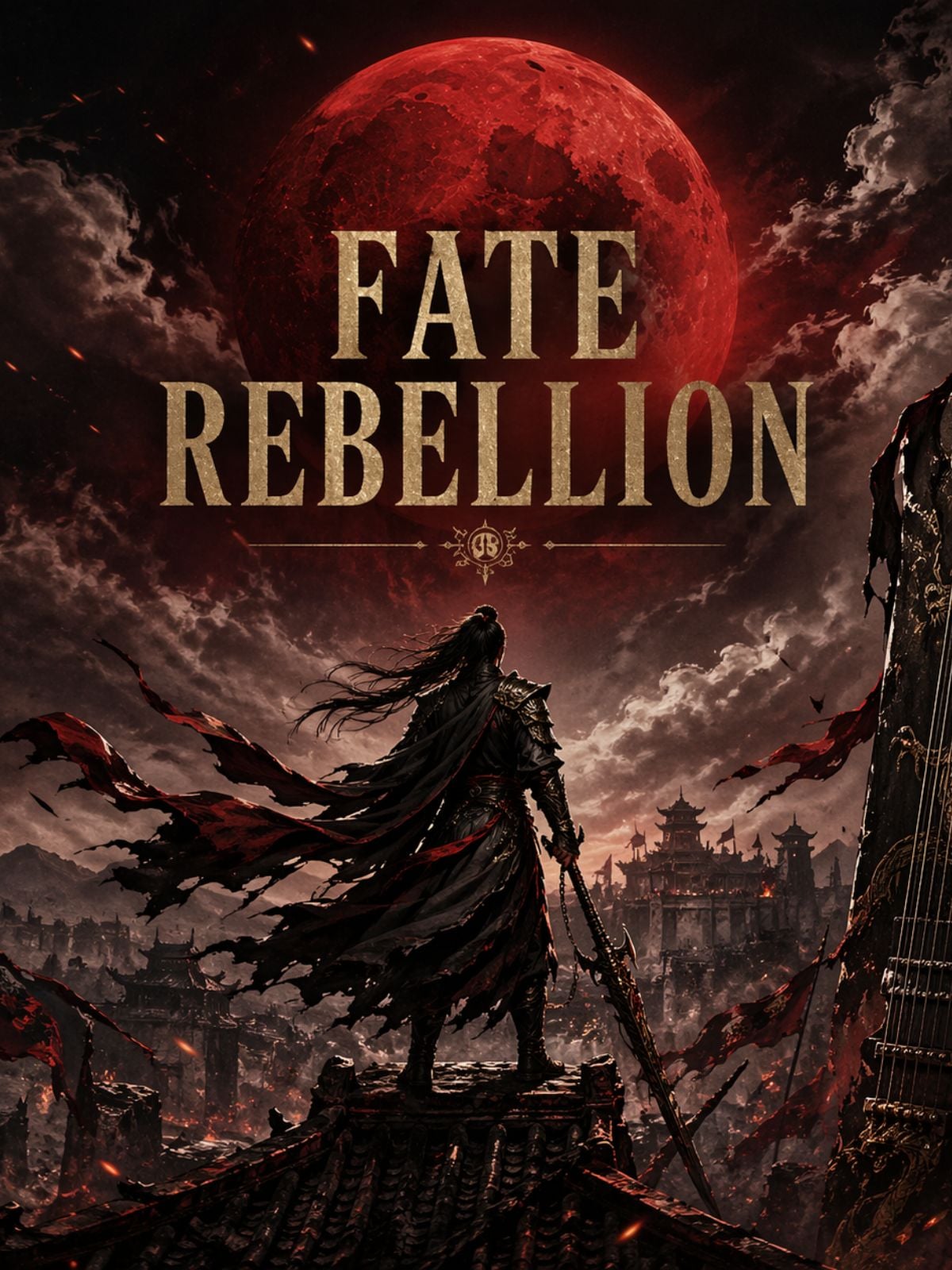
Fate Rebellion — Dark Chinese Rock
3:14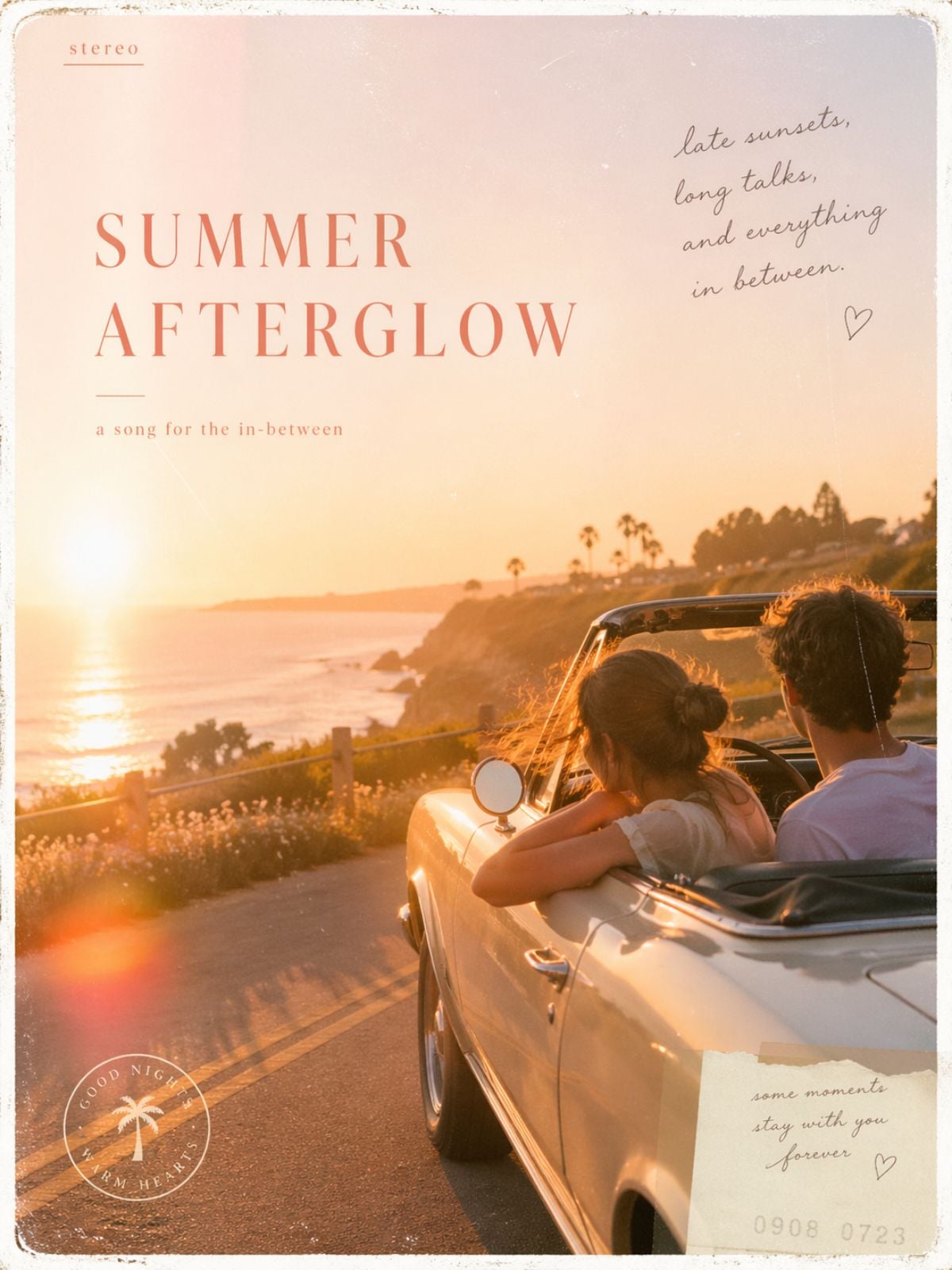
Summer Afterglow — Warm Indie Pop
3:45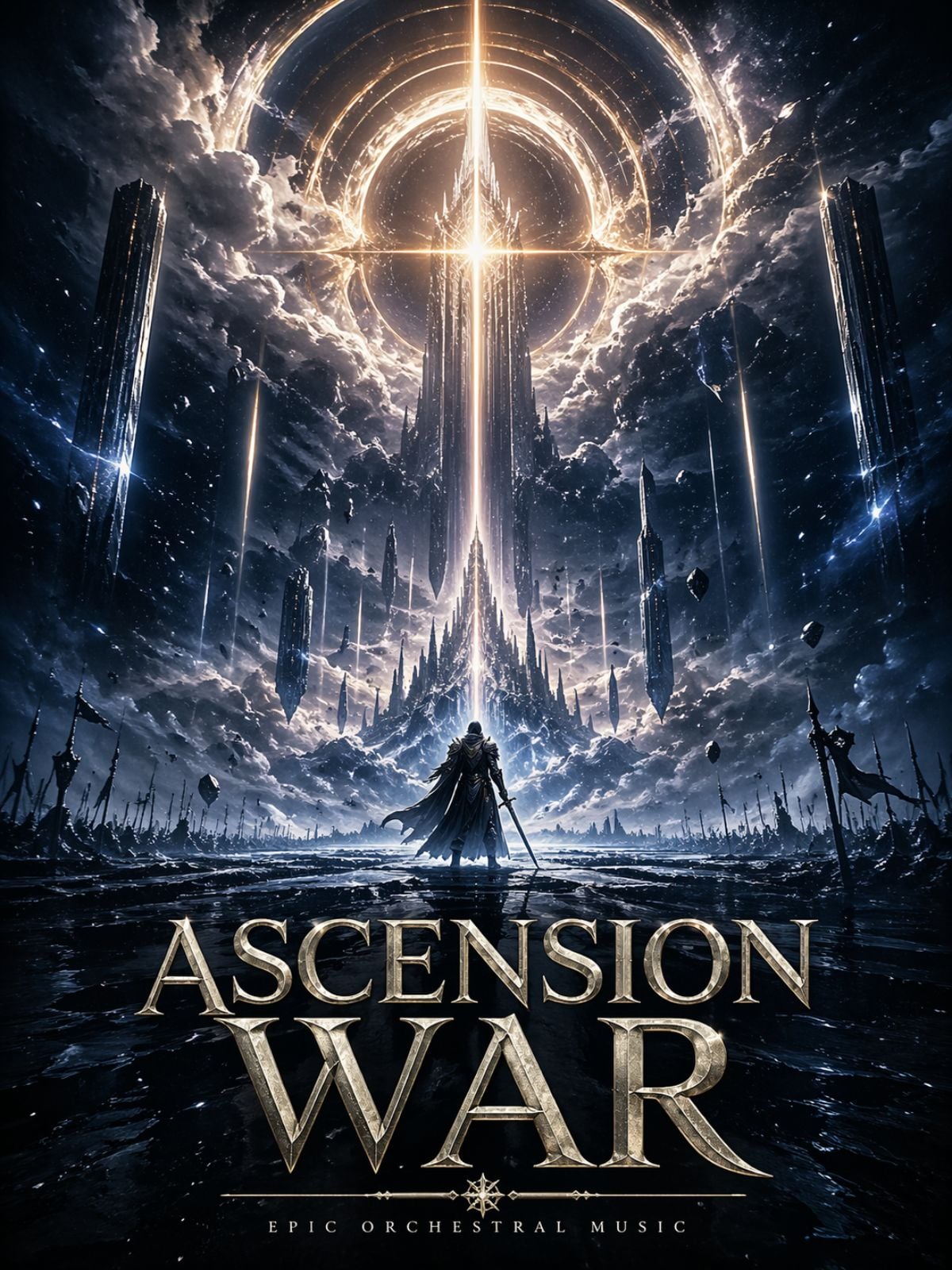
Ascension War — Epic Trailer Orchestra
2:57How To Convert Text To Music?
Write Your Song Idea
Start with the theme, scene, emotion, lyric direction, or story moment you want the song to express. A clear idea gives the model a stronger creative target.
Add Style, Voice, And Structure
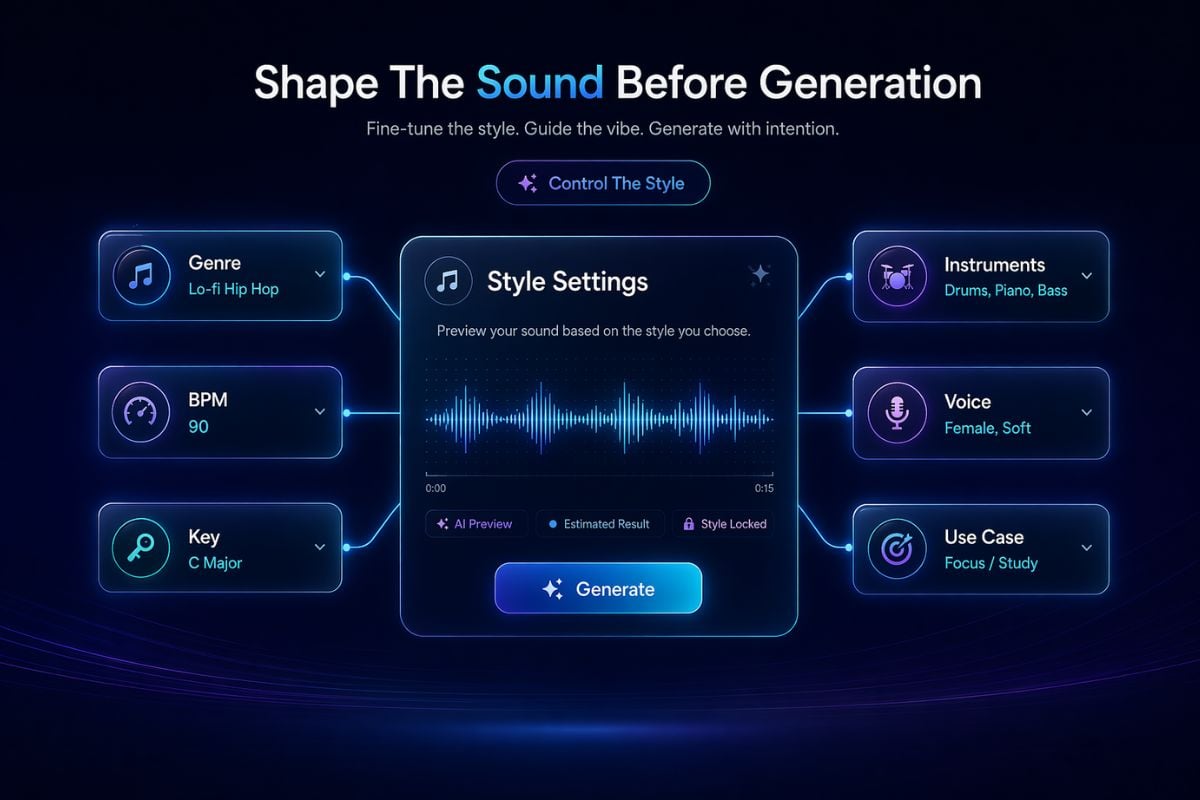
Describe the genre, mood, BPM, key, instruments, vocal tone, and song structure. This helps the result feel like a real track instead of a random audio draft.
Generate, Listen, And Refine
Create the first version, listen for melody, emotion, and arrangement, then adjust the prompt until the song matches the feeling you want.
Prompt Tips & Best Practices
Start With A Real Song Theme
Do not only write 'make a good song'. Say what the song is about. For example: I want a novel theme song about apocalypse, fate, pressure, and rebellion.
Give The Lyrics A Structure
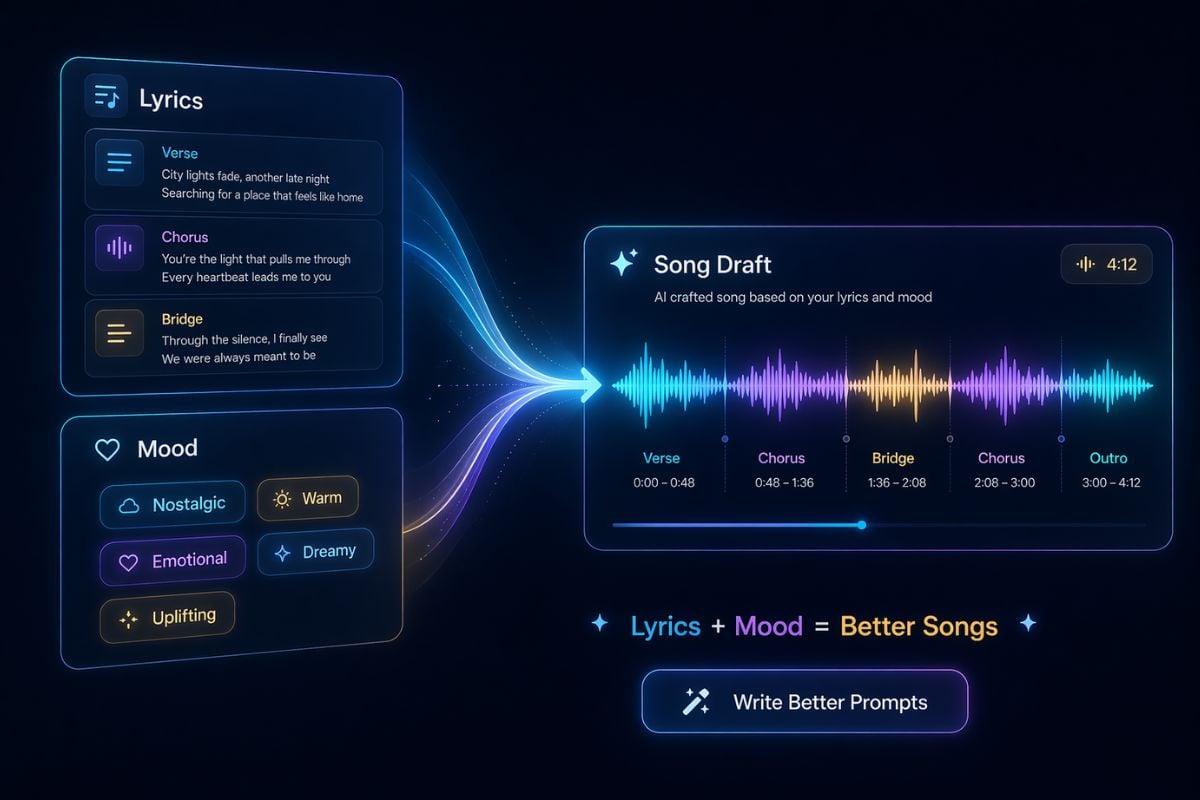
If you want text to sing, write the lyric layout clearly. For example: verse, chorus, verse, chorus, bridge, final chorus. Let the verse build tension and let the chorus explode.
Define Genre, Mood, BPM, Key, And Beat
A good prompt should guide the musical direction. For example: dark Chinese-style rock, epic and fatalistic mood, 96BPM, A minor, 4/4 time.
Name The Instruments Clearly
Specific instruments make the result more stable. Try: guzheng accents, deep strings, electric guitar progression, low war drums, instead of only saying 'make it atmospheric'.
Describe The Vocal Performance
Mention gender, tone, and singing style. For example: young male vocal, restrained in the verse, powerful in the chorus, slightly raspy, emotional but not overdone.
Write The Emotional Arc
A song should not stay at one intensity forever. Try: begin quiet and heavy, build pressure in the pre-chorus, explode in the chorus, and end with a feeling of fighting against fate.
Use A Complete Prompt Formula
For stronger results, combine style, emotion, BPM, instruments, vocal, and scene. Example: Chinese pop rock, heroic and fatalistic, 100BPM, A minor, 4/4, guzheng, strings, electric guitar, war drums, passionate male vocal, suitable for a final chapter theme song.
Explore Text To Music Creation Features
Turn Written Ideas Into Songs
Use text to music tools to shape a song from a theme, lyric idea, mood, or scene description. If you want a smoother creation flow, the AI music generator helps you start from a prompt, while music models give you more room to compare different sound directions.


AI Text to Music Generator FAQs
What is text to music?
How do I get better results from AI text to music?
Can I use it as a text to sing tool?
Can I convert text to music without writing full lyrics?
What should I include in a text to music generator prompt?
Are text to music tools good for creators?
Do I need music theory to use text to music?
Can I make different versions from the same prompt?
Ready To Turn Text Into Music?
Start with a line of text, a lyric idea, or a full song concept. Add mood, structure, instruments, and vocal direction, then let GoEnhance AI help you shape it into music you can actually hear.
Create Music From Text