
Add Ghost to Video: A Masked Ghost Grabs You from Behind
Add a ghost to your own photo and get a 5-second horror jump scare. You stand calmly in your photo, unaware, while a tall figure in a black hooded robe and a white screaming mask rises in the shadows behind you, grabs your shoulders and makes you scream and reach toward the camera for help. Your face, outfit and background are kept from your photo, and the video comes with a horror sting and your scream. Free users can watch the first 3 seconds; upgrade to unlock the full video. Powered by Wan 3.0.
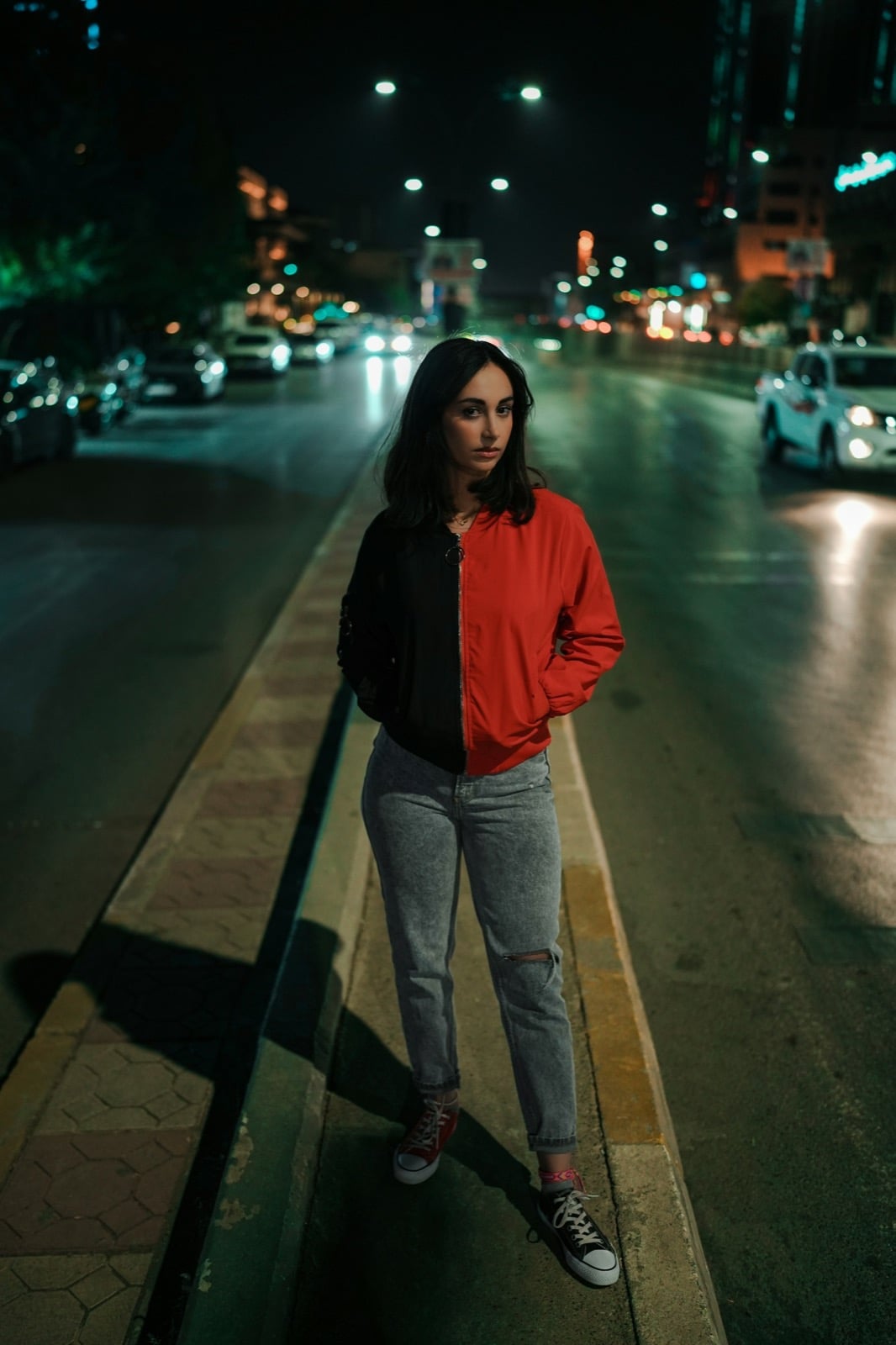
Original
Effect: Add Ghost to Video
Your photo
Upload files
Upload a clear photo. The effect is applied to everyone in it.
By uploading a file, you agree to GoEnhance's Terms of Use and Privacy Policy
What the Add Ghost to Video Effect Does
How to Add a Ghost to Your Video
01
Upload a photo
Use a clear photo of one person facing the camera. Half-body or full-body photos work best.
02
Pick Add Ghost to Video
The effect is already selected. No prompt needed.
03
Generate
Your 5-second 480p horror video with sound is ready in about a minute.
04
Scare your friends
Download it and post it on TikTok, Reels or Shorts for Halloween.
Everything about the AI ghost jump scare effect.
Add Ghost to Video FAQ
What does Add Ghost to Video do?
Will my background stay the same?
What kind of photo works best?
Is it free?
How long is the video?
Do you have a less scary ghost effect?
More Halloween Video Effects
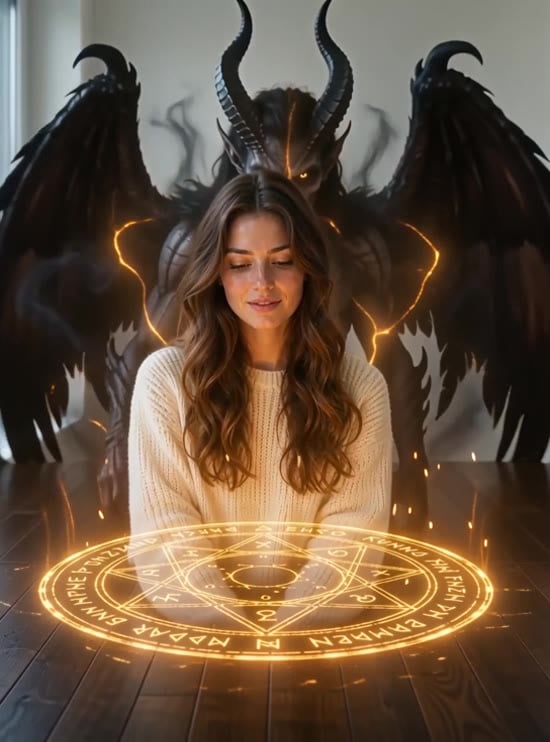
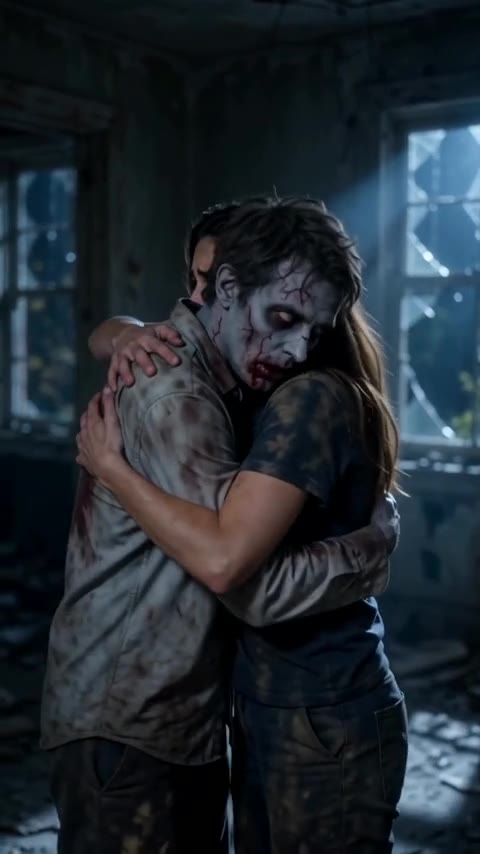
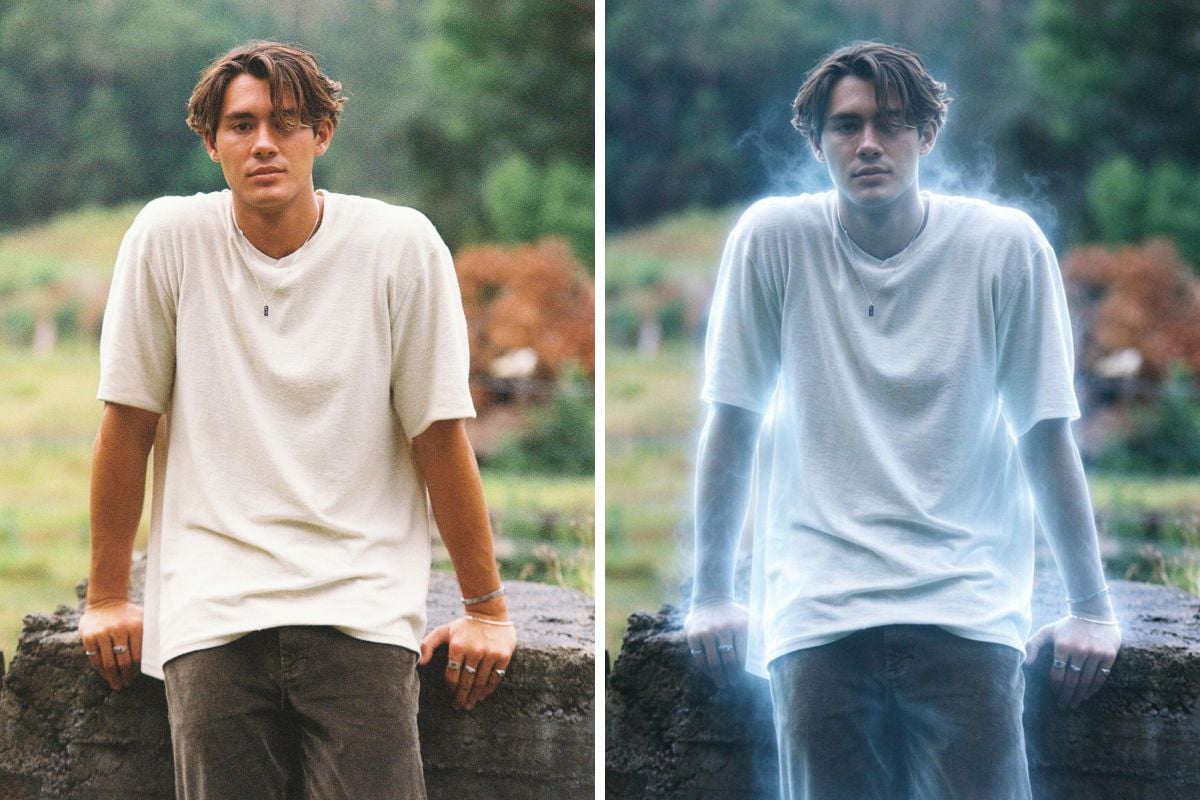
Add a Ghost to Your Photo
Upload one photo and turn it into a Halloween jump scare.
Add Ghost to My Photo