
Diwali AI Photo Editing Prompts for Gemini
Copy-Ready Diwali Prompts
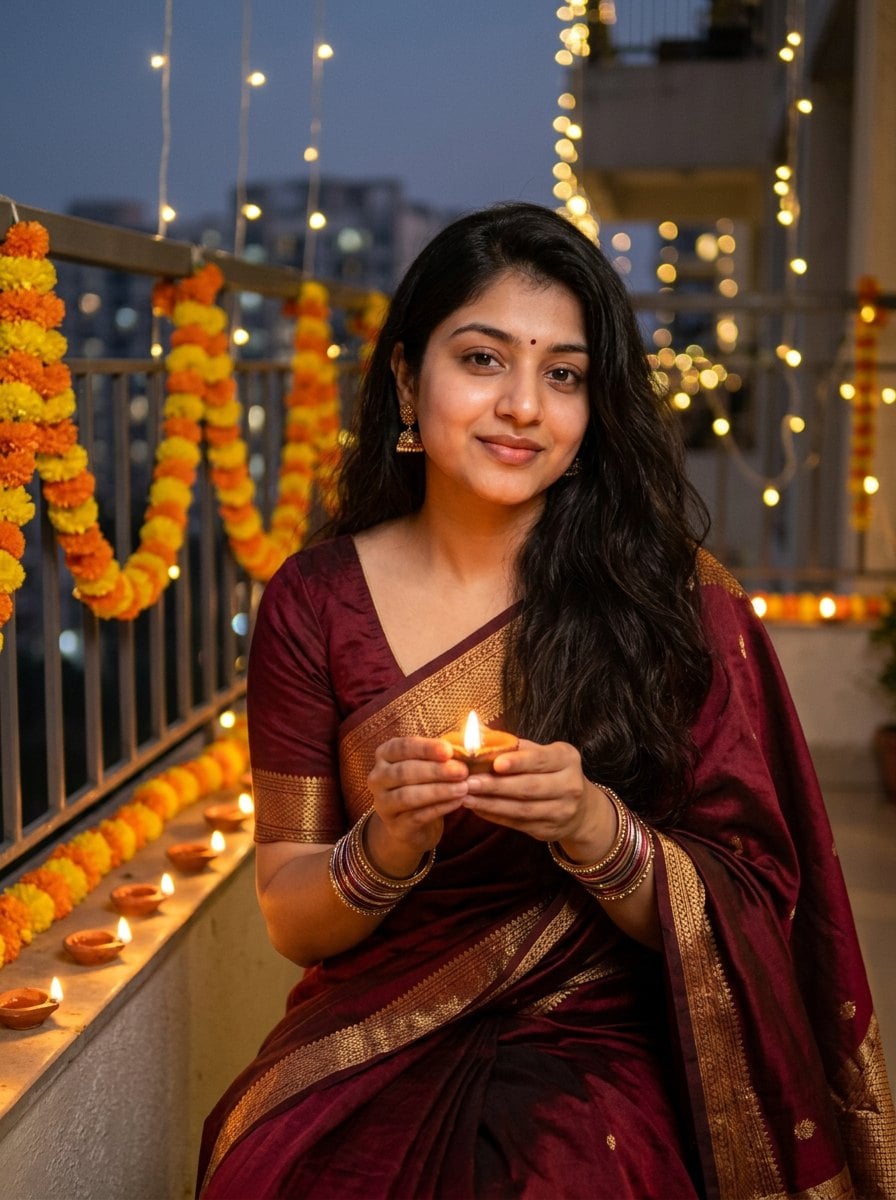
Girls: Diya-Lit Saree Portrait
Keep the face from my uploaded photo exactly the same: same facial features, skin tone, expression and hairstyle. Do not change the person's identity. Turn it into a Diwali evening portrait: she wears an elegant deep maroon silk saree with a gold zari border, small gold jhumka earrings and glass bangles. She sits on a balcony holding a lit clay diya in both hands near her chest, with rows of glowing diyas and a marigold garland around her and warm golden fairy lights softly blurred behind. Soft warm candlelight on her face, 85mm lens, shallow depth of field. Realistic photo, natural skin texture, 3:4 portrait.
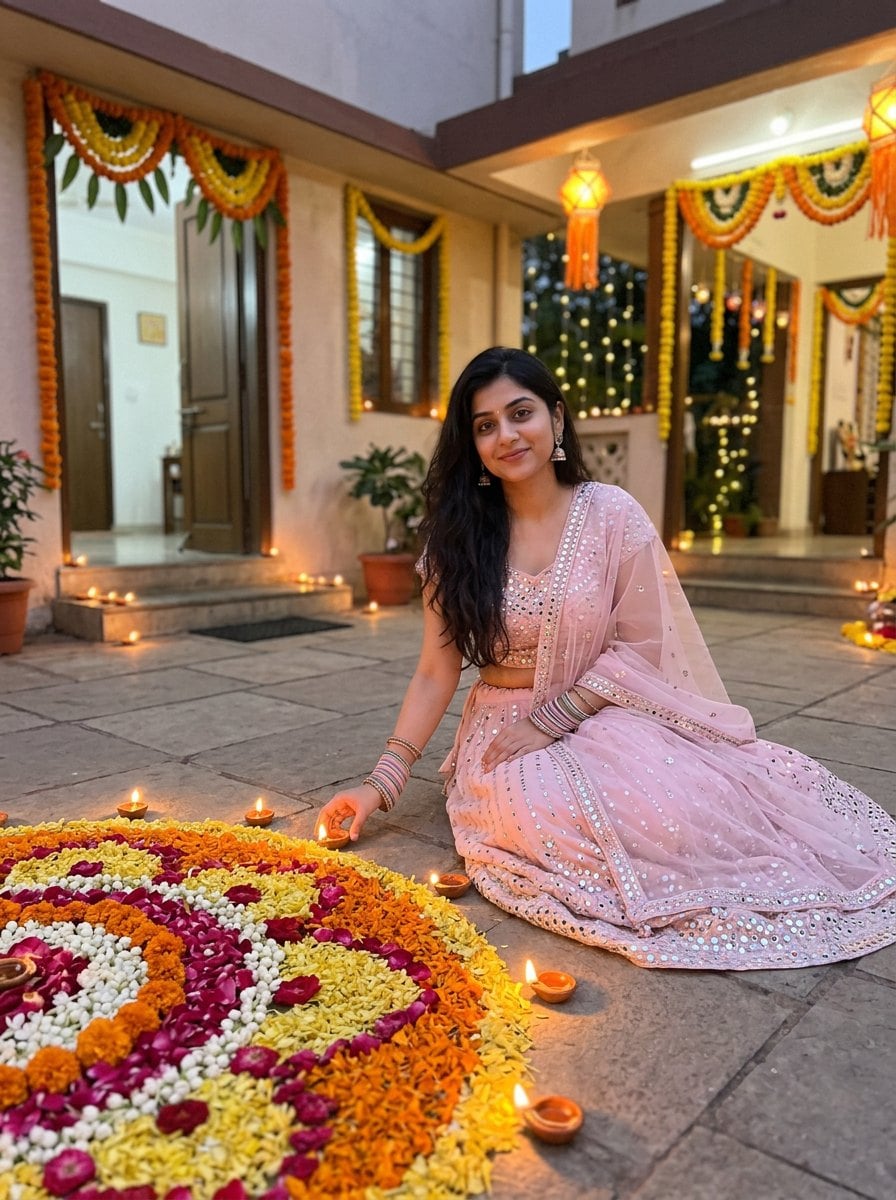
Girls: Lehenga and Rangoli
Keep the face from my uploaded photo exactly the same: same facial features, skin tone, expression and hairstyle. Do not change the person's identity. Turn it into a festive Diwali photo: she wears a pastel pink lehenga with mirror work and a sheer dupatta, sitting beside a large colorful flower-petal rangoli surrounded by diyas in a courtyard decorated with marigold torans. Early evening, warm light, natural smile, full-body shot. Realistic photo, natural skin texture, 3:4 portrait.
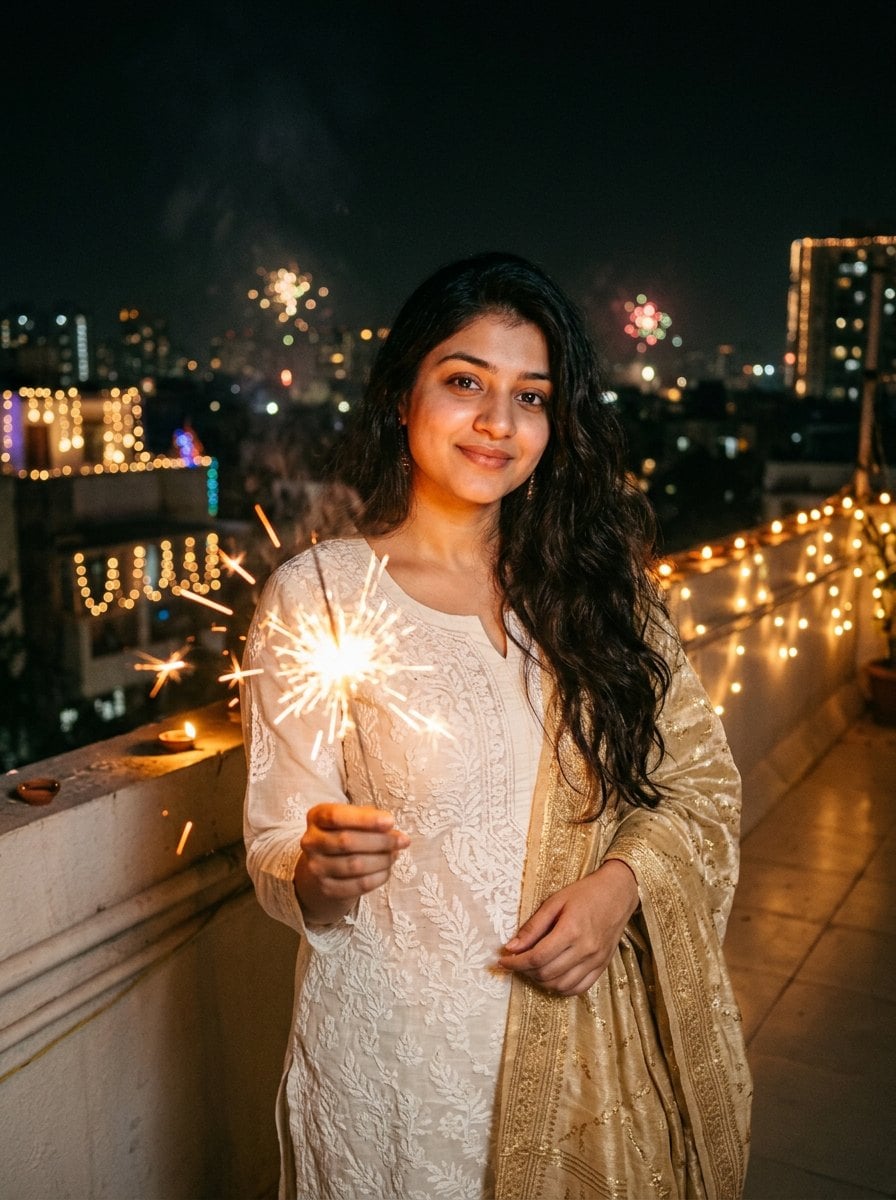
Girls: Rooftop Sparkler Aesthetic
Keep the face from my uploaded photo exactly the same: same facial features, skin tone, expression and hairstyle. Do not change the person's identity. Turn it into a cinematic Diwali night photo: she wears an ivory chikankari kurta set with a gold dupatta and holds a burning sparkler (phuljhadi) that makes glowing trails. Rooftop at night with string-light bokeh and lit buildings in the distance. Moody warm tones, Instagram-style aesthetic. Realistic photo, natural skin texture, 3:4 portrait.
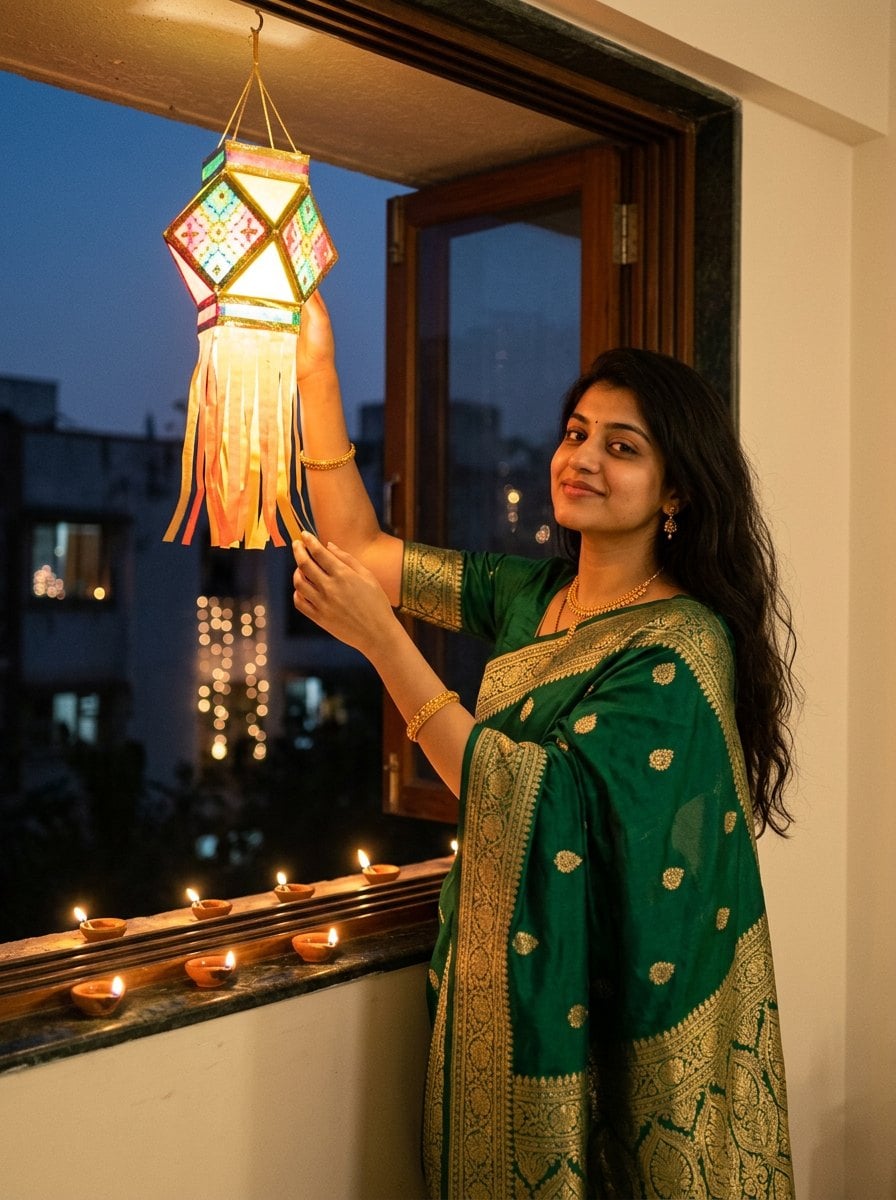
Girls: Lantern Window Glow
Keep the face from my uploaded photo exactly the same: same facial features, skin tone, expression and hairstyle. Do not change the person's identity. Turn it into a Diwali photo: she wears an emerald green Banarasi silk saree with gold jewelry and stands by an open window, hanging a glowing paper sky lantern (akash kandil). Diyas line the windowsill, warm lantern light on her face, dusk blue sky outside. Realistic photo, natural skin texture, 3:4 portrait.
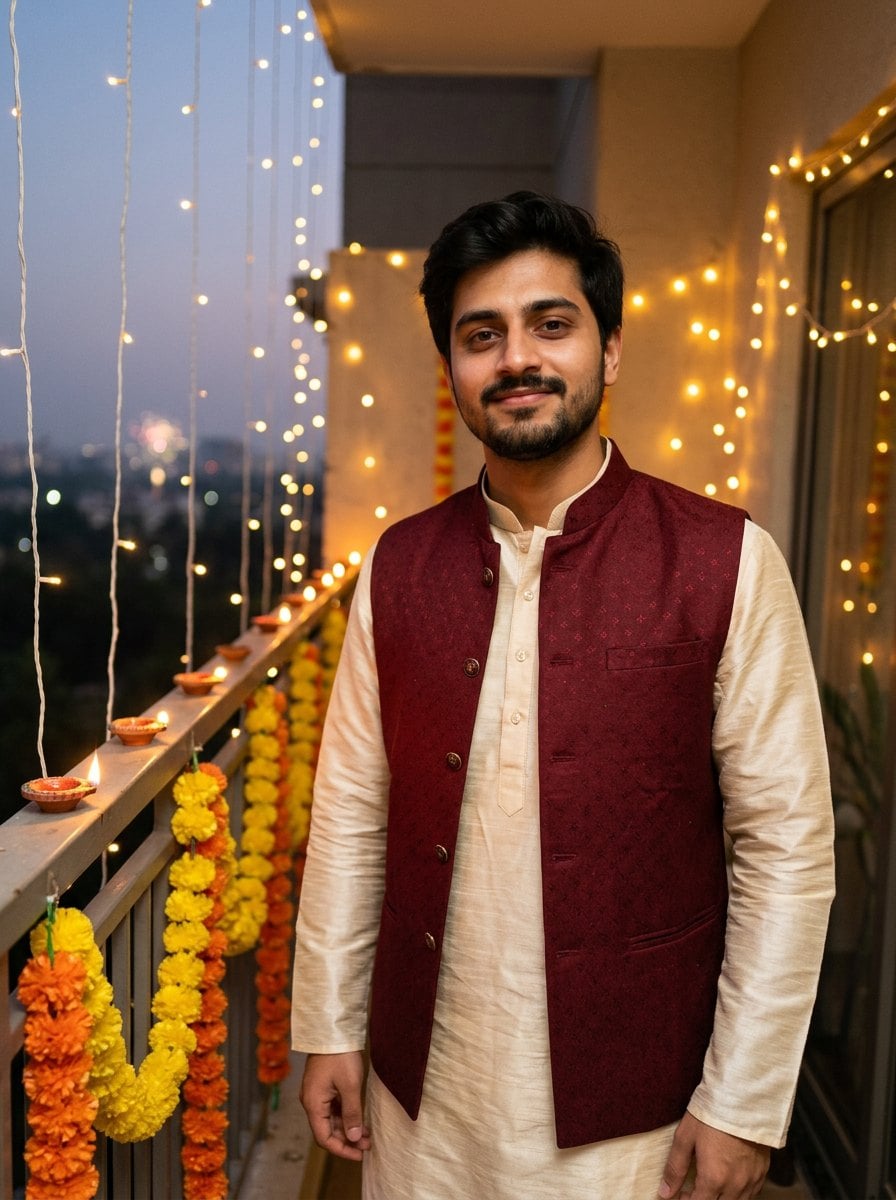
Boys: Kurta and Nehru Jacket
Keep the face from my uploaded photo exactly the same: same facial features, skin tone, expression and hairstyle. Do not change the person's identity. Turn it into a Diwali evening portrait: he wears a cream silk kurta with a maroon Nehru jacket and stands on a balcony lined with glowing diyas and marigold garlands, warm fairy lights behind him, slight confident smile, half-body shot. Realistic photo, natural skin texture, 3:4 portrait.
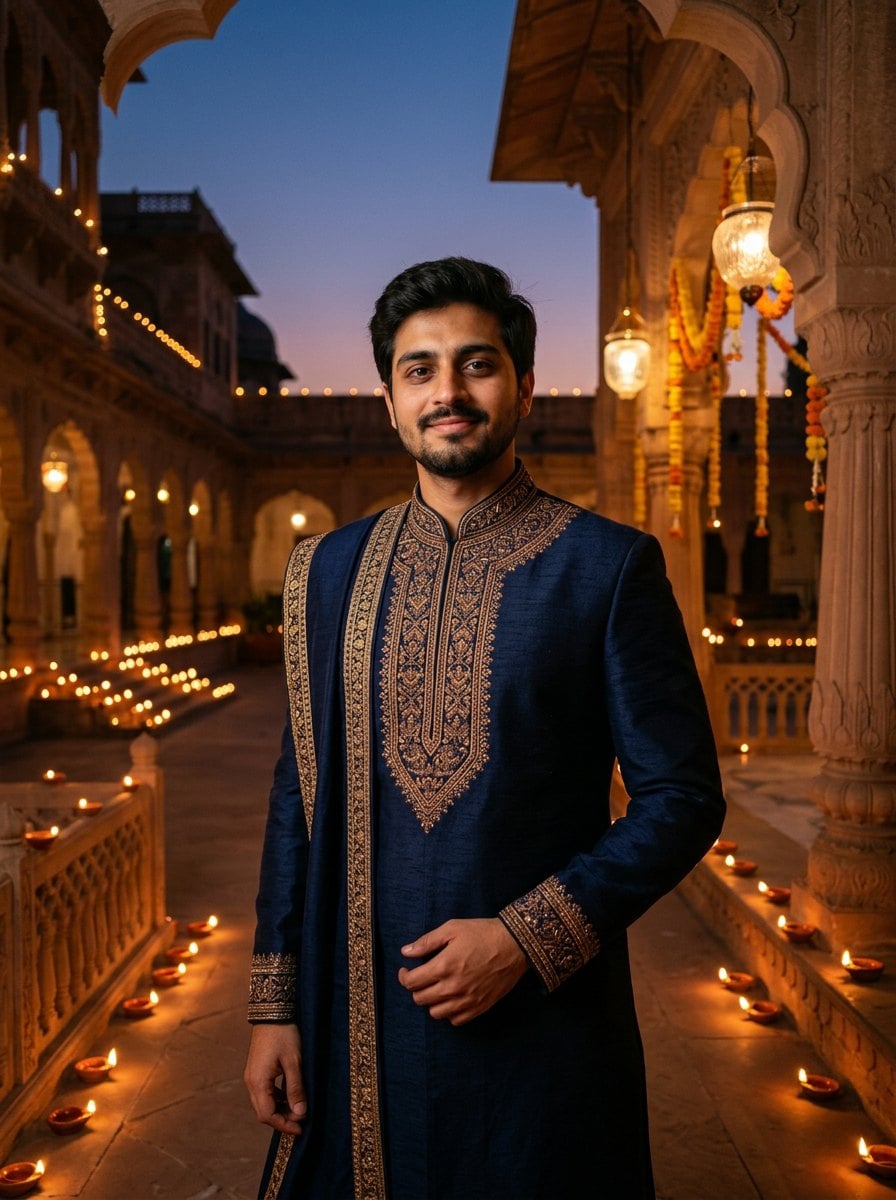
Men: Royal Sherwani Courtyard
Keep the face from my uploaded photo exactly the same: same facial features, skin tone, expression and hairstyle. Do not change the person's identity. Turn it into a regal Diwali photo: he wears a navy blue embroidered sherwani with a matching stole and stands in a palace-style courtyard decorated with hanging lanterns and hundreds of diyas, dusk sky, confident pose, cinematic lighting. Realistic photo, natural skin texture, 3:4 portrait.
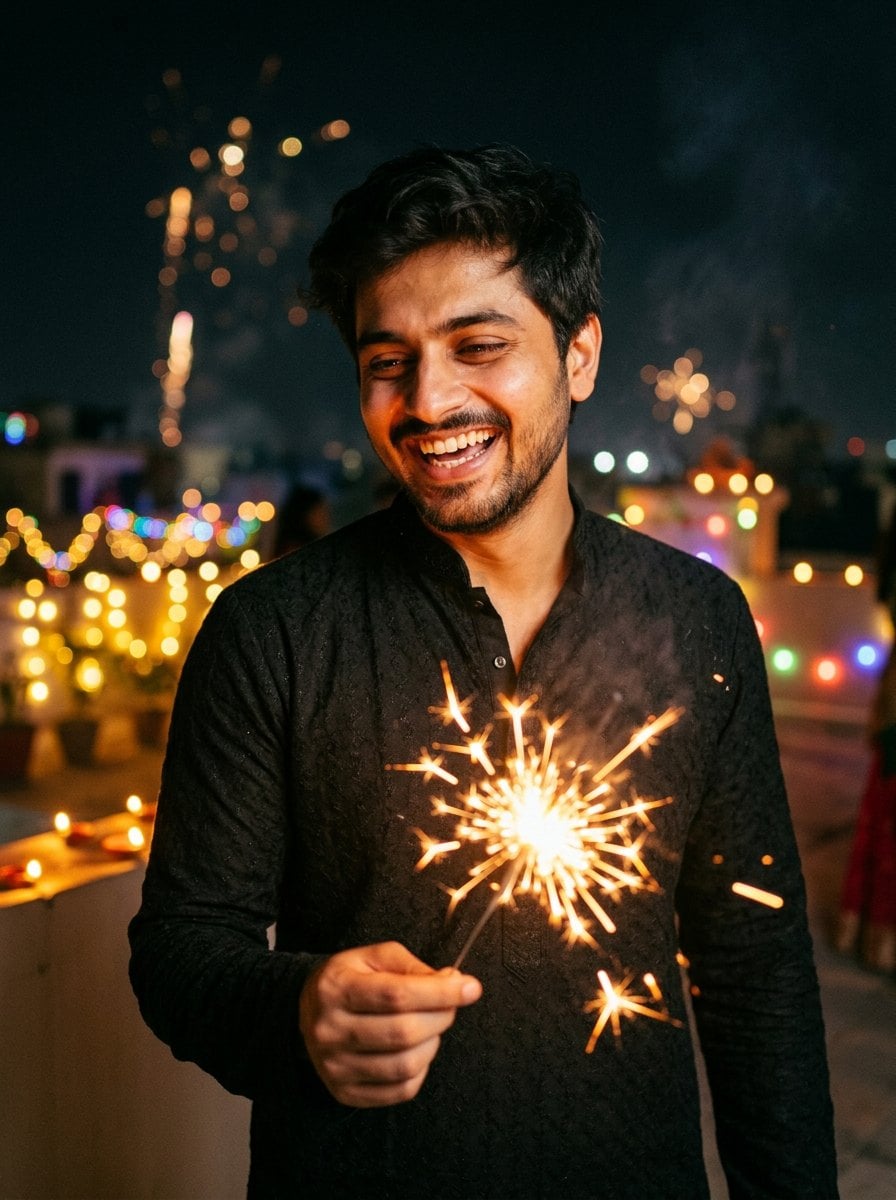
Boys: Candid Sparkler Night
Keep the face from my uploaded photo exactly the same: same facial features, skin tone, expression and hairstyle. Do not change the person's identity. Turn it into a candid Diwali night photo: he wears a black kurta pajama and laughs while holding a lit sparkler on a terrace, sparks and colorful bokeh lights around him, cinematic warm tones. Realistic photo, natural skin texture, 3:4 portrait.
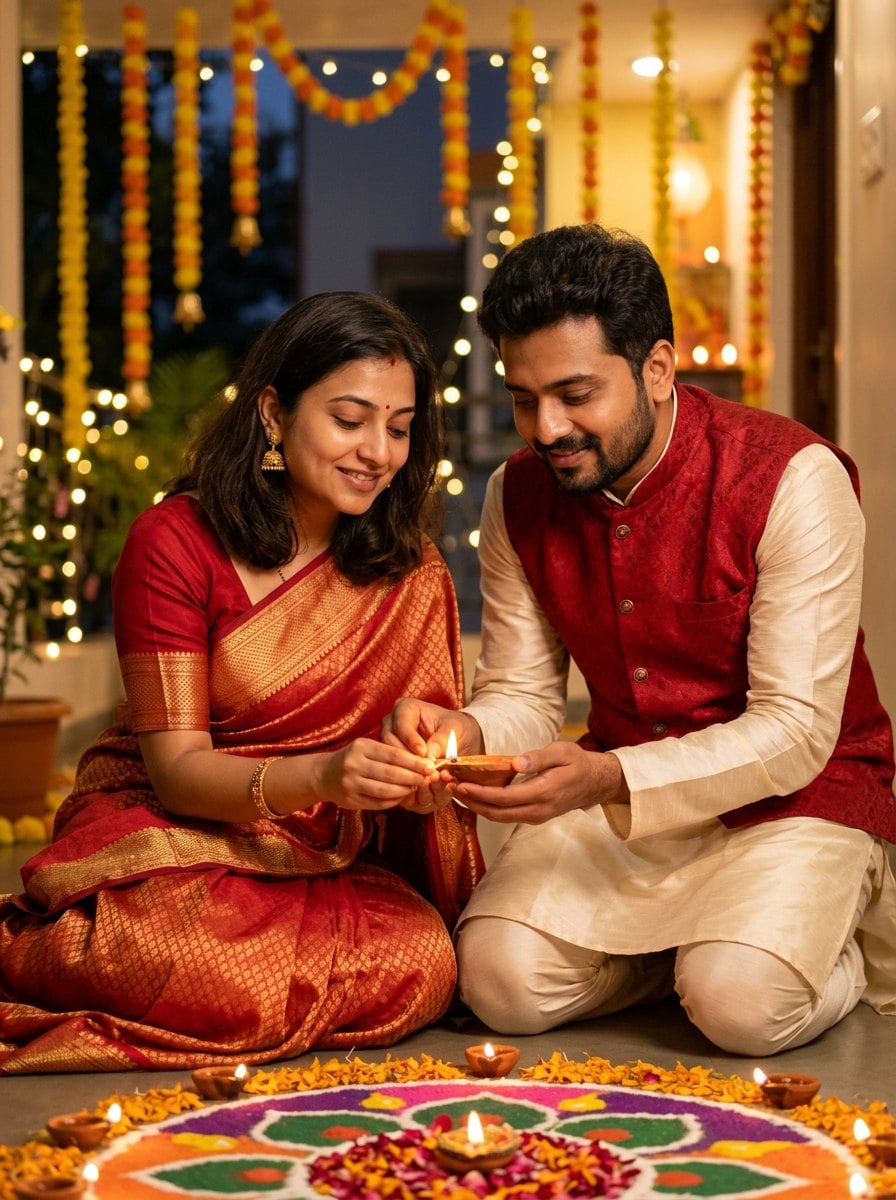
Couple: Matching Festive Outfits
Keep both faces from my uploaded photo exactly the same: same facial features, skin tones and hairstyles. Do not change either person's identity. Turn it into a romantic Diwali couple portrait: the woman wears a red and gold silk saree, the man wears an ivory kurta with a red Nehru jacket. Together they light a clay diya, their faces glowing in the warm flame light, a colorful rangoli at their feet and string lights behind them. Realistic photo, natural skin texture, 3:4 portrait.
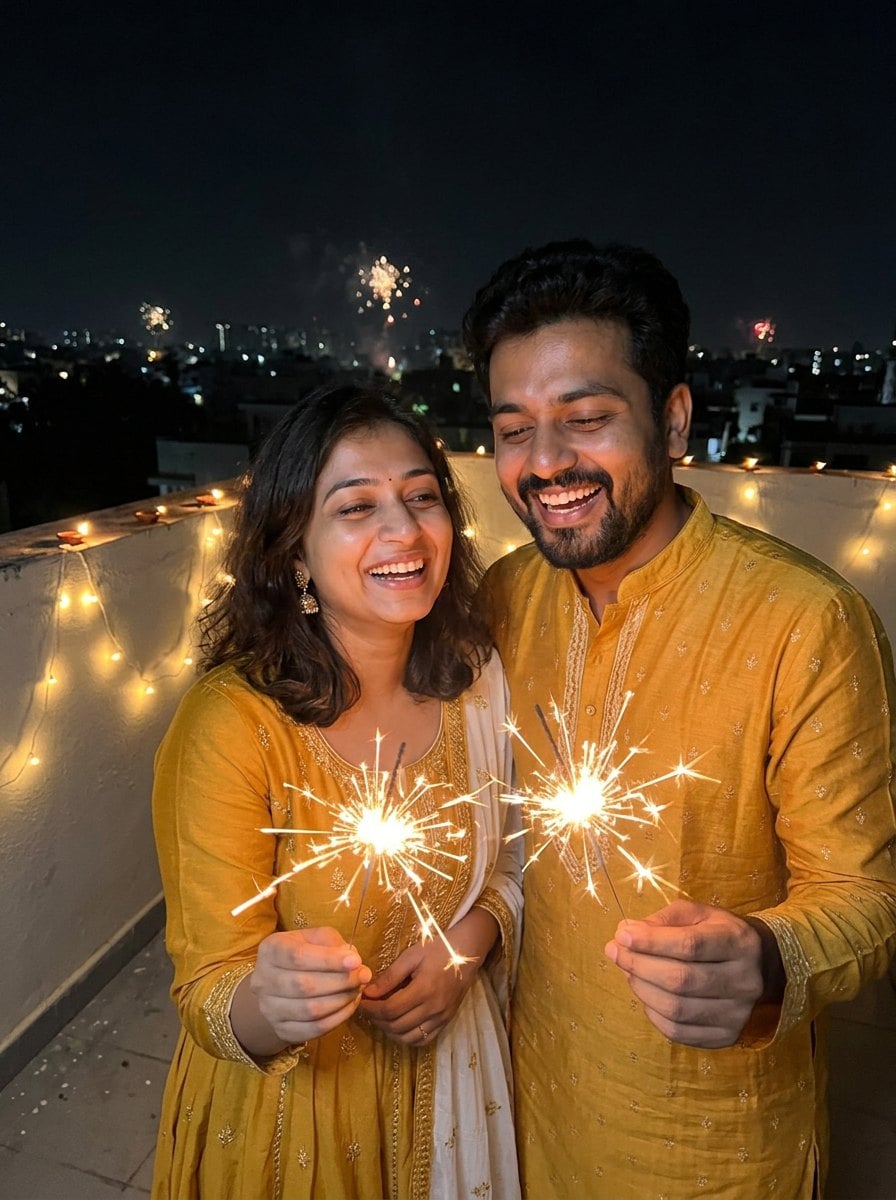
Couple: Rooftop Sparklers
Keep both faces from my uploaded photo exactly the same: same facial features, skin tones and hairstyles. Do not change either person's identity. Turn it into a joyful Diwali night photo: the couple wears coordinated mustard yellow and white festive Indian outfits and holds sparklers together on a rooftop, laughing, with string-light bokeh and distant city lights. Realistic photo, natural skin texture, 3:4 portrait.
Family: Diwali Living Room Portrait
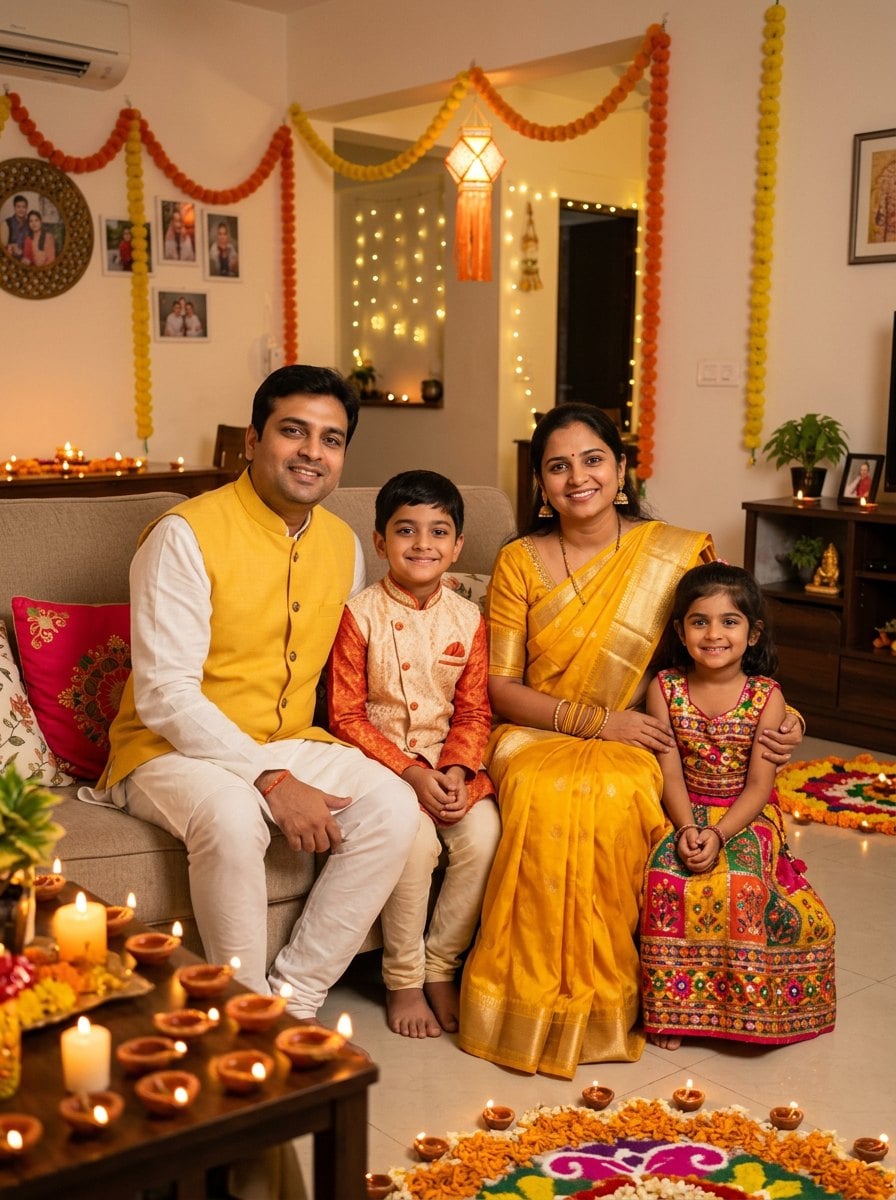
Keep every person's face from my uploaded photo exactly the same: same facial features, skin tones, ages and hairstyles. Do not change anyone's identity. Turn it into a Diwali family portrait: the mother wears a yellow silk saree, the father a white kurta with a yellow Nehru jacket, the boy a small kurta pajama and the girl a little lehenga. They pose together in a living room decorated with marigold garlands, glowing diyas, paper lanterns and a rangoli on the floor. Warm golden light, everyone smiling. Realistic photo, natural skin texture, 3:4 portrait.
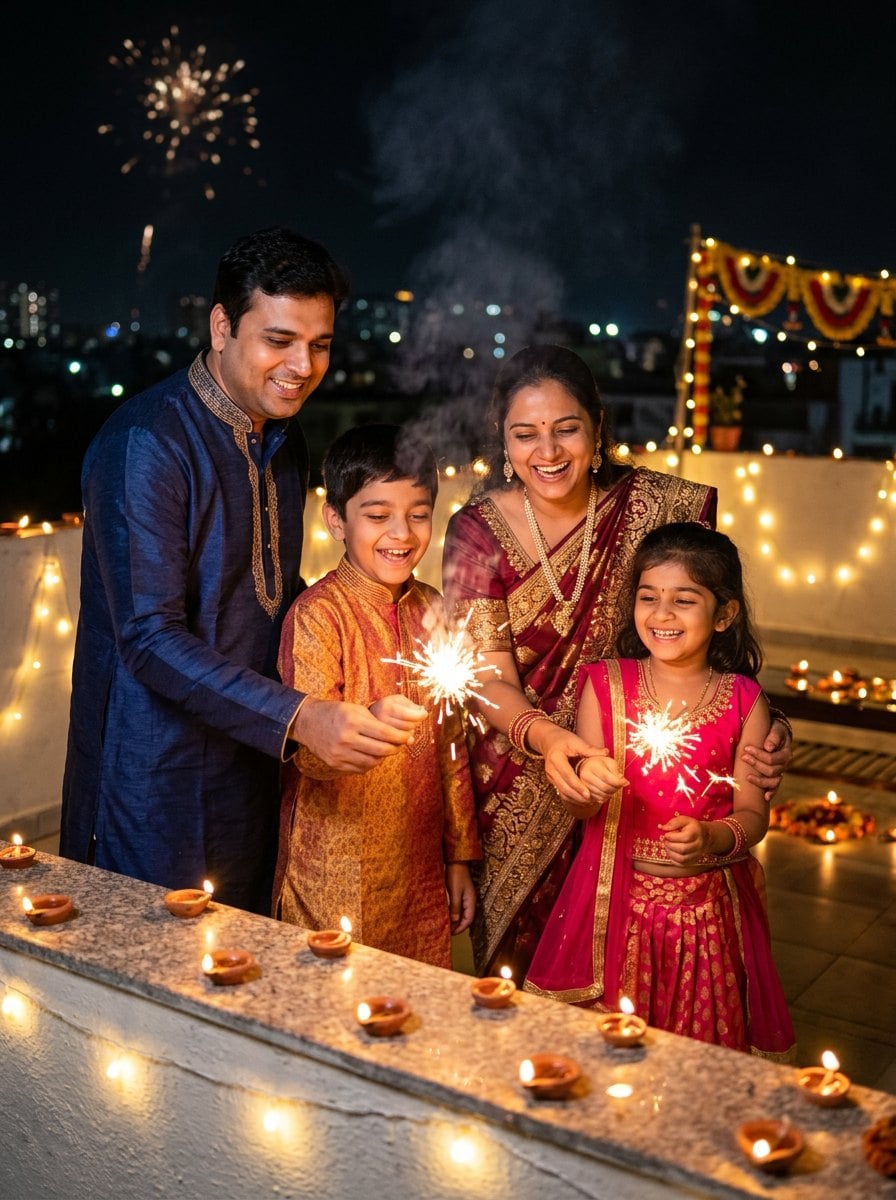
Family: Terrace Sparklers
Keep every person's face from my uploaded photo exactly the same: same facial features, skin tones, ages and hairstyles. Do not change anyone's identity. Turn it into a happy Diwali night photo: the family wears colorful festive Indian clothes and holds sparklers together on a terrace decorated with diyas and string lights, the children laughing, warm cinematic light. Realistic photo, natural skin texture, 3:4 portrait.
Kids: Little One's First Diwali
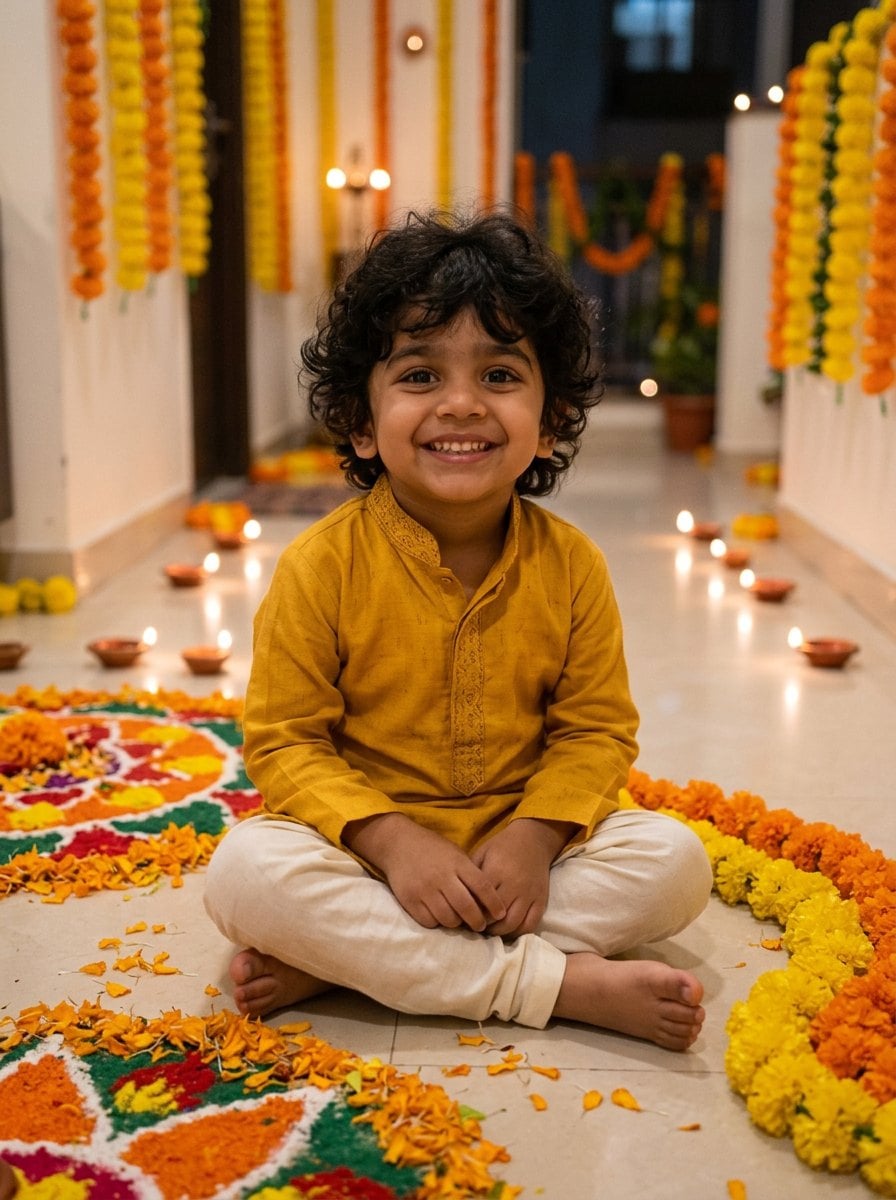
Keep the child's face from my uploaded photo exactly the same: same facial features, skin tone and hair. Do not change the child's identity. Turn it into a cute Diwali photo: the boy wears a tiny mustard yellow kurta pajama and sits next to a colorful rangoli, with glowing diyas placed a safe distance behind him and marigold flowers around. Soft warm light, joyful expression. Realistic photo, natural skin texture, 3:4 portrait.
How to Make a Diwali AI Photo from Your Own Picture
Choose a Diwali prompt
Browse the prompts for girls, boys, couples, families and kids, then copy one or click "Use with my photo" to load it into the console.
Upload a clear photo
Use a well-lit photo where every face is visible and not covered. Group prompts work best when everyone in the photo faces the camera.
Generate and refine
Click generate. If you want a different saree color, jewelry or background, edit those words in the prompt and run it again. The face-keeping sentence at the start should stay.
Tips for Better Diwali AI Photos
Keep your face the same
Change one detail at a time
Describe the light
Works in Gemini too
More AI Photo Ideas
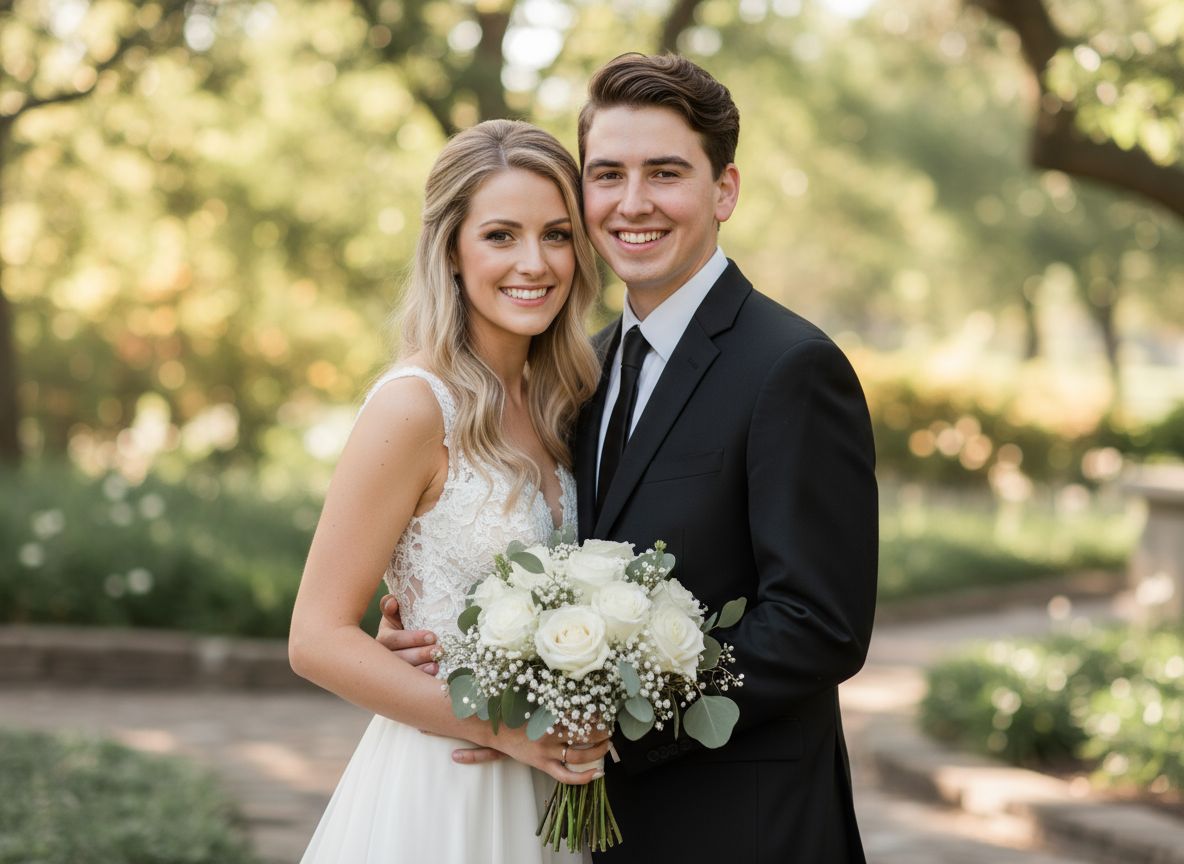
AI Couple Photo Maker
Create romantic images with our **AI couple photo maker online free**. Easily **merger couple** photos into one realistic love shot in seconds.
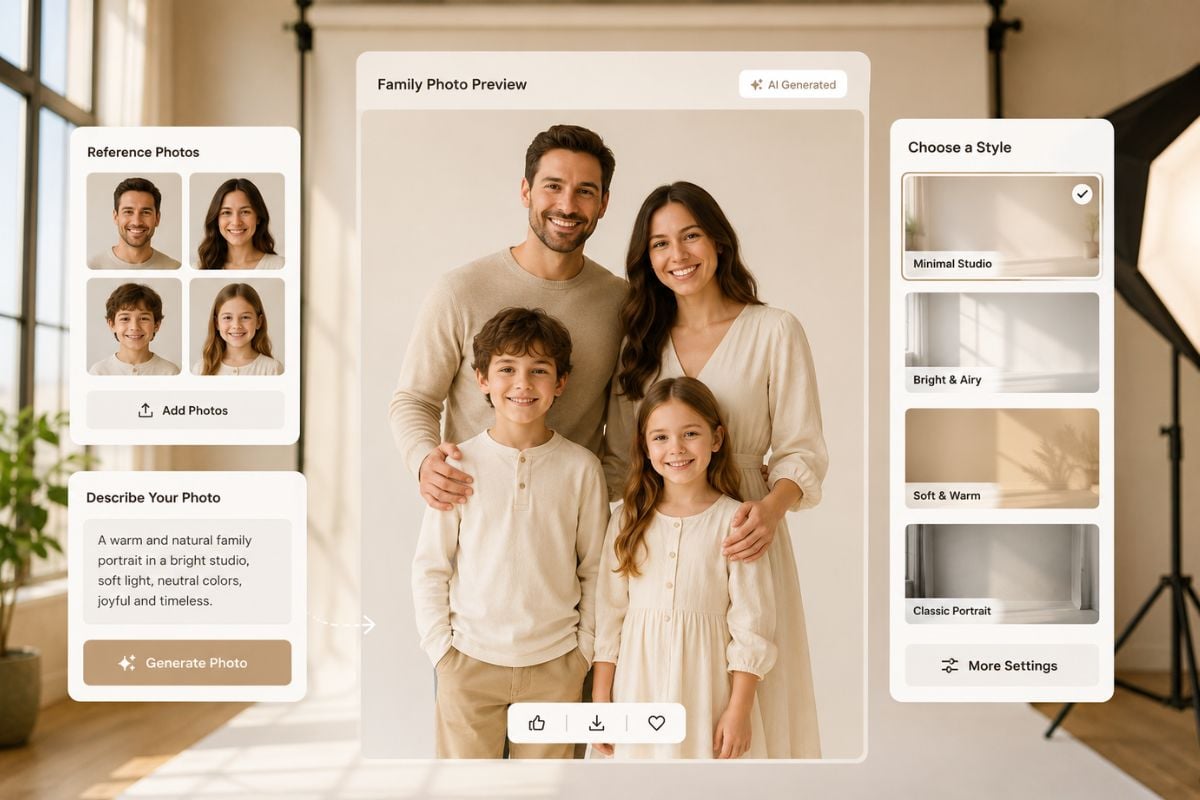
AI Family Photo Generator
Create AI family portraits from prompts or reference images. Make warm family photos, group pictures, and keepsake-style scenes online with GoEnhance AI.
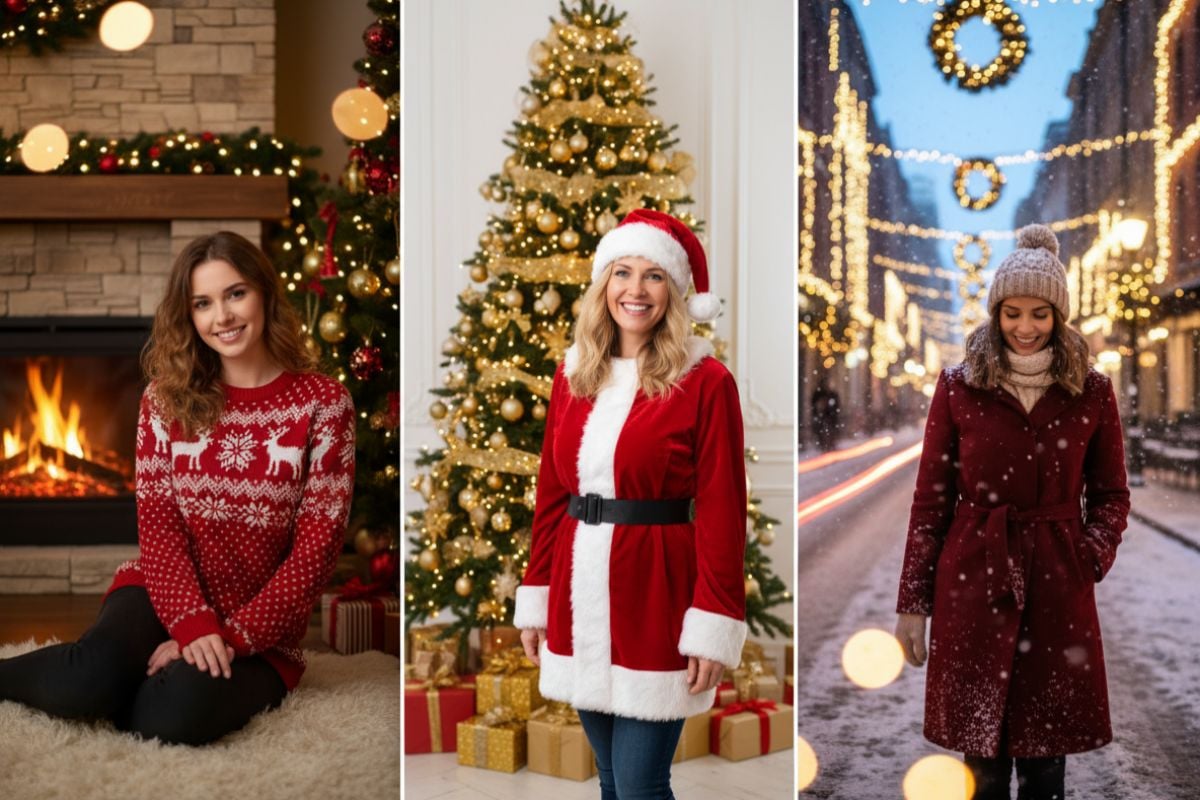
AI Christmas Photo Generator
Create magical Christmas photos with our free AI generator. Make festive, high-quality images for cards, social posts, and family memories in seconds.
Nano Banana 2.1
Nano Banana 2.1 is Google's October 2026 update to Nano Banana 2, with sharper text, better consistency, 4K output and up to 14 reference images.
Frequently Asked Questions
What is a Diwali AI photo editing prompt?
Can I use these prompts in Gemini?
How do I keep my face the same in a Diwali AI photo?
Are there Diwali prompts for couples and families?
Are these Diwali prompts free?
When is Diwali in 2026?
Make Your Diwali Photo Now
Upload a selfie, pick a saree, kurta, couple or family look, and get a festive Diwali portrait that still looks like you.
Create My Diwali Photo