Dance Motion
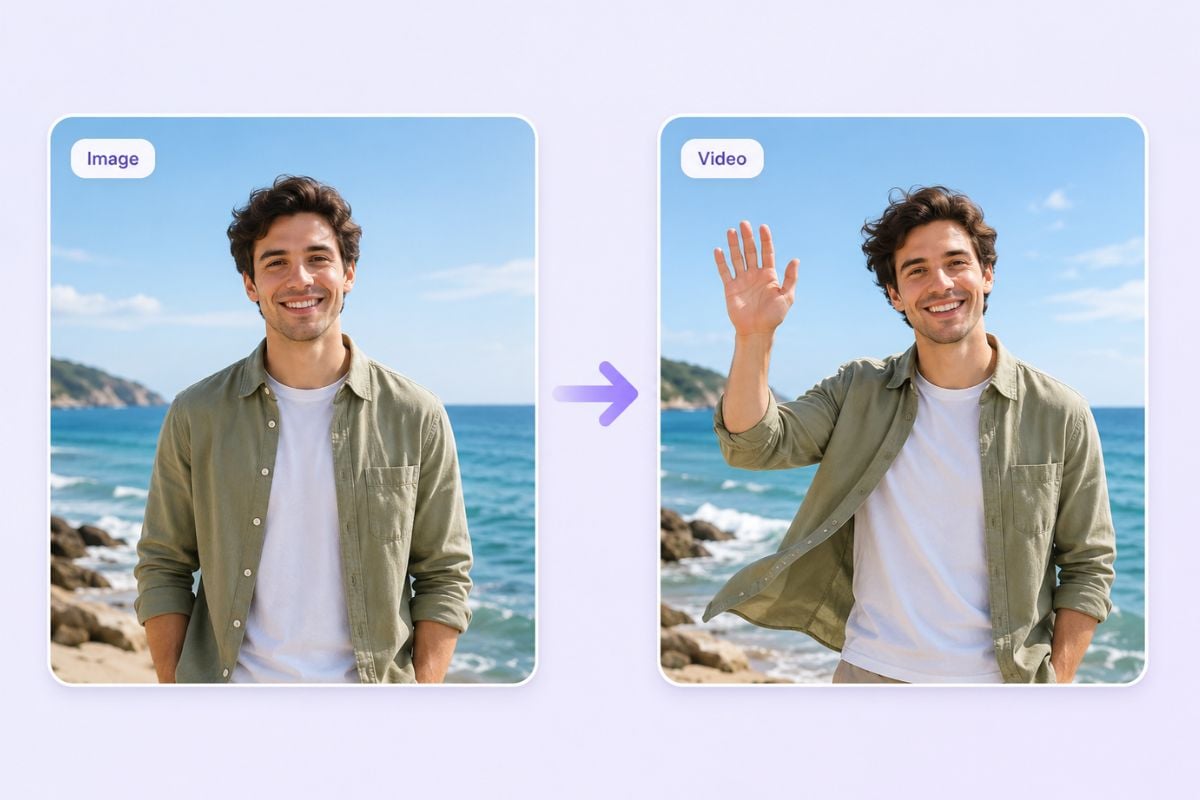
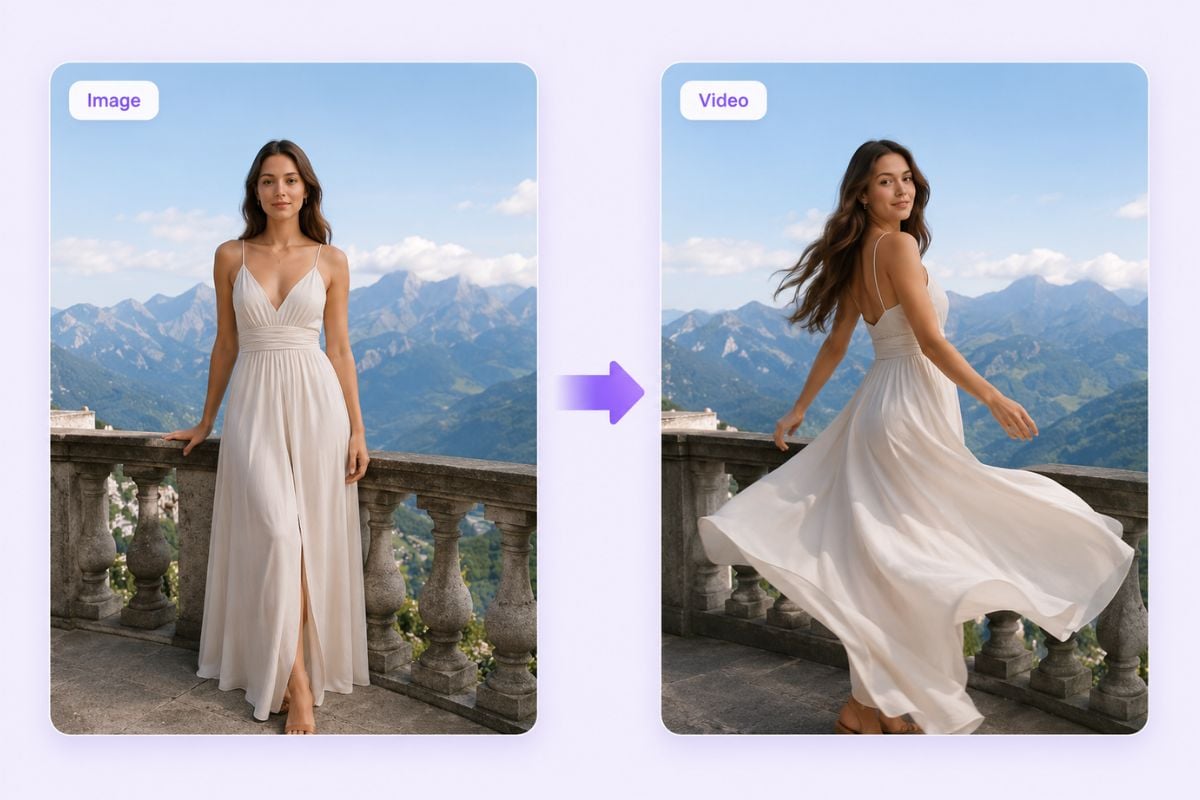
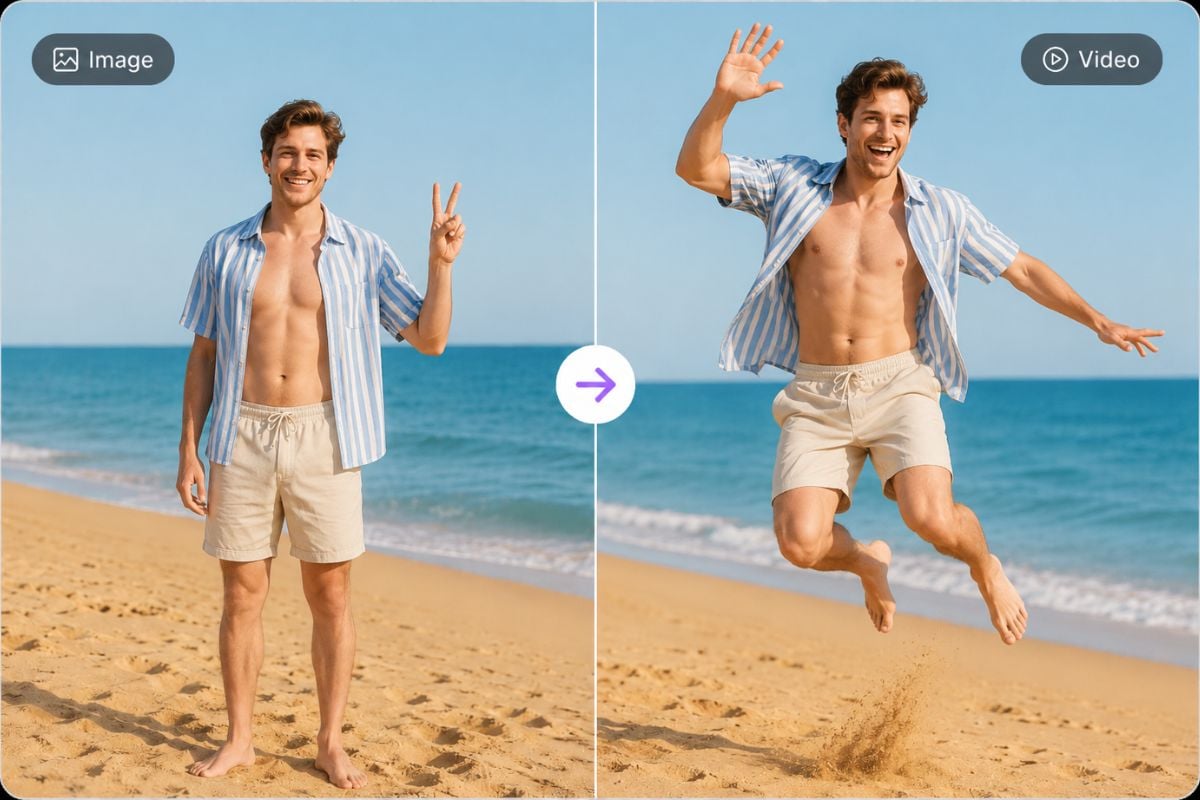
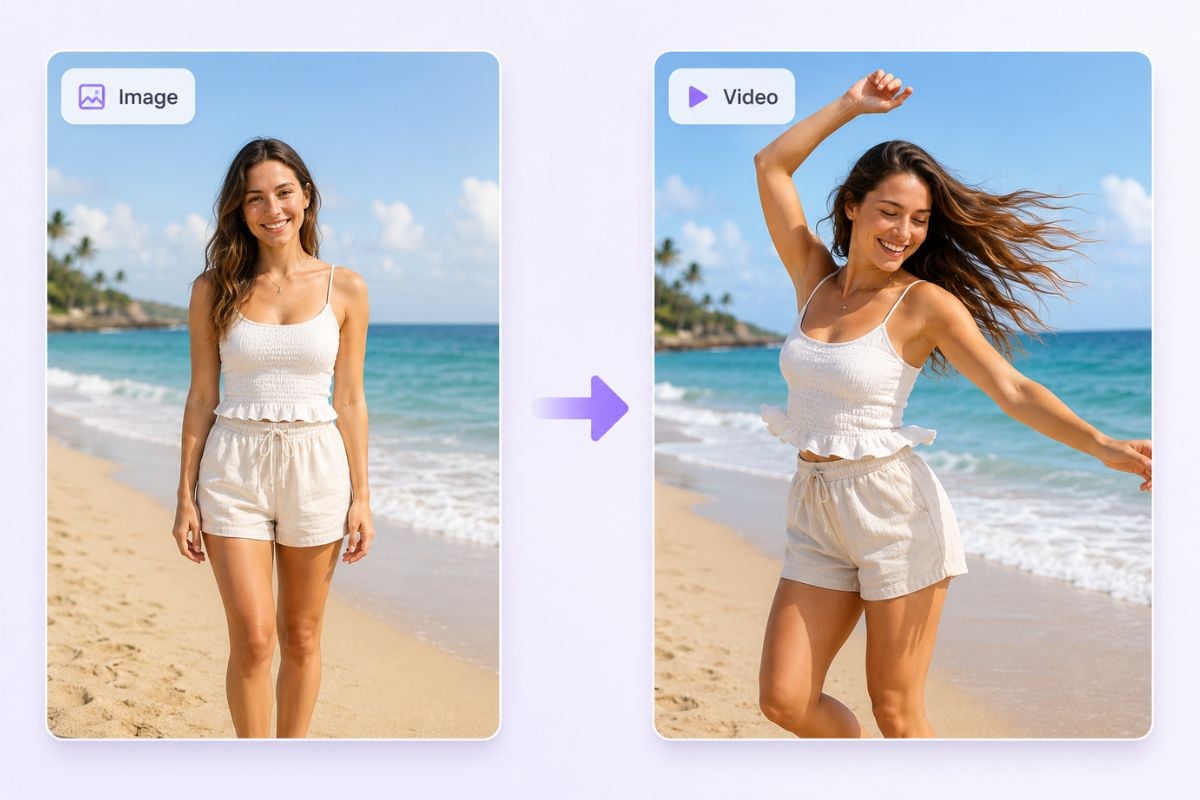
Create a lively dance-style clip from a clear subject image or video. Best for trend tests, character posts, and short social content.

Start with a clear video or image where the subject is easy to see. A cleaner source usually gives the AI more room to follow the movement naturally.
Use a reference movement or prompt to explain the action you want, such as a dance, pose change, walk cycle, gesture, or social video movement.
Preview the result, check the body motion, timing, face stability, and background details, then export the version that feels most usable.
Turn a still subject or simple clip into a moving video by letting AI follow the rhythm and pose direction from another motion source. This motion mimic workflow fits naturally inside an AI video generator when you want faster creation, and it also works well with video to video edits when the original footage needs a new action style.
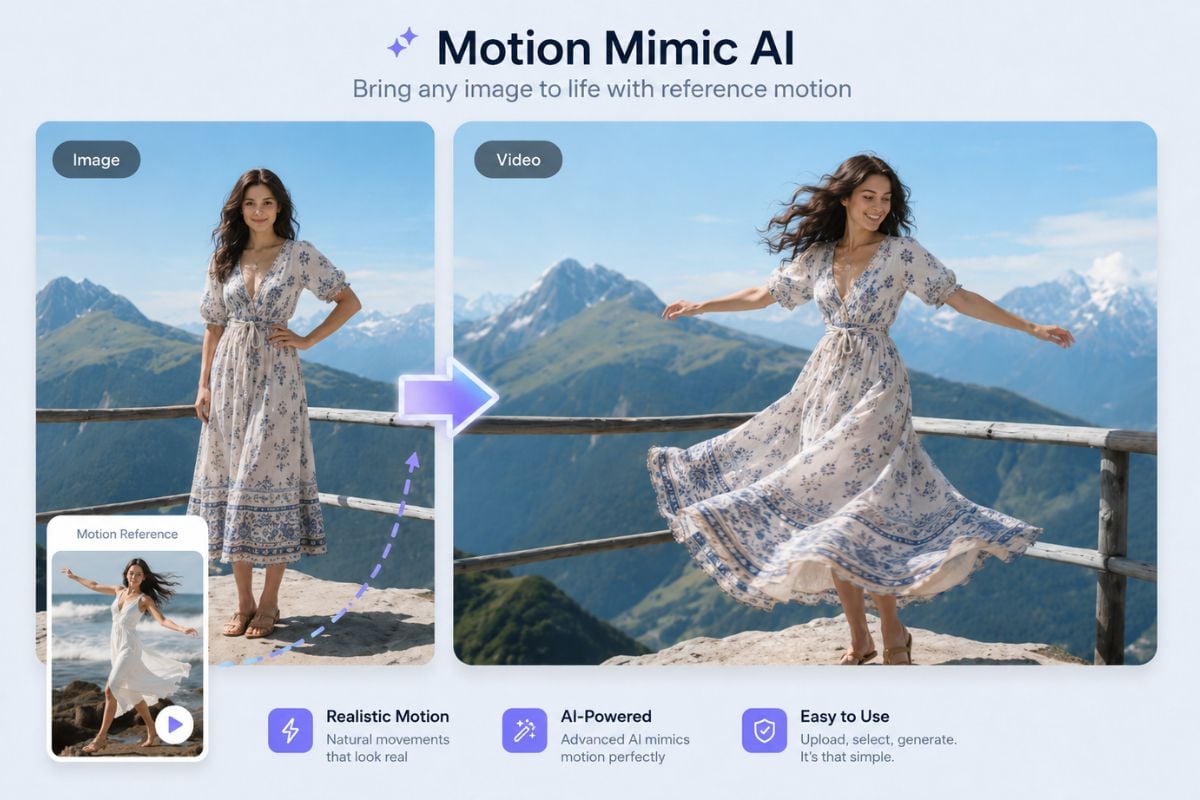
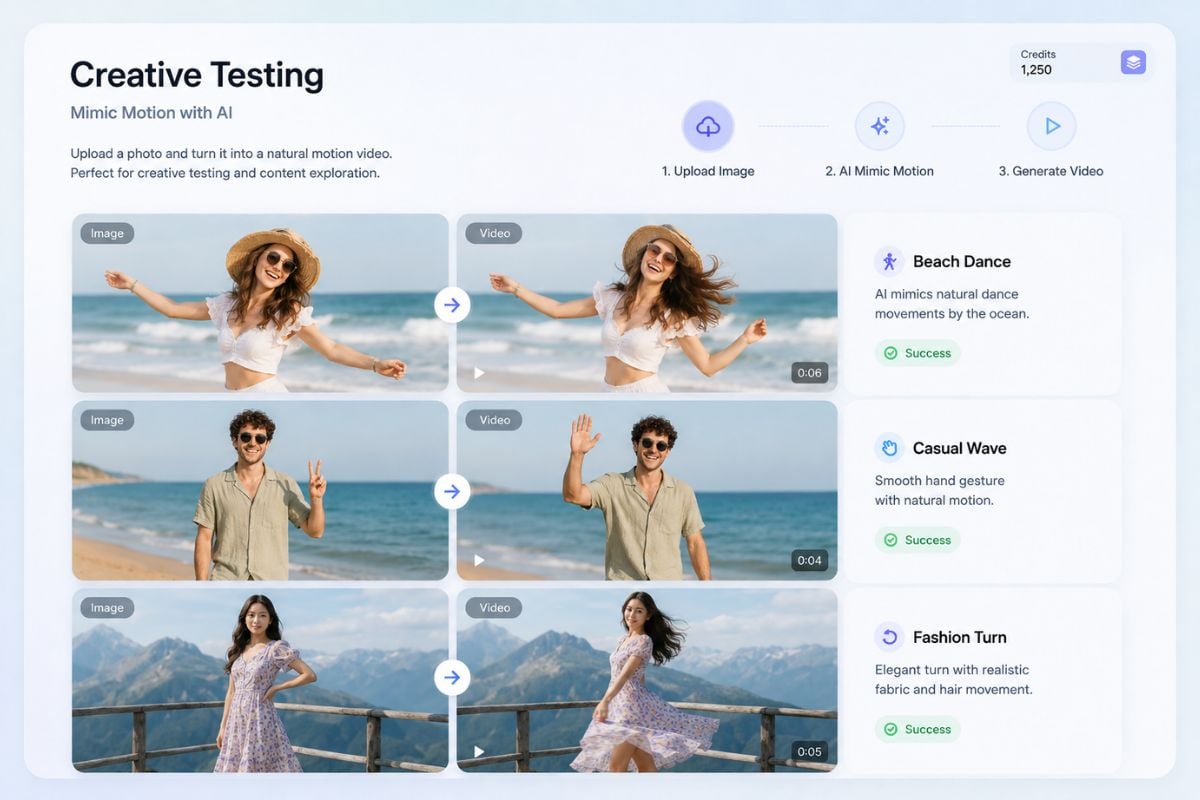
Create a lively dance-style clip from a clear subject image or video. Best for trend tests, character posts, and short social content.
Use GoEnhance AI to create motion mimic videos for social posts, character clips, ads, and creative tests. Start with a clear source, guide the movement, and turn a static idea into a more dynamic video.
Try Motion Mimic Now