
Wan 2.6 Multi-Shot AI Video Generator
Wan 2.6 is built for storytelling. Turn a short brief, a single image, or a set of references into tightly connected scenes with stable characters, clear motion, and clean HD output. Sketch your story in text, add a few images, and let Wan 2.6 assemble multi-shot videos ready to share.
Generate with Wan 2.6
Multi-Shot Storytelling

Character Consistency

Cinematic Transitions

Free Daily Quota
Explore Wan 2.6 Video Generation Features
Multi-Shot Storytelling with Wan 2.6
Wan 2.6 links multiple shots into a single coherent story. You describe the setting, characters, and rough beats; the model turns that outline into a sequence of connected clips with natural pacing and scene changes.
It keeps track of who is on screen, where the camera should move, and how each moment leads into the next. The result feels less like a single random clip and more like a short, self-contained sequence you can post directly or refine further in an editor.
Flexible Inputs for Consistent Sequences
Switch between Text-to-Video, Image-to-Video, Reference-to-Video, and Start–End frame control in one place. Use a single portrait to define your hero, a mood board for style, and a written description to steer motion and scene order.
On top of GoEnhance’s AI video generator, Wan 2.6 becomes a flexible layer: it can extend a static frame into motion, match a character across angles, or assemble several short beats into a compact edit suitable for social feeds and campaigns.
Key Features of Wan 2.6
- Cinematic Character Performance: Stable identity with expressive, film-like close-ups.
- Multi-Shot Visual Consistency: Locations and style stay grounded across cuts.
- Prompt-Aware Scene Direction: Understands shot type, mood, and pacing instructions.
- Cinematic Motion & Transitions: Natural camera moves with clean in–out transitions.
- Wan 2.6 vs Sora 2: How Wan 2.6 compares with Sora 2 for short-form storytelling and scene control.
Cinematic Character Performance
Wan 2.6 keeps faces, outfits, and overall styling consistent from shot to shot. Subtle changes—eye movement, breathing, small gestures—feel deliberate rather than random, so characters read clearly on camera even in busy environments.
| Prompt | Generated Video |
|---|---|
A close-up of a young woman walking through a softly lit night market. The camera follows her as she turns to look at different stalls, her hairstyle, jacket, and accessories staying consistent across each angle. Lantern reflections glide across her face while her eyes blink naturally and her expression shifts from curiosity to a gentle smile. |
Multi-Shot Visual Consistency
Buildings, props, and lighting remain recognizable when you move from establishing shots to closer views. Wan 2.6 avoids heavy flicker and layout resets between scenes, making it easier to cut several clips into one continuous story.
| Prompt | Generated Video |
|---|---|
A wide shot gliding over a coastal town at golden hour, cutting to a medium shot of the same street from ground level. The architecture, signage, and color of the sky remain consistent between shots while the camera path and depth of field change smoothly. |
Prompt-Aware Scene Direction
Wan 2.6 responds well to notes like “slow push-in,” “handheld feel,” or “calm, lingering beats.” It uses your text to decide how long to dwell on a moment, how quickly to move the camera, and how each shot should pick up from the previous one.
| Prompt | Generated Video |
|---|---|
A three-shot sequence of a small robot exploring a rainy alley: first a wide shot of the alley, then a tracking shot behind the robot, then a close-up of its face as droplets roll down its metal surface. The pacing follows a calm, curious mood with each shot lasting two seconds. |
Cinematic Motion & Transitions
From pans and dolly moves to gentle reframes between shots, motion in Wan 2.6 feels anchored in a believable space. Cut points land cleanly, so you can splice clips together without distracting jumps or abrupt changes in framing.
Wan 2.6 vs Sora 2
Sora 2 is built around physically grounded world simulation and rich audio support, making it well suited to complex, open-ended scenes. Wan 2.6 leans into compact, multi-shot storytelling with strong character continuity and pacing tailored for social clips, campaigns, and quick concept pieces.
| Feature | Wan 2.6 | Sora 2 |
|---|---|---|
| Signature strengths | Optimized for short, multi-shot sequences with tight character and style consistency across cuts | Physics-focused world simulation, strong handling of complex environments, and support for synchronized audio in supported workflows |
| Prompt interpretation | Balances scene description with shot-level control for social-ready edits and compact stories | Interprets detailed environment and action prompts with high physical plausibility |
| Camera motion | Designed for smooth, grounded camera paths and seamless transitions between related shots | Wide range of camera motion and scene types, from abstract to realistic |
| Identity consistency | Focus on matching character look and wardrobe when changing angles or distance | Strong identity retention, especially in longer continuous clips |
| Best use case | HD-focused output tuned for short-form content, ads, and episodic social posts | Model-level support for higher resolutions and longer clips in lab and partner setups |
| Release window | 2025 Q4 GoEnhance integration building on Wan 2.x research line | Ongoing releases from 2025 by OpenAI and partners |
More Latest Video Models
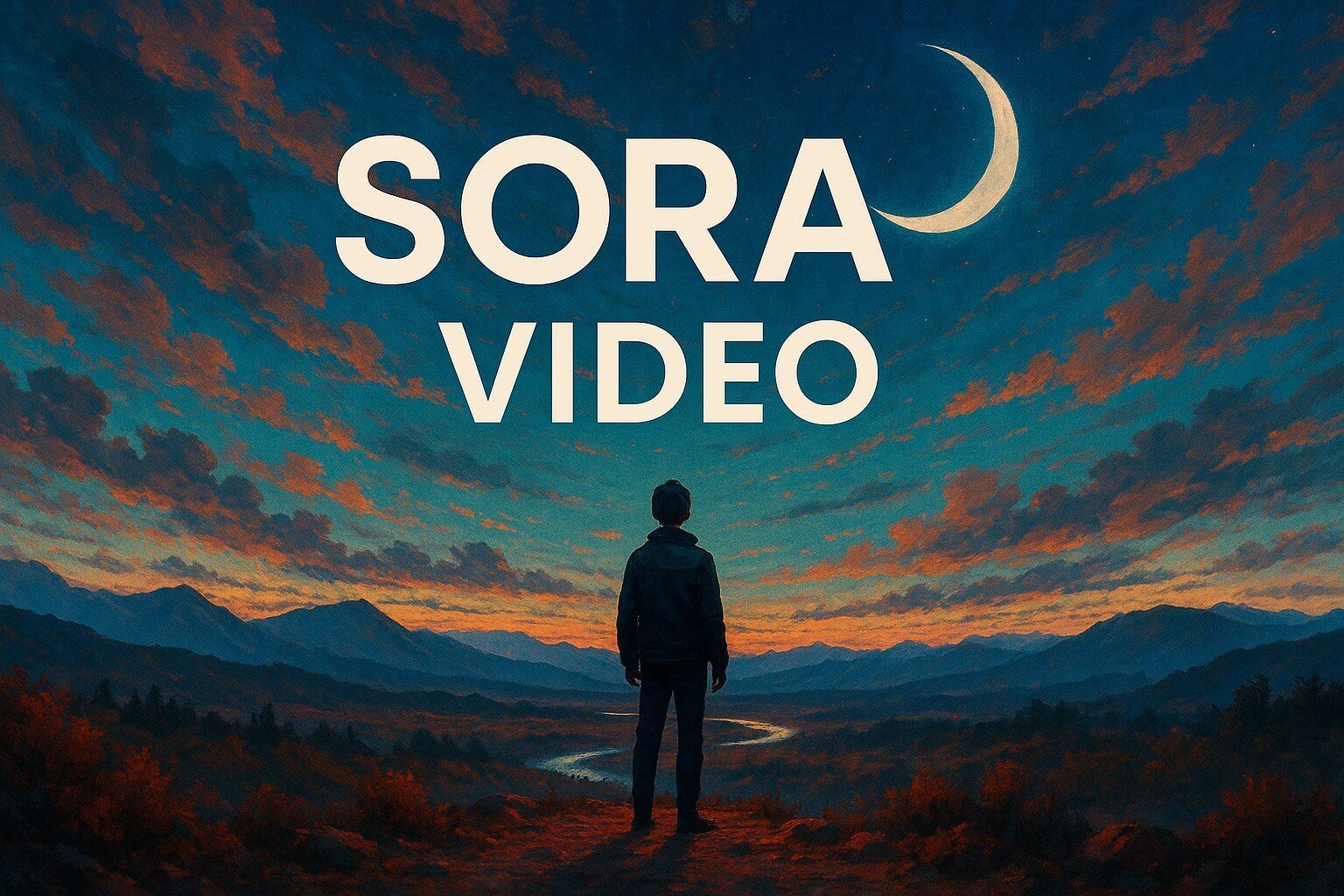
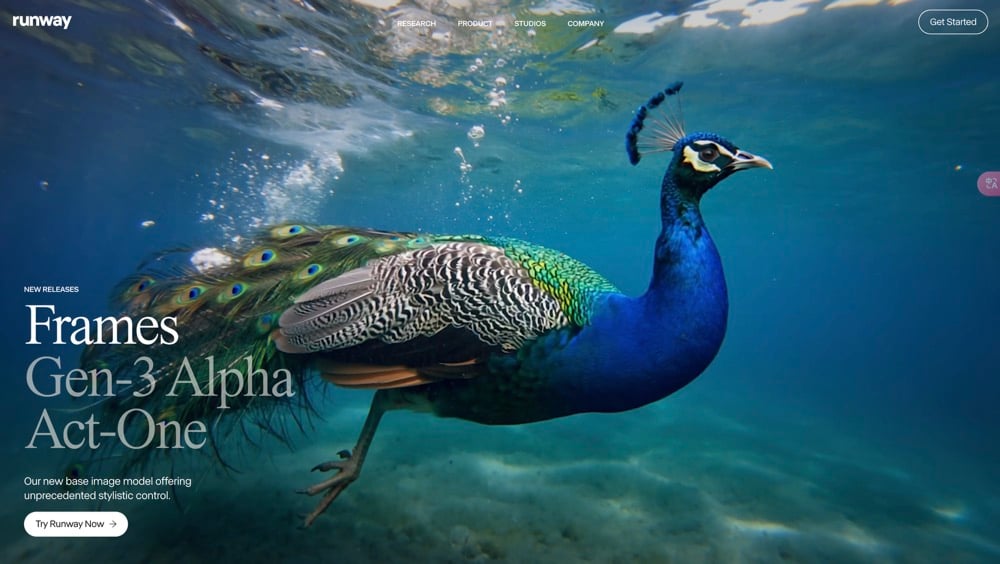

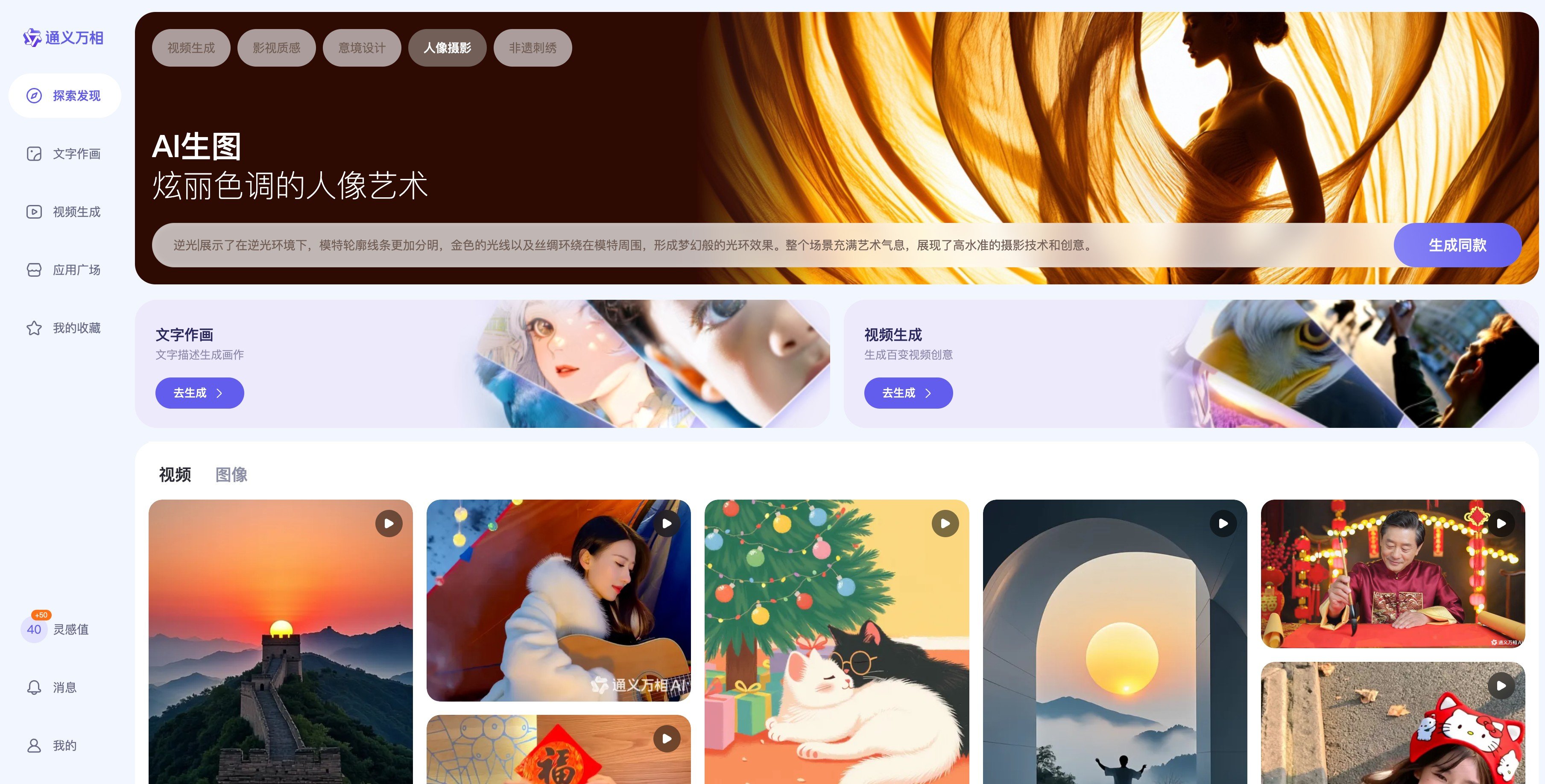
Features of the Wan 2.6 Video Model
Story-Ready Defaults
Wan 2.6 is tuned to favor clips with clean motion, steady structure, and readable subjects, so most generations are usable without heavy editing.
Consistent Look Across Shots
Characters, outfits, and overall mood stay stable across connected shots, which makes it easier to cut several clips into one continuous edit.
Natural-Language Scene Control
Describe settings, camera angles, and pacing in plain language. You can point out moments like "open with a wide establishing shot" or "end on a close-up" and see that reflected on screen.
HD Output for Modern Platforms
Generate HD clips suited for social feeds, landing pages, and campaign previews, with resolution and aspect ratios that fit modern platforms.
Flexible Ways to Begin
Start from text, a single image, multiple references, or paired start–end frames. Wan 2.6 adapts to the material you already have, helping you avoid reshoots.
Free Tier with Upgrade Paths
Use a free daily allowance to test ideas, then move to paid tiers when you need higher volume, faster queues, and watermark-free exports.
Your Questions About Wan 2.6 Answered
FAQs About the Wan 2.6 Video Generator
What is Wan 2.6?
What makes Wan 2.6 different from other AI video generators?
How does Wan 2.6 keep stories consistent across multiple shots?
What quality and duration can I expect from Wan 2.6?
Is Wan 2.6 suitable for professional creative work?
How does Wan 2.6 handle Image-to-Video and Reference-to-Video?
Can I control the pacing and style of the generated video?
Try Wan 2.6 on GoEnhance
Outline your story, drop in a few images, and let Wan 2.6 build connected, HD-ready scenes you can publish or refine.
Start Creating