goenhance logo

Renderforest AI Creative Platform

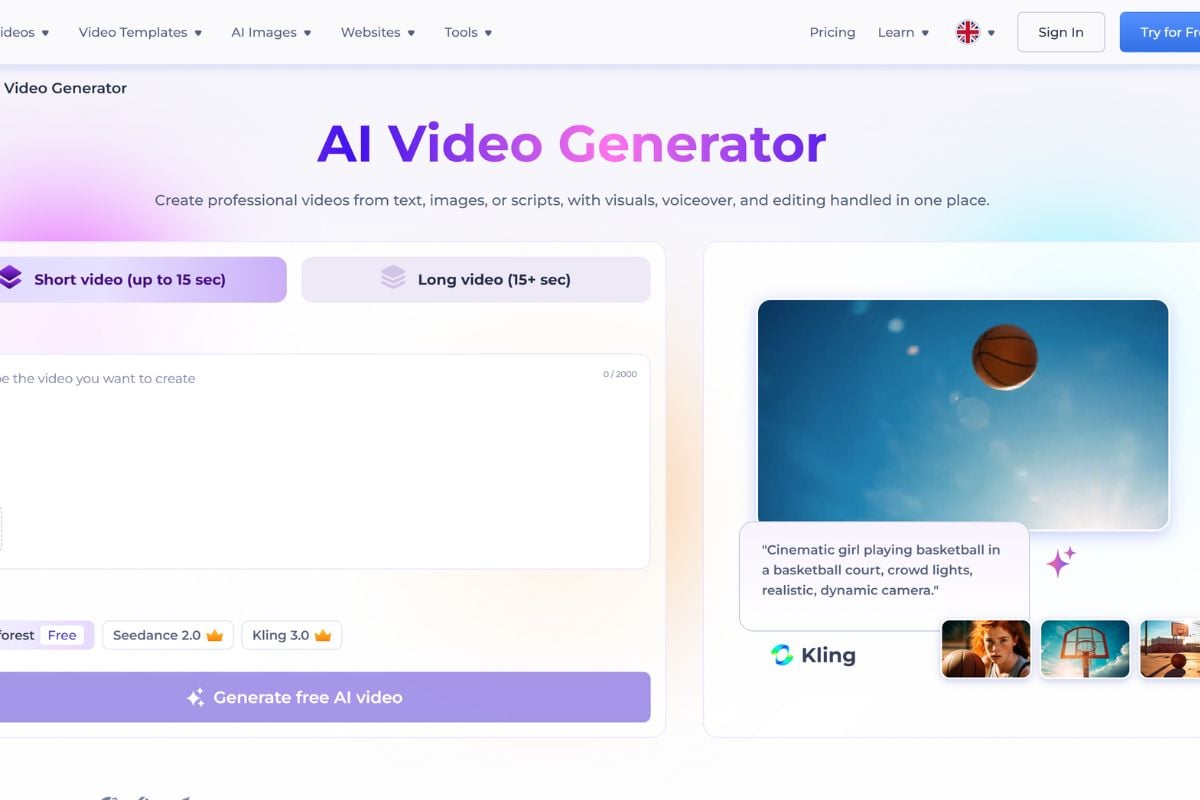
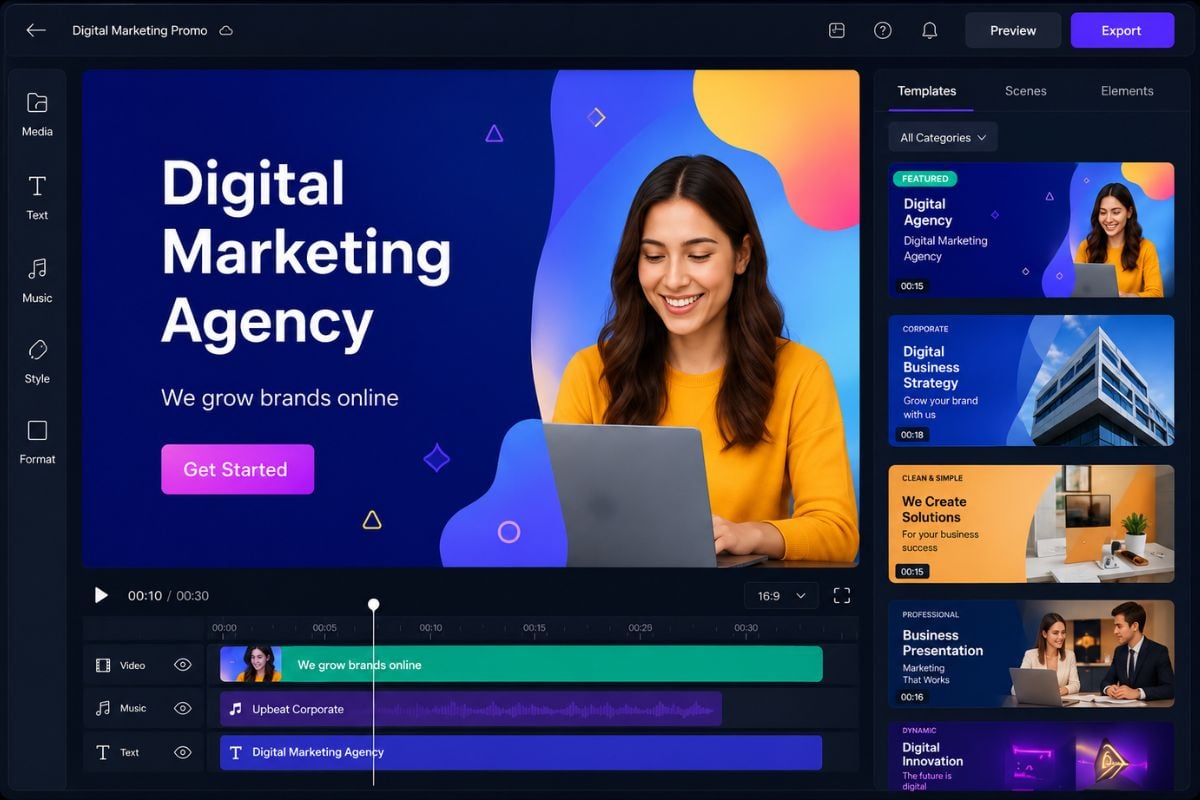
Renderforest AI is an online creative platform for making videos, logo animations, mockups, graphics, and websites with ready-made templates, online editing tools, and AI-assisted creation.

Core Features of Renderforest AI

Turn Ideas Into AI-Assisted Videos

Renderforest AI helps users create marketing videos, explainers, social clips, product promos, and presentation-style videos from a simple idea, script, or creative brief. For teams starting with a still image, an image to video workflow can help turn product visuals, brand assets, or concept images into motion. It works well when the goal is a structured business or creator video instead of a completely blank production workflow.

Start Faster With Ready-Made Video Templates

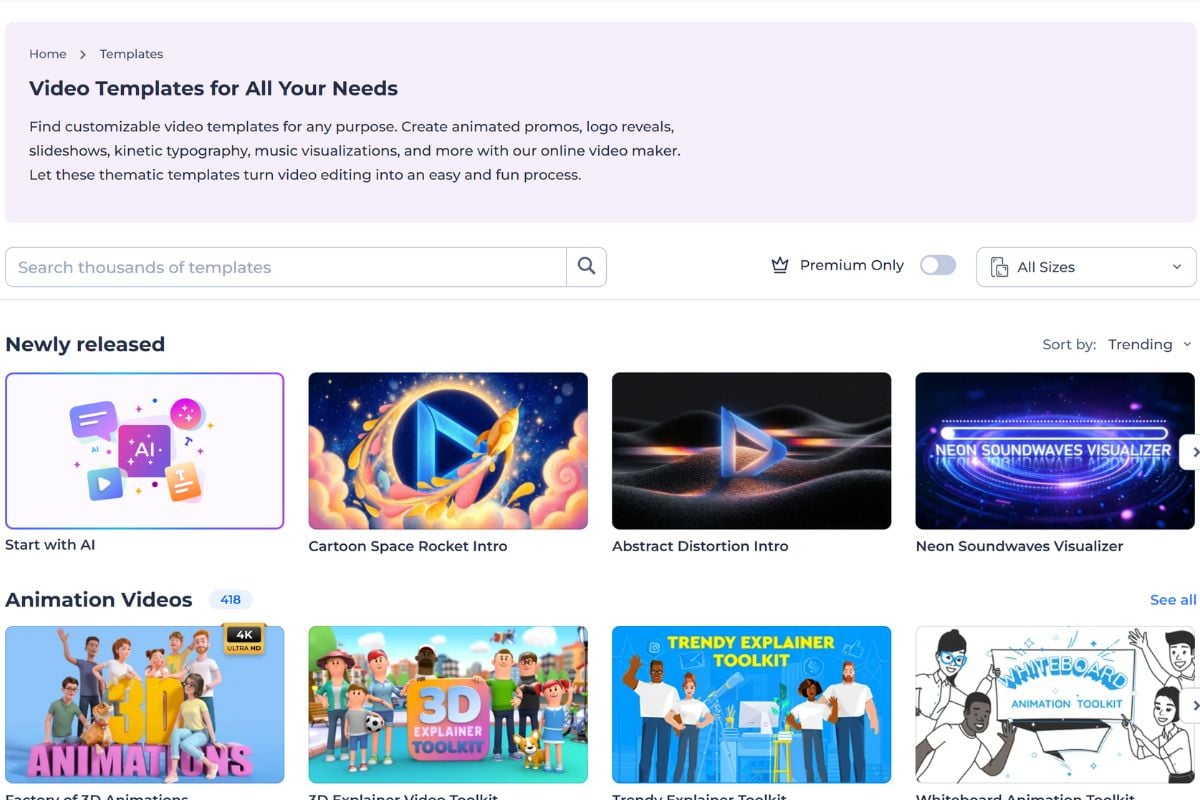
A major strength of Renderforest is its template-based workflow. Users can start with templates for promo videos, slideshows, intros, logo reveals, explainers, music visualizers, and social media content, then customize the text, visuals, scenes, and brand details.

Create Logo Animations and Brand Intros

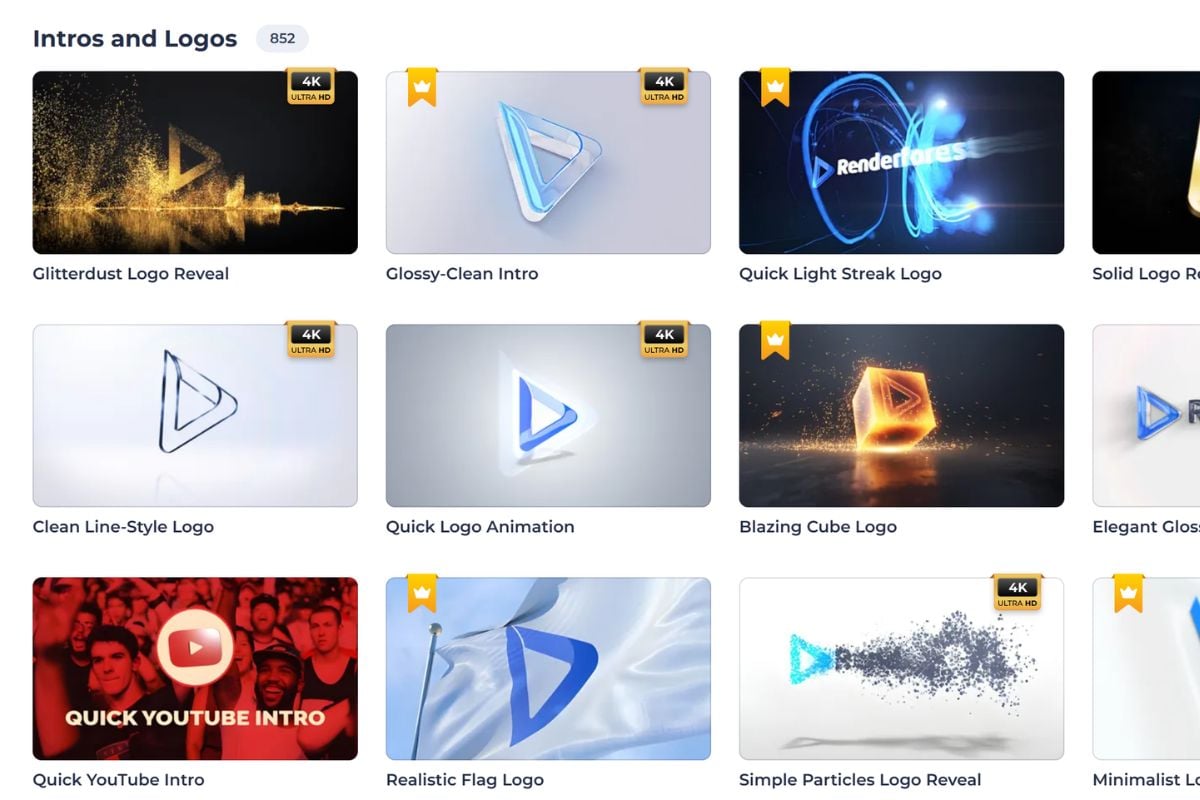
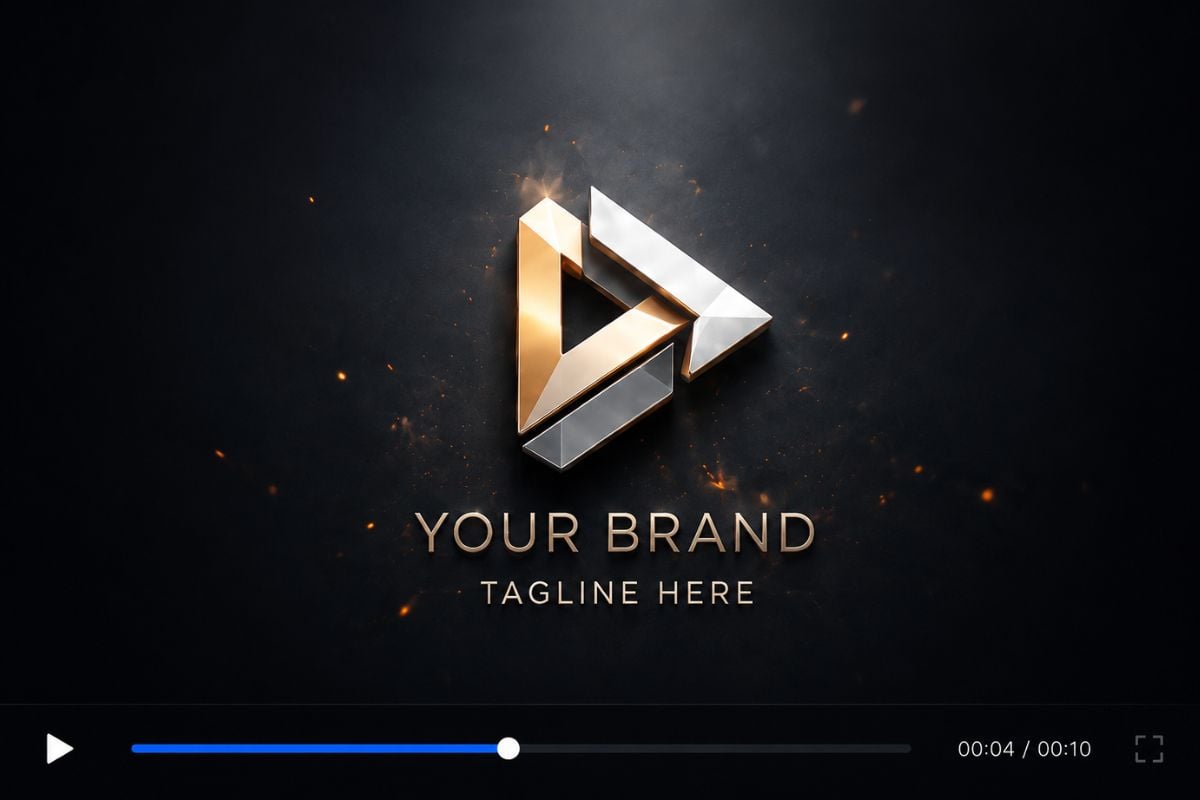
Renderforest is also useful for brand packaging. Users can upload or create a logo, choose an animation style, and make logo reveals, intro videos, outro clips, and branded openers for YouTube channels, company videos, events, and presentations.

Build Websites, Mockups, and Visual Assets

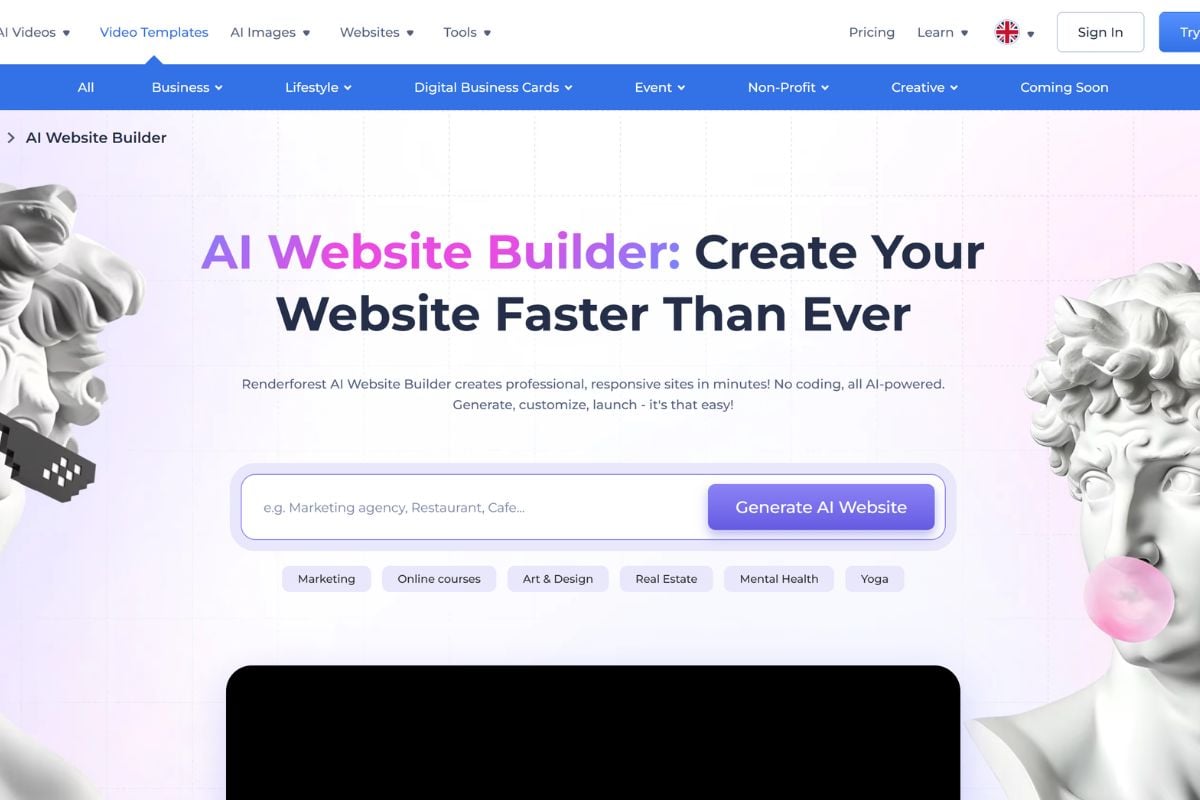
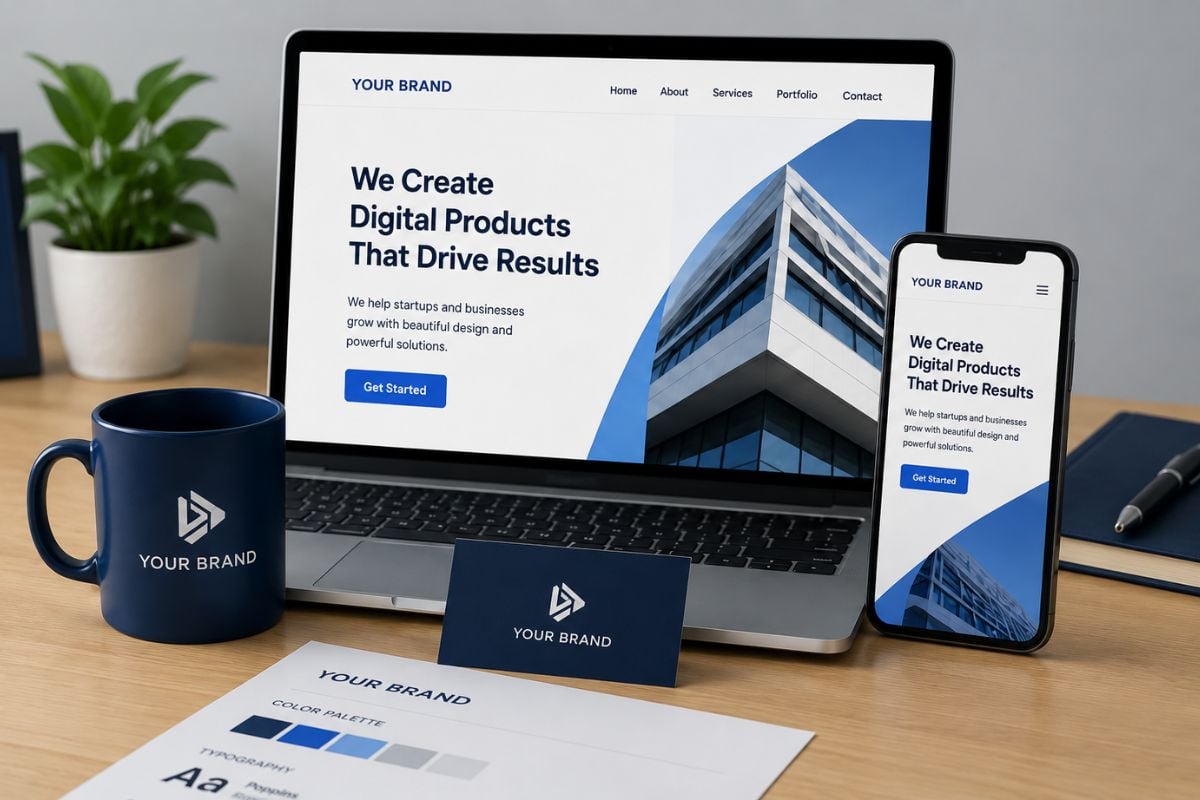
Renderforest AI is broader than a video generator. It also supports website creation, mockup design, graphics, and brand visuals, making it useful for small businesses, marketers, educators, freelancers, and creators who need several types of assets in one online workspace.

What Can You Create With Renderforest AI?

Creation TypeStarting PointCommon OutputBest For
AI VideosPrompt, script, template, or creative briefMarketing videos, explainers, promos, and social clipsCreators, marketers, educators, and small teams
Video TemplatesReady-made template categoriesSlideshows, intros, outros, logo reveals, and adsFast branded video production
Logo AnimationsLogo file, brand name, or visual identityLogo reveal, YouTube intro, company opener, and event introBranding, channels, presentations, and business videos
Mockups and GraphicsProduct image, logo, or design ideaDevice mockups, product previews, posters, and social visualsCampaign testing and product presentation
WebsitesBusiness idea, website goal, or page templateLanding pages, portfolio sites, service pages, and business sitesSmall businesses and non-technical users
A template-first creative platform for videos, branding, websites, and visual content

Why Use Renderforest AI?

Template-Based Creative Workflow

Renderforest helps users begin with ready-made structures instead of starting from a blank editor, which makes video, logo, mockup, and website creation easier for non-designers.

Useful for Marketing and Social Content

The platform fits product promos, social media posts, YouTube intros, explainers, event videos, brand stories, and other assets that need a polished but fast production process.

Logo Animation and Brand Packaging

Renderforest is especially strong for logo reveals, branded openers, intros, outros, and visual identity assets that make a video or campaign feel more complete.

More Than an AI Video Generator

Users can create videos, websites, mockups, graphics, and brand materials in one place, which makes Renderforest broader than a single prompt-to-video tool.

Friendly for Small Teams

Small businesses, freelancers, teachers, creators, and marketing teams can make presentable assets without needing advanced editing, design, or web development skills.

Good for Structured Output

Because many workflows begin from templates, Renderforest is useful when users need a clear format, consistent layout, and faster path from idea to publishable content.

How To Use Renderforest AI on GoEnhance AI?

01

Choose a Template or Add Your Creative Input

Start with a video, logo animation, mockup, graphic, or website template, or add a prompt, script, brand idea, product concept, or creative brief.

02

Customize Text, Images, Brand Style, and Scenes

Replace the default content with your own text, images, logo, colors, music, product details, or page copy so the result matches your brand or project goal.

03

Generate, Preview, and Export Your Asset

Review the result, adjust anything that feels off, and export the final video, animation, mockup, graphic, or website asset when it is ready to use.

Popular Renderforest AI Use Cases

Renderforest AI is most useful when users need structured creative assets for marketing, branding, business communication, and online publishing.
Marketing Videos

Marketing Videos

Create short promotional videos, explainer clips, product launch assets, ad-style visuals, and social media content for campaigns or business pages.

Explore Renderforest AI

Renderforest AI vs Pure AI Video Generators

DimensionRenderforest AIPure AI Video GeneratorsBest Fit
Main WorkflowTemplates, online editing, brand assets, and AI-assisted creationPrompt or image input followed by AI video generationRenderforest fits structured business and branding assets
Starting PointTemplate, script, brand need, logo, website goal, or design assetText prompt, reference image, or source clipPure AI video tools fit open-ended visual experiments
Content TypesVideos, logo animations, mockups, graphics, websites, and brand visualsMostly AI-generated clips or video variationsRenderforest is broader for multi-asset production
Creative ControlStructured editing around layouts, scenes, templates, and brand detailsFlexible visual generation based on prompt and model behaviorChoose based on whether you need structure or visual exploration
Typical UsersSmall businesses, marketers, educators, freelancers, and creatorsAI creators, video experimenters, and social content makersRenderforest is easier for practical brand workflows
Core StrengthFast, polished, template-driven outputs for common creative needsMore flexible generation for cinematic or experimental clipsUse both when you need assets and motion ideas together

Renderforest AI Discussions on X

Renderforest AI Discussions on Reddit

Frequently Asked Questions

Common Questions About Renderforest AI

What is Renderforest AI?

Renderforest AI is an online creative platform for making videos, logo animations, mockups, graphics, websites, and brand assets with AI-assisted tools, templates, and an online editor.

Does Renderforest AI provide templates?

Yes. Templates are one of Renderforest's core strengths. Users can start with video templates, logo animation templates, mockup templates, graphic templates, and website templates, then customize the content for their project.

Is Renderforest AI only an AI video generator?

No. Although Renderforest includes AI video creation, it is broader than a pure AI video generator. It also supports logo animation, mockups, graphics, website creation, and other brand-focused workflows.

What can I create with Renderforest AI?

You can create marketing videos, product promos, social clips, explainers, YouTube intros, logo reveals, slideshows, mockups, business websites, portfolio pages, and brand visuals.

Who should use Renderforest AI?

Renderforest AI is useful for small businesses, marketers, creators, educators, freelancers, startup teams, and anyone who needs polished creative assets without advanced design, editing, or coding skills.

How is Renderforest AI different from pure AI video tools?

Renderforest is more template-driven and brand-oriented. Pure AI video tools usually focus on generating motion from prompts or images, while Renderforest also helps users create structured videos, logo animations, websites, mockups, and graphics.

Can I use Renderforest AI for business or marketing content?

Yes, it is commonly used for business and marketing assets such as promo videos, product explainers, brand intros, event videos, mockups, website pages, and social media visuals. Always review the platform's license and export terms before commercial use.

Is Renderforest AI free?

Renderforest usually offers a free way to start, but free usage may include limits such as watermarks, export restrictions, lower resolution, or limited access to premium templates and features. Check the current pricing page before publishing or using assets commercially.

What should I prepare before using Renderforest AI?

Prepare your goal, brand name, logo, product details, script, images, website copy, or campaign message. A clearer brief usually makes template customization and AI-assisted creation easier.

Create AI Videos and Visual Assets With GoEnhance AI

Start with a prompt, image, or creative idea and turn it into videos, animations, and visual content with GoEnhance AI. Try image-to-video, video effects, face swap, and AI creative workflows in one simple workspace.

Start Creating With GoEnhance AI