
MagicLight AI Video Generator

MagicLight AI is built around turning ideas, scripts, stories, and images into complete videos rather than isolated clips. Its workflow combines story development, scene planning, consistent characters, visual generation, voice, subtitles, storyboard editing, and export, with support for both short content and long-form videos up to 50 minutes.

Start Creating

Why MagicLight AI Stands Out for Story-Driven Video

Create Complete Stories Instead of Stitching Together Short Clips

MagicLight is designed around longer narrative continuity. Rather than treating every scene as an unrelated generation, its image-to-video workflow keeps the script, scene order, pacing, and visual context connected across a larger project, with support for videos up to 50 minutes depending on the workflow and plan.

Keep the Same Cast Recognizable Across the Story

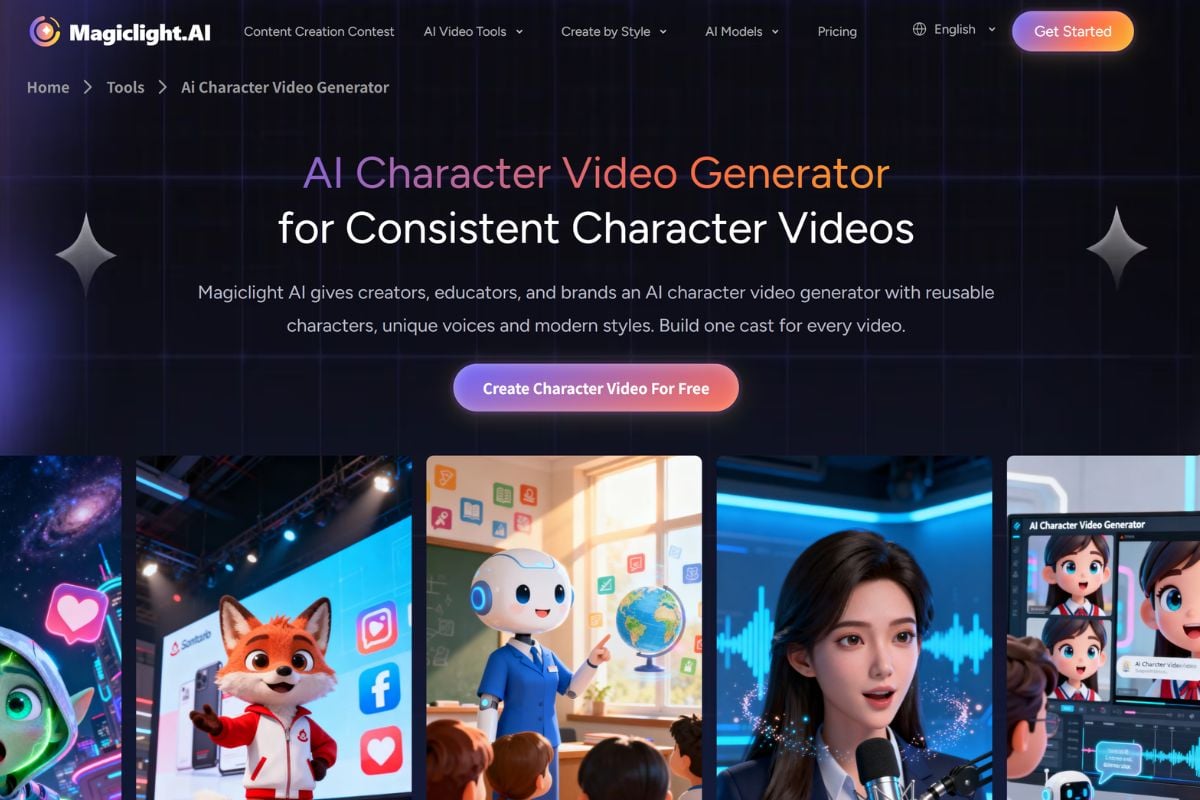
Recurring characters are useful only when viewers can recognize them from scene to scene. MagicLight lets creators build characters and reuse their appearance, role, voice, and visual identity across story sequences, reducing the need to recreate the cast for every new shot.

Finish More of the Production Without Leaving the Workflow

MagicLight combines story generation, scene splitting, visual creation, character setup, voiceover, subtitles, music, storyboard refinement, and export. That end-to-end structure is particularly useful for creators who want a finished narrative video rather than a collection of raw AI clips that still require extensive assembly elsewhere.

How to Use MagicLight AI

01

Start With an Idea, Story, Script, or Image

Choose the workflow that fits your source material. A short idea can become a story, a finished script can be divided into scenes, and an existing image can become the first frame of an animated clip.

02

Set the Story and Visual Direction

Choose the video language, story or video model, visual style, duration, characters, and other available options. For image-to-video, describe the subject movement and camera behavior you want.

03

Review the Storyboard and Finish the Video

Check individual scenes, adjust weak frames or story beats, refine characters, voice, subtitles, or timing, then generate and export the completed video.

MagicLight AI vs Other AI Video Platforms

PlatformCore StrengthCreative RangeBest Fit
MagicLight AILong-form AI storytelling with connected scripts, scenes, characters, voices, and storyboard refinementStory-to-video, text-to-video, image-to-video, long video, character consistency, voice, subtitles, music, and storyboard editingCreators producing story-led YouTube videos, lessons, explainers, animation, and longer narrative content
GoEnhance AIFlexible image and video creation with strong emphasis on animation, transformation, and multi-model generation workflowsText-to-video, image-to-video, video transformation, image generation, image editing, animation, and creative effectsCreators who want to experiment across different generation and transformation workflows instead of focusing mainly on long-form storytelling
InVideo AIPrompt-to-video production oriented toward fast assembled content with scripts, stock-style media, voice, and editingPrompt-to-video, scripts, voiceovers, social content, explainers, and marketing videosCreators who prioritize fast informational, marketing, and social video production
RunwayGenerative video production with more filmmaking-oriented control and scene-level creative experimentationText-to-video, image-to-video, video transformation, generative editing, and cinematic production toolsFilmmakers and visual creators who prioritize short-form generative shots and production control
MagicLight is especially strong when the goal is a structured story. GoEnhance becomes more useful when the same assets need to move through a wider range of image, animation, and video transformation workflows.

Where GoEnhance AI Goes Further for Creative Transformation

Explore More Motion Directions From One Image

When the starting point is already a strong still visual, GoEnhance makes it easy to test different image-to-video directions without committing the asset to a larger story project.

Transform Existing Footage Into New Visual Styles

GoEnhance puts more emphasis on video transformation workflows, which is useful when the source is an existing clip and the creative goal is to restyle, animate, or reinterpret it rather than build a narrative from scratch.

Move Between Image Creation and Video Generation

Creators can develop a character, product visual, or concept image first and then continue into motion, giving the same idea room to evolve across both still and animated formats.

Test Different AI Video Approaches for the Same Concept

A broader <a href='/ai-video-generator'>AI video generator</a> workflow is useful when the goal is experimentation: compare different visual treatments, motion styles, or generation paths before deciding how the final content should look.

Reuse Existing Assets for Social-First Variations

Not every project needs a 10- or 50-minute story. GoEnhance fits workflows where one approved image or clip needs to become several short, stylized, animated, or campaign-ready variations.

Keep Transformation at the Center of the Workflow

MagicLight organizes creation around story continuity. GoEnhance is a stronger complement when the creative objective is changing how an existing image or video looks, moves, or behaves across multiple experimental outputs.

Three Ways to Start Creating With MagicLight AI

MagicLight supports different starting points, from a complete story to a single image. Choose the workflow that matches the material you already have.
Turn a Story Into a Full Video

Turn a Story Into a Full Video

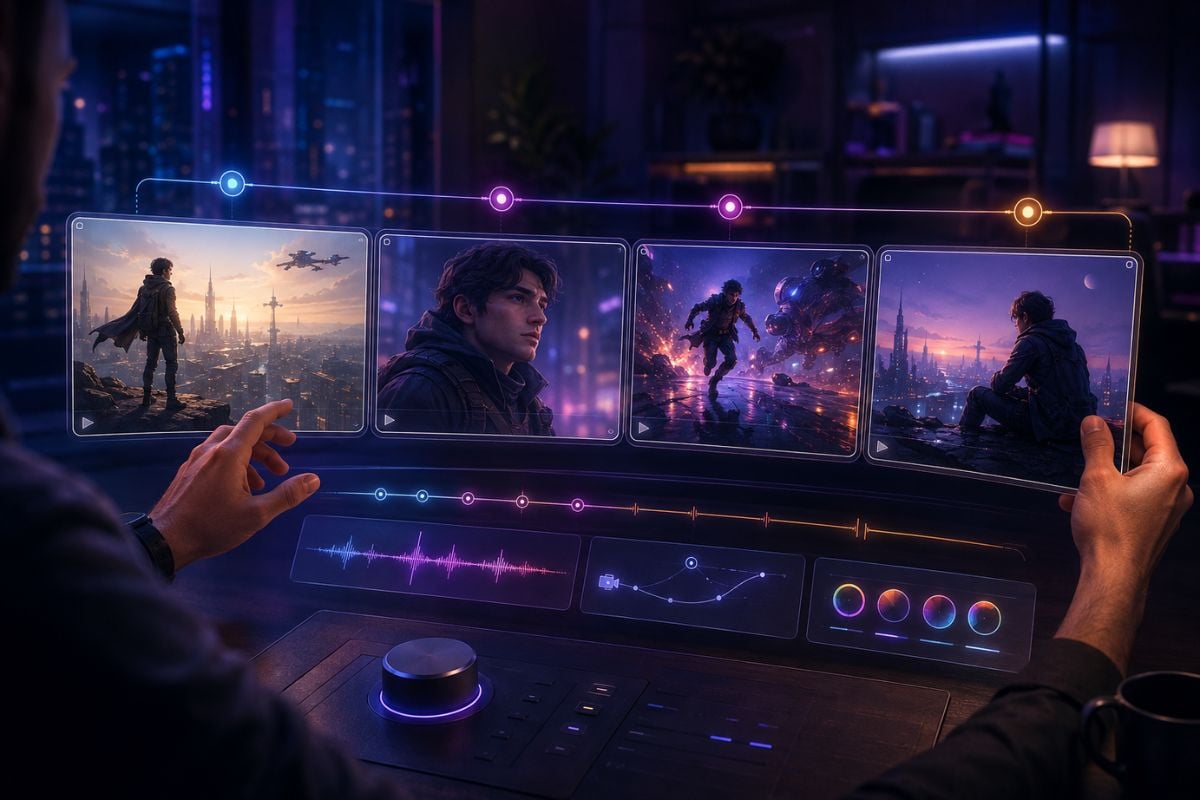
Paste a story or script and let MagicLight identify scenes, build a storyboard, create characters, add voices, and develop the narrative into a complete video. Its long-form workflow can support videos up to 50 minutes, making it especially relevant for YouTube stories, lessons, explainers, and serialized content.
Try AI Video Creation

MagicLight AI Discussions on Reddit

Frequently Asked Questions

MagicLight AI FAQ

What is MagicLight AI?

MagicLight AI is an AI video creation platform centered on story-driven and long-form video production. It can turn ideas, scripts, stories, and images into videos while connecting scene planning, characters, visual styles, voiceovers, subtitles, music, storyboard editing, and export in one workflow.

What is the MagicLight AI video generator?

The MagicLight AI video generator is the platform's broader video-creation system for turning text, stories, scripts, or images into short or long-form videos. MagicLight places particular emphasis on narrative continuity, consistent characters, and end-to-end story production rather than generating only isolated clips.

How to cancel MagicLight AI subscription?

MagicLight says subscriptions can be managed directly from the user dashboard and can be canceled at any time. Sign in to your MagicLight account, open the subscription or billing management area in your dashboard, and use the available cancellation option. If you cannot access the cancellation controls, contact MagicLight support at [email protected] or through its official Discord support channel.

How much is MagicLight AI?

MagicLight currently offers a $0 Free plan. Its pricing page lists monthly rates of $12 for Standard, $35 for Pro, $90 for Ultra, and $150 for its highest listed paid tier. At the time of writing, the site is also advertising a 50% yearly-billing promotion, which brings the effective monthly rates to $6, $17.50, $45, and $75 respectively. Pricing and promotions can change, so verify the live pricing page before subscribing.

Is MagicLight AI free?

Yes. MagicLight currently offers a Free plan and states that users can start without a credit card. Free access is limited compared with the paid plans, while paid tiers add substantially more generation capacity, longer workflows, 1080p export without a watermark, and general commercial usage rights.

Is MagicLight AI safe?

MagicLight publishes a privacy policy and terms of service and describes technical and organizational safeguards for user information. Its privacy policy states that uploaded facial reference images are processed for character generation and are not stored or retained after processing. The same policy also notes that no security measure is perfect or impenetrable, so users should still avoid uploading highly sensitive material and review the current privacy terms before using personal media.

How long can MagicLight AI videos be?

MagicLight currently promotes long-form video creation up to 50 minutes for supported workflows and plans. Its long-video and story-to-video tools are designed to keep script structure, characters, scenes, and visual continuity connected across longer projects.

Does MagicLight AI support image to video?

Yes. MagicLight has a dedicated image-to-video workflow that can animate portraits, products, illustrations, and other still images. Users can describe subject motion and camera direction and choose from supported AI video models before generating the clip.

Can I use MagicLight AI videos commercially?

MagicLight states that paid plans include general commercial usage rights. You are still responsible for having the rights to any scripts, images, faces, music, brands, or other source material you upload or reference.

Take Your Next Visual Further With GoEnhance AI

Start from text, an image, or an existing video and continue through AI generation, animation, and creative transformation workflows with GoEnhance AI.

Start Creating