
goenhance logo

Free AI Singing Animals Video Generator
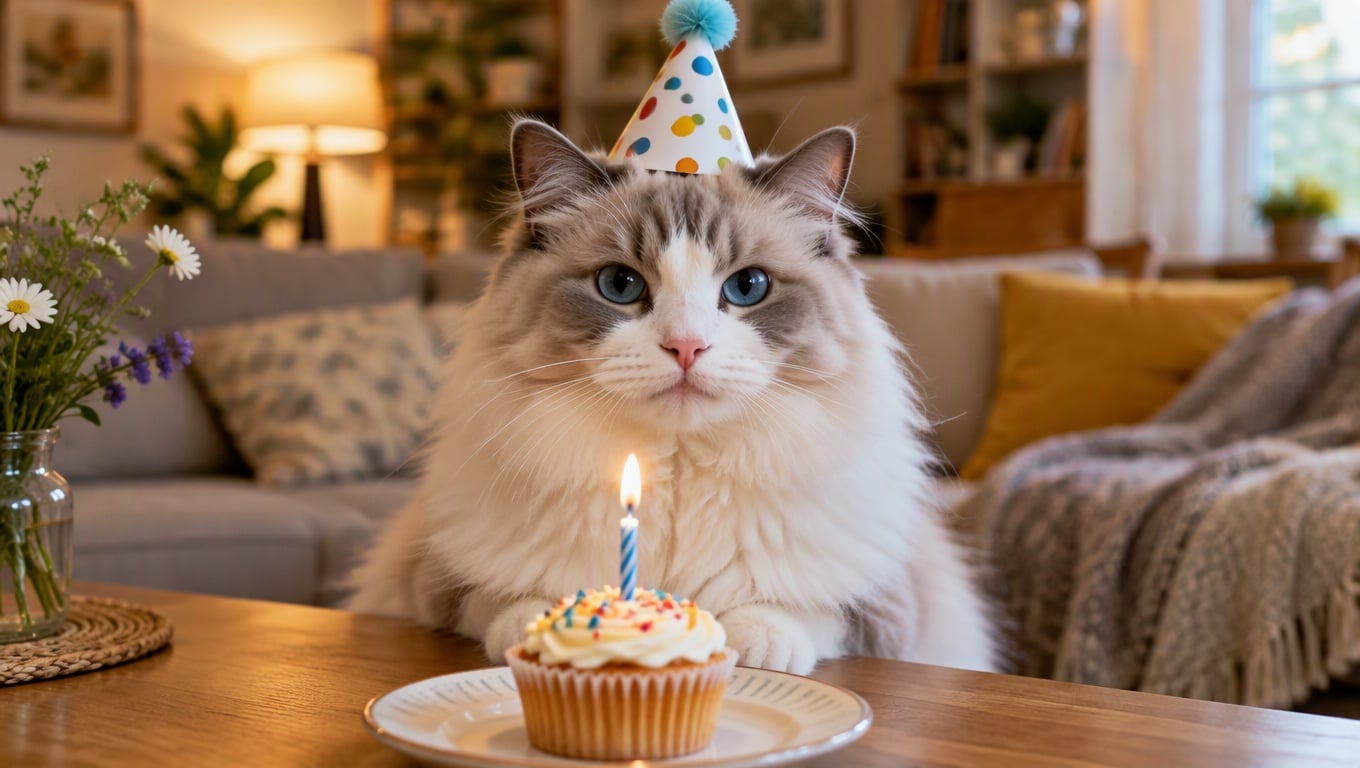
Make AI singing animals clips the simple way: upload one pet photo, upload one audio track, and hit generate. It works great for AI dog singing hooks, cat singing moments, and even a quick cat singing with owner duet vibe when you cut between two shots.

Generate Singing Animals

What You Get With AI Singing Animals

Get A Scroll-Stopping Clip From One Photo (No Editing Detour)

You can turn a single pet photo into a ready-to-post singing animals video in minutes, without cutting footage or learning timelines. It’s built for fast wins: a clean “my pet is singing” moment that’s easy to share, easy to repeat, and easy to fit into your daily posting rhythm.

AI singing animals clip generated from one pet photo and an audio track

Make Your Audio Feel Like A Performance (More Personality, More Replays)

By using your own audio, you get the tone you want—cute, dramatic, chaotic, or deadpan—so the result feels personal instead of generic. This is especially useful for cat singing and AI dog singing formats where the joke is in the voice, the beat, and the timing people replay.

cat singing and AI dog singing style clips driven by user-provided audio

Turn One Pet Into A Series (More Content From The Same Setup)

You can reuse the same pet photo with different audio clips to create a simple series: today is “cat singing” drama, tomorrow is “AI animals singing” reaction, next day is a “duet” edit.

When you want more variety, pair it with image to video to add extra scene motion, use talking avatar for spoken skits between verses, reach for lip sync when you want tighter mouth timing, and bring in AI talking cats to build a recurring character.

AI animals singing series concept using one photo with multiple audio clips

Create A Vibe People Actually Share

Want a clip your friends will repost, not just “like”? This setup is built for shareability. The result feels personal (it’s you + your pet), simple (no extra shoots), and repeatable (same format, new audio each time).

Add a one-line caption that explains the joke in five words or less, and you’ve got a ready-to-share “cat singing with owner” clip that fits Reels, Shorts, and TikTok.

cat singing with owner duet clip designed for social sharing with quick cuts on the same audio

How to Make AI Singing Animals Videos?

01

Upload A Pet Photo

Choose a clear pet photo where the face is easy to see. Front-facing or a slight angle is ideal, and a simple background helps the expression stay readable.

02

Upload Your Audio Clip

Add the audio you want your pet to “sing” to. Short clips are easier to keep on-beat, especially if the vocals are clear and not buried in heavy noise.

03

Generate And Share

Click generate and export your clip. If you want to iterate, change one thing at a time (photo, audio length, or the part of the song) so you can spot what improves the result.

Frequently Asked Questions

You may want to know

What is AI singing animals?

AI singing animals is a simple way to animate a pet photo so it feels like the pet is singing along to an audio clip. You provide the image and the audio, then the tool generates a short video with performance-like timing.

What do I need to make a singing animals video?

Just two things: one pet photo and one audio clip. Upload the photo, upload the audio, and click generate. No extra editing is required for a basic result.

Which photos work best for cat singing or AI dog singing?

Use a sharp image where the mouth and eyes are visible, with good lighting and minimal blur. Avoid extreme angles, hands covering the face, or busy backgrounds—those details can make the “singing” harder to read.

What kind of audio gives the most natural result?

Short clips with clear vocals tend to look best. If the audio is very noisy or the words are hard to hear, the performance can feel less synced. Trim to a strong hook or chorus for the cleanest timing.

Can I upload copyrighted songs or someone else’s voice?

Only use audio you own, have permission to use, or that is clearly licensed for your intended purpose. If you’re posting publicly or using it commercially, make sure you have the rights to the music/voice to avoid takedowns or legal issues.

Is it okay to use someone else’s pet photo?

If you don’t own the photo, get permission from the owner—especially for public posting or monetized content. This is a good practice for privacy and helps you avoid disputes around identity or ownership.

Can I make a cat singing with owner style duet?

Yes. A simple approach is to use one consistent audio track and alternate visuals (owner shot / pet shot) so it plays like a duet. Keep cuts on the beat and keep each shot clean and readable.

Can I use the results commercially?

It depends on your plan and your rights to the inputs (photo + audio). For commercial use, confirm your subscription terms and make sure your photo and audio are properly licensed or owned, and comply with local laws and platform rules.
Get Started Today

Join thousands of creators using our AI tools

Start Creating