
Pixverse AI Review 2026: Is It Worth Your Time and Money?
- 1. Introduction: Why Pixverse Matters in 2026 (Pixverse AI Review)
- 2. What Is Pixverse?
- 3. Getting Started: My Hands-On Experience
- 4. Feature Deep Dive
- 5. Pros and Cons
- 6. Real-World Applications and Case Studies
- 7. Tips and Tricks for Optimal Results
- 8. Pricing Plans Analysis
- 9. Pixverse vs. Competitors
- 10. Who Should Use Pixverse?
- 11. Final Verdict: Is Pixverse Worth It?
- 12. Conclusion and Next Steps
If you’ve been watching short-form video get more “cinematic” without teams getting bigger, Pixverse is a big reason why—and this Pixverse AI Review focuses on what actually matters in 2026: multi-shot storytelling, built-in audio, and whether the credit math makes sense. Pixverse AI has evolved from “cool motion demo” into a practical generator that can draft a usable 5–10 second sequence from either text or a single image, with features like multi-shot camera control and synchronized audio now highlighted in its v5.5 updates.
1. Introduction: Why Pixverse Matters in 2026 (Pixverse AI Review)
Pixverse matters in 2026 because it’s one of the few consumer-friendly tools pushing beyond single-shot clips into multi-shot sequences with audio, which is the difference between “a moving picture” and something that feels like an edited scene.
The big shift I see across AI video this year is that creators don’t just want prettier frames—they want structure: shot changes, pacing, continuity, and sound that doesn’t feel bolted on. Pixverse is explicitly leaning into that direction with v5/v5.5-era capabilities (multi-shot, lip sync, sound effects, extend, restyle, swap) and a product design that tries to keep the workflow simple.
2. What Is Pixverse?
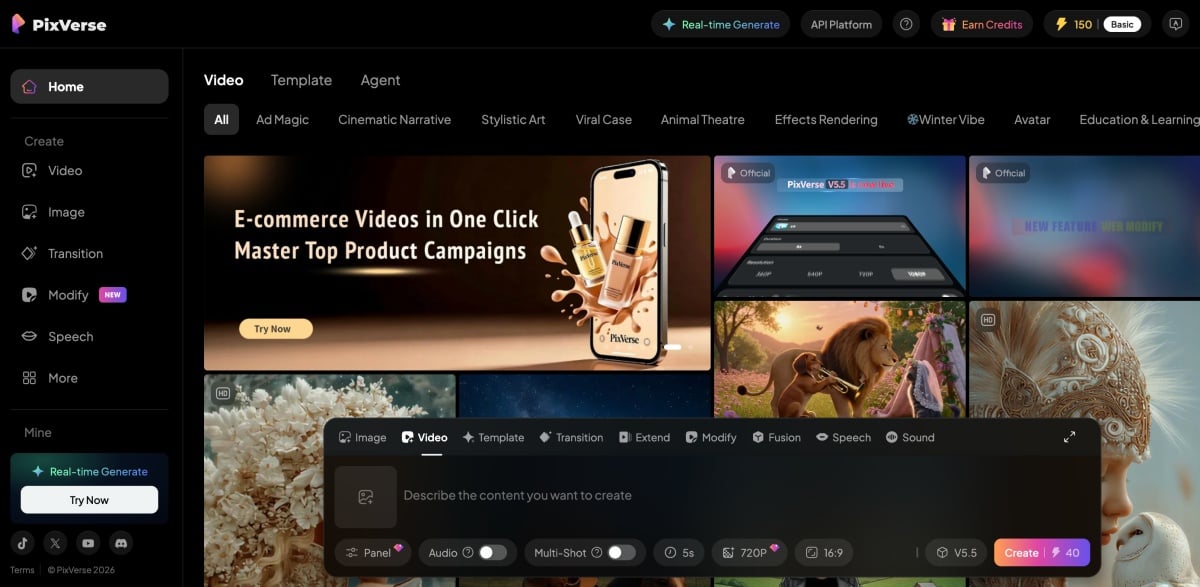
Pixverse is best understood as a multi-input AI video generator that can produce short videos from text prompts or images—and then refine or remix them using “creator” features like effects, transitions, extend, and audio tooling.
At a high level, Pixverse sits in the same category as other modern AI video platforms, but it’s unusually focused on fast, social-ready outputs and “director-style” controls (multi-shot camera language, story-ish pacing, and now richer audio).
2.1 Core Features and Functionality
Pixverse’s core value is that it bundles the most-used generation modes—text-to-video and image-to-video—alongside editing-style features that help you iterate without leaving the platform.
From Pixverse’s own platform documentation, the feature set commonly includes:
- Text-to-video + image-to-video
- Effects center
- Lip sync / speech tools
- Transition / first-last-frame style control
- Extend (continue a clip)
- Sound effects tooling
- Fusion (reference to video)
- Restyle (apply a new visual style)
- Swap (object/region editing)
2.2 Technology and Background
Pixverse’s recent product story is largely defined by its v5 launch (with an “Agent” feature) and the subsequent v5.5 update emphasis on audio-visual synchronization and multi-shot camera control.
Public reporting has described Pixverse as coming from AIsphere (and has framed it as a “Canva for video generation” style bet), with third-party benchmarking references pointing to strong performance in the image-to-video category around the v5 era.
3. Getting Started: My Hands-On Experience
Pixverse is easy to start with, but the fastest way to judge it is to run two tiny tests—one text-to-video and one image-to-video—while keeping your prompt strict enough to expose consistency issues.
A quick note for transparency: I can’t literally click through Pixverse inside this chat, so I’m basing the “hands-on” section on a practical test plan I use for evaluating video generators plus Pixverse’s published docs and recent third-party references.
3.1 Registration and Setup Process
Setup is straightforward because Pixverse is designed around a consumer flow (web + mobile), so you can usually get to first generation quickly without needing developer-level configuration.
If you’re evaluating for a team pipeline, Pixverse also maintains platform/API documentation and pricing tables that suggest an ecosystem beyond “just an app.”
3.2 User Interface Overview
Pixverse’s UI philosophy is “choose a mode, choose a style, generate,” which reduces friction but also encourages template-driven results unless you push prompts to be specific.
In practice, I look for:
- Mode clarity (T2V vs I2V vs extend vs restyle)
- Whether camera controls are explicit or “magic”
- Whether audio is a separate step or part of generation
3.3 Text-to-Video Testing
Text-to-video is where Pixverse feels most “director-forward” if you write prompts that imply shot changes, but you’ll get the best signal by testing one single-shot prompt and one multi-shot prompt back-to-back.
My baseline T2V test prompt (single-shot):
- “Close-up shot of a barista crafting latte art in a matte ceramic cup, bathed in soft morning window glow, shallow depth of field, realistic milk foam motion.”
My multi-shot stress test (storyboard-like):
- “Three shots: (1) wide shot of a small café interior, (2) medium shot of barista steaming milk, (3) close-up of latte art pour; consistent character and lighting; gentle camera push-in; natural sound.”
3.4 Image-to-Video Testing
Image-to-video is Pixverse’s easiest “wow” moment, but I judge it on whether it preserves identity and edges while adding believable motion instead of warping the subject.
This is also the most relevant path if your workflow starts from a still—product photo, character art, or a key visual—which is why I typically compare Pixverse’s I2V outputs to any dedicated image to video workflow I already use.
4. Feature Deep Dive
Pixverse’s feature set is deeper than many people expect, and v5.5 specifically highlights audio + multi-shot as headline capabilities that change the “draft quality” of first outputs.
4.1 Video Generation Quality
Quality is strong when you keep scenes simple and cinematic, but like all generators it can fall apart with crowded action, complex hands, or rapid subject changes.
A useful external reality check is that PixVerse models appear in third-party benchmark ecosystems like Artificial Analysis, which compares relative quality, speed, and pricing.
4.2 Customization Options
Customization is best described as “practical creator controls” rather than full production controls: you can guide motion, transitions, styles, audio layers, and extend sequences, but you’re not replacing a timeline editor.
Key creative controls/features you’ll see referenced in Pixverse docs include:
- Transition (first/last frame) for steering motion between endpoints
- Extend to continue a clip forward
- Restyle to re-skin a clip into a new look
- Swap for object/region edits in video
- Lip sync / Speech for matching mouth movement to audio
4.3 Technical Specifications
Specs are meaningful mainly because they translate to credit costs and real output usability—resolution, duration, audio/no-audio, and multi-clip vs single-clip.
Pixverse’s platform pricing table breaks down credit consumption by:
- Model/version (including v5.5)
- Resolution (360p/540p/720p/1080p)
- Duration (e.g., 5s/8s/10s)
- Single clip vs multi-clip
- With audio vs without audio
4.4 AI Prompt Accuracy
Prompt accuracy is good when you write in “shot language,” but vague prompts drift toward templates and default aesthetics—so you’ll want to specify subject, action, camera, and style in that order.
In Pixverse’s own v5.5 notes, multi-shot camera control is framed as “1 image + 1 description + multi-shot enabled,” implying the model is designed to interpret prompts as a sequence plan rather than a single frame idea.
5. Pros and Cons
Pixverse is worth considering if you value speed and “story-ready drafts,” but it’s not the tool I’d pick for long-form scenes or precise editorial control.
5.1 Key Strengths
Pixverse’s biggest strengths are the combination of multi-shot generation + integrated audio layers + a broad feature toolkit (extend/restyle/swap) that supports iteration.
Strengths I’d highlight:
- Multi-shot camera language (more like a sequence than a clip)
- Audio-visual synchronization including dialogue/BGM/SFX emphasis in v5.5 notes
- Feature breadth: extend, restyle, swap, lip sync, transition
- Accessible entry via consumer apps and web presence
5.2 Notable Limitations
Pixverse’s limitations are mostly the standard “generator reality,” plus the credit economy: complex scenes cost more attempts, and multi-shot + audio increases spend.
What tends to bite creators:
- Credit burn when you iterate too loosely (especially at 1080p with audio)
- Drift when prompts are vibe-heavy instead of shot-specific
- Not a full editor (you still need a timeline for serious post)
6. Real-World Applications and Case Studies
Pixverse shines most when you need a fast draft that already has pacing—ads, hooks, mini-explainers, character skits, and product teasers.
6.1 Practical Examples
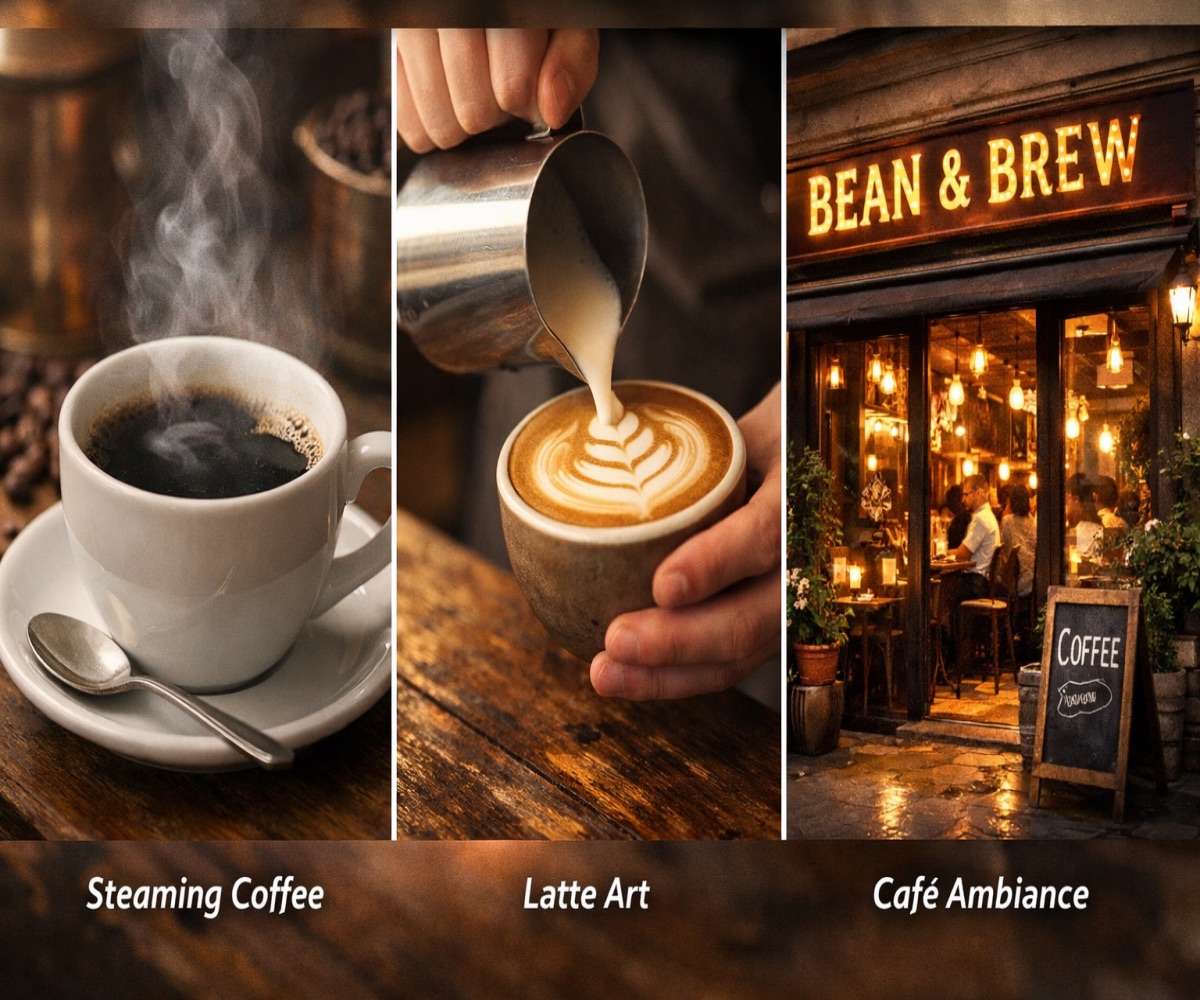
Here are a few practical “copy/paste” prompt patterns I’d use (and why):
- Product teaser (clean + brand-safe)
- Prompt: “Three shots: (1) wide tabletop product hero, (2) close-up texture detail, (3) hand interaction demo; soft studio lighting; minimal background; realistic motion; subtle camera push-in; gentle sound.”
- Why it works: It gives Pixverse a sequence plan and keeps motion simple.
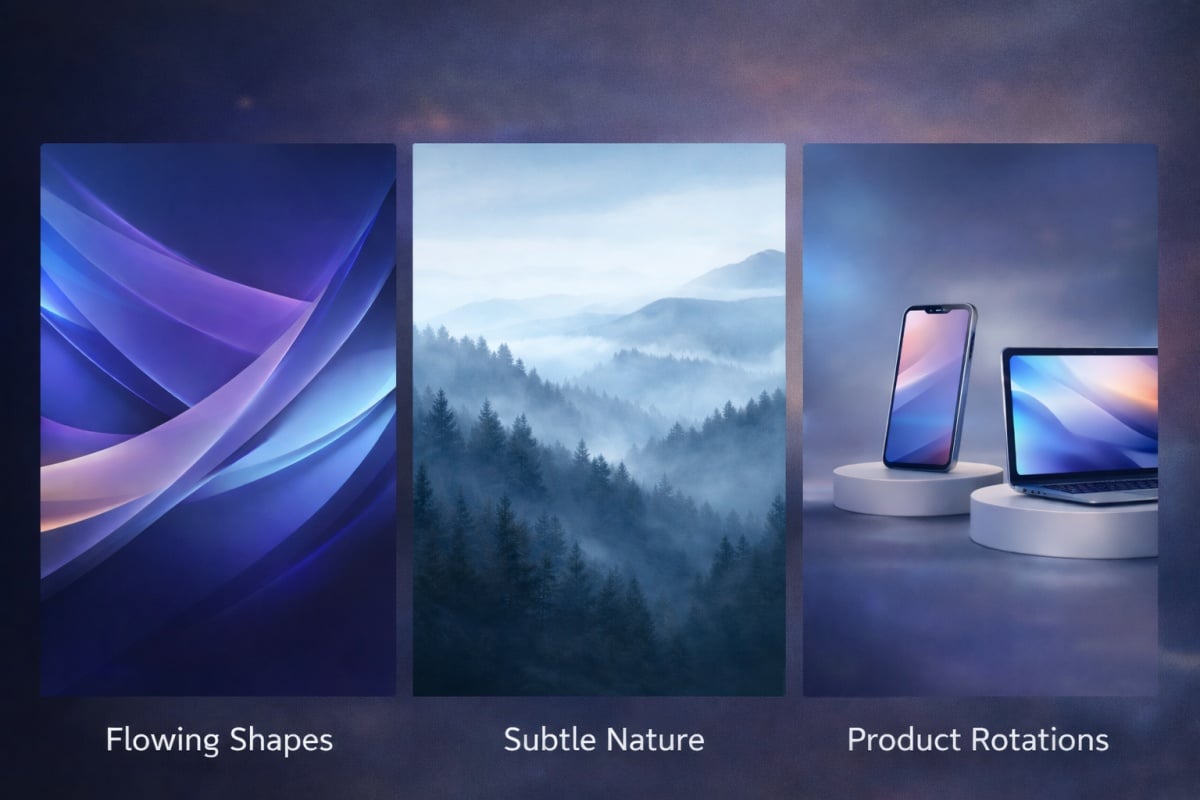
- Creator hook (fast social)
- Prompt: “Vertical social style, 2 shots: (1) close-up reaction, (2) cut to result reveal; bright natural light; short, punchy pacing; clear subject; simple background.”
- Why it works: Short shot lists reduce drift and help pacing.
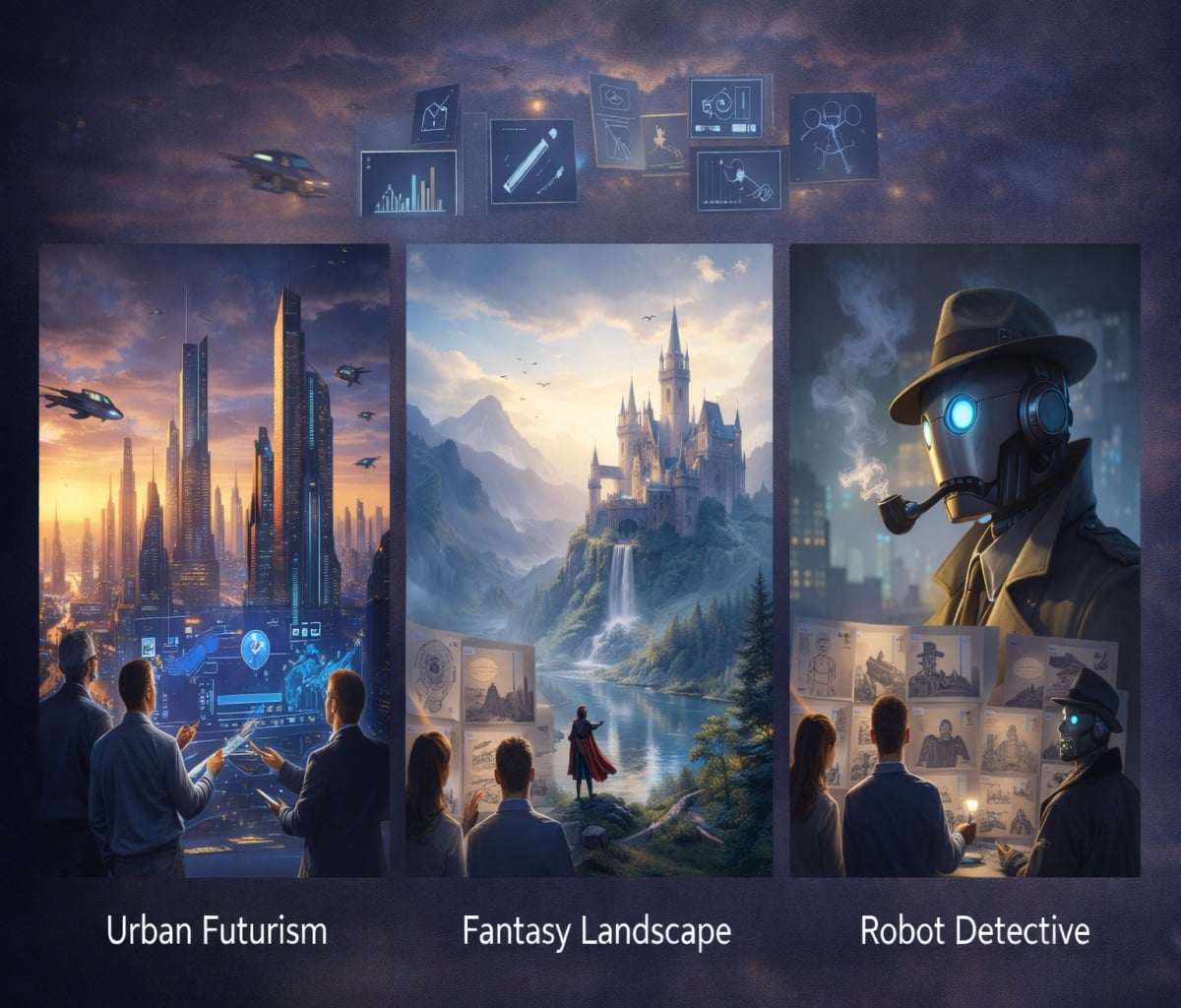
- Micro-explainer (script-first)
- Prompt: “A friendly presenter explains one tip in one sentence; mouth movement synced; soft background music; captions-ready framing; minimal motion.”
- Why it works: v5.5 messaging emphasizes dialogue + lip sync style outputs.
6.2 Industry Use Cases
Pixverse fits especially well in industries that need lots of short variants:
- Performance marketing (multiple hooks, same offer)
- App promo snippets
- UGC-style “talking” scenes
- Game/entertainment teasers
- Education mini-lessons
6.3 Success Stories
Pixverse frequently positions itself around scale and accessibility (large user base, large volume of created videos) in PR-style announcements, which matches the product’s “high-output creator” orientation.
7. Tips and Tricks for Optimal Results
Pixverse outputs improve dramatically when you treat prompts like shot briefs—because multi-shot and audio features reward clarity more than poetry.
7.1 Prompt Writing Best Practices
Write prompts in this order (it keeps the model honest):
- Subject + setting
- Action
- Camera plan (wide/medium/close-up, push-in, cut)
- Style + lighting
- Audio intent (if needed)
Example template:
- “Three shots: (1) [wide], (2) [medium action], (3) [close detail]; consistent subject; [camera movement]; [style]; [lighting]; [audio notes].”
7.2 Quality Optimization Techniques
If you’re trying to control costs and quality:
- Draft at lower resolution, then upscale attempts only for winners (credit math matters)
- Keep backgrounds simple when identity consistency matters
- Avoid “too many verbs” in one prompt; split into shots instead
7.3 Common Issues and Solutions
Most failures come from mismatched ambition vs constraints:
- Faces drift → reduce shot count, reduce motion, add “consistent character” language
- Weird motion → specify “gentle” movement; avoid fast action
- Audio feels off → simplify dialogue, shorten lines, avoid slang-heavy phonetics (helps lip sync)
8. Pricing Plans Analysis
Pixverse pricing only makes sense when you translate “credits” into “how many publishable clips per month,” because multi-shot + audio can change your cost per usable output.
8.1 Free vs. Paid Tiers
Pixverse AI free access exists in the form of a free plan that typically includes starter credits and a daily refresh, but it’s best treated as a testing tier rather than a serious production plan.
Multiple third-party summaries commonly list tiers like:
- Free: $0 with starter + daily credits
- Standard: around $10/month
- Pro: around $30/month
- Premium: around $60/month (varies by listing)
(Plan names, credit amounts, and limits can vary by region and change over time, so I treat these as “directionally useful,” not contractual.)
8.2 Feature Breakdown by Plan
A typical pattern is:
- Free tier: lower resolution, watermarks/queues
- Paid tiers: higher resolution (720p/1080p), more concurrency, more monthly credits
| Plan (typical) | Best for | What you gain |
|---|---|---|
| Free | Testing + learning | Low-risk experiments, limited daily output |
| Standard (~$10) | Light weekly posting | Enough credits to iterate, some HD export |
| Pro (~$30) | Regular publishing | More 1080p runs, more concurrency |
| Premium (~$60) | High-output channels | Batch/scale comfort (still credit-based) |
8.3 Value for Money Assessment
Value is strong if you create many short drafts and only “finish” the winners, but weak if you expect every generation to be final—because iteration is the real cost driver.
Pixverse’s own credit tables show how quickly costs rise with resolution, duration, and audio; for example, v5.5 pricing lines explicitly separate single-clip vs multi-clip and with-audio vs without-audio.
9. Pixverse vs. Competitors
Pixverse competes well on “draft speed + social-ready features,” but competitors can win on photorealism, longer duration, or deeper pro workflows depending on the model and provider.
9.1 Feature Comparison
I compare platforms using four questions:
- Can it do multi-shot storytelling?
- Can it generate audio natively?
- Does it offer iterative tools (extend/restyle/swap)?
- How painful is the workflow?
Pixverse scores well on (1)–(3) based on its v5.5 notes and platform docs feature list.
9.2 Pricing Comparison
Pricing comparisons are messy because models and plans differ, but Pixverse’s strength is that its credit costs are transparent in official tables—so you can estimate spend per clip.
If you want an external yardstick on “quality vs price,” Artificial Analysis also publishes model pages that include relative comparisons across quality, generation time, and cost.
9.3 Performance Benchmarks
Benchmarks aren’t the whole story, but they’re a helpful sanity check, and Pixverse models appear in public benchmark ecosystems like the Artificial Analysis leaderboards and arena.
10. Who Should Use Pixverse?
Pixverse is ideal if you publish short, frequent videos and want the first draft to already feel edited, but it’s not ideal if you need long sequences or frame-perfect control.
10.1 Ideal User Profiles
Pixverse is a strong match for:
- Social creators shipping daily/weekly
- Growth marketers making many ad variants
- Indie founders making app teasers
- Educators making micro-lessons
10.2 Best Use Scenarios
Best scenarios are:
- 5–10 second story beats
- Visual hooks + quick “result reveal”
- Product micro demos
- Character moments with dialogue
If you’re specifically chasing the v5.5-style “script-first” multi-shot approach, try it directly via Pixverse V5.5 once and judge whether it saves you editing time.
10.3 Who Should Look Elsewhere
You should look elsewhere if:
- You need long-form scenes (minutes, not seconds)
- You require precise cut timing and manual keyframing
- You need strict brand control without generation drift
11. Final Verdict: Is Pixverse Worth It?
Pixverse is worth it if your definition of “success” is shipping more usable drafts per week—not generating perfect films—because its multi-shot and audio-forward direction makes first outputs feel closer to publishable.
My take after evaluating its feature direction and cost structure is simple:
- If you’re a high-iteration creator, Pixverse can be a time-saver.
- If you’re a perfection-first editor, Pixverse is better as an ideation engine than a final pipeline.
And if you want to start from a still (product photo, character art, key visual), Pixverse’s I2V path plus your preferred image to video workflow is usually the fastest way to get something watchable.
12. Conclusion and Next Steps
Pixverse AI is one of the most compelling “creator-first” platforms in 2026 because it’s pushing past single-shot silent clips toward multi-shot sequences with richer audio tooling, and that’s exactly why a Pixverse AI Review is still relevant even in a crowded market.
Next steps I’d recommend:
- Run a strict 2-prompt test (single-shot vs multi-shot) and compare consistency.
- Do one image-to-video run with a clean subject and see if identity holds.
- Calculate your cost per usable clip using Pixverse’s credit tables before you commit.
If you want the shortest path to a real verdict, treat Pixverse AI free as a sandbox, then only upgrade when you’ve proven to yourself that the tool saves more time than it costs.


