
A2E AI Video Generator
Create talking photos, avatar clips, lip-sync videos, and image-to-video drafts with A2E AI. Best results come from clear portraits, clean audio, and short scripts you can review before scaling.
Try GoEnhance AI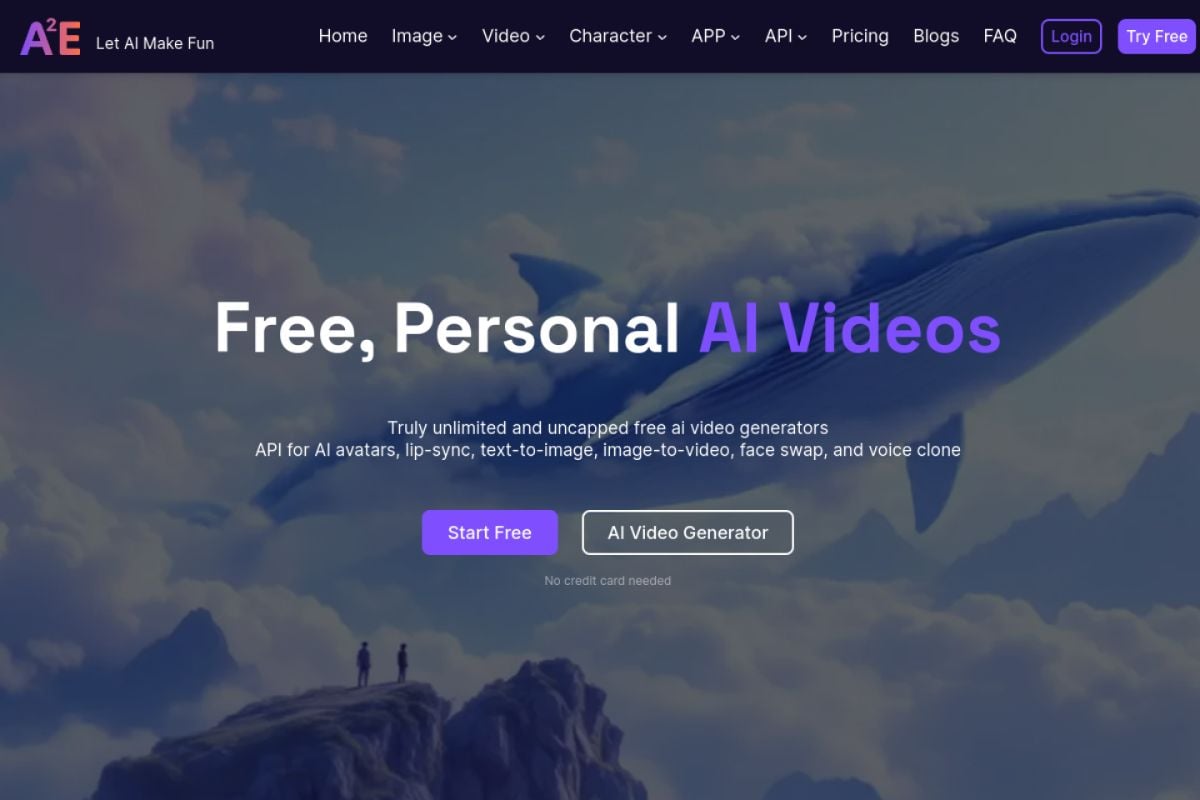
A2E AI Features for Avatar and Talking Photo Videos
Workflow Fit
Why Choose A2E AI for Face-Led Video Workflows?
Multiple Input Paths
Start from portraits, scripts, voice files, source clips, or still images instead of forcing one rigid format.
Avatar-First Output
Useful for presenter clips, talking photos, training videos, support explainers, and short social updates.
Lip-Sync Review Loop
Short test renders make it easier to judge mouth timing, expression quality, and audio fit before scaling.
Creator-Friendly Scope
Best for focused face-led clips where the viewer mainly needs a clear speaker, message, and visual subject.
Broad Tool Coverage
Public pages list face swap, head swap, voice clone, image-to-video, text-to-image, and video editing tools.
Practical Quality Checks
Review identity, eye movement, lip sync, compression, and source rights before using an output publicly.
A2E AI Capabilities for Real Creator Workflows
- Talking Photo Video Generator: Animate still portraits with speech for short face-led videos, lessons, and greetings.
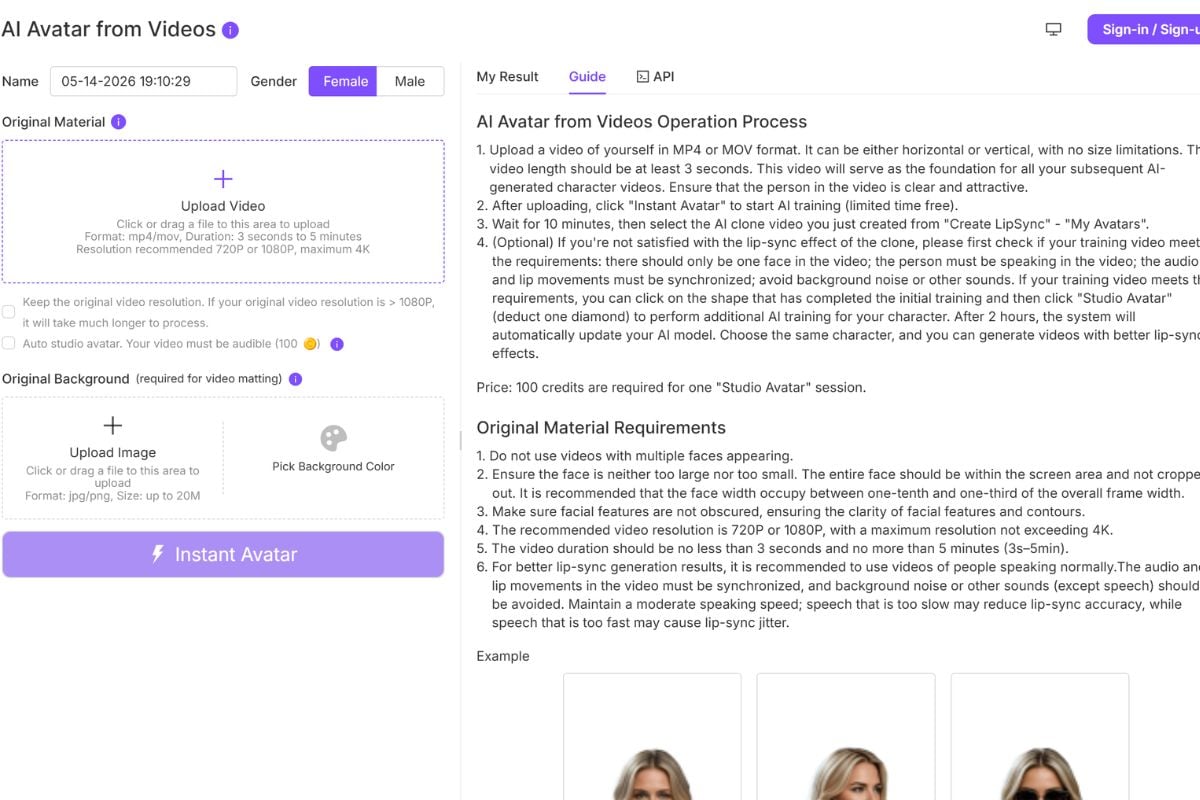
- Lip Sync Video Workflow: Match a voice track to an existing face while keeping review and regeneration costs manageable.
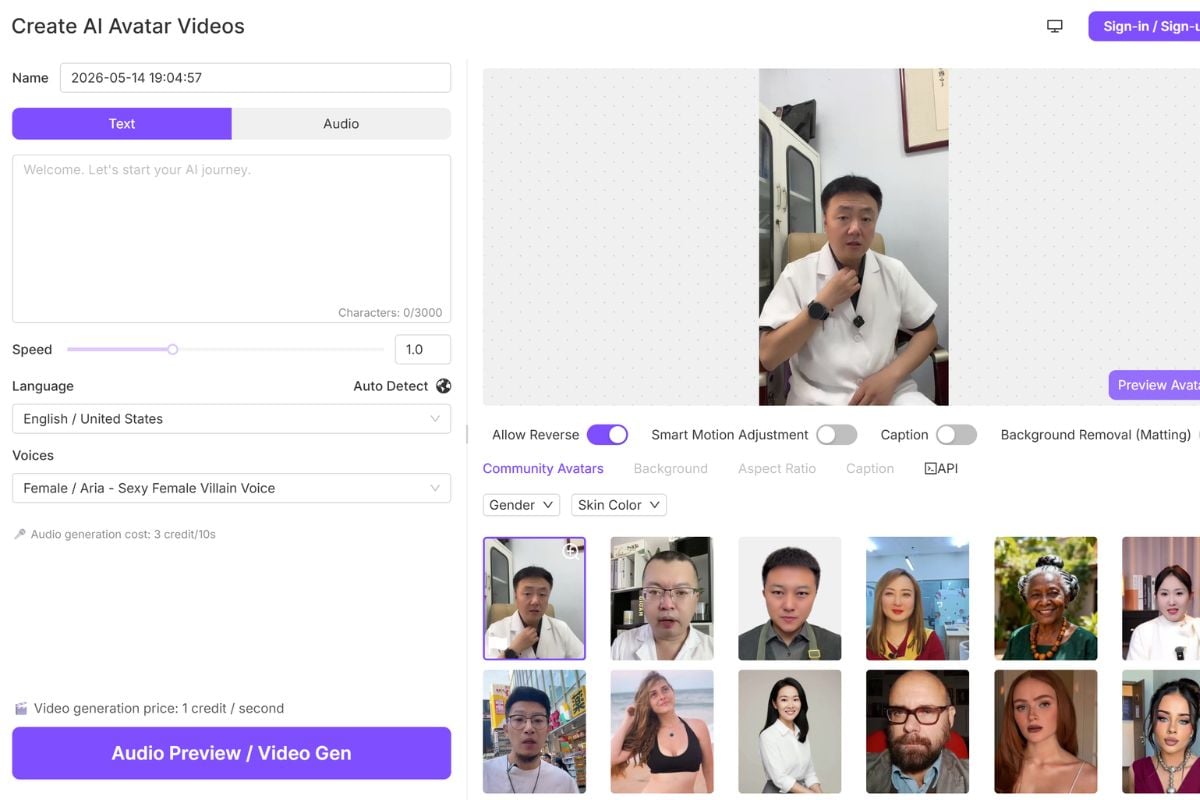
- AI Avatar Presenter Clips: Create presenter-style videos from portraits or avatar assets without filming a new talking head.
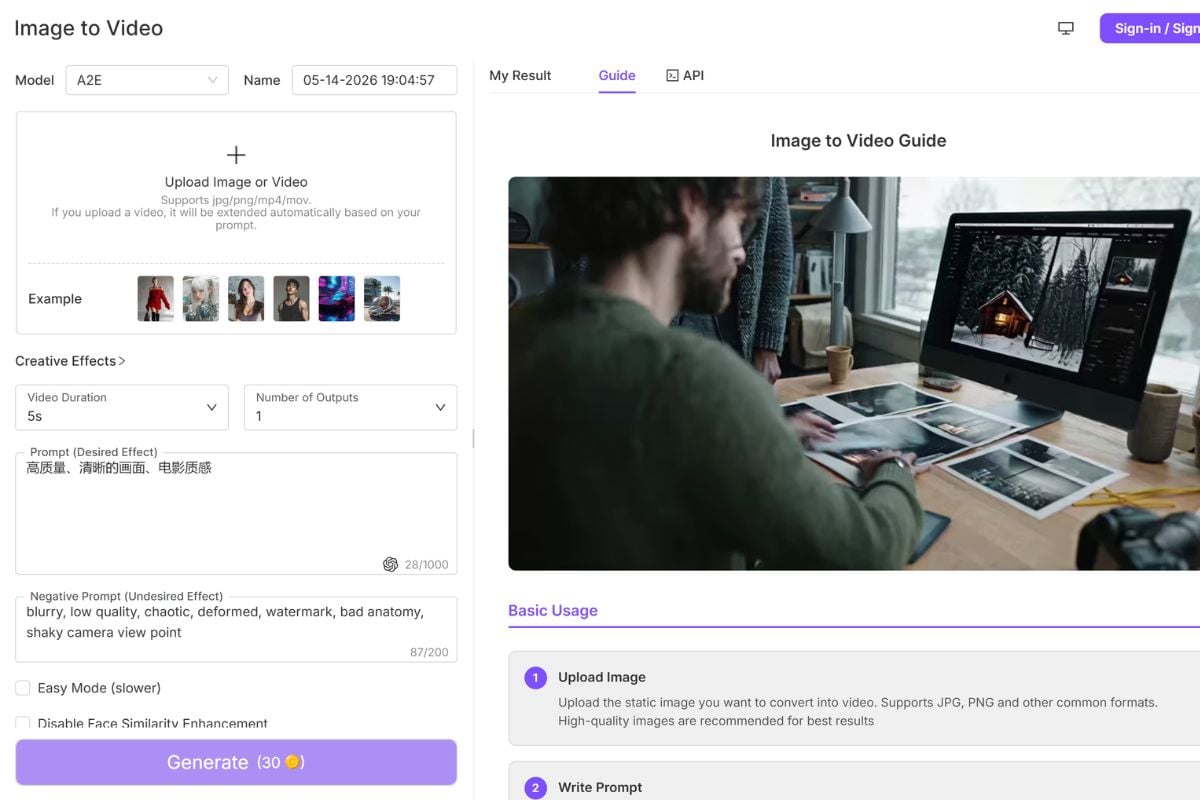
- Image to Video Drafts: Turn still visuals into motion tests for creative concepts, product ideas, and character assets.
Talking Photo Video Generator
A2E AI is strongest when the job starts with a sharp portrait and a focused spoken message. Talking photo output can work for educational clips, customer greetings, product explainers, and social posts where viewers mainly need a face that speaks clearly. The real quality check is not just whether the portrait moves; inspect mouth timing, eye movement, expression intensity, and whether the result still feels like the source person or character.
Lip Sync Video Workflow
Lip-sync work should be tested in short clips before a full script. A2E AI public pages mention talking video and lip-sync workflows, but mouth shape, head angle, occlusion, and audio rhythm still affect the result. Stronger inputs usually have a visible face, clean audio, and limited movement across the mouth area. For serious work, render a small segment, review it frame by frame, then decide whether the source clip and voice are worth extending.
AI Avatar Presenter Clips
Avatar clips are a practical fit for e-learning modules, support explainers, product introductions, and lightweight social updates. They are weaker for scenes that need complex body acting, many camera cuts, or strict emotional nuance. Treat the result as a presenter draft: confirm that the message is clear, the identity is acceptable, and the expression does not distract from the script. Shorter scripts usually make review easier and reduce regeneration waste.
Image to Video Drafts
Image-to-video works best when the source image already explains the subject and composition. If the prompt asks for too many actions, camera moves, and style changes at once, review costs rise quickly. A safer workflow is to test one motion idea, inspect the result, then extend the creative direction only after the core movement looks usable. For rough source visuals, prepare the still image first with a dedicated image generator or editor before animating it.
Frequently Asked Questions
Common Questions About A2E AI
What is A2E AI?
What can I create with A2E AI?
Is A2E AI good for talking photos?
Does A2E AI support lip sync?
Who should use A2E AI?
Is A2E AI safe to use?
Can I use A2E AI for marketing or commercial videos?
How do I get better results with A2E AI?
What should I avoid when using A2E AI?
A2E AI Discussions on Reddit
Ready to Create Avatar Videos with GoEnhance AI?
Start from images or clips, test AI video effects, and refine outputs in one GoEnhance AI workflow before publishing.
Start for Free