
FLUX.1 Fill
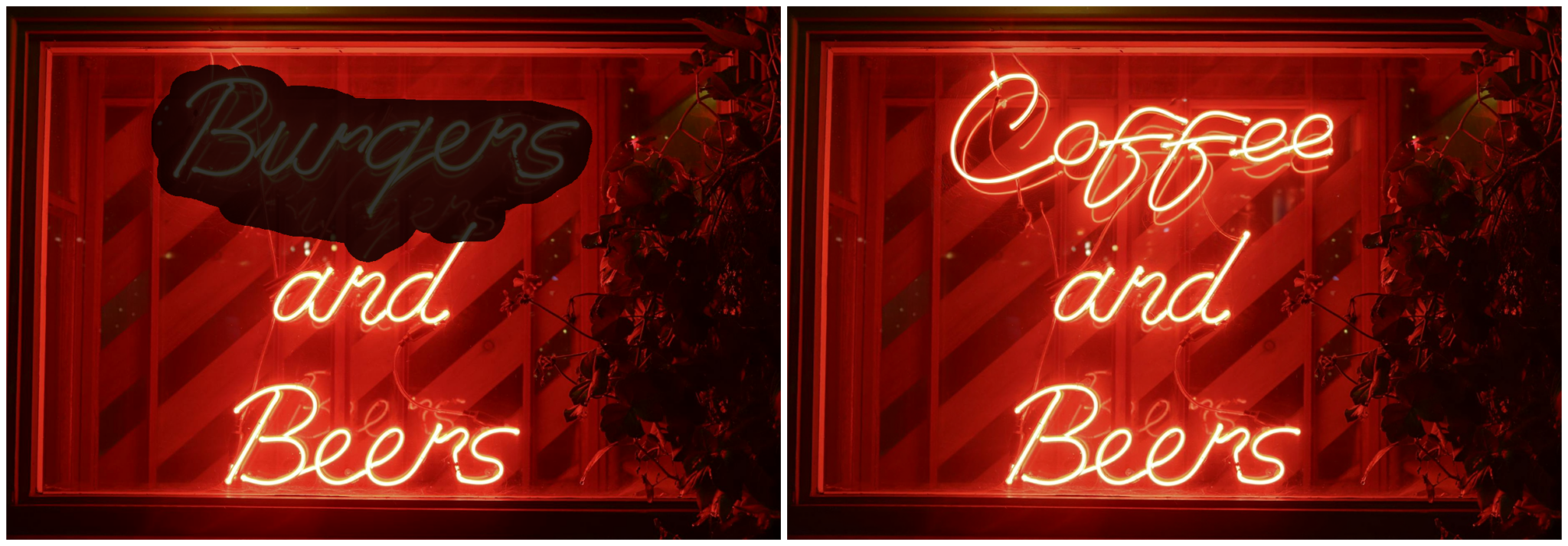
FLUX.1 Fill is a 12-billion parameter rectified flow transformer, enabling seamless inpainting and outpainting using advanced AI. Fill areas of existing images with precision and creativity.
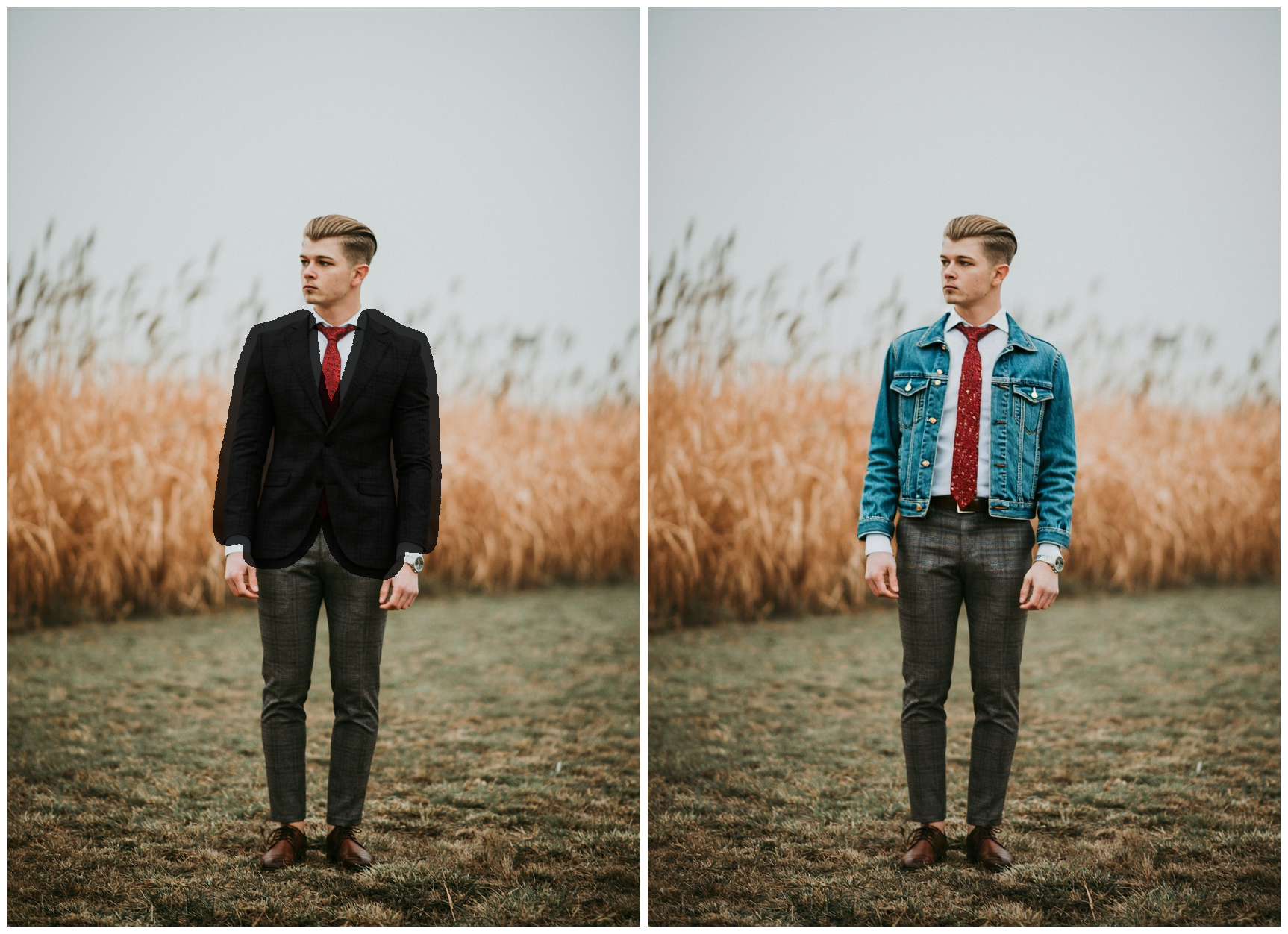
Advanced Inpainting
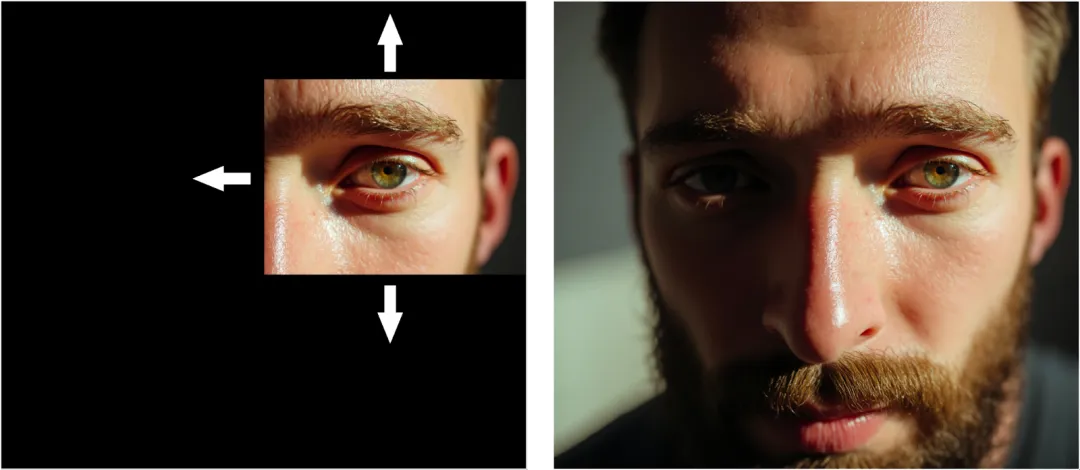
Outpainting Beyond Boundaries
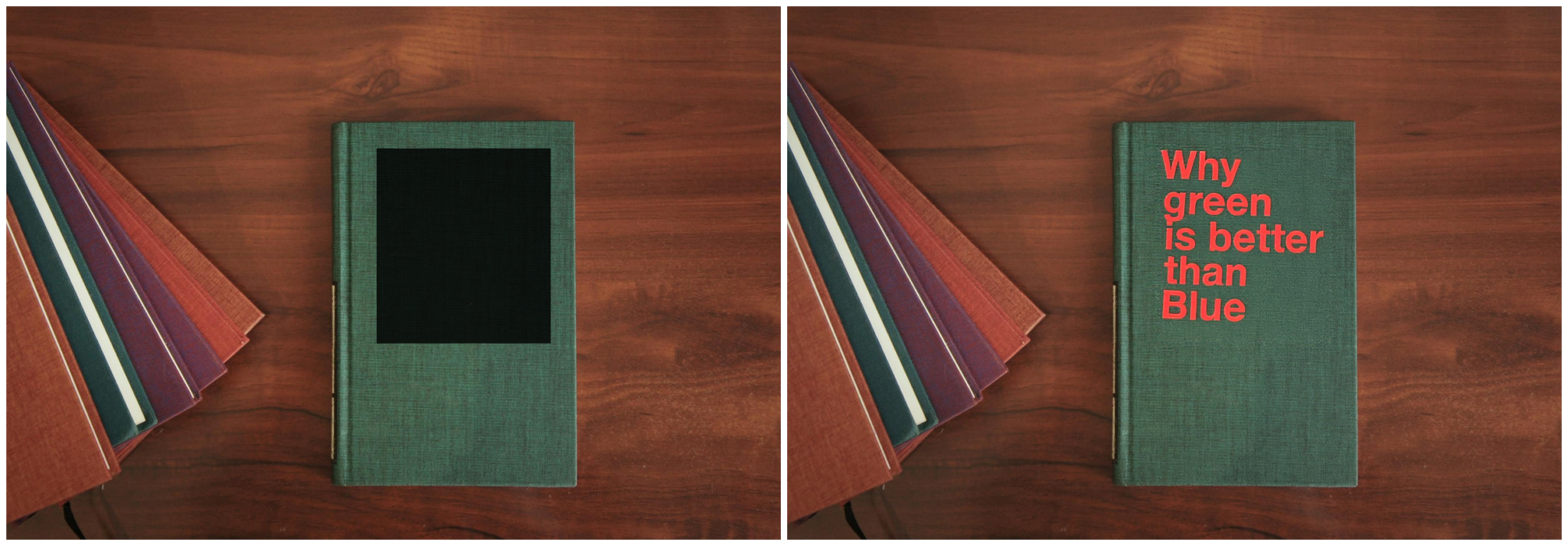
Open-Source for Innovation
Flux.1
Prompt
Example prompts
Opens the GoEnhance editor with this model and prompt ready.
How to Use FLUX.1 Fill
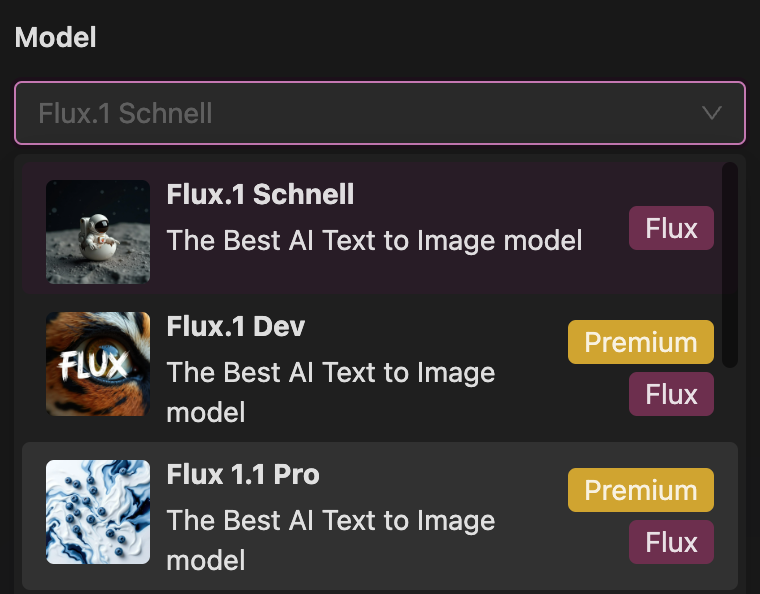
Step 1: Generate an Image
Begin by generating a base image. Enter a descriptive prompt and choose a FLUX model to create your initial image. This serves as the foundation for your edits.
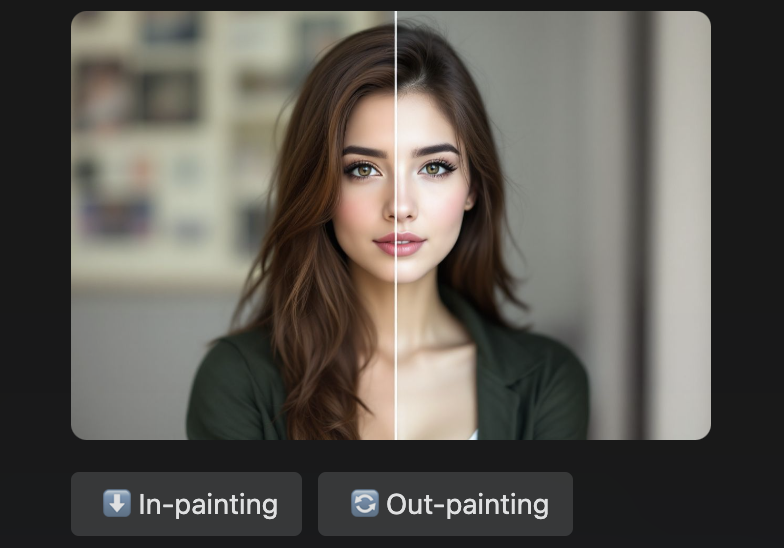
Step 2: Select Inpainting or Outpainting
Click the inpainting button to edit specific areas within the image or the outpainting button to expand beyond its original boundaries. FLUX.1 Fill seamlessly integrates your edits into the existing structure.
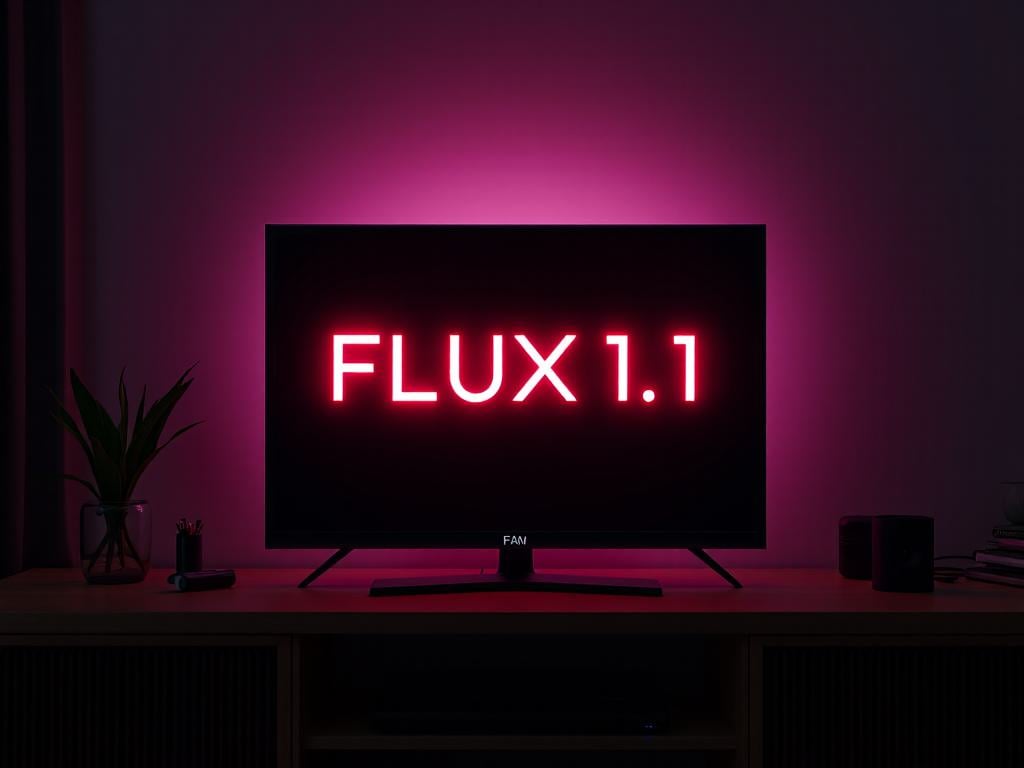
Step 3: Download or Share
Once satisfied with your edits, download the high-quality output or share it directly to your desired platform.
Features of FLUX.1 Fill
Frequently Asked Questions
What is FLUX.1 Fill?
What makes FLUX.1 Fill unique?
Can I use FLUX.1 Fill for commercial purposes?
Does FLUX.1 Fill support outpainting?
Where can I use FLUX.1 Fill?
Discover more:
- AI Christmas Tree Ornaments Generator
- AI Video Style Transfer
- Stable Diffusion 3
- Stable Diffusion 3.5 Large
- AI Glamour Portrait Generator
- Recraft V3 AI Image Generator
- Image to Prompt
- Ideogram 2
- Genshin Impact AI Art Generator
- Furry AI Art Video Generator
- Disney Pixar AI Video Generator
- AI Video Filter
- AI Vector Generator
- AI Profile Picture Generator
- AI Pop Art Video Generator
- AI Photography Generator
- AI Muscle Video Generator
- AI Logo Generator
- AI Landscape Generator
- AI Kissing Video Generator
- AI Image Blender
- AI Girlfriend Online Free
- AI Girl Generator
- AI Face Generator
- AI Doll Generator
- AI Comic Generator
- AI Claymation Video Maker
- AI Boyfriend Generator
- AI ASMR Video Generator
Explore More with FLUX.1 Fill
Discover other innovative tools in the FLUX.1 ecosystem to empower your creative and scientific endeavors.