
Prompt
Copy and customize
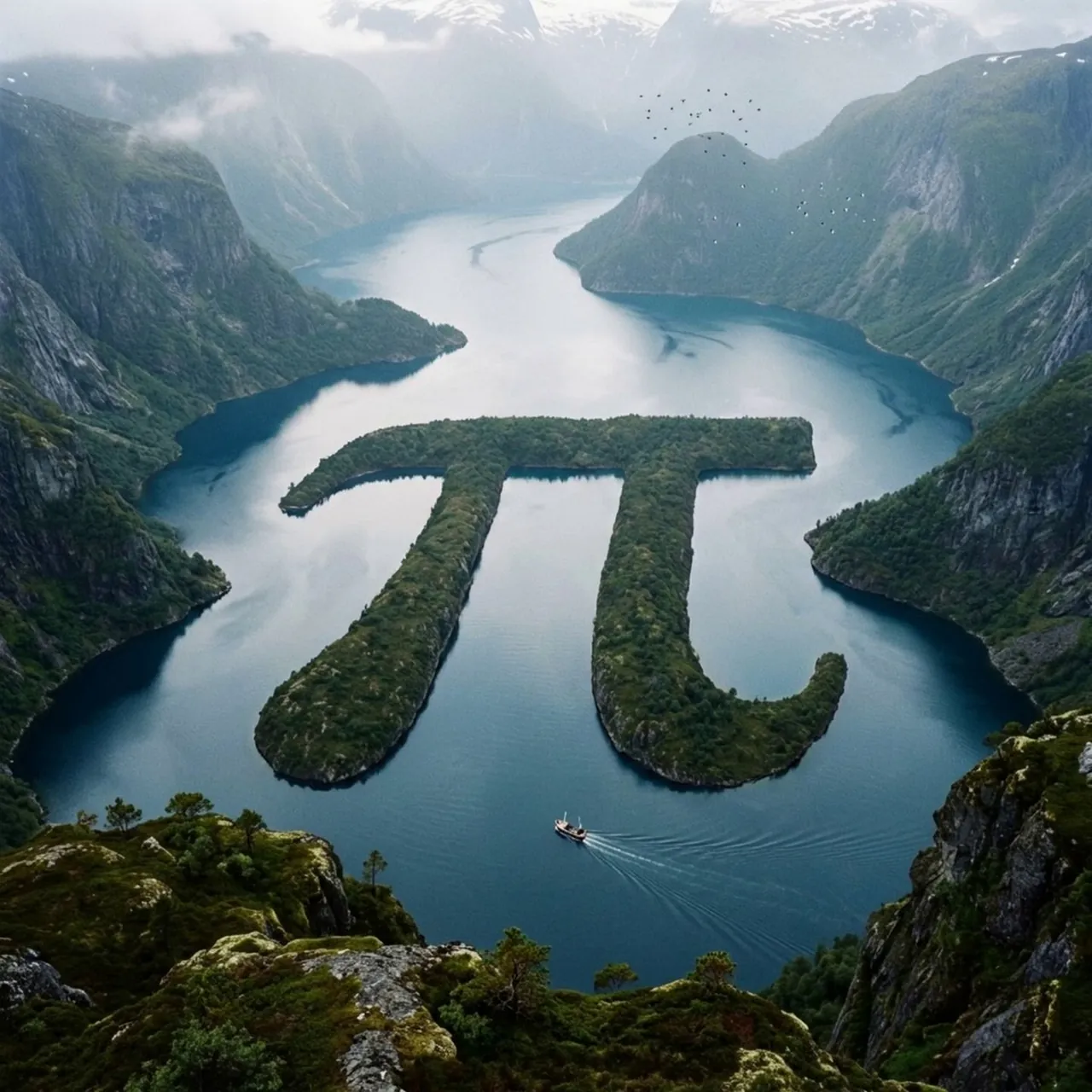
pi sign, fjord zen: class variables: glyph_input = "[glyph_input]" landscape_type = "[landscape_type]" biome = "infer climate, terrain, vegetation, water, rock, atmosphere" geomorphic_method = "[geomorphic_method]" view = "[view]" style = "photoreal cinematic natural wonder" class glyphgeometry: silhouette = "infer exact glyph outline" stroke_width = "preserve readable proportions" curves = "maintain recognizable bends and terminals" negative_space = "preserve inner openings or surrounding voids" class terraintranslation: method = variables.geomorphic_method rule_1 = "glyph must be made from natural terrain, not painted" rule_2 = "edges must show erosion, vegetation, rock, shoreline, or sediment logic" rule_3 = "surrounding landscape must explain how the glyph exists physically" class environment: terrain = variables.biome atmosphere = "mist, clouds, sunlight, shadows, depth haze" scale_cues = "infer tiny boats, birds, cabins, roads, animals, trees, or people if relevant" class camera: angle = "elevated aerial / overlook" composition = "glyph centered but embedded in vast landscape" depth = "foreground, midground glyph, distant terrain" def render(): return """ render glyph_input as a believable massive natural landform inside landscape_type. preserve glyph readability while making the geography feel physically real. """
Best for
Tips
Keep the main subject focused so pi sign fjord zen class variables glyph remains recognizable after style or lighting changes.
Adjust camera angle and aspect ratio before generation when the composition needs a specific platform format.