
Prompt
Copy and customize
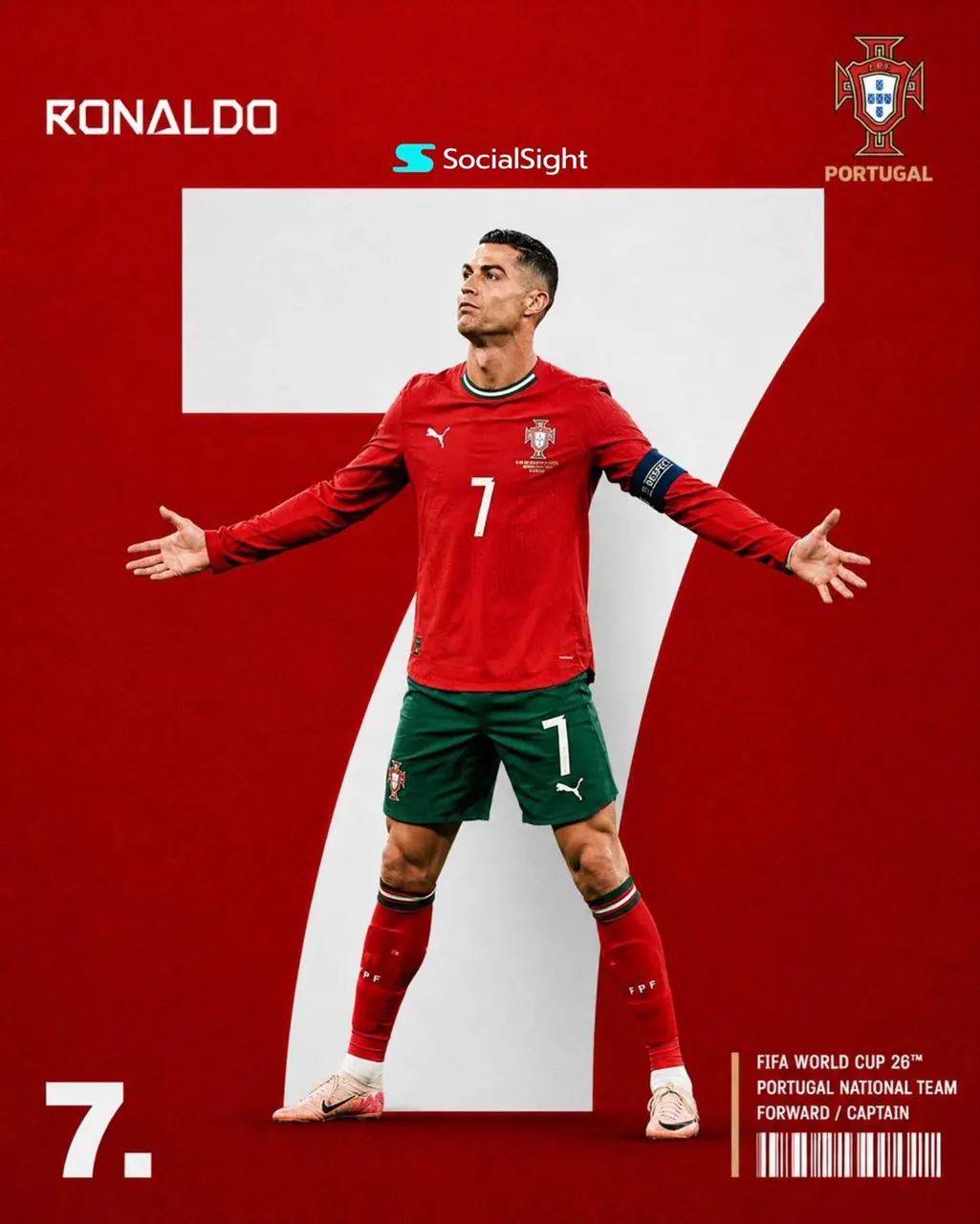
Create a premium sports editorial poster in a modern FIFA World Cup campaign style. The composition features a full-body professional football player standing confidently in the center with arms stretched wide in a victory pose, looking slightly upward with a determined expression. Behind the player is an oversized bold white jersey number occupying most of the background, creating a striking layered composition. The background is a solid national team color with a subtle textured grain finish (red for Portugal). The player stands in front of the giant number with realistic shadows and perfect depth separation. Place the player’s surname in a clean futuristic geometric font at the top-left, while the national team crest is positioned at the top-right. At the bottom-left, display the jersey number in oversized bold typography followed by a period. At the bottom-right, add compact editorial information including tournament title, national team, player position, captain designation (if applicable), and a stylish barcode graphic separated by a thin vertical accent line. Maintain a minimal, luxury editorial aesthetic with perfect alignment, generous negative space, crisp typography, and premium sports branding. Use ultra-realistic lighting, sharp jersey details, visible fabric texture, natural skin tones, realistic shadows, high contrast, and cinematic color grading. Style: Modern editorial, sports branding, premium poster, minimalist graphic design, clean typography, geometric layout, bold oversized number, ultra-realistic, photorealistic, commercial quality, 8K, HDR, magazine cover aesthetic.
Best for
Tips
Keep the main subject focused so premium sports editorial poster in a modern remains recognizable after style or lighting changes.
Adjust camera angle and aspect ratio before generation when the composition needs a specific platform format.