
Prompt
Copy and customize
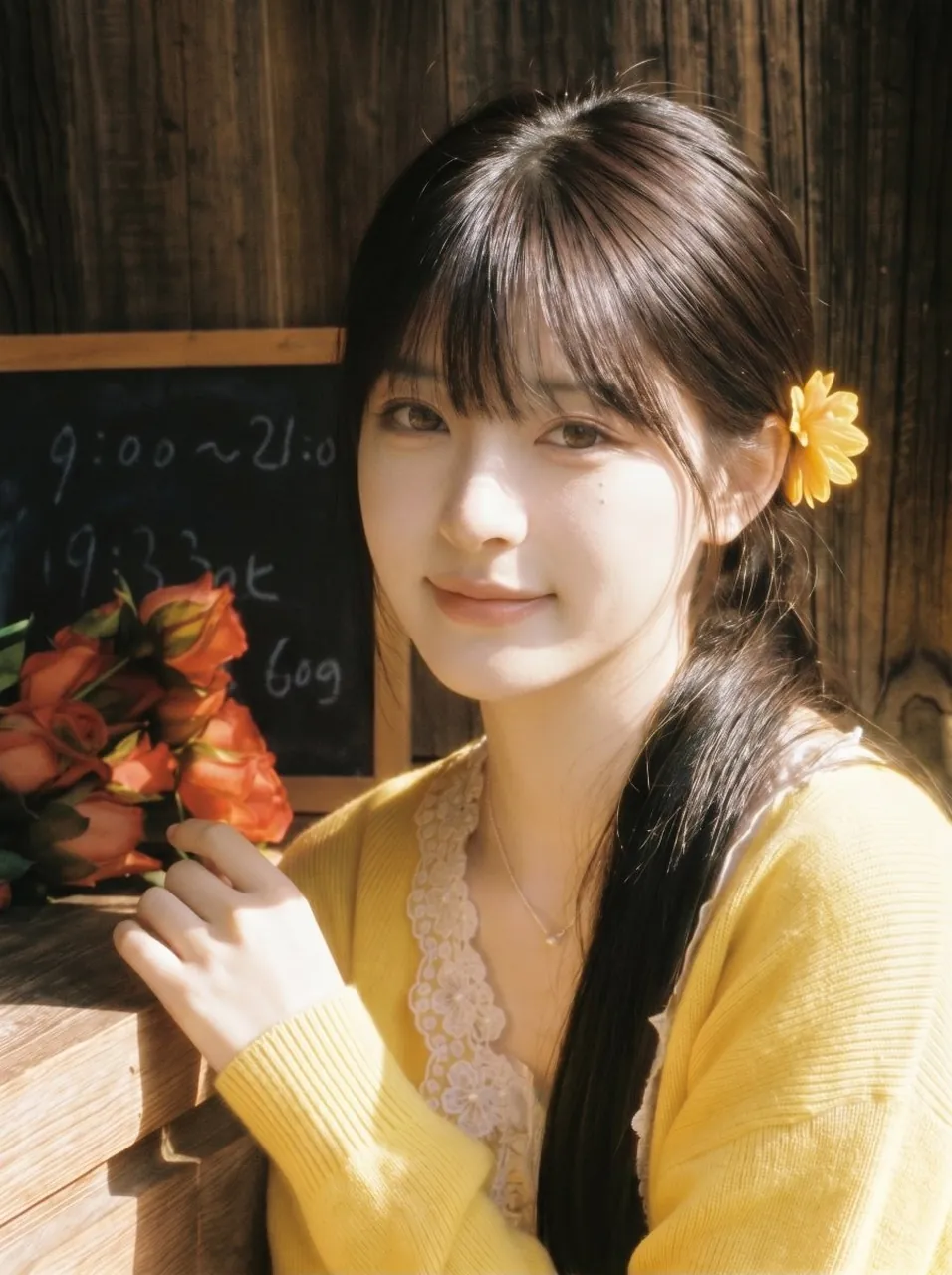
Create a warm nostalgic Japanese-style portrait photograph of a young Asian woman around 18 to 20 years old sitting by a rustic wooden flower-shop counter in bright morning sunlight. She has fair translucent skin, delicate soft facial features, clear smiling eyes looking directly into the camera, and a gentle closed-mouth smile. Her dark brown long straight hair with airy bangs and a low side ponytail over one shoulder catches the sunlight with subtle golden-brown highlights, and a single yellow daisy flower tucked behind her ear adds a sweet girlish accent. She wears a soft yellow cardigan over a cream lace-trim camisole with a small delicate necklace. Her hand rests naturally near a bouquet of orange roses on the wooden counter. In the background, include dark vertical weathered wood planks and one small chalkboard sign with faint handwritten shop hours and prices, slightly out of focus. Use a close-up vertical composition, chest-up framing, shallow depth of field, soft bloom, sun-dappled highlights, gentle lens haze, warm film colors, early-2000s Japanese magazine aesthetic, romantic and innocent mood, high detail skin texture but flattering, natural makeup, no extra people, no modern objects, no watermark, no legible text beyond vague chalk marks.
Best for
Tips
Keep the main subject focused so warm nostalgic Japanese-style portrait photograph of a remains recognizable after style or lighting changes.
Adjust camera angle and aspect ratio before generation when the composition needs a specific platform format.