
Prompt
Copy and customize
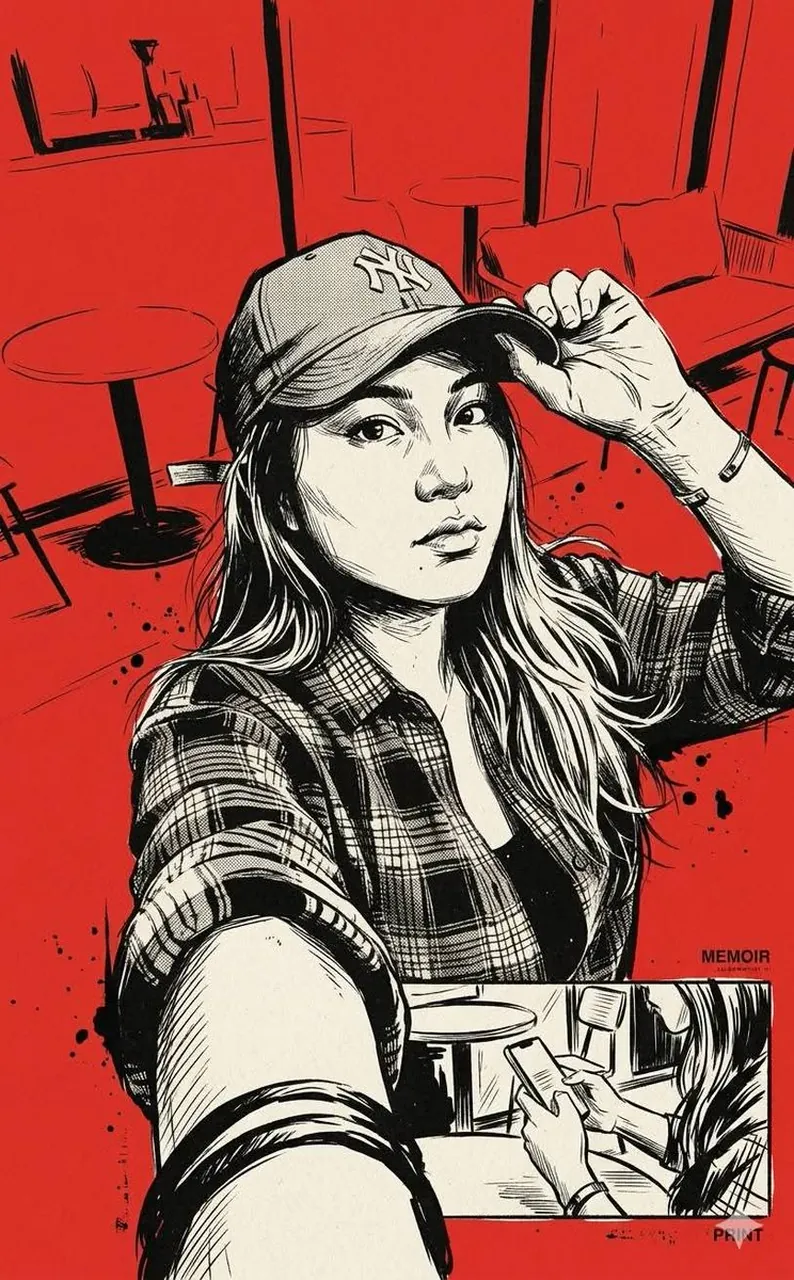
High-contrast vintage ink illustration, retro noir graphic novel aesthetic, bold monochrome rendering with dominant black ink and off-white tones, strong silhouette emphasis, rough expressive brush strokes combined with dry-brush texture, heavy grain and paper noise, distressed print effect, halftone and ink bleed imperfections, hand-drawn cross-hatching and scratchy linework, gritty analog print style, screenprint/poster-like finish, limited color palette with striking flat background (solid red or bold single color), dramatic negative space usage, cinematic composition with layered collage structure, mixed scale elements (oversized upper figure + smaller narrative scene below), editorial illustration style, mid-20th century pulp magazine influence, slightly abstracted anatomy with exaggerated wrinkles and texture, raw imperfect edges, splatter and ink blot accents, matte finish with minimal gloss, high visual tension, stark lighting with deep shadows and blown highlights, minimal gradients (mostly flat tones), distressed typography integration feel (optional), vintage propaganda/poster vibe, preserve original facial structure, maintain exact proportions and identity, no distortion on main subject, style applied only to rendering and environment, consistent facial integrity, modular composition, subject-agnostic style, adaptable to any central object without altering its form.
Best for
Cinematic mood visualsEditorial graphic designRetro poster artSocial media contentStylized character portraits
Tips
Keep the main subject focused so the high-contrast vintage ink illustration and retro noir graphic style remain recognizable after lighting or composition changes.
Adjust the camera angle and aspect ratio before generation when the composition needs to fit a specific platform format or layout requirement.