
Prompt
Copy and customize
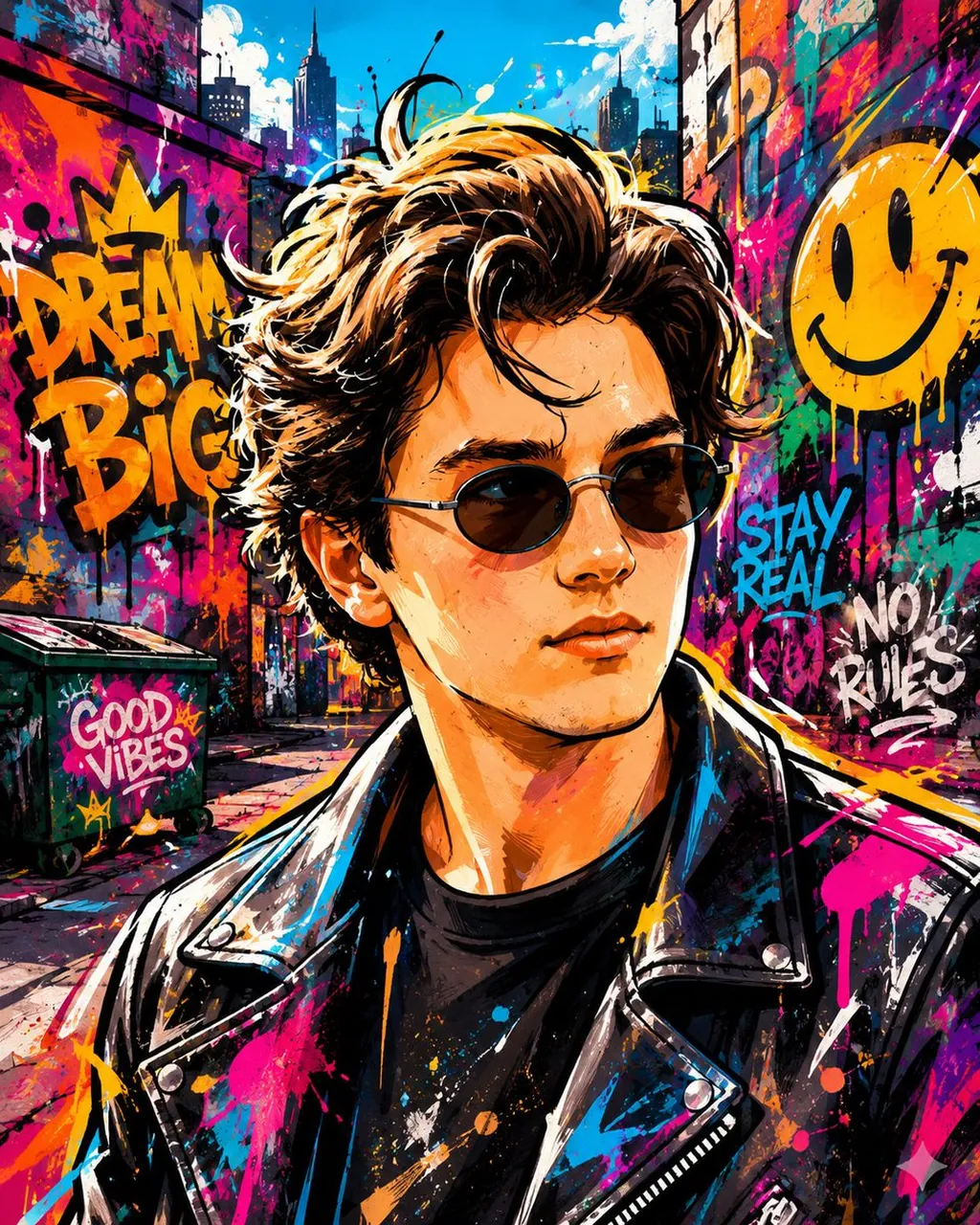
Create a vibrant graffiti street art style image from the uploaded subject. Use bold spray-painted outlines with energetic strokes and minimal shading using layered paint textures. Use intense, saturated colors and dramatic urban lighting. The style is defined by exaggerated, expressive character proportions featuring playful street-art-inspired facial features that allow for immense emotional range, with energetic stylized anatomy. Transform the environment into a colorful mural-covered cityscape with simplified urban objects, warped perspective, and dynamic paint splashes. Composition and tone should be energetic, lively, and comedic in a fully stylized, non-realistic world.
Best for
Tips
Keep the main subject focused so vibrant graffiti street art style image from remains recognizable after style or lighting changes.
Adjust camera angle and aspect ratio before generation when the composition needs a specific platform format.