
Prompt
Copy and customize
Use your uploaded male face as the ONLY identity reference for the main subject. Preserve his exact facial identity, natural facial structure, skin tone, eyes, eyebrows, nose, lips, cheekbones, jawline, facial proportions, hairline, beard, and natural skin texture. Keep him instantly recognizable. Do not beautify, reshape, masculinize, age, de-age, or alter his facial features.
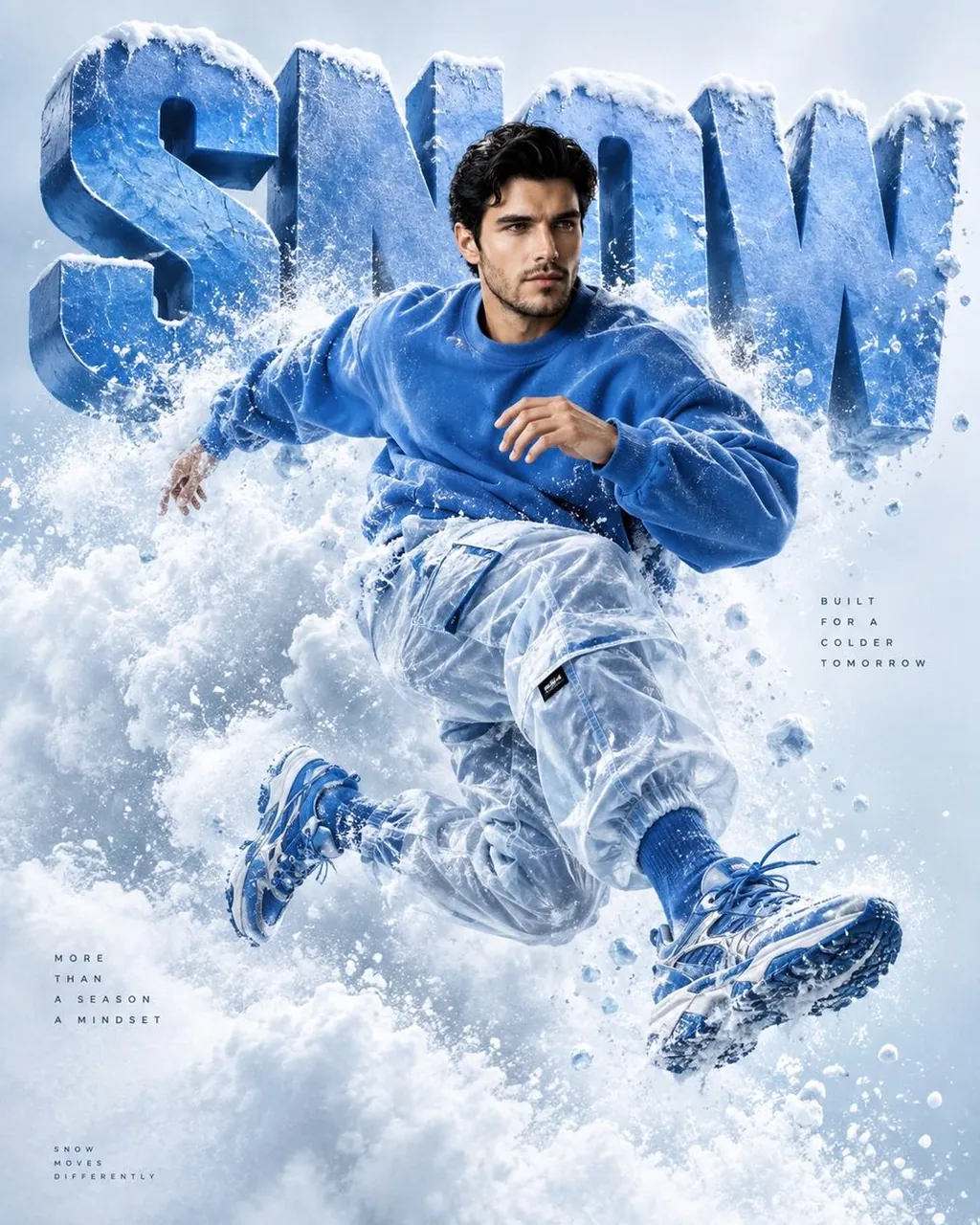
Create a premium ultra-realistic 3D fashion/editorial poster inspired by the reference image. Replace the large background text “CRISTIAN” with “SNOW”, using huge bold dimensional blue 3D typography with realistic depth and shadows.
Show the male subject in a dynamic mid-air jumping/running pose, wearing a monochromatic electric-blue oversized sweatshirt, translucent icy-blue cargo pants, blue socks, and futuristic blue sneakers. Surround his body with dramatic swirling blue-white snow clouds, powder snow, icy mist, and frozen particles, creating the illusion that he is emerging from a powerful snowstorm.
Use a clean pale icy-blue/white studio background, soft atmospheric lighting, cinematic shadows, realistic fabric textures, detailed sneakers, volumetric snow, subtle motion energy, and high-end commercial fashion photography aesthetics.
Composition should closely follow the reference: large “SNOW” typography behind the subject, subject centered and floating dynamically in front, snow swirling around his waist and legs, strong depth separation, polished premium advertising look.
Vertical 4:5 composition, ultra-detailed, photorealistic, 8K quality, crisp focus, cinematic lighting, premium fashion campaign aesthetic.
Best for
Tips
Keep the main subject focused so Use your uploaded male face as the remains recognizable after style or lighting changes.
Adjust camera angle and aspect ratio before generation when the composition needs a specific platform format.