
Prompt
Copy and customize
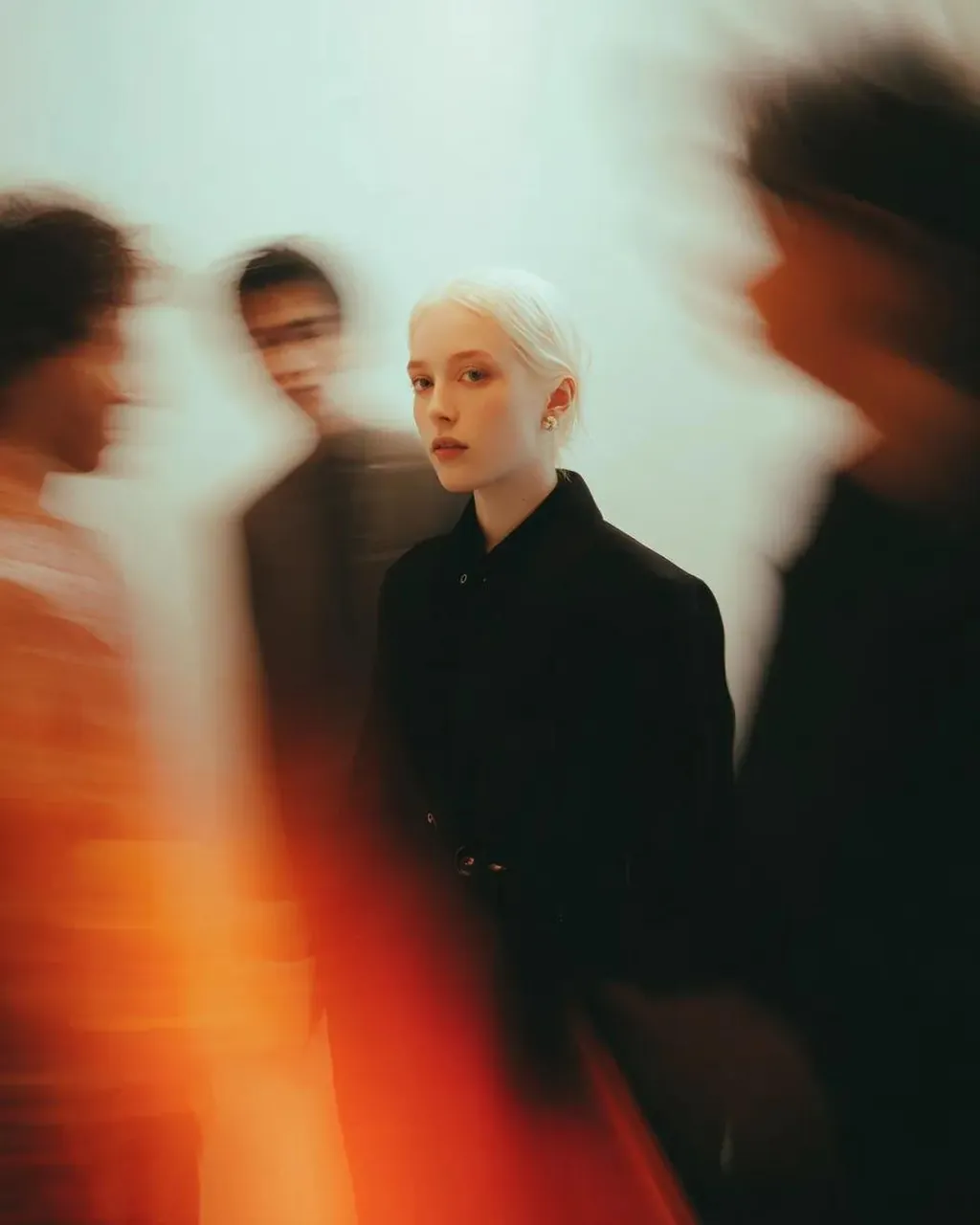
Use the uploaded image as the face reference and preserve the subject's exact identity, facial features, hairstyle, and expression. A cinematic fine-art editorial portrait of the subject standing perfectly still in the center of a crowded minimalist gallery while anonymous people move rapidly around them, creating dramatic long-exposure motion blur. The subject wears an elegant all-black tailored coat with a high neckline, maintaining a calm, emotionless gaze directly into the camera. Surrounding figures become soft ghost-like silhouettes with streaked movement, emphasizing isolation amid chaos. Warm tungsten lighting mixed with soft diffused ambient light creates a dreamy glow, subtle bloom, and rich cinematic contrast. Minimal cream-colored walls with no distractions, smooth gradients, and a clean gallery aesthetic. One blurred figure in a vivid crimson outfit adds a striking visual accent against the muted palette. Captured with a slow shutter speed (1/4–1 second) while the subject remains perfectly sharp, creating realistic motion trails and ethereal blur. Moody atmosphere, contemplative emotion, luxury fashion campaign, minimalist composition, shallow depth of field, subtle film grain, Leica SL3, 50mm Summilux f/1.4, photorealistic, ultra-detailed skin texture, HDR, 8K, masterpiece, vertical 9:16.
Best for
Tips
Keep the main subject focused so Use the uploaded image as the face remains recognizable after style or lighting changes.
Adjust camera angle and aspect ratio before generation when the composition needs a specific platform format.