
Prompt
Copy and customize
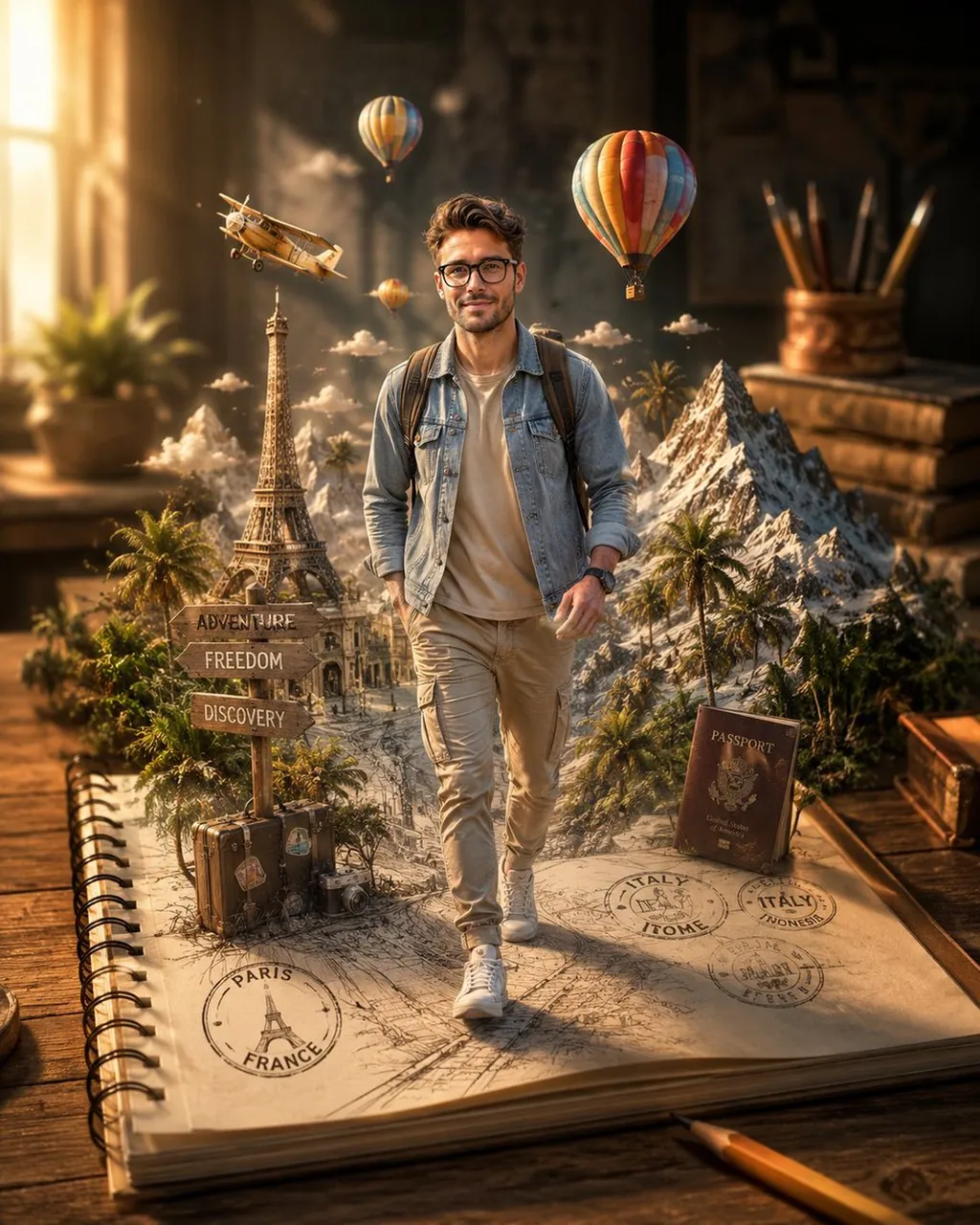
Use the uploaded face reference exactly for the character’s facial features, hairstyle, skin tone, eye shape, expression, and overall likeness. The traveler has a confident adventurous smile and realistic facial details matching the reference image. He wears a casual beige t-shirt, light denim jacket, slim-fit cargo pants, white sneakers, and carries a stylish travel backpack.
Around him, miniature 3D travel elements emerge from the notebook, including the Eiffel Tower, hot air balloons, snow-capped mountains, palm trees, a vintage airplane, travel signs, and floating passport stamps, creating a magical journey effect. The sketch lines gradually blend into realistic textures, producing a flawless transition from drawing to reality.
Warm golden-hour sunlight illuminates the wooden desk, casting soft cinematic shadows and enhancing depth and realism. Photorealistic notebook textures, shallow depth of field, ultra-detailed mixed-media artwork, creative optical illusion, cinematic composition, travel-inspired atmosphere, masterpiece quality, hyper-realistic rendering, extraordinary detail, 8K resolution, professional concept art, seamless sketch-to-reality transformation.ratio 4:5
Best for
Tips
Keep the main subject focused so Use the uploaded face reference exactly for remains recognizable after style or lighting changes.
Adjust camera angle and aspect ratio before generation when the composition needs a specific platform format.