
Prompt
Copy and customize
Use my uploaded image as the exact facial reference. Preserve my identity with maximum accuracy, including my face shape, hairstyle, beard, eyebrows, skin tone, eye proportions, nose, lips, jawline, ears, and every unique facial feature. Do not alter my age, expression, or recognizable appearance.
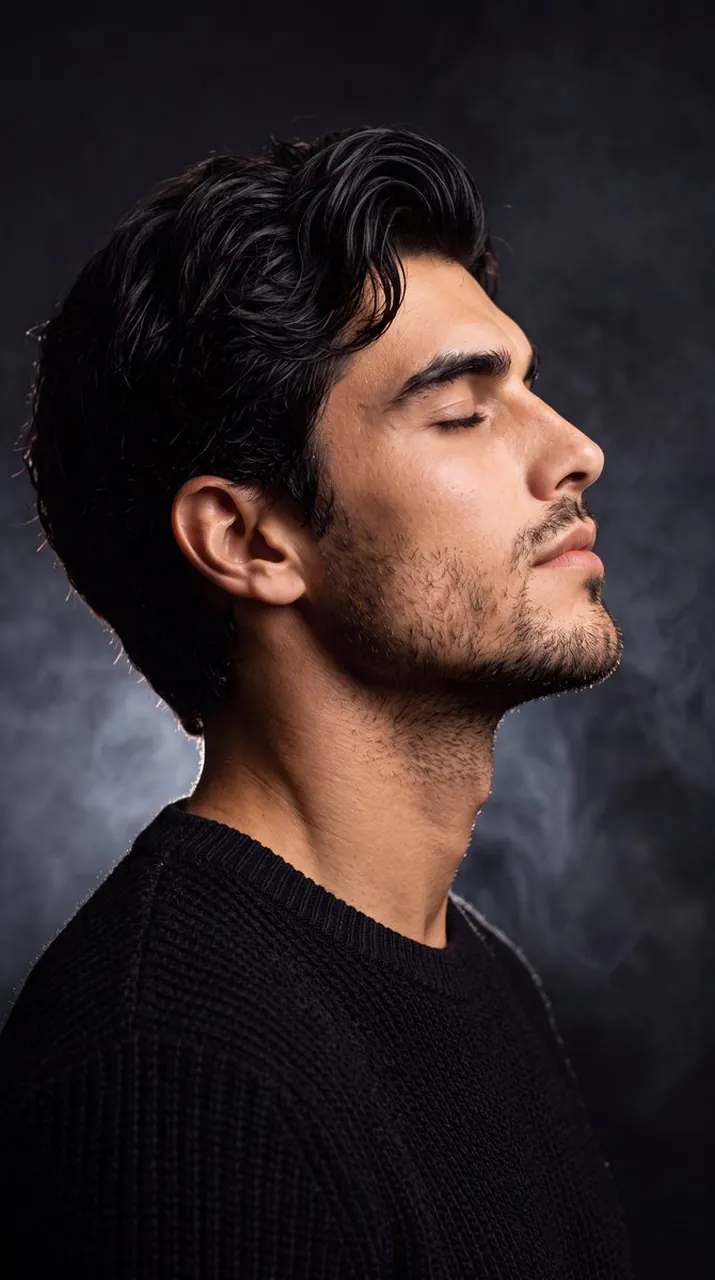
Create an ultra-realistic, cinematic side-profile portrait with my head gently tilted upward, eyes peacefully closed, conveying calmness, confidence, and deep introspection. Dress me in a premium black textured knit sweater with a clean, minimal aesthetic. Place me against a deep matte-black studio background filled with soft drifting smoke and subtle atmospheric haze. Use dramatic low-key lighting with a gentle rim light outlining my hair, beard, and jawline, while a soft key light elegantly illuminates my face, creating rich contrast and depth. Keep the composition minimal and luxurious, emphasizing negative space. Capture ultra-sharp skin texture, realistic beard details, natural hair strands, and flawless facial proportions. Professional editorial photography, 85mm lens, f/1.8, shallow depth of field, HDR, ultra-photorealistic, premium color grading, soft cinematic shadows, IMAX-quality, 8K resolution, masterpiece, award-winning portrait, no text, no watermark, no artifacts, no facial distortion, no extra limbs, no blur.
Best for
Tips
Keep the main subject focused so Use my uploaded image as the exact remains recognizable after style or lighting changes.
Adjust camera angle and aspect ratio before generation when the composition needs a specific platform format.