
Prompt
Copy and customize
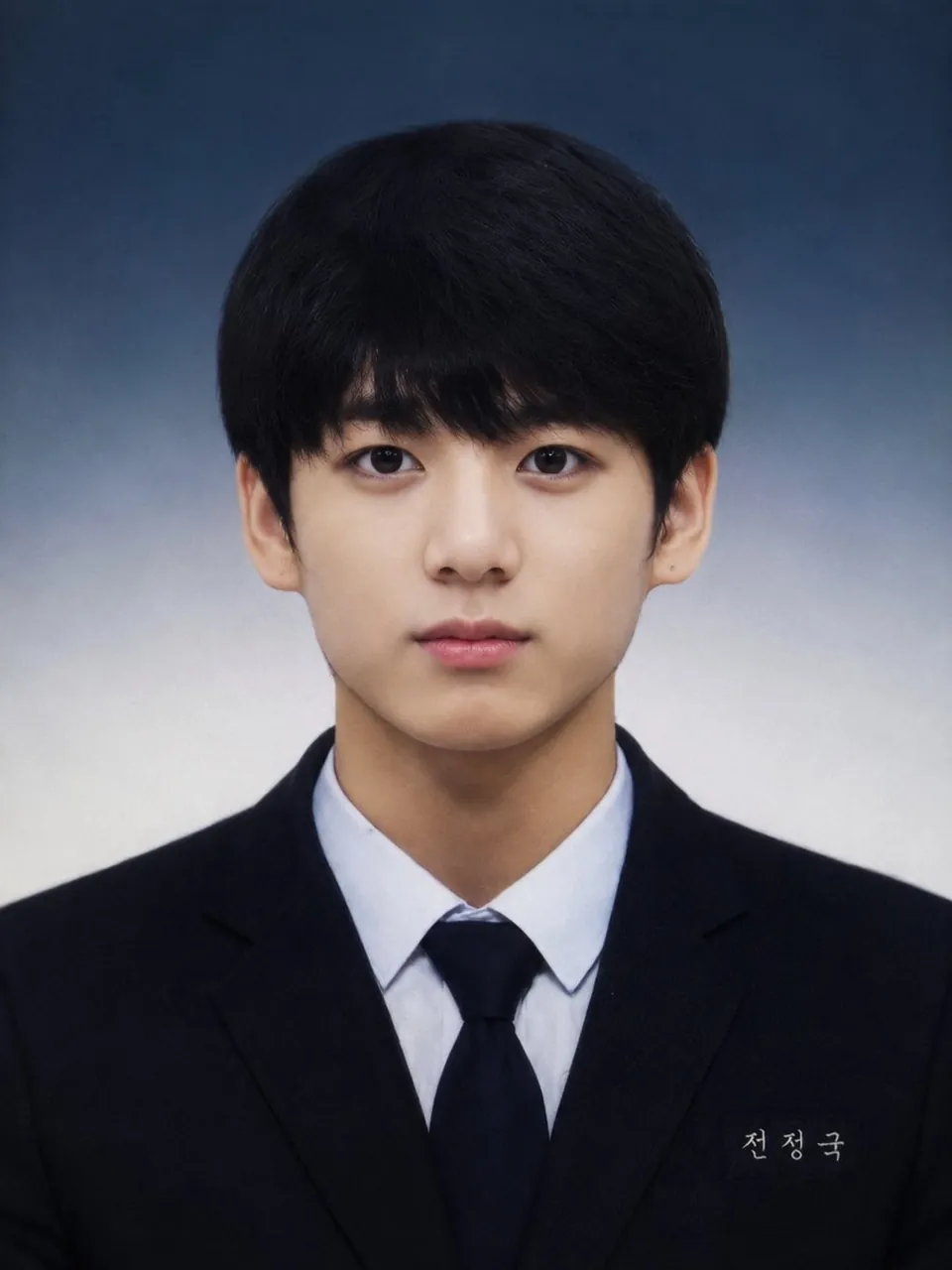
Ultra-realistic professional school yearbook portrait of a young East Asian man, centered and facing directly toward the camera with a calm, subtle smile. He has fair, smooth natural skin, soft facial features, dark almond-shaped eyes, straight eyebrows, a clean youthful appearance, and thick black layered hair with slightly tousled texture and short fringe covering the forehead.
He is wearing a dark navy/black school blazer over a black V-neck sweater and a crisp white collared shirt. A small rectangular white name tag with Korean characters is attached to the lower right side of the blazer.
Symmetrical head-and-shoulders composition, straight posture, neutral expression, eye-level camera angle, soft professional studio lighting, subtle facial shadows, realistic skin texture, slightly vintage school-photo aesthetic. Background is a smooth dark gray-blue studio gradient fading lighter toward the center, with no distracting objects.
Photorealistic, highly detailed, natural proportions, realistic hair strands, realistic skin texture, sharp facial details, soft diffused lighting, 85mm portrait lens, shallow depth of field, clean composition, high-resolution photography, authentic Korean school yearbook style, 3:4 aspect ratio.
Best for
Tips
Keep the main subject focused so Ultra-realistic professional school yearbook portrait of a remains recognizable after style or lighting changes.
Adjust camera angle and aspect ratio before generation when the composition needs a specific platform format.