
Prompt
Copy and customize
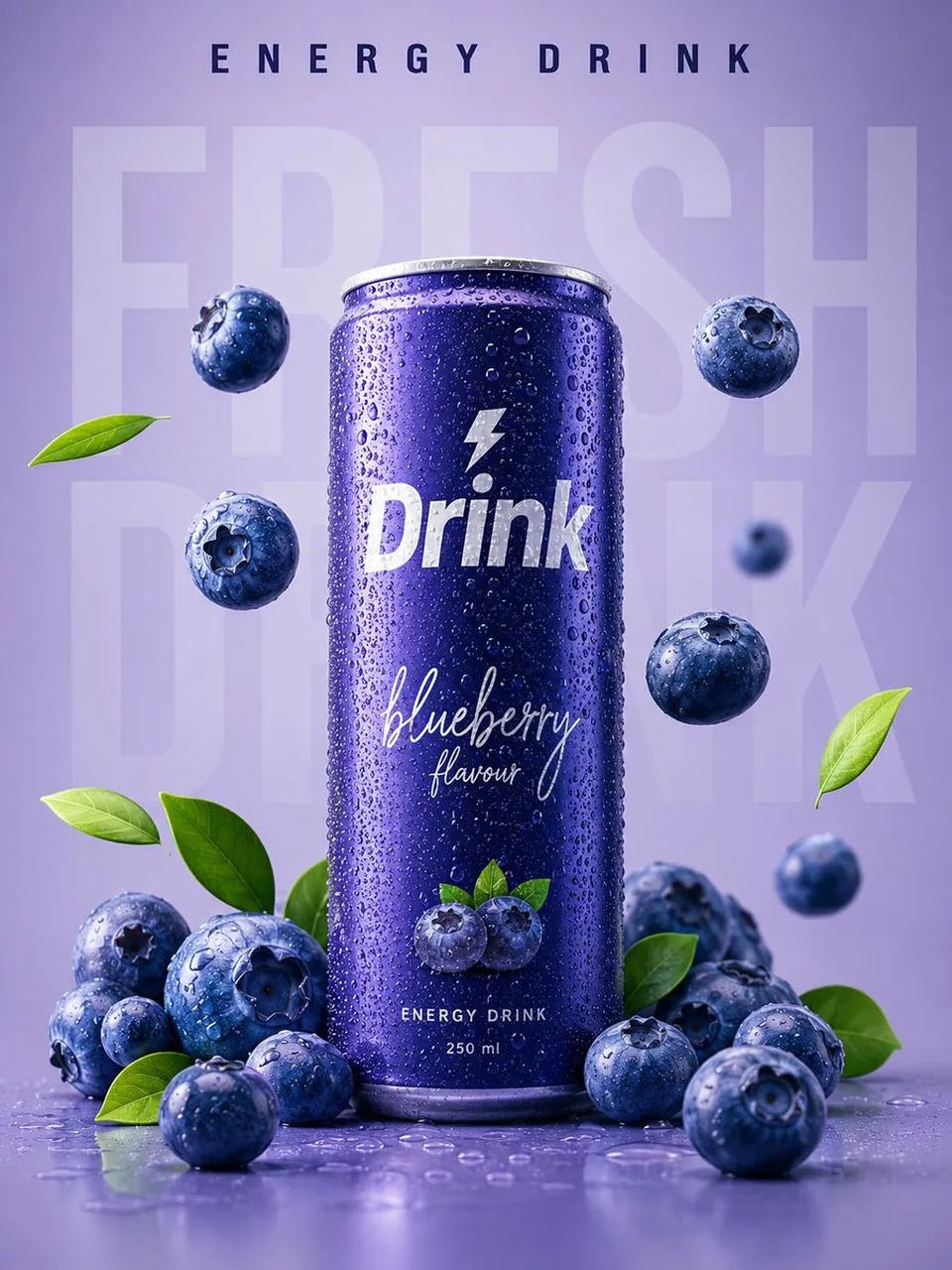
Ultra-realistic premium commercial product advertisement featuring a sleek, matte metallic blueberry energy drink can standing upright at the center of a clean pastel lavender studio background. The can is covered with realistic cold condensation droplets, giving a freshly chilled appearance. Large semi-transparent typography reading “FRESH DRINK” fills the background behind the can, creating depth while remaining subtle. At the top, elegant bold text reads “ENERGY DRINK”.
Several fresh, juicy blueberries are artistically floating around the can in different sizes and depths, accompanied by vibrant green leaves for a natural, refreshing look. Additional blueberries rest naturally at the base of the can, enhancing realism and product appeal. The can label features elegant white handwritten typography saying “blueberry flavour” and a bold modern logo reading “Drink”.
Soft diffused studio lighting, smooth shadows, premium minimalist composition, centered layout, vibrant purple and blue color harmony, glossy fruit textures, photorealistic water droplets, clean advertising aesthetic, luxury beverage branding, high-end packaging visualization, shallow depth of field, ultra-sharp focus, soft reflections, realistic materials, premium graphic design, commercial food photography, award-winning product mockup, hyper-detailed, 8K, HDR, Octane Render, Unreal Engine quality, ultra-realistic, Instagram and Pinterest trending beverage advertisement.
Best for
Tips
Keep the main subject focused so Ultra-realistic premium commercial product advertisement featuring a remains recognizable after style or lighting changes.
Adjust camera angle and aspect ratio before generation when the composition needs a specific platform format.