
Prompt
Copy and customize
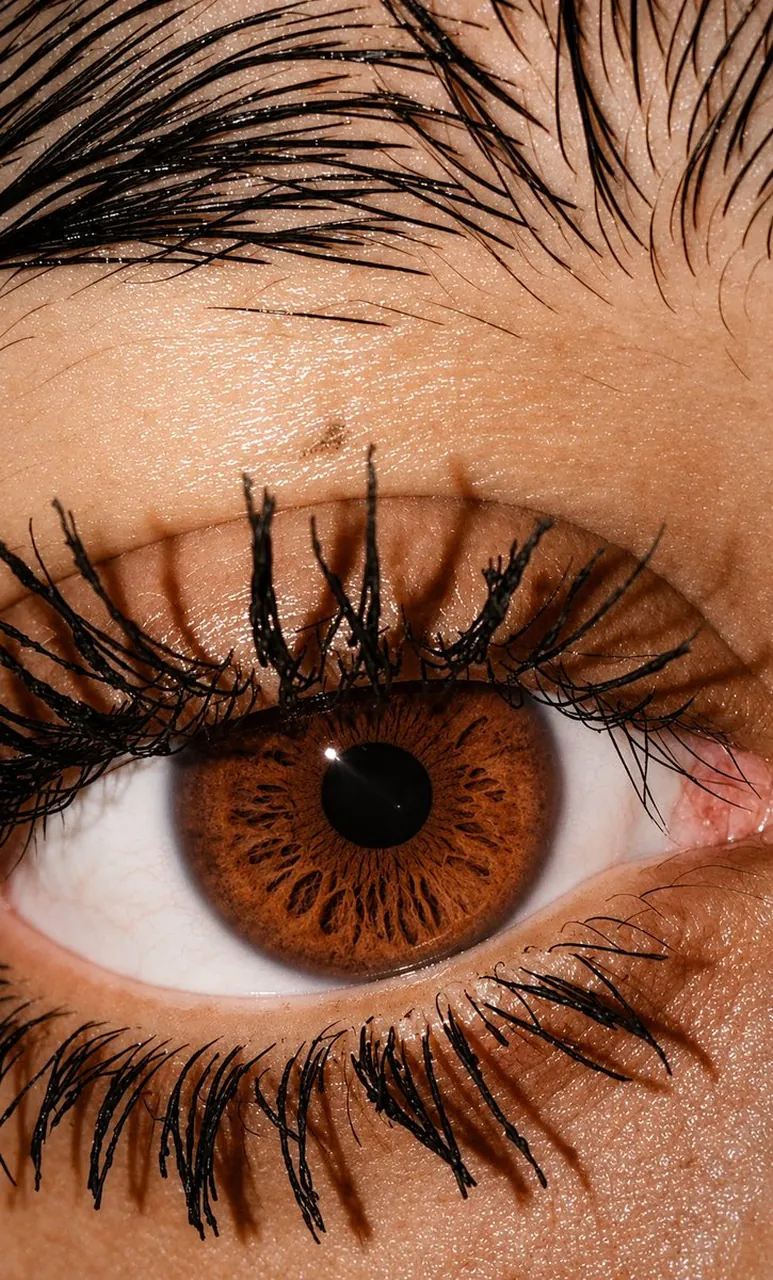
Ultra-realistic extreme macro close-up photograph of a beautiful human eye, tightly framed to capture the intricate details of the iris, eyelashes, eyelid, and surrounding skin. The iris is a mesmerizing natural green-hazel color with vivid emerald-green and golden-brown radial patterns, delicate fibers, intricate crypts, and realistic color variations. A perfectly round dark pupil sits at the center with a tiny natural catchlight reflecting the light source.
Long, thick, naturally curved black eyelashes frame the eye, with individually visible lashes and realistic texture. The surrounding skin shows highly detailed natural pores, fine lines, subtle peach and warm skin tones, and authentic imperfections. The upper eyelid and brow area are visible with fine dark hairs.
Bright soft studio lighting creates a glossy reflection across the cornea while preserving realistic shadows and dimensionality. Extremely shallow depth of field, razor-sharp focus on the iris and eyelashes, photorealistic skin texture, natural moisture on the eye surface, high micro-contrast, realistic optical reflections, macro photography, 100mm macro lens, f/4, professional beauty photography, ultra-detailed, cinematic realism, 8K resolution, vertical 3:4 composition, no retouching, no artificial skin smoothing, no text, no watermark.
Best for
Tips
Keep the main subject focused so Ultra-realistic extreme macro close-up photograph of a remains recognizable after style or lighting changes.
Adjust camera angle and aspect ratio before generation when the composition needs a specific platform format.