
Prompt
Copy and customize
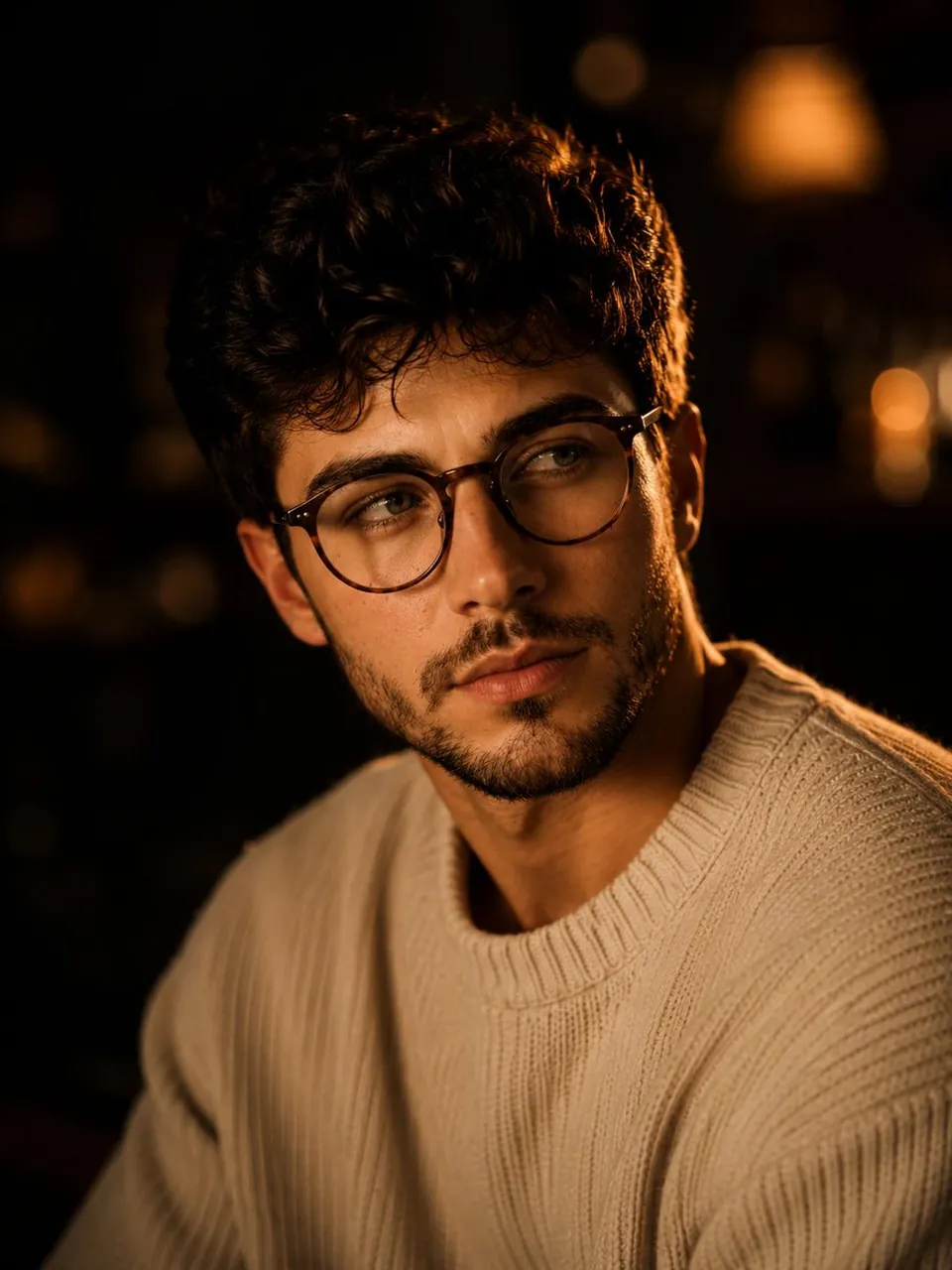
Ultra-realistic cinematic close-up portrait of a handsome young man with thick, naturally tousled dark wavy hair, subtle short beard and stubble, expressive deep-set eyes, defined cheekbones, natural lips, and delicate round wire-frame glasses. He wears a soft cream-colored textured knit sweater. Three-quarter angle, shoulders and upper torso visible, head slightly tilted toward the camera, calm and introspective expression, direct gentle gaze.
Warm amber cinematic lighting from the side creates glowing highlights along his hair, glasses, cheekbone, jawline, and sweater texture, while the opposite side falls naturally into deep soft shadows. Dark intimate background with warm out-of-focus practical lights and beautiful circular bokeh, subtle reflections, cozy evening atmosphere. Natural skin pores and fine facial hair, realistic eye detail, individual hair strands, authentic fabric texture, soft imperfections, shallow depth of field, creamy background separation.
Shot on a professional full-frame camera with an 85mm portrait lens, wide aperture around f/1.4, cinematic low-light photography, warm film tones, subtle analog grain, soft halation around highlights, rich blacks, gentle contrast, elegant editorial aesthetic, photorealistic, highly detailed, natural color grading, vertical 4:5 composition, no text, no watermark.
Best for
Tips
Keep the main subject focused so Ultra-realistic cinematic close-up portrait of a handsome remains recognizable after style or lighting changes.
Adjust camera angle and aspect ratio before generation when the composition needs a specific platform format.