
Prompt
Copy and customize
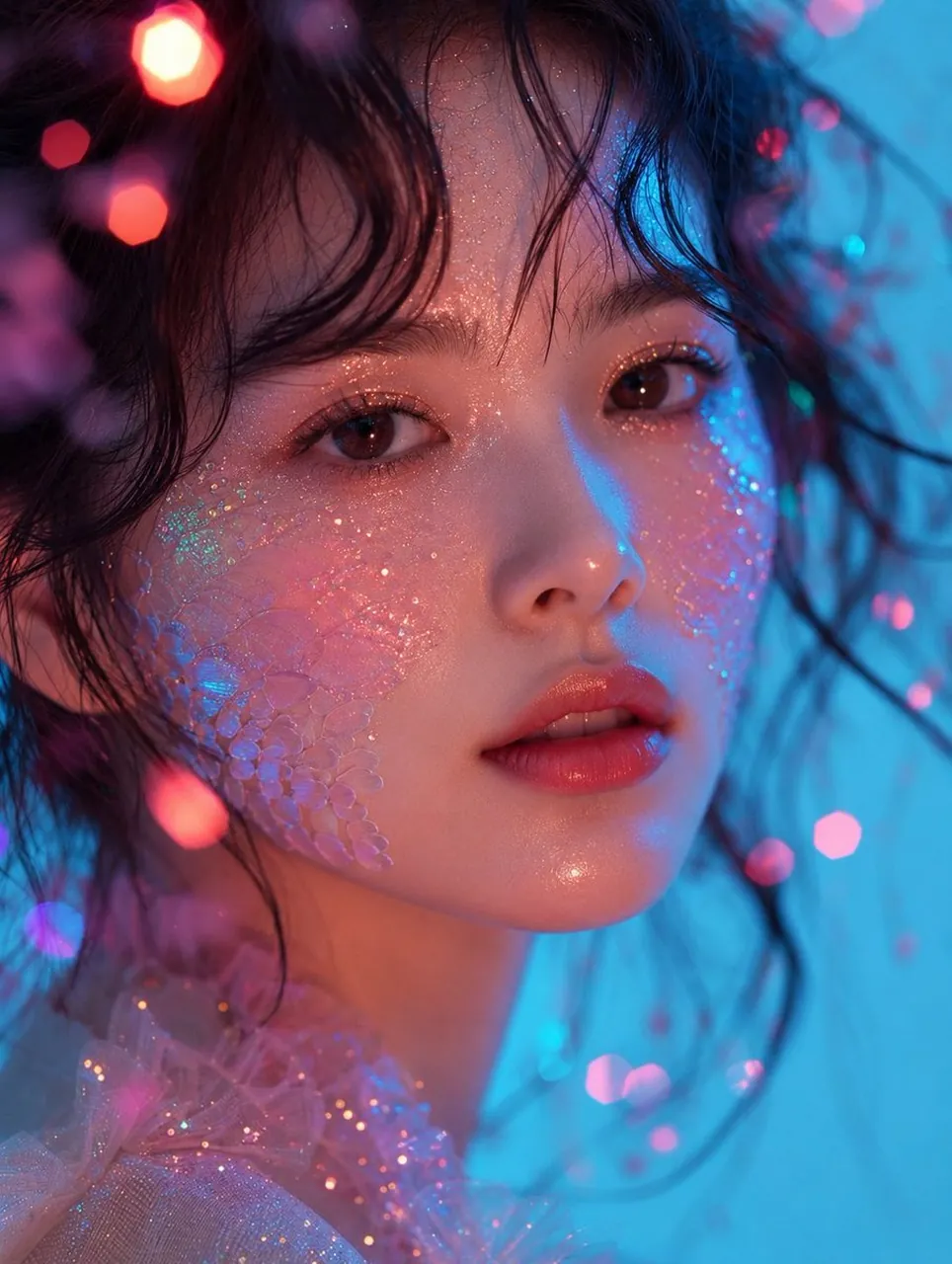
Ultra-realistic cinematic beauty portrait of a young East Asian woman, extreme close-up headshot, perfectly symmetrical face, luminous porcelain skin with natural subsurface scattering, large warm brown eyes with detailed reflections, soft glossy coral-pink lips slightly parted, delicate straight nose, natural feathered eyebrows, loose messy black wavy hair framing the face with wispy strands across the forehead, subtle dewy makeup, ultra-fine holographic glitter dust across forehead, eyelids, cheeks, and nose bridge, translucent iridescent crystal scale texture on both cheeks blending naturally into the skin, shimmering fairy-like aesthetic, dreamy fantasy beauty.
Soft neon lighting with contrasting cyan-blue key light from the right and warm pink-magenta fill light from the left, glowing pastel color palette, volumetric glow, colorful bokeh lights floating in the foreground and background, shallow depth of field, creamy background blur, sparkling particles suspended in the air, ethereal atmosphere.
She wears a delicate translucent pink glitter tulle ruffle around the neck and shoulders, elegant minimal styling, direct eye contact with the camera, calm dreamy expression, macro beauty photography, razor-sharp focus on the eyes and skin texture, realistic pores, high dynamic range, 85mm macro lens, f/1.4, professional studio lighting, cinematic color grading, ultra photorealistic, 8K, masterpiece, editorial luxury beauty campaign, award-winning photography, hyper-detailed, no text, no watermark.
Best for
Tips
Keep the main subject focused so Ultra-realistic cinematic beauty portrait of a young remains recognizable after style or lighting changes.
Adjust camera angle and aspect ratio before generation when the composition needs a specific platform format.