
Prompt
Copy and customize
Transform the person from the uploaded reference photo into
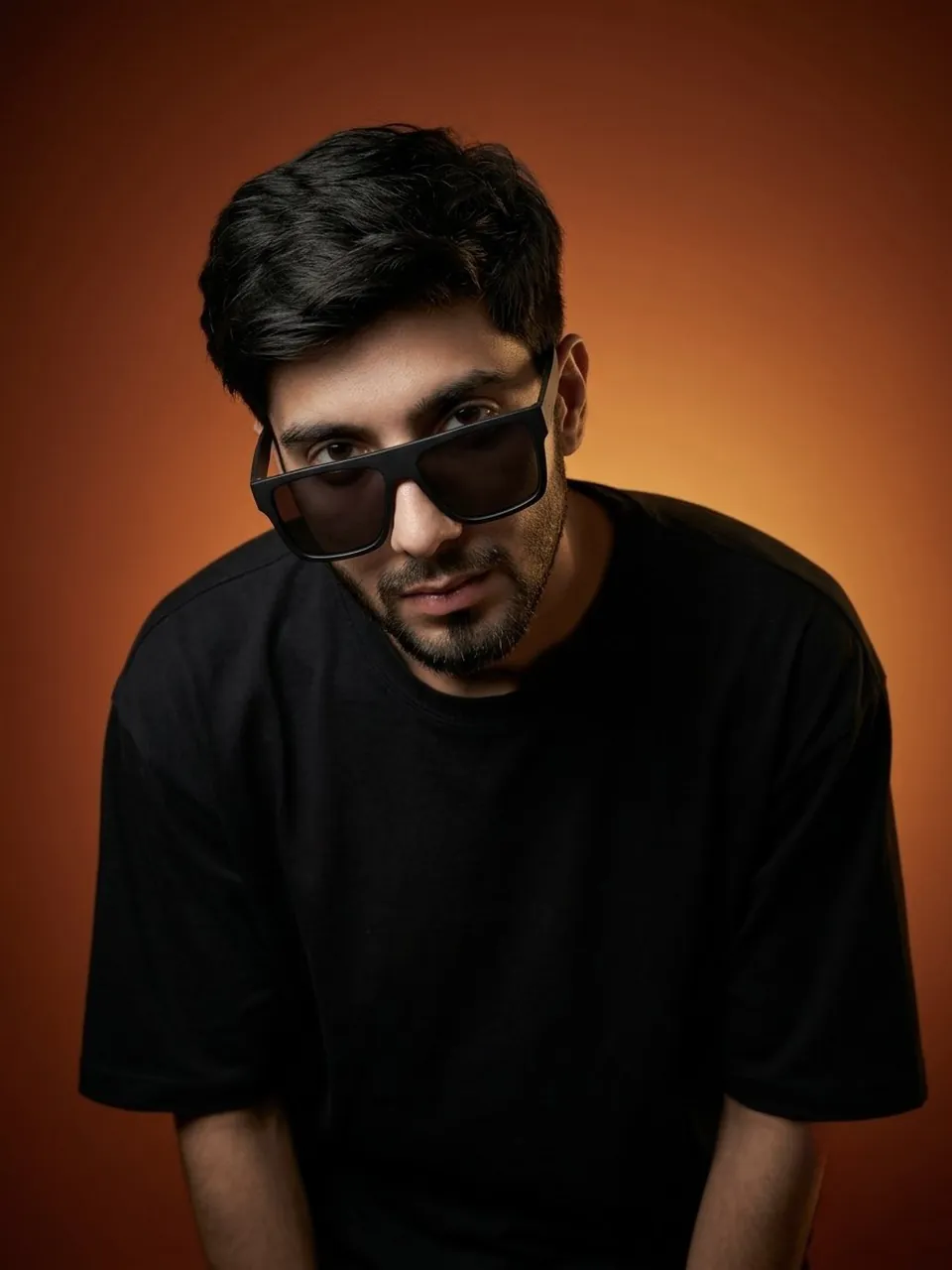
an ultrarealistic studio portrait identical to the provided reference image style, preserving the exact facial identity. face structure, skin tone, hairstyle, beard, and natural proportions of the original person while recreating the same pose, camera angle, lighting, composition, and mood from the reference image: subject leaning slightly forward toward the camera with shoulders hunched subtly down, head tilted slightly downward while eyes look upward directly into the lens, confident and mysterious expression, wearing oversized black rectangular sunglasses with dark lenses positioned slightly low on the face, matte black oversized t-shirt with minimal details, modern clean haircut with faded sides and textured messy top, dark orange gradient studio background transitioning smoothly from deep burnt orange to warm glowing amber, dramatic cinematic studio lighting with soft shadows and strong contrast, soft highlight on the side of the face and subtle rim light separation from background, close-up portrait framing from chest upward, shallow depth of field, ultra-realistic photography, highly detailed skin texture and facial features, premium editorial fashion photography aesthetic, natural shadows, realistic fabric folds, centered minimalist composition, modern moody color grading, sharp focus on face and glasses, no extra accessories, no distortion, no exaggerated features, no blur, no artifacts, no extra limbs, exact recreation of the reference image atmosphere and framing while maintaining the uploaded person's real identity and appearance perfectly intact
Best for
Tips
Keep the main subject focused so Transform the person from the uploaded reference remains recognizable after style or lighting changes.
Adjust camera angle and aspect ratio before generation when the composition needs a specific platform format.