
Prompt
Copy and customize
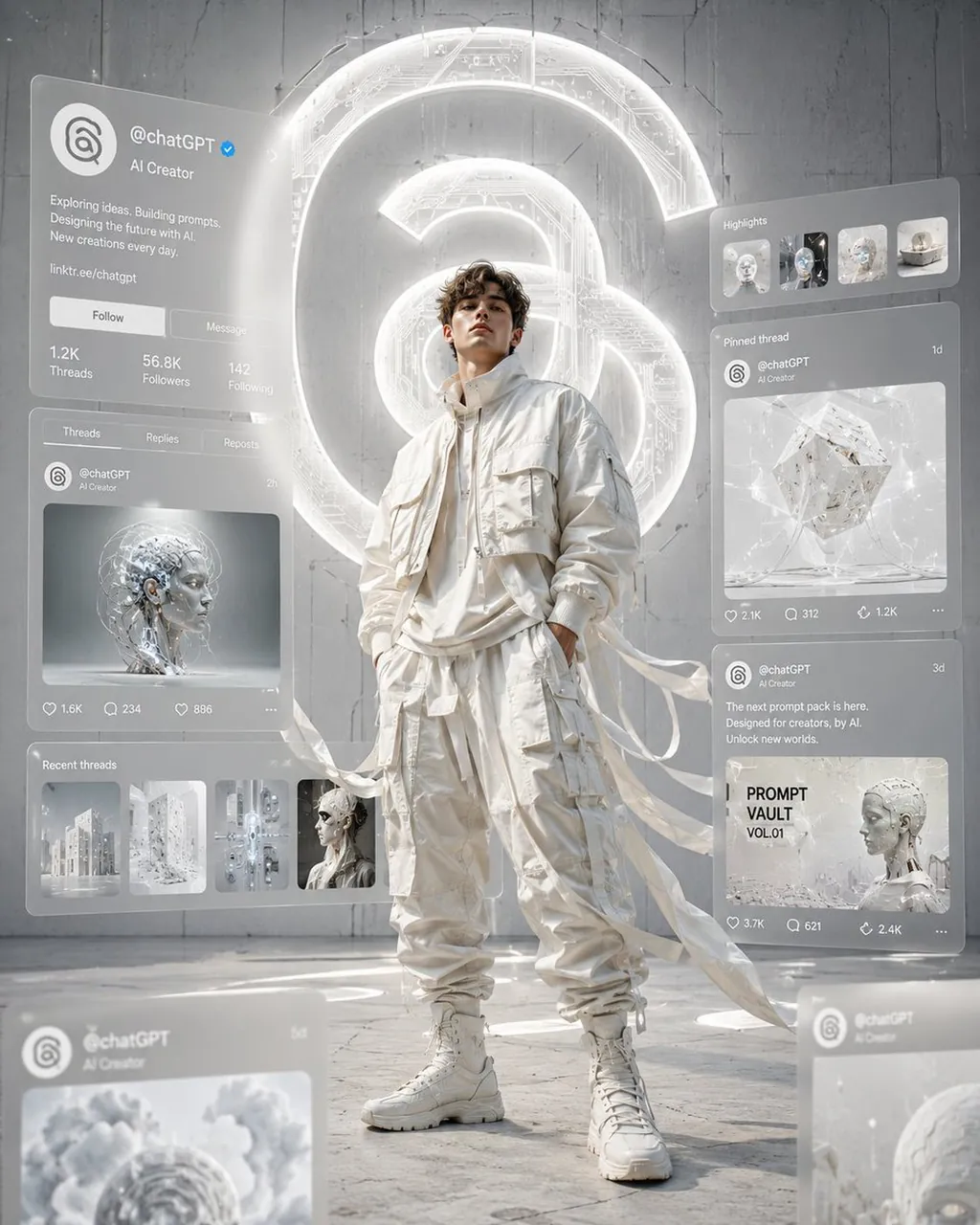
Ultra-cinematic editorial digital artwork in a clean white monochrome aesthetic inspired by Threads branding. A confident young male fashion model stands at the center wearing premium oversized ivory streetwear, cropped bomber jacket, layered utility cargo pants with long flowing fabric ribbons moving dramatically in the wind. Around him float multiple translucent holographic social media interface panels displaying a Threads profile. The profile shows "@chatGPT", verified badge, AI creator bio, profile statistics, carousel posts of futuristic AI artwork and prompt designs, all recreated in a clean modern UI without copying the real interface exactly. Behind him is a massive glowing Threads spiral logo embedded into a futuristic matte concrete wall with subtle circuit textures. Bright volumetric lighting, soft global illumination, cinematic depth of field, foreground blurred interface panels, premium fashion photography composition, hyper-realistic, ultra detailed, 8K, magazine cover quality, luxury techwear aesthetic, centered composition, no text outside UI, no watermark in 4:5 size.
Best for
Fashion editorial photographyDigital art conceptsTechwear style showcasesFuturistic UI designHigh-end brand visuals
Tips
Adjust the aspect ratio settings in your generation tool to ensure the vertical composition fits your specific social media platform requirements perfectly.
Experiment with the lighting intensity to emphasize the contrast between the matte concrete wall textures and the glowing holographic interface panels.