
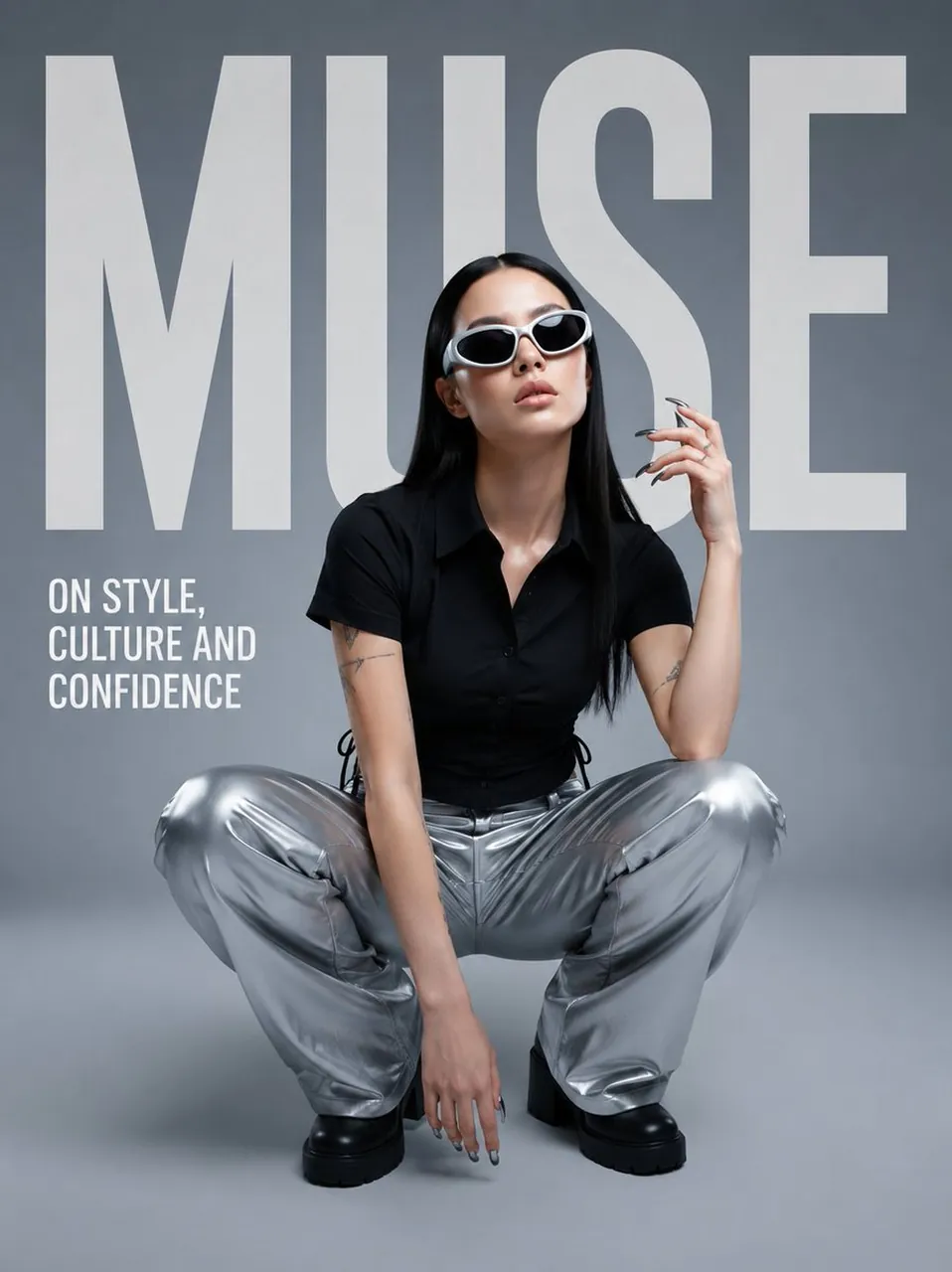
Prompt
Copy and customize
{
"TEXT": "",
"POSE": "",
"prompt": "Create a premium contemporary fashion editorial poster using the uploaded subject as the main character. Preserve the subject's identity, facial structure, natural skin tone, hairstyle, hair color, body proportions, and recognizable appearance accurately.\n\nThe BACKGROUND must be generated automatically based on the overall creative direction. Do not require the user to define the background. Automatically create a sophisticated environment, studio setting, architectural space, abstract backdrop, or atmospheric scene that best complements the subject, wardrobe, pose, and editorial concept. The background should feel intentional, premium, realistic, and visually cohesive.\n\nThe subject must follow the user-defined POSE naturally and convincingly. Automatically generate the wardrobe, accessories, makeup, hair styling, lighting, color palette, camera angle, composition, and overall art direction to suit the generated concept. These elements should not require user input.\n\nUse the user-defined TEXT as the primary oversized editorial typography. Integrate it directly into the composition like a professional fashion magazine cover. The typography should be bold, modern, clean, and large-scale, with intentional spacing and layering. The subject may overlap or partially obscure the typography where appropriate to create depth. Ensure the text is correctly spelled and clearly readable.\n\nDo not add random promotional copy, prices, dates, sale information, product lists, fake brands, logos, watermarks, or unnecessary small text. Only add minimal secondary typography if specifically required by the visual concept.\n\nCreate a high-end fashion editorial aesthetic with cinematic realism, realistic skin texture, natural anatomy, authentic fabric materials, sophisticated lighting, subtle film grain, controlled contrast, premium color grading, and strong visual hierarchy. Avoid generic AI aesthetics, plastic skin, excessive beauty retouching, distorted anatomy, extra fingers, duplicated limbs, warped clothing, messy typography, or visual clutter.\n\nThe final composition should feel like a professionally art-directed contemporary fashion magazine/editorial campaign. The subject is the focal point, the user-defined TEXT is the dominant graphic element, and everything else—including the background—is generated automatically to support the concept."
}
Best for
Tips
Keep the main subject focused so TEXT POSE prompt Create a premium contemporary remains recognizable after style or lighting changes.
Adjust camera angle and aspect ratio before generation when the composition needs a specific platform format.