
Prompt
Copy and customize
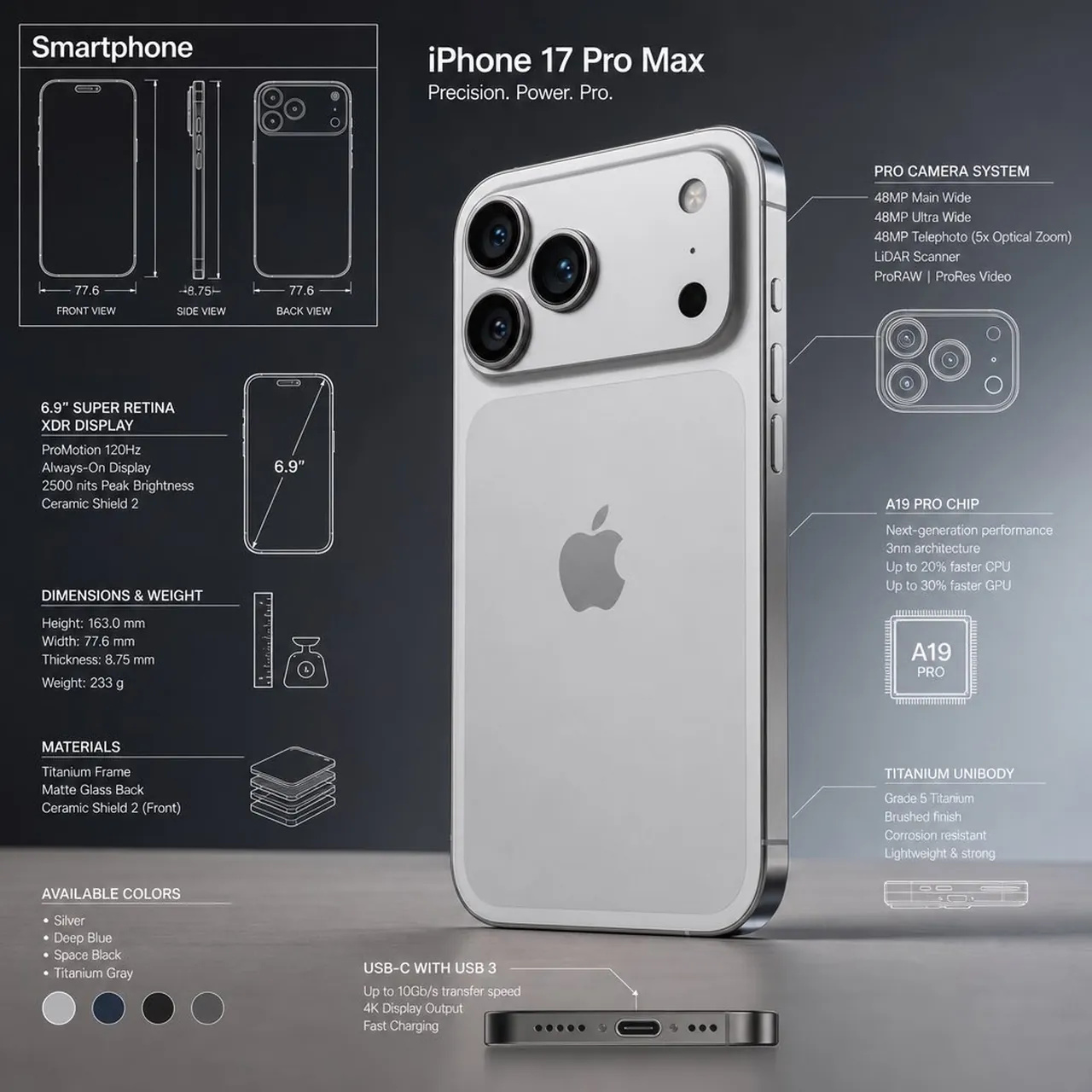
Premium technical infographic of [product name ].
Use the reference image only to understand the shape and structure of the object, without copying the same photo, angle, composition, or background. Reinterpret the subject in a new professional and realistic photograph, clean and well-lit, with a suitable and more aesthetic background. Keep the object as a real photo, not an
illustration. Add a technical blueprint-style overlay with white lines, arrows, dimensions, labels, and small diagrams of parts, materials, measurements, and functionality.
Clear, elegant, and informative composition.
Include a sketch box in the upper left corner with the title "[name] ".
Best for
Technical Product InfographicsProduct Marketing VisualsBlueprint Style OverlaysEducational Visual Assets
Tips
Specify your exact product name in the bracketed placeholder to ensure accurate generation results for the final infographic.
Ensure your reference image clearly shows the target object shape so the blueprint overlay aligns correctly with the subject structure.