
Prompt
Copy and customize
{
"SUBJECT": "",
"SCENE": "",
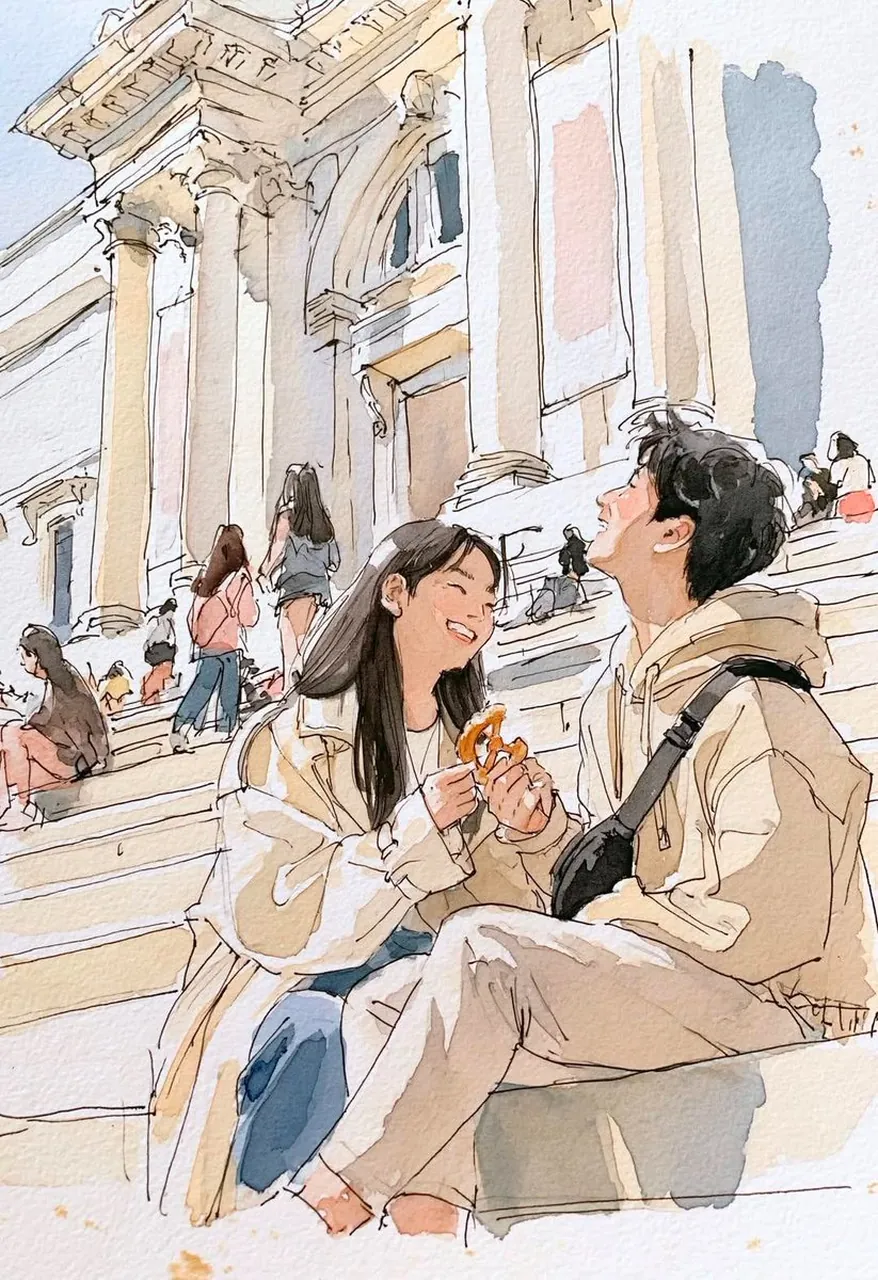
"prompt": "Create a beautiful watercolor travel sketch of SUBJECT in SCENE. The artwork should look like it was painted in a real travel sketchbook using watercolor and fine black ink.\n\nUse loose expressive ink lines, soft transparent watercolor washes, visible textured watercolor paper, natural paint bleeds, light splatters, and unfinished sketch details. Keep the architecture and background airy with minimal detail while making the subjects the main focus.\n\nCapture a candid, joyful moment with natural expressions and relaxed body language. Use warm daylight, muted earthy colors, soft blues, beige, cream, light browns, and subtle peach tones. Leave plenty of white paper visible to create a clean, elegant composition.\n\nThe final image should feel nostalgic, peaceful, romantic, and handcrafted, like an artist's travel journal filled with beautiful memories rather than a polished digital illustration.",
"negative_prompt": "photorealistic, 3D, CGI, anime, cartoon, oil painting, acrylic painting, thick brush strokes, vector art, neon colors, oversaturated colors, HDR, dark lighting, heavy shadows, cluttered composition, text, logo, watermark, border",
"aspect_ratio": "2:3"
}
Best for
Tips
Keep the main subject focused so SUBJECT SCENE prompt Create a beautiful watercolor remains recognizable after style or lighting changes.
Adjust camera angle and aspect ratio before generation when the composition needs a specific platform format.