
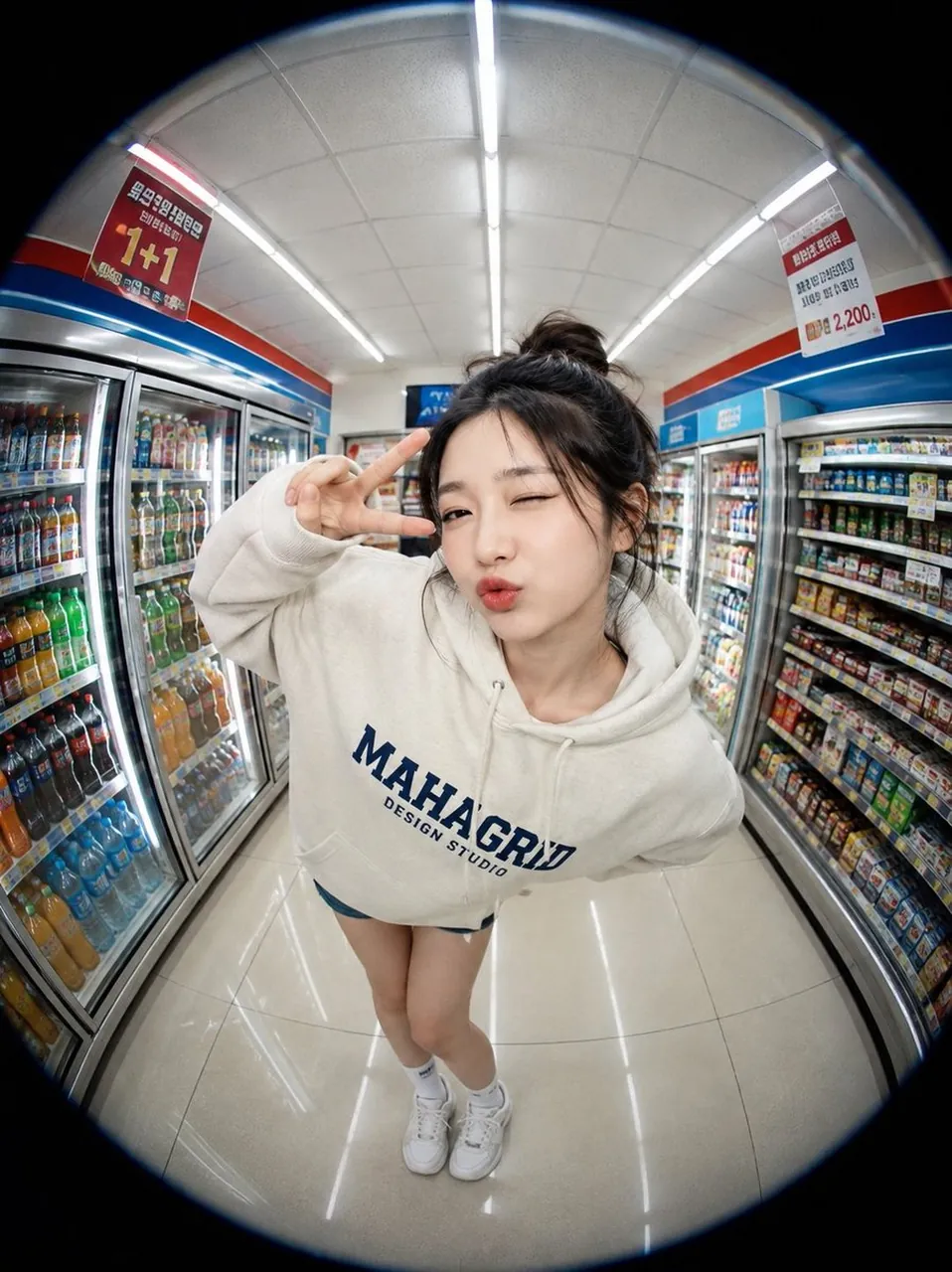
Prompt
Copy and customize
{
"SUBJECT": "",
"CLOTHING": "",
"POSE": "",
"EXPRESSION": "",
"LOCATION": "",
"prompt": "Create a highly realistic fisheye-lens portrait of SUBJECT standing inside LOCATION. Capture the scene from a very close, slightly elevated perspective using an ultra-wide circular fisheye lens that produces strong edge distortion and a dark circular vignette around the frame.\n\nThe subject is wearing CLOTHING and performing POSE while displaying EXPRESSION. The overall atmosphere should feel candid, youthful, playful, and naturally cinematic.\n\nThe environment should contain detailed background elements appropriate to the location, including bright overhead lighting, shelves, products, signs, reflective surfaces, and subtle activity in the distance. Emphasize the exaggerated proportions created by the fisheye lens, with the face appearing slightly larger and the surroundings curving naturally around the subject.\n\nStyle: photorealistic, lifestyle photography, social-media aesthetic, natural skin texture, authentic clothing folds, realistic lighting, ultra-detailed, sharp focus.\n\nCamera settings: 8 mm fisheye lens, f/2.8, ISO 200, high dynamic range, close-up perspective.\n\nNegative prompt: low quality, extra fingers, deformed hands, blurry face, plastic skin, oversaturated colors, text, watermark, logo, duplicate objects, unnatural anatomy."
}
Best for
Tips
Keep the main subject focused so SUBJECT CLOTHING POSE EXPRESSION LOCATION prompt Create remains recognizable after style or lighting changes.
Adjust camera angle and aspect ratio before generation when the composition needs a specific platform format.