
Prompt
Copy and customize
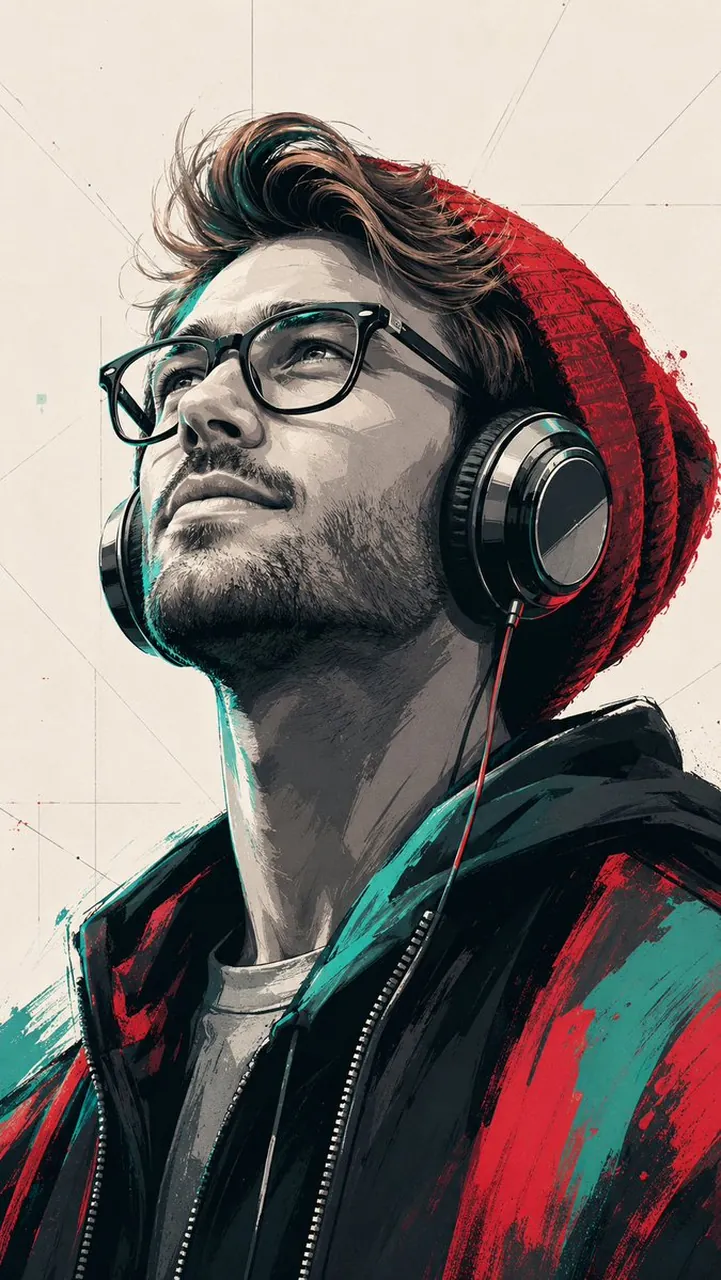
Subject & Composition: A stylized, low-angle portrait of a young man looking upward with a serene expression. He is wearing large over-ear headphones and a textured red beanie. The composition is a close-up, focusing on his profile and neck, shot with a cinematic perspective. Artistic Style: A blend of modern pop art and digital vector illustration. The image uses bold, high-contrast shadows and clean linework. The shading is rendered in a "cel-shaded" or posterized style with distinct color blocks rather than smooth gradients. Color Palette: A striking limited color scheme featuring deep blacks, muted greys, vibrant red, and a specific teal/mint green accent. The background is a flat, neutral off-white with subtle, thin geometric sketch lines. Details & Texture: The man’s jacket and beanie feature expressive, painterly strokes of red and teal. The headphones have a glossy, metallic finish with realistic reflections. His skin is rendered in shades of grey and teal highlights to emphasize the dramatic lighting coming from above. Atmosphere: Urban, artistic, and melancholic, reminiscent of high-end graphic novel cover art or a modern street-art mural. Aspect ratio is 9:16
Best for
Digital character artGraphic novel coversModern street artStylized profile avatarsCreative social posts
Tips
Maintain the low-angle perspective to ensure the subject's serene expression and the cinematic composition remain consistent across different variations of the portrait.
Adjust the color palette by swapping the teal accents for other complementary colors to change the mood while keeping the bold linework.