
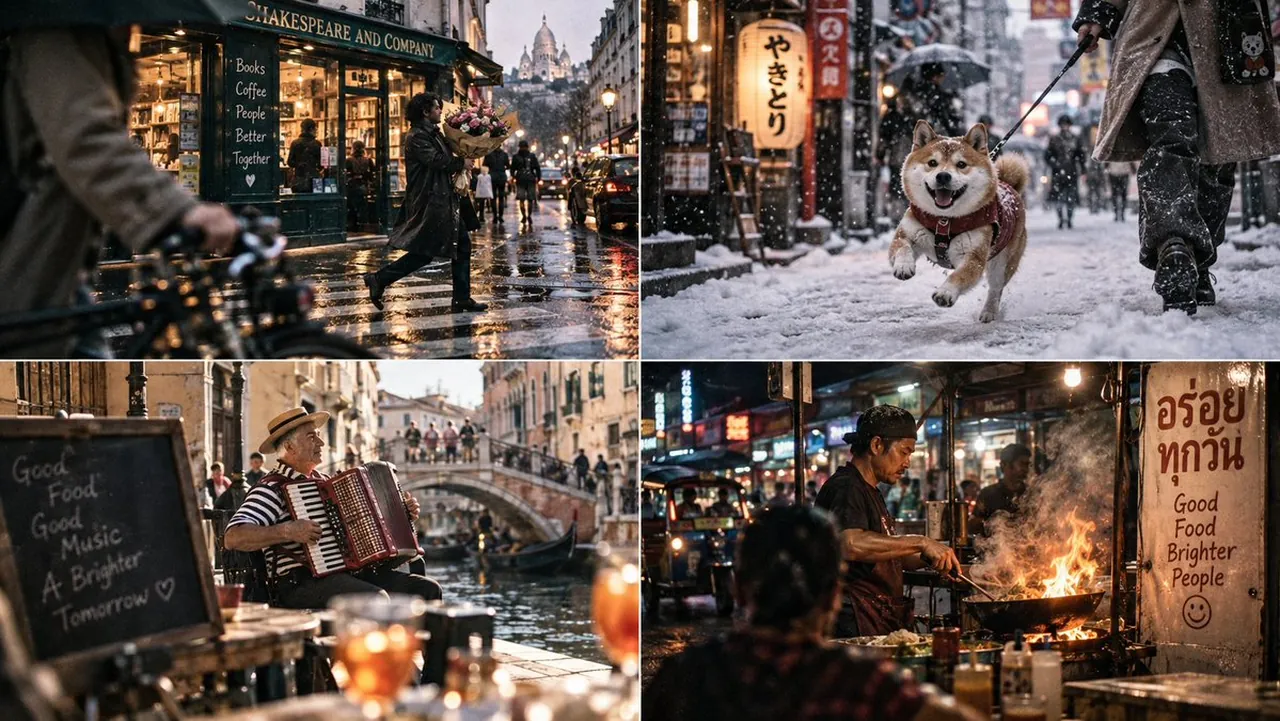
Prompt
Copy and customize
2x2 grid, 16:9, AI picks 4 stunning subjects: // ═══ LEXER: Scene Elements ═══ tokens = [ ENV({{CITY}}, {{TIME_WEATHER}}), SUBJ({{SUBJECT_ACTION}}, velocity=1.2m/s, awareness=FALSE), BG({{BACKGROUND_IRONY}}, distance=8m), FG({{CLIPPING_ELEMENT}}, distance=0.5m), GEAR(Leica_M6, Summicron_35mm_f2, {{FILM_STOCK}}) ] // ═══ PARSER: Exposure & Optics Calculator ═══ AST = ExposureTriangle( // To freeze 1.2m/s at 35mm, we need minimum 1/250s shutter = "1/250s", // To keep BG (8m) and Subj (2.5m) in acceptable focus: aperture = "f/5.6", // To compensate for 1/250 @ f/5.6 in {{TIME_WEATHER}}: iso = "800 (pushed_1_stop_from_400)", // Hyperfocal calculation: dof_near = 1.8m, dof_far = 12m, composition = Composition( tilt = -3deg, parallax_shift = Y:-4mm, // Rangefinder viewfinder vs lens axis fg_clip = TRUE ) ) // ═══ CODEGEN: Render Pipeline ═══ function render_street_photo(AST): layer_1 = trace_rays(AST.env, AST .bg) layer_1.apply_dof_blur(focus_plane=2.5m, aperture=5.6) layer_2 = trace_rays(AST.subj) layer_2.apply_motion_blur(vector=AST.subj.velocity * 1/250s) layer_3 = trace_rays(AST.fg) layer_3.apply_dof_blur(focus_plane=2.5m, aperture=5.6, clip=TRUE) composite = z_composite(layer_3, layer_2, layer_1) composite.apply_parallax_shift(AST.composition.parallax_shift) composite.apply_horizon_tilt(AST.composition.tilt) // Film Emulation Pass composite.apply_silver_halide_grain(iso=800, distribution=Poisson) composite.apply_push_processing(shadows=crushed, contrast=high) return composite execute(render_street_photo(AST))
Best for
Cinematic street photographyUrban lifestyle scenesRealistic film emulationTechnical camera simulation
Tips
Replace the placeholder variables like {{CITY}} and {{TIME_WEATHER}} with specific environmental details to guide the generation engine effectively.
Modify the shutter speed and aperture values within the logic block if you require a different depth of field or motion blur.