
Prompt
Copy and customize
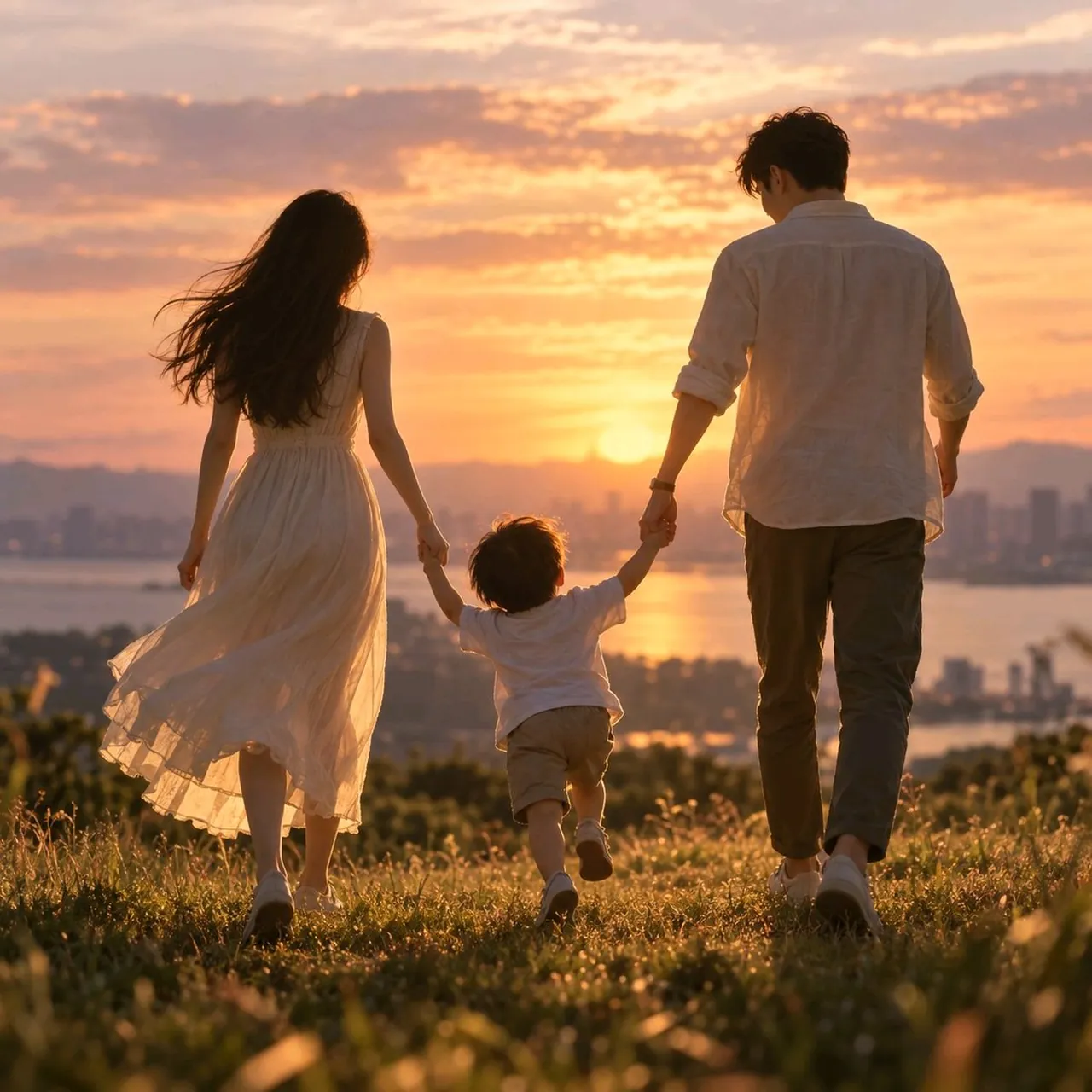
Using the provided reference image as a rough stick-figure composition guide, transform the simple drawing into a warm, realistic family photograph. Preserve the arrangement of exactly 3 people: an adult on the left, a small child in the center, and an adult on the right, all holding hands and walking away from the viewer. Render them as a happy family seen from behind in a cinematic outdoor scene.
Style: photorealistic, soft natural light, emotional and harmonious, shallow depth of field, high-detail DSLR look.
Scene: place the family on a grassy hill or meadow at sunset, with golden backlighting, glowing sky, soft clouds, and a distant city skyline and water/river or bay in the background.
Character interpretation: make the left adult a woman in a flowing light dress with long hair, the center figure a young child in casual light clothing, and the right adult a man in a light shirt and trousers.
Mood: warm, peaceful, intimate, hopeful, family togetherness.
Constraints: remove all phone UI, drawing toolbar, browser elements, text, and sketch marks; do not include any visible interface elements or captions; keep the final image as a polished square photographic composition.
Best for
Tips
Keep the main subject focused so Using the provided reference image as a remains recognizable after style or lighting changes.
Adjust camera angle and aspect ratio before generation when the composition needs a specific platform format.