
Prompt
Copy and customize
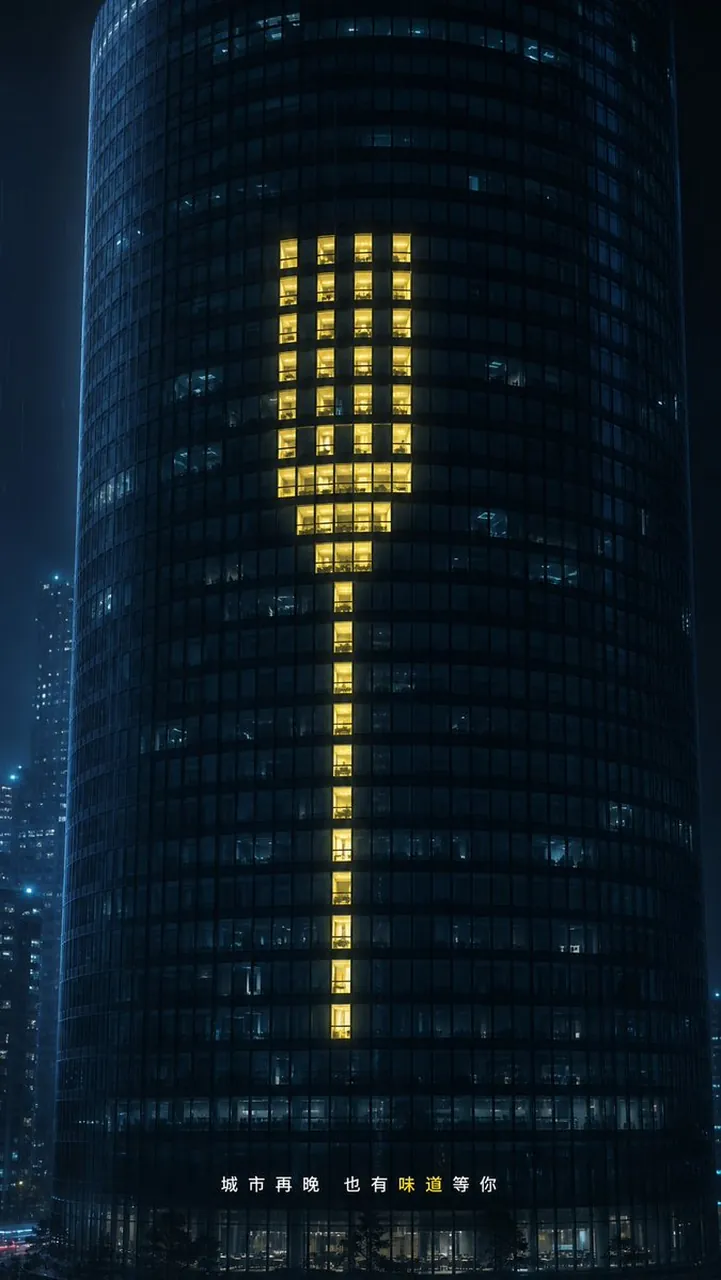
Create a cinematic nighttime commercial visual of a dark cylindrical glass office skyscraper in a rainy blue-black city. The tower fills the vertical frame, photographed straight-on with slight telephoto compression, its curved facade made of a dense grid of small square windows. Most windows are off or dim cool blue, with faint office interiors visible. In the center of the tower, make exactly 60 warm golden-yellow lit window panes arranged like a giant minimalist dinner fork: 4 tall parallel tines at the top, a compact wider neck beneath them, and one narrow vertical handle continuing downward. The lit windows should feel like real occupied rooms, not a flat graphic overlay, with warm interior light, reflections, and subtle variation. Add distant high-rises on both sides in soft focus, light rain or mist, wet urban atmosphere, and a restrained luxury advertising aesthetic. At the bottom center, place small spaced Chinese copy reading 城市再晚也有味道等你, with the single character “味” highlighted in warm yellow and the rest in white. Use cylindrical glass skyscraper, fork, warm golden yellow, and quiet rainy midnight. Vertical 9:16 composition, photorealistic, high contrast, elegant, minimal, no logos, no extra text, no people in the foreground.
Best for
Tips
Keep the main subject focused so cinematic nighttime commercial visual of a dark remains recognizable after style or lighting changes.
Adjust camera angle and aspect ratio before generation when the composition needs a specific platform format.