
Prompt
Copy and customize
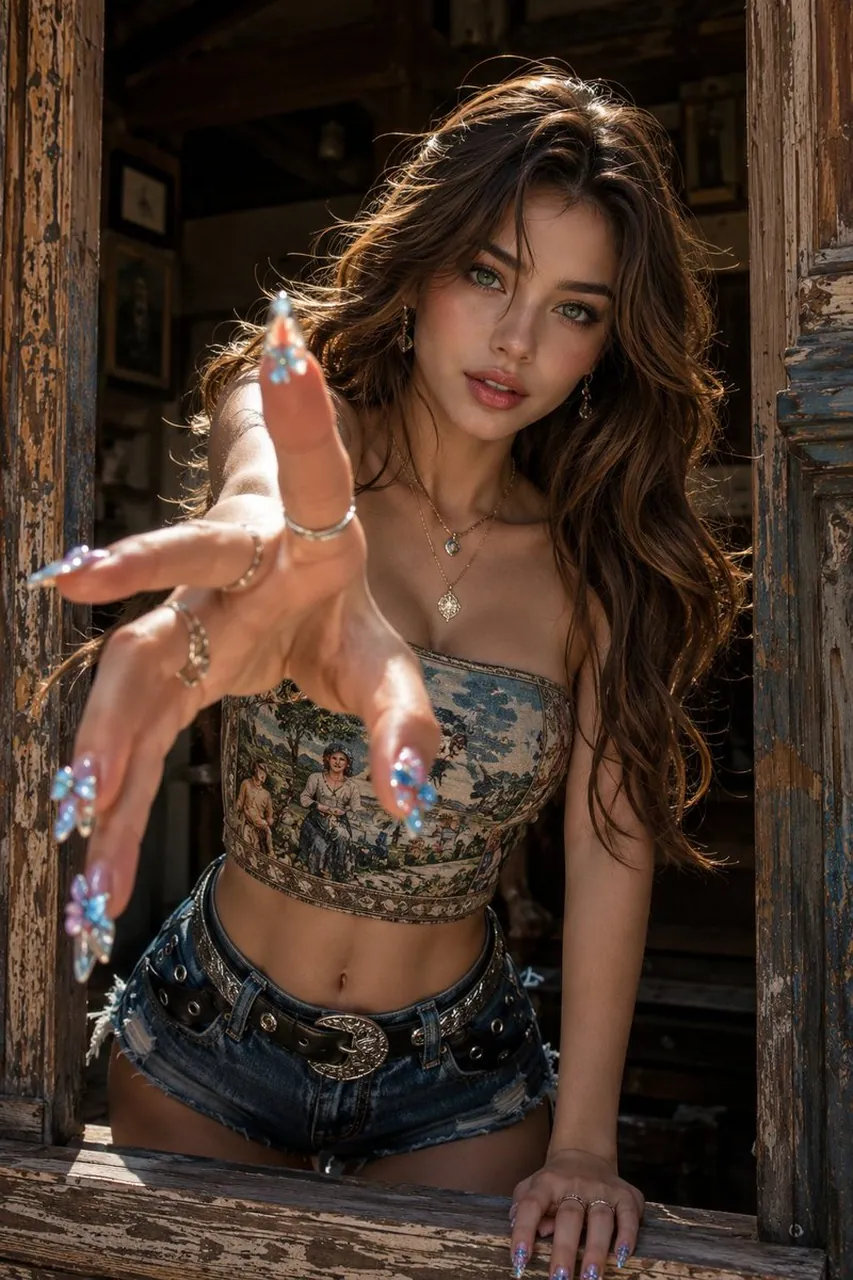
Create a highly realistic vertical fashion portrait of a young woman leaning out through an old rustic wooden window frame, reaching one hand dramatically toward the camera with extreme foreground perspective and shallow depth of field. She has long wavy chestnut-brown hair, green eyes, softly flushed cheeks, glossy lips, and a direct intense gaze. The scene is warm, cinematic, and sunlit, with golden backlight catching loose hair strands and strong natural shadows inside a dark antique interior behind her. She wears a strapless vintage tapestry corset crop top with a pastoral painting print, distressed denim cutoff shorts, and a black studded leather belt with a large ornate silver buckle. Include exactly 6 visible jewelry/accessory categories: 2 dangling earrings, 2 layered necklaces with pendants, multiple silver rings on both hands, a black studded belt, long decorated acrylic nails, and a small navel piercing. Her nails are long almond-shaped acrylics with glossy blue-purple rhinestone butterfly and floral decorations; the reaching hand should be closest to the lens, intentionally blurred at the fingertips, while her face remains sharp. Frame her between two weathered peeling wooden shutters and a chipped sill, with aged blue-brown paint, scratches, cracks, and rough texture. Use warm late-afternoon sunlight with cinematic contrast, a photoreal editorial look, 85mm portrait feel, f/1.4 shallow depth of field, high detail skin texture, natural color grading, no text, no watermark, no extra people.
Best for
Tips
Keep the main subject focused so highly realistic vertical fashion portrait of a remains recognizable after style or lighting changes.
Adjust camera angle and aspect ratio before generation when the composition needs a specific platform format.