
Prompt
Copy and customize
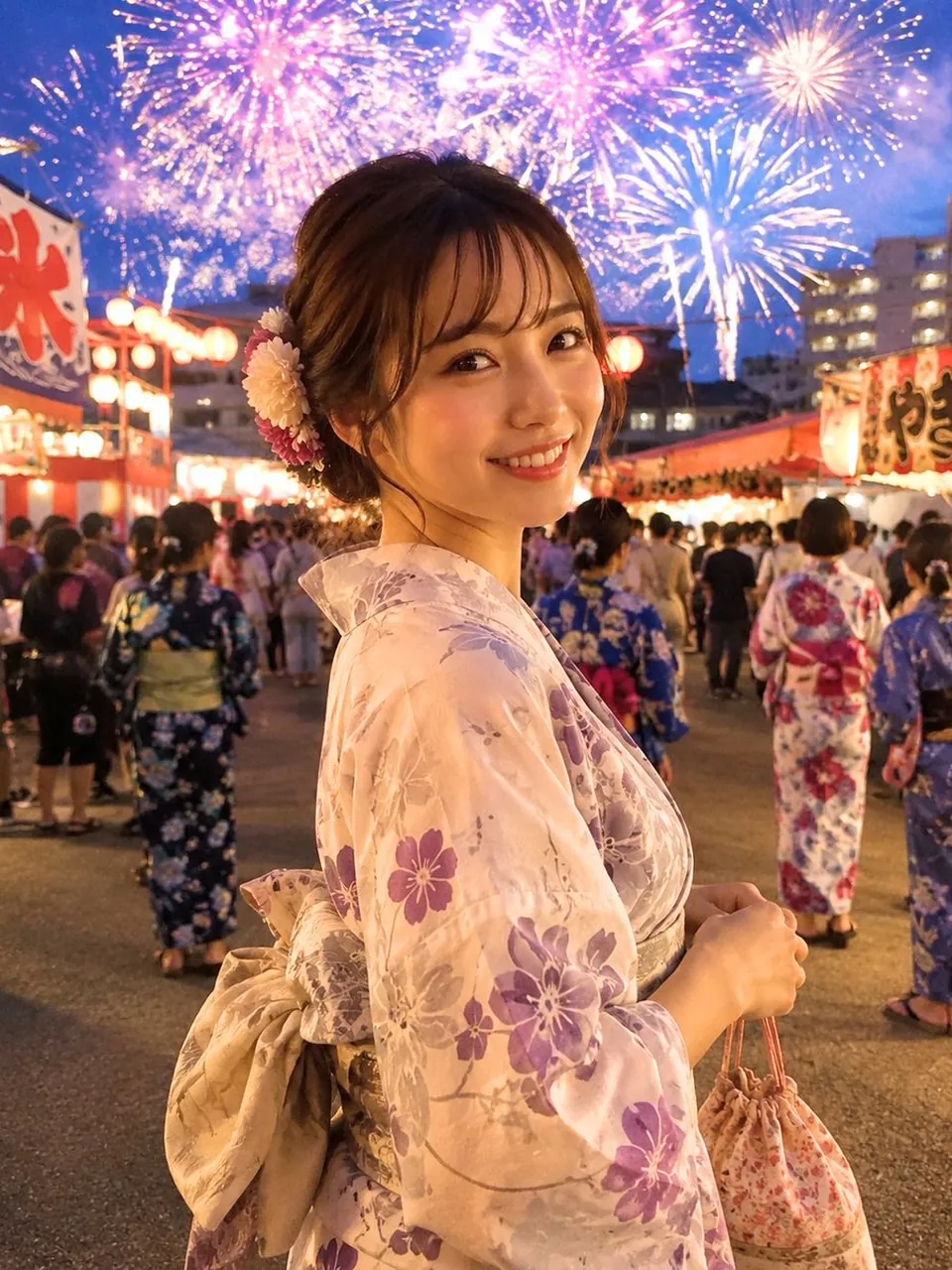
Create a highly realistic vertical festival portrait of a beautiful Japanese woman in her early 20s at a summer evening fireworks festival in Japan. She is shown from the waist up in a candid three-quarter pose, standing slightly turned away but looking back over her shoulder directly at the camera with a warm natural smile. She has soft brown-black hair in a loose low updo with wispy bangs and face-framing strands, decorated with two chrysanthemum-style hair flowers, one pale cream and one pink. She wears a pale cream yukata with delicate purple and lavender floral patterns, a large beige obi bow tied at the back, and holds a small floral drawstring kinchaku pouch by its cords in one hand. The background is a lively matsuri street with exactly two rows of illuminated food stalls on the left and right, glowing red-and-white lanterns, crowded festivalgoers in yukata walking away from camera, and mid-rise city buildings in the distance. Above her, fill the twilight blue sky with multiple large fireworks bursts in pink, purple, white, and gold, including at least three prominent explosions across the top of the frame. Use warm lantern light on her face and yukata, soft bokeh and slight background blur, realistic skin texture, natural makeup, cinematic depth of field, handheld street photography feel, high detail, photorealistic gpt-image-2 style. Emphasize romantic, festive, vivid, and lifelike. Use a vertical 4:5 composition, eye-level perspective, subject centered slightly left, fireworks forming a bright halo behind her head, no text, no watermark, no distorted hands, no extra fingers.
Best for
Tips
Keep the main subject focused so highly realistic vertical festival portrait of a remains recognizable after style or lighting changes.
Adjust camera angle and aspect ratio before generation when the composition needs a specific platform format.