
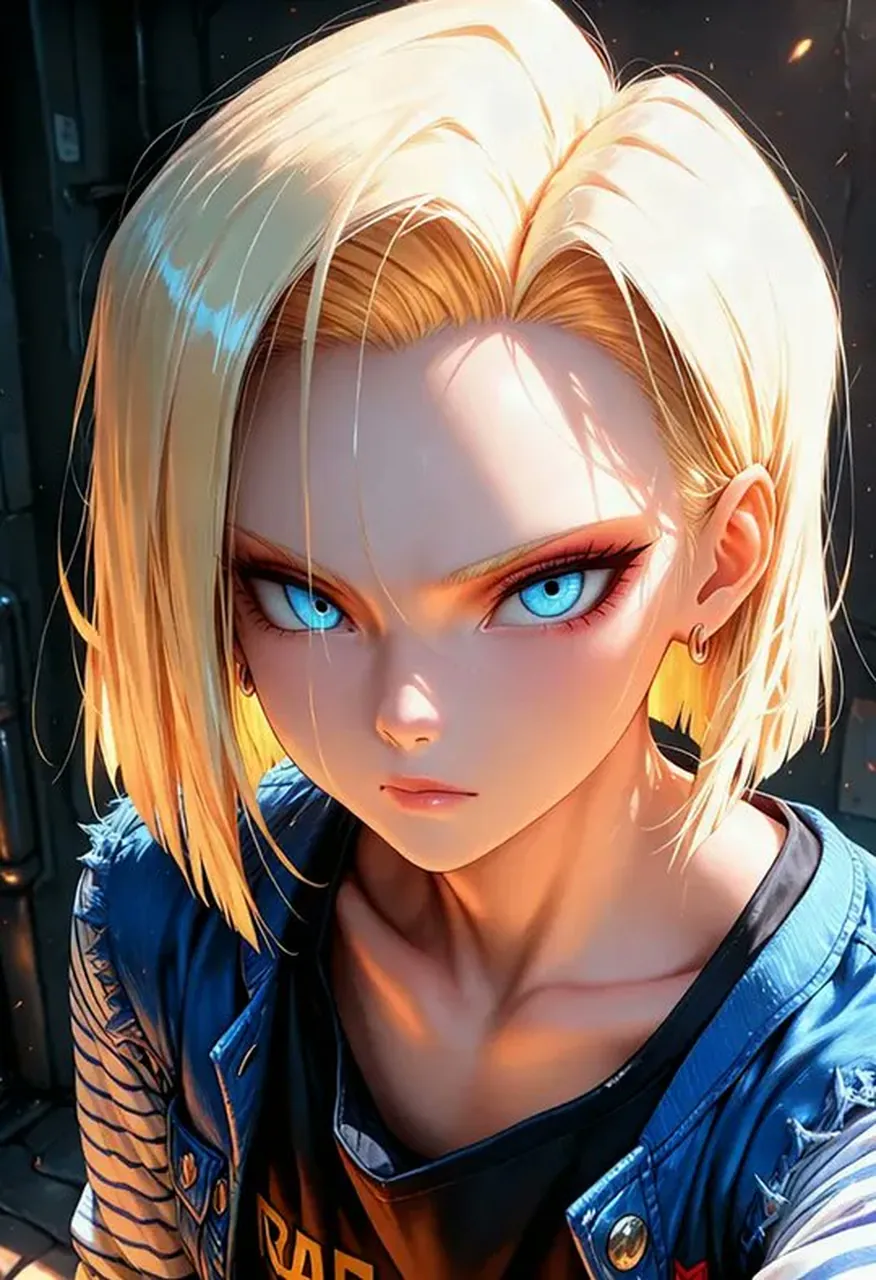
Realistic Human Portrait Photography

A professional-grade realistic portrait capturing authentic human skin details, natural lighting, and high-resolution photographic textures.

Realistic Human Portrait Photography

Prompt

Copy and customize

Create a realistic photo of a human, featuring highly detailed skin textures, natural lighting, and professional photographic quality, avoiding any stylized or artistic effects.

Best for

Professional portrait photographyRealistic character designSocial media avatarsDigital art studiesHuman subject rendering

Tips

Ensure the subject description remains consistent while adding specific lighting or environment details to maintain the desired realistic photographic style.

Adjust the camera lens settings or focal length in your prompt to achieve a professional depth of field for the portrait.

How to use this GPT Image 1.5 prompt

1

Copy the ready-to-use GPT Image 1.5 prompt from this page.

2

Paste it into GoEnhance AI or another generator that supports GPT Image 1.5.

3

Click generate and get your image quickly. You can edit the prompt first if needed.

Copy the prompt, try it with GoEnhance AI or another tool that supports GPT Image 1.5, and generate your image in just a few simple steps.

Overview

Everything you need to master AI prompts

From quick copy-paste prompts to advanced techniques, build stunning visuals faster.

20000+ prompts
All major models
Updated Daily