
Prompt
Copy and customize
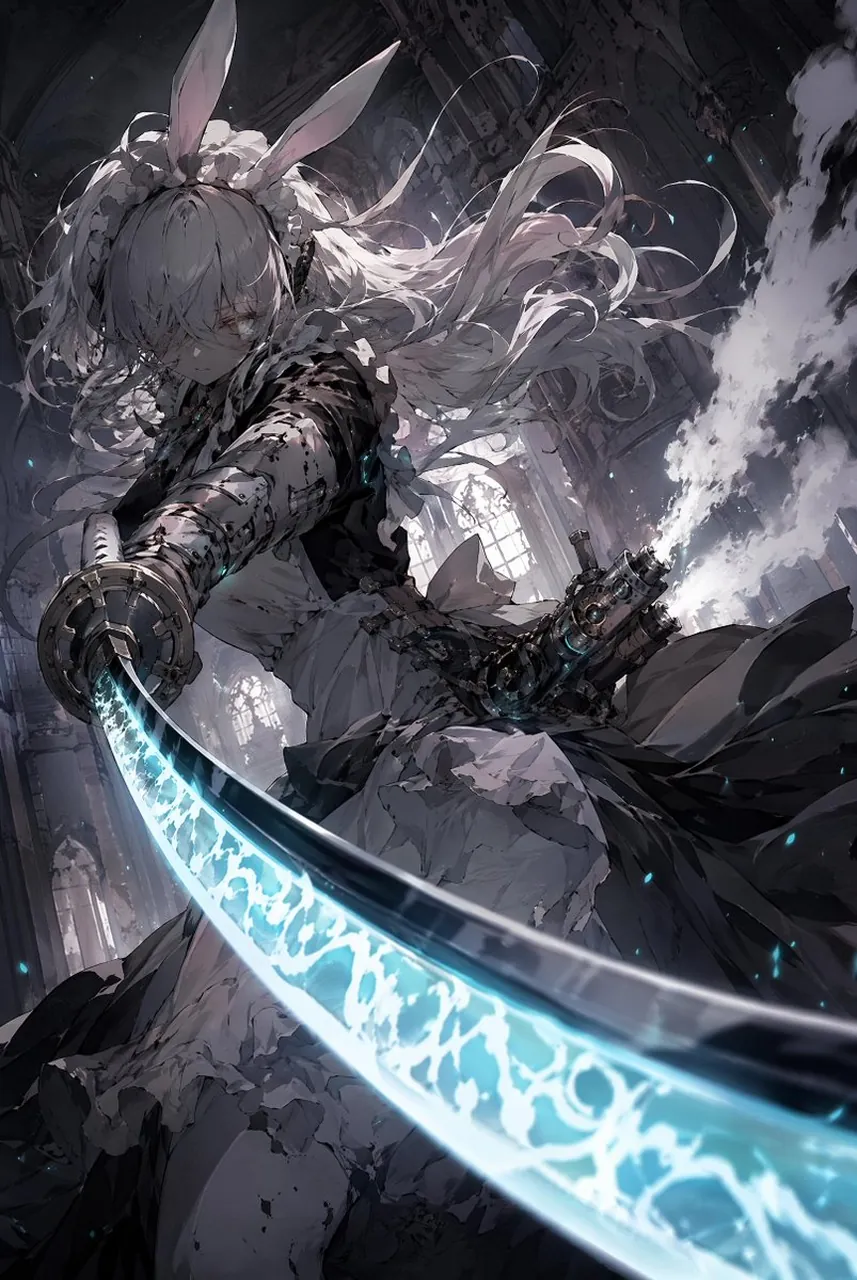
Create a dramatic vertical anime dark-fantasy action illustration of a battle-worn rabbit-eared swordswoman lunging toward the viewer inside a ruined gothic cathedral. She has very long flowing silver-white hair, tall rabbit ears, a frilled maid-like battle dress in torn black and white fabric, bandaged and armored forearms, a mechanical gauntlet and chained gear details at her waist. Her expression is cold and focused, partly shadowed by messy bangs. The composition is extremely dynamic from a low, close perspective: one arm thrusts forward holding a huge curved katana sweeping diagonally across the foreground from lower left to lower right, with the blade occupying much of the bottom half of the image. The sword edge glows with bright cyan-blue energy, covered in luminous arcane crackle patterns and misty light, with tiny blue sparks floating around it. Behind her, show high cathedral arches, broken stone columns, tall stained-glass-like windows, smoke, dust, and shafts of pale light cutting through a dark grey interior. Use a monochrome charcoal, black, white, and muted violet palette contrasted by vivid cyan glow. Style should be highly detailed Japanese anime concept art, painterly but sharp, intricate linework, cinematic lighting, motion blur on the blade, wind-blown hair ribbons and fabric, intense foreshortening, gritty battle damage, no text, no watermark.
Best for
Tips
Keep the main subject focused so dramatic vertical anime dark-fantasy action illustration of remains recognizable after style or lighting changes.
Adjust camera angle and aspect ratio before generation when the composition needs a specific platform format.